claude-real-video



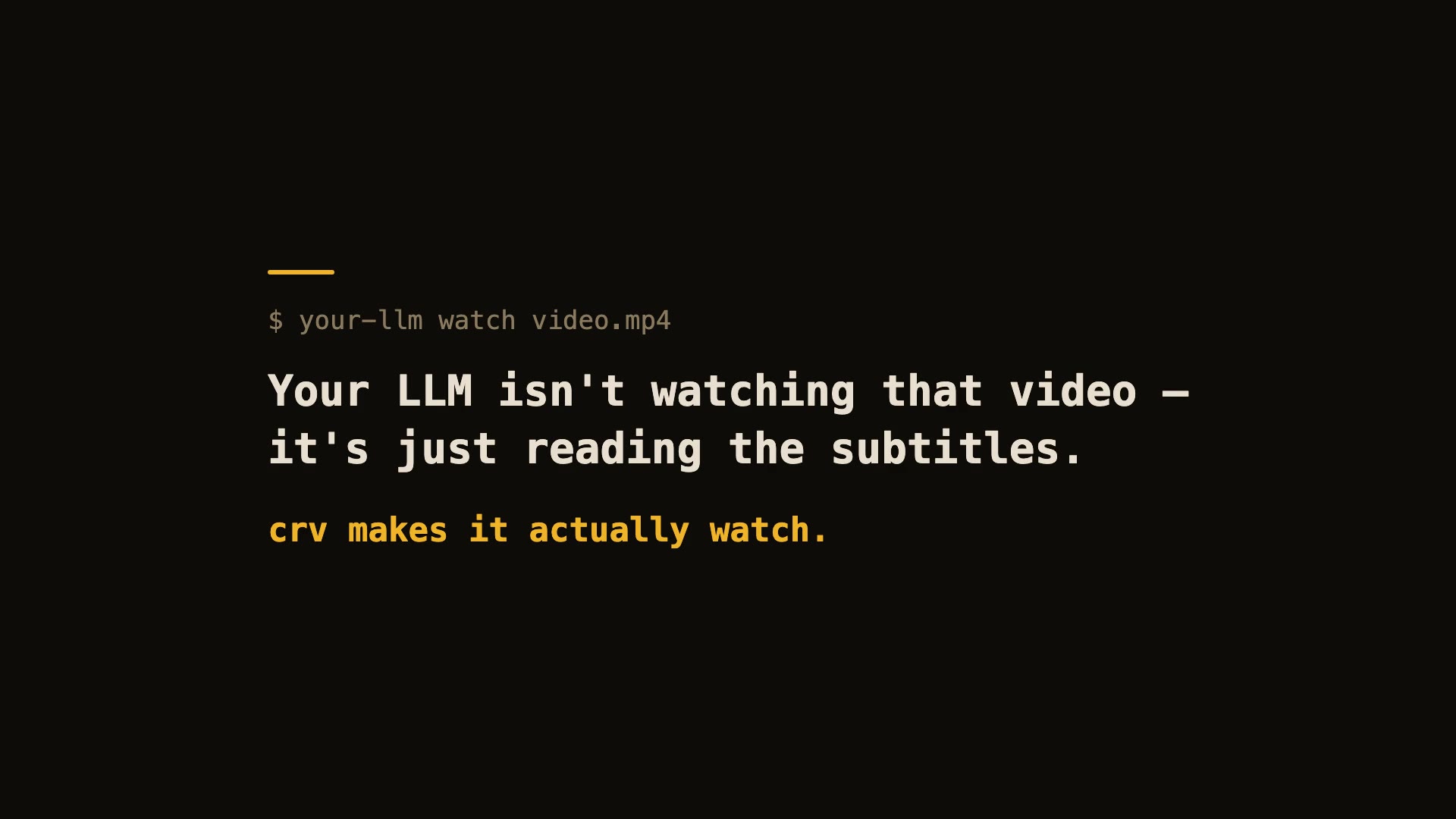
60-second real demo — real install, real run, real viewer.
Let Claude — or any LLM — actually watch a video.
pip install "claude-real-video[whisper]"
npx skills add HUANGCHIHHUNGLeo/claude-real-video   # one command, installs the skill into Claude Code, Cursor, Codex, Copilot, Gemini CLI & 50+ agent hosts
Claude Code plugin marketplace (auto-updates):
/plugin marketplace add HUANGCHIHHUNGLeo/claude-real-video
/plugin install claude-real-video@claude-real-video
Then paste a video link into your agent and ask about it. (CLI-only use? crv "<url>" works with just the pip install.)
Naming: crv is the short name for claude-real-video (the PyPI package). The paid add-on, crv Pro, is sold on Capafy under the listing name "llm-real-video Pro".
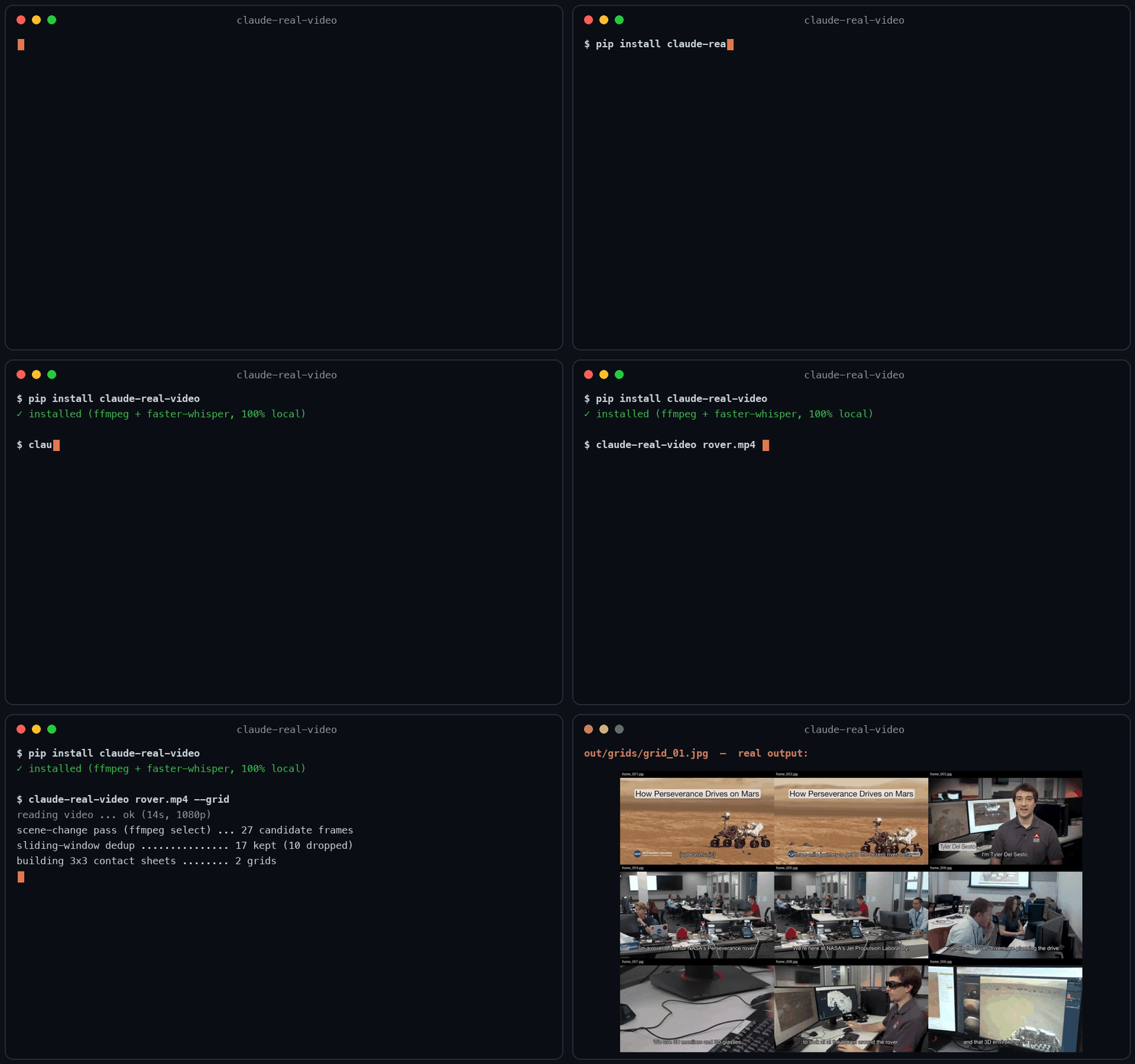
Same 58-second clip: fixed 1 fps sampling = 58 frames. crv keeps the 26 that actually differ — and --grid packs them into 3 contact sheets. Fewer tokens, nothing missed.
This free version lets your AI see the video. crv Pro lets it understand it — how it was shot (cut rhythm, camera moves) plus a timestamped timeline of what frames can't show: gestures, expressions, voice pitch shifts, emotion, sound events. One-time founder price $19 through July 31 ($29 from August 1) — get it on Capafy or buy with card via Lemon Squeezy.
Most AI tools don't really see a video. Paste a YouTube link into ChatGPT and it
reads the transcript, not the picture. Claude won't take a video file at all.
Even Gemini, which can read video natively, has to send it up to Google and
samples frames at a fixed interval (1 fps by default), so fast cuts slip past.
claude-real-video does it differently, and the processing runs locally: point it at a URL or a
file, and it pulls the frames that actually matter (every scene change, not a
fixed quota), throws away the near-duplicates, transcribes the audio, and hands
you a clean folder any LLM can read. All the processing happens on your own machine — what gets sent anywhere is only the frames/text you choose to paste into an LLM afterwards.
crv "https://www.youtube.com/watch?v=..."
# → crv-out/frames/*.jpg  +  frames.json (per-frame timestamps)  +  transcript.txt/.json  +  MANIFEST.txt
Then drop the frames + MANIFEST.txt into Claude / ChatGPT / Gemini and ask away.
No terminal needed — run crv-web and a local page opens (Traditional Chinese / Simplified Chinese / English): paste a YouTube or Reels link or a file path, click Analyze, open the result viewer. Video analysis and output generation run on your machine — the source video never gets uploaded. (If you then paste the extracted frames or transcript into a cloud LLM, that data goes to that provider.)
Want to eyeball what the model will see first? Add --viewer — it writes a local viewer.html (video + keyframe grid + transcript) you can double-click open. No network, no extra installs.
Slow-changing content (animation tutorials, gradual morphs, slow pans): add --adaptive — frames are picked against their rolling neighbourhood instead of a fixed threshold, so a 2-3s squash-and-stretch that never spikes any single frame still gets captured.
Text-heavy content (lecture slides, screen recordings, talking-head explainers): add --text-anchors — extra frames are forced at subtitle-cue timestamps, so each spoken segment gets a matching visual even when the scene barely changes. Needs a sidecar .srt/.vtt or an embedded subtitle track — captions burned into the pixels can't be detected. At most one forced frame per second; scene detection is untouched.
Multi-speaker content (interviews, podcasts, meetings): add --speakers — every transcript line gets a speaker label ([SPEAKER_00], [SPEAKER_01], …) so the model can follow who said what. Runs a local diarization model (45 MB, downloads once, no account or token needed). Install with pip install "claude-real-video[speakers]".
Not doing LLM work? It also works as a general-purpose video keyframe extractor —
scene-change detection + dedup, no ML models to download.
 taoufik123-collab
 t0mtaylor
 guimatheus92
 jordanrendric
 oxbshw
 devinilabs
'%20stop-opacity%3D'0.16'%2F%3E%3Cstop%20offset%3D'1'%20stop-color%3D'rgb(200%2C90%2C60)'%20stop-opacity%3D'0.03'%2F%3E%3C%2FlinearGradient%3E%3C%2Fdefs%3E%3Crect%20width%3D'320'%20height%3D'200'%20fill%3D'url(%23g)'%2F%3E%3Ccircle%20cx%3D'250'%20cy%3D'56'%20r%3D'92'%20fill%3D'rgb(200%2C90%2C60)'%20fill-opacity%3D'0.06'%2F%3E%3Ccircle%20cx%3D'64'%20cy%3D'172'%20r%3D'58'%20fill%3D'rgb(200%2C90%2C60)'%20fill-opacity%3D'0.05'%2F%3E%3C%2Fsvg%3E)