Stats
Actions
Available In
Tags

Give the agent a video input via Watch Skill: watch, index, ask, and iterate (THE LOOP).
The user asks a question about a video that was already watched or indexed — "what did they say about X", "what error code appears", "what happens at 2:30", "does the video show Y". Use this to answer from the persistent index with timestamped evidence and a confidence score instead of re-watching or guessing.
The user wants to connect an LLM or vision provider, already has an API key, asks "can I use OpenAI/Anthropic/Gemini/OpenRouter", wants local Ollama, or needs different cheap and strong models. Use this to configure provider-neutral visual understanding without tying Watch Skill to one agent or model vendor.
The user wants structure pulled out of a watched video — "make chapters for this video", "where does the bug appear in this recording", "turn this screen recording into a bug report", "how strong is my intro/hook". Use this for deterministic extraction from the index — chapters with timestamps, a fileable bug report with the exact frame, or a scored hook analysis.
The user corrected an answer about a video — "no, it actually says X", "that's the wrong timestamp", "you misread the error code" — or asks why a video answer was wrong. Use this to record the correction as a lesson so future answers on similar questions improve, and to show what the system has learned and saved.
A Watch Skill command failed, video download broke, ffmpeg or yt-dlp is missing, a provider returned an error, local vision stopped, or the user asks "why can't it watch this" or "repair my setup". Use this to diagnose and apply the engine's structured fix before retrying the original operation.
Own this plugin?
Verify ownership to unlock analytics, metadata editing, and a verified badge. GitHub access is read-only (username + org membership).
Sign in to claimOwn this plugin?
Verify ownership to unlock analytics, metadata editing, and a verified badge. GitHub access is read-only (username + org membership).
Sign in to claimBased on adoption, maintenance, documentation, and repository signals. Not a security audit or endorsement.
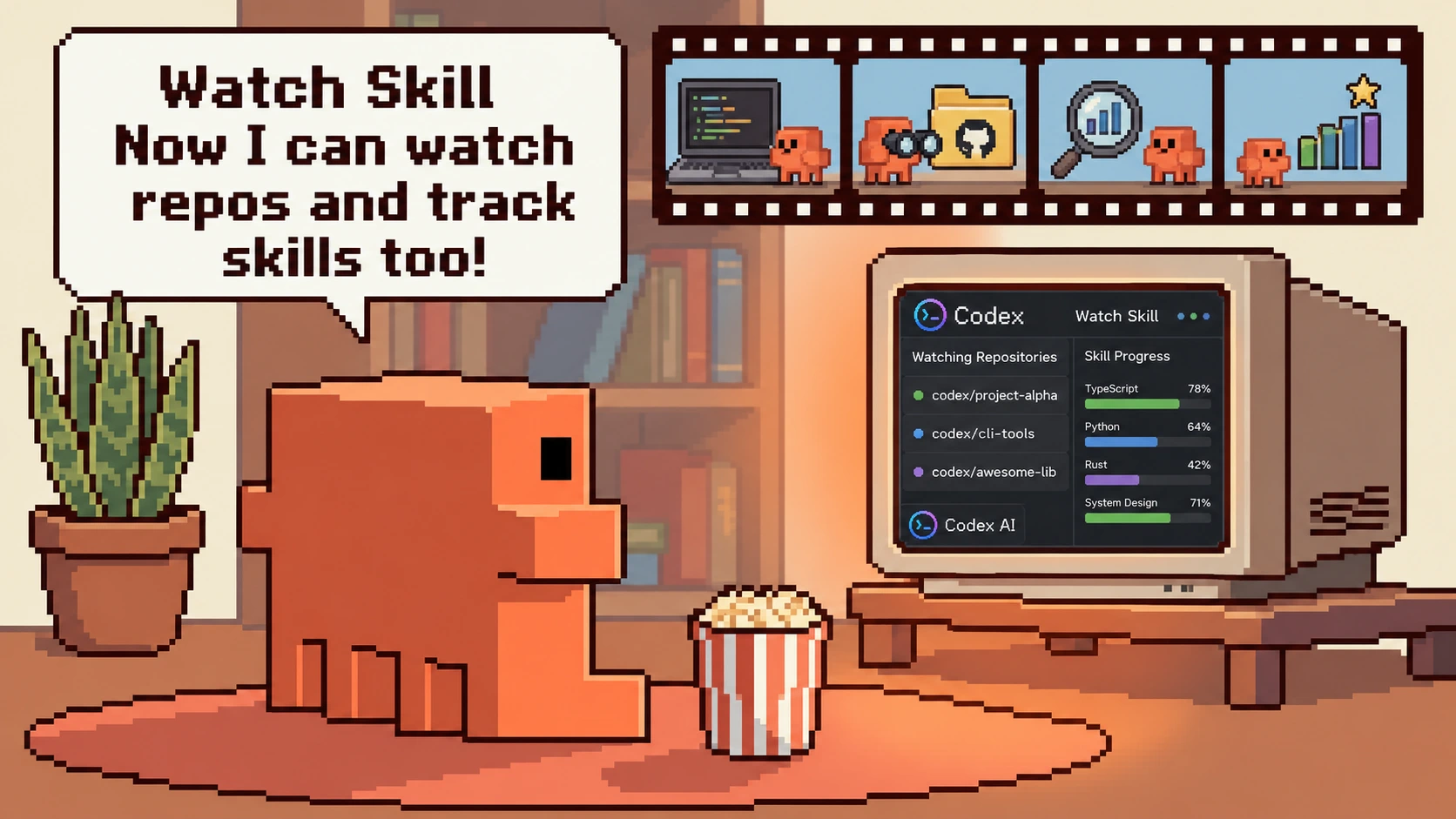
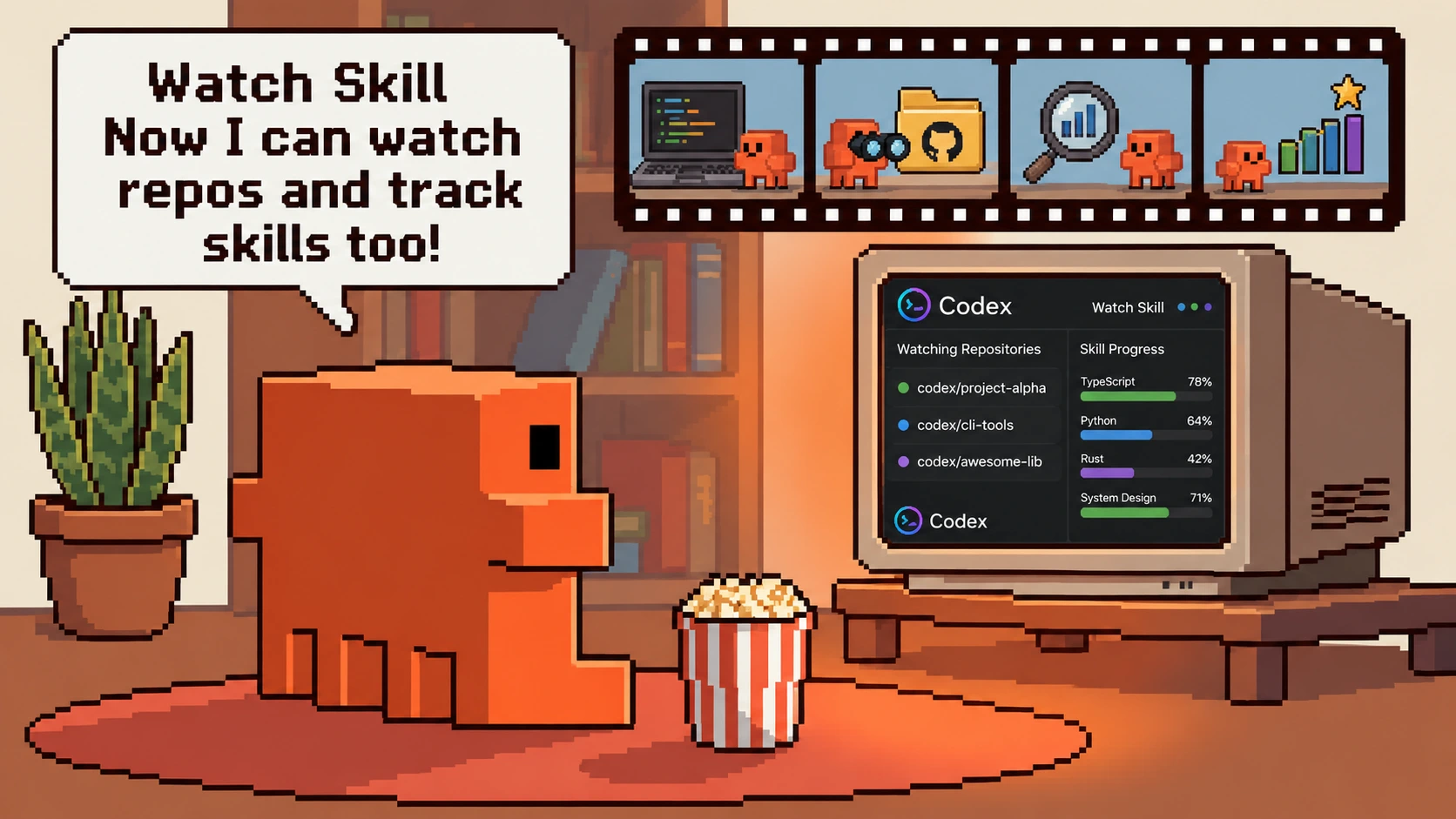
Video understanding and memory for AI agents.
Watch Skill turns video into evidence an agent can search, cite, and revisit. It accepts URLs from 1,800+ sites, live HLS/DASH streams, local files, meeting recordings, and an agent's own browser or desktop capture. Each watch produces a persistent index of scenes, on-screen text, and transcript—available through skills, 23 MCP tools, a CLI, REST, and native framework adapters.
Watch. Remember. Verify.


/plugin marketplace add oxbshw/watch-skill
/plugin install watch-skill@watch-skill
Run /watch-skill:setup-watch-skill once after installation. It installs the engine,
checks the binary dependencies, registers the MCP server, and offers to configure a
vision provider.
curl -fsSL https://raw.githubusercontent.com/oxbshw/watch-skill/main/scripts/install.sh | sh
powershell -ExecutionPolicy Bypass -c "irm https://raw.githubusercontent.com/oxbshw/watch-skill/main/scripts/install.ps1 | iex"
Then watch a video and ask a follow-up:
watch-skill watch "https://youtu.be/..." "Summarize the important moments."
watch-skill ask <video_id> "When does the demo first fail?"
watch-skill search "pricing decision"       # search every indexed video
watch-skill serve                           # MCP over stdio
Transcription, OCR, and search can run locally without an API key. For visual Q&A, use Gemini, Anthropic, OpenAI, OpenRouter, or a local Ollama model. See Getting started for manual installation and Configuration for provider and privacy settings.
report_mistake stores a local lesson, applies it to related
questions, and turns it into a replayable evaluation.cheapest, quality_first, and offline_only policies keep the
trade-offs visible.The repository includes reproducible cost and perception benchmarks. Product claims in this README link to the relevant implementation notes or testable example rather than relying on unqualified marketing numbers.
The setup command detects supported clients and updates their configuration with a backup. Manual guides are available for every entry below.
npx claudepluginhub oxbshw/watch-skill --plugin watch-skillLet Claude watch a video. Downloads with yt-dlp, extracts scene-change frames with ffmpeg, runs a dense 0-10s hook microscope, pulls captions or falls back to Whisper, emits a structured report.md, and (optionally) auto-saves into your Obsidian vault.
 taoufik123-collab
Compose yt-dlp + ffmpeg + Whisper into a single command that hands an AI agent the raw materials to watch any social video — VIDEO + FRAMES + TRANSCRIPT, ready for an LLM to read frames as images and transcript as text.
 sonpiaz
Process videos using VideoDB Python SDK. Upload, search, edit, generate subtitles, transcode, capture, and stream — all via natural language.
 video-db
Give your agent video input. /video analyzes a URL or local file — transcript, key frames, OCR, timeline — via the mcp-video-analyzer MCP server (auto-registered) or its CLI.
 guimatheus92
Turn a screen recording into a queryable index of UI states (on-screen text, what changed, typed actions) so Claude can produce a transcript, answer questions, or write a how-to / bug report.
 blueprintparadise
Give Claude the ability to watch and understand videos — extracts frames and audio for full video perception
 jordanrendric
'%20stop-opacity%3D'0.16'%2F%3E%3Cstop%20offset%3D'1'%20stop-color%3D'rgb(200%2C90%2C60)'%20stop-opacity%3D'0.03'%2F%3E%3C%2FlinearGradient%3E%3C%2Fdefs%3E%3Crect%20width%3D'320'%20height%3D'200'%20fill%3D'url(%23g)'%2F%3E%3Ccircle%20cx%3D'250'%20cy%3D'56'%20r%3D'92'%20fill%3D'rgb(200%2C90%2C60)'%20fill-opacity%3D'0.06'%2F%3E%3Ccircle%20cx%3D'64'%20cy%3D'172'%20r%3D'58'%20fill%3D'rgb(200%2C90%2C60)'%20fill-opacity%3D'0.05'%2F%3E%3C%2Fsvg%3E)
