Claude Permission Light
Blinks the MacBook camera LED when Claude Code asks for permission. A physical notification so you never miss a permission prompt -- even when you are not watching the terminal.
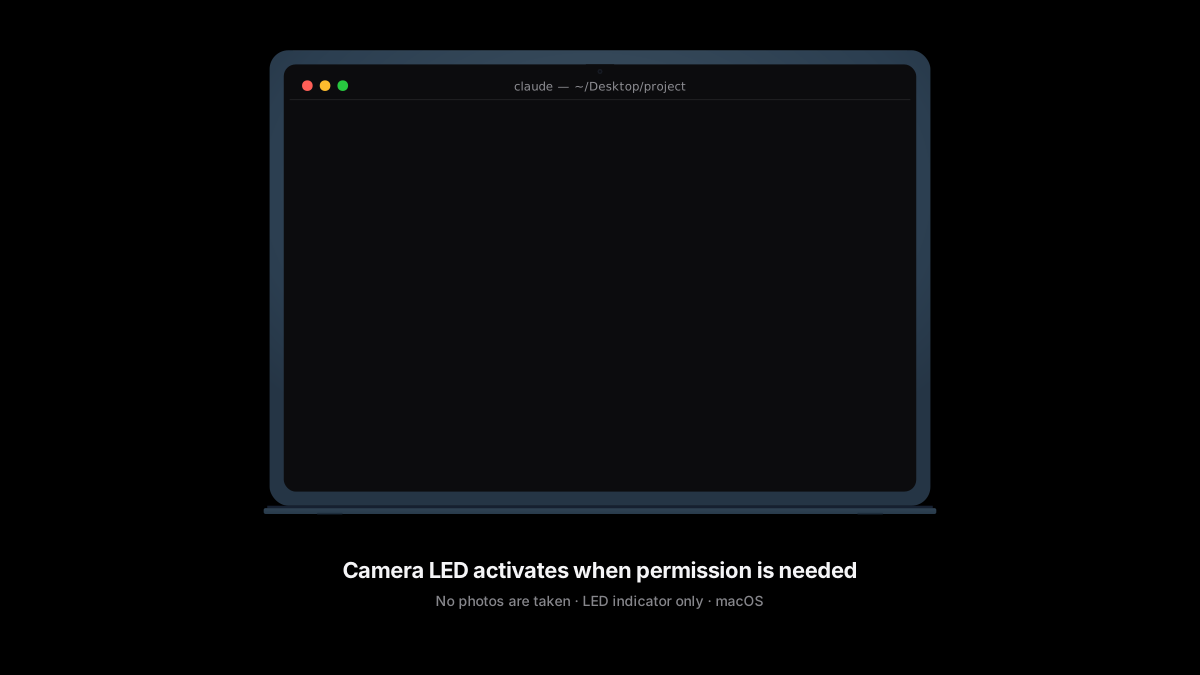
macOS only. Bash only. No photos saved. No complicated setup.
How It Works
When Claude Code needs your permission (to edit a file, run a command, etc.), it fires a Notification hook. This tool catches that hook and starts blinking your camera LED. When you grant permission and the tool runs, a PreToolUse hook turns the blink off.
The camera LED is hardwired to the camera sensor on MacBooks -- when the camera activates, the LED turns on. This tool uses imagesnap to briefly activate the camera in a loop, creating a visible blink pattern.
The blink also self-terminates after 10 minutes as a safety measure, so the camera never runs indefinitely.
Requirements
- macOS 13 (Ventura) or later
- Homebrew
- Claude Code v2.1.85+
Install
Option 1: Plugin Install (Recommended)
brew install imagesnap
claude plugin marketplace add https://github.com/aliarifsoydas/claude-permission-light.git
claude plugin install claude-permission-light@claude-permission-light
Done. Start a new Claude Code session and the LED will blink on permission prompts.
Option 2: Git Clone + Script
git clone https://github.com/aliarifsoydas/claude-permission-light.git
cd claude-permission-light
./install.sh
This will:
- Install
imagesnap and jq via Homebrew (if not already installed)
- Add Notification and Stop hooks to
~/.claude/settings.json
- Trigger the macOS camera permission dialog (grant access when prompted)
The install is idempotent -- safe to run multiple times.
Verify Installation
# If installed via plugin:
/claude-permission-light:test

# If installed via git clone:
./bin/status.sh
Uninstall
# Plugin install:
claude plugin uninstall claude-permission-light

# Git clone install:
./uninstall.sh
Removes hooks, stops any running blink process, and cleans up state files. Does not remove imagesnap.
Manual Setup
If you prefer not to run install.sh, configure the hooks yourself:
- Install dependencies:
brew install imagesnap
- Add hooks to
~/.claude/settings.json. If the file does not exist, create it. Merge the hooks object into any existing configuration:
{
  "hooks": {
    "Notification": [
      {
        "matcher": "permission_prompt",
        "hooks": [
          {
            "type": "command",
            "command": "/absolute/path/to/bin/permission-signal.sh"
          }
        ]
      }
    ],
    "PreToolUse": [
      {
        "hooks": [
          {
            "type": "command",
            "command": "/absolute/path/to/bin/permission-cleanup.sh"
          }
        ]
      }
    ],
    "Stop": [
      {
        "hooks": [
          {
            "type": "command",
            "command": "/absolute/path/to/bin/permission-cleanup.sh"
          }
        ]
      }
    ]
  }
}
Replace /absolute/path/to with the actual path to this repository on your machine.
- Grant camera access. Run this once and approve the macOS permission dialog:
imagesnap -w 0 /dev/null
Configuration
| Variable | Default | Description |
|---|
CAM_BLINK_INTERVAL | 1 | Blink cycle time in seconds (on + off) |
CAM_DEBUG | 0 | Set to 1 to enable debug logging to stderr |
CAM_DEVICE | auto-detect | Camera device name (defaults to FaceTime camera) |
Example -- blink faster:
export CAM_BLINK_INTERVAL=0.5
Troubleshooting
Run ./bin/status.sh first. It checks all three components (imagesnap, hooks, blink process) and reports [OK] or [FAIL] for each.
Camera permission denied
Symptom: Blink does not work. status.sh shows imagesnap OK but there is no visible LED.
Fix: Open System Settings > Privacy & Security > Camera. Grant access to your terminal app (Terminal, iTerm2, Warp, etc.). Then test with:
imagesnap -w 0 /dev/null
imagesnap not found
Symptom: [FAIL] imagesnap not installed in status.sh output.
Fix:
brew install imagesnap
Hooks not configured
Symptom: [FAIL] Notification hook not found or [FAIL] Stop hook not found in status.sh output.
Fix: Run ./install.sh or follow the Manual Setup section above.
Blink does not stop after responding
Symptom: LED keeps blinking after you approve or deny the permission prompt.
Fix: Run /claude-permission-light:setup fix to kill a stuck blink process. The PreToolUse hook should stop the blink automatically when permission is granted. If it persists, the blink self-terminates after 10 minutes as a safety measure.
Multiple Claude Code sessions
 chuilishi
 mradovic95
 JuliusBrussee
 xrf9268-hue
'%20stop-opacity%3D'0.16'%2F%3E%3Cstop%20offset%3D'1'%20stop-color%3D'rgb(200%2C90%2C60)'%20stop-opacity%3D'0.03'%2F%3E%3C%2FlinearGradient%3E%3C%2Fdefs%3E%3Crect%20width%3D'320'%20height%3D'200'%20fill%3D'url(%23g)'%2F%3E%3Ccircle%20cx%3D'250'%20cy%3D'56'%20r%3D'92'%20fill%3D'rgb(200%2C90%2C60)'%20fill-opacity%3D'0.06'%2F%3E%3Ccircle%20cx%3D'64'%20cy%3D'172'%20r%3D'58'%20fill%3D'rgb(200%2C90%2C60)'%20fill-opacity%3D'0.05'%2F%3E%3C%2Fsvg%3E)