Stats
Actions
Available In
Tags
By yennanliu
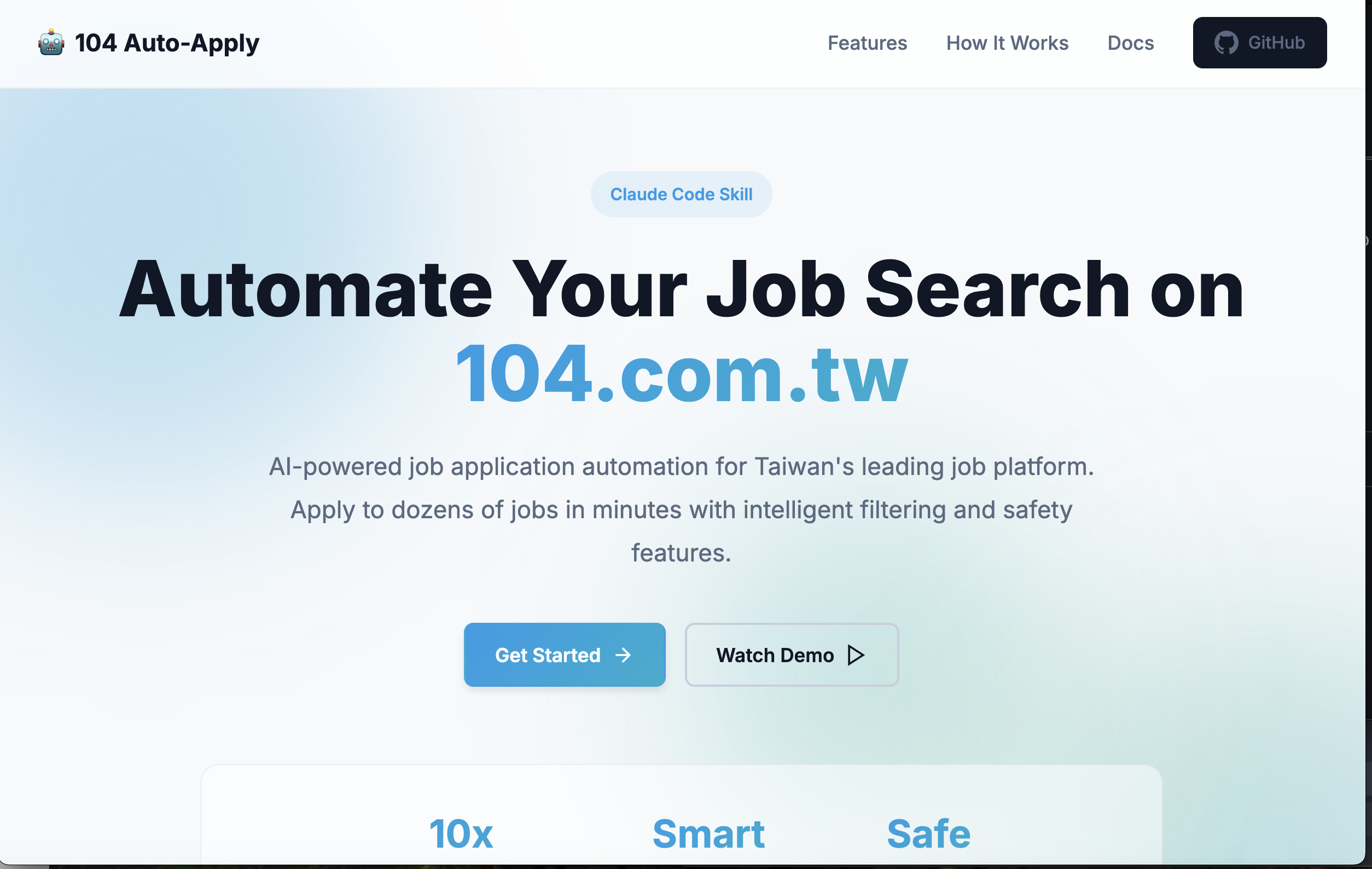
Automate job applications on 104.com.tw using Playwright MCP tools. Supports single job applications, batch processing, and multi-page automation with controls.
Own this plugin?
Verify ownership to unlock analytics, metadata editing, and a verified badge. GitHub access is read-only (username + org membership).
Sign in to claimOwn this plugin?
Verify ownership to unlock analytics, metadata editing, and a verified badge. GitHub access is read-only (username + org membership).
Sign in to claimBased on adoption, maintenance, documentation, and repository signals. Not a security audit or endorsement.
npx claudepluginhub yennanliu/104skill --plugin 104-job-auto-applyComprehensive US stock evaluation with fundamental, technical, economic, valuation, and financial report analysis
 yennanliu
Automate job applications on LinkedIn using Playwright MCP tools. Supports Easy Apply jobs, single job applications, batch processing, and multi-page automation with controls.
 yennanliu
AI-powered job search, resume tailoring, and cover letter writing
 proficientlyjobs
AI-powered resume builder with job discovery, dual ATS + HR scoring, and cover letter generation. Finds and ranks live job listings by fit, tailors your resume to any JD, auto-detects 6+ professional domains, and produces Workday-compatible DOCX output.
 jananthan30
Intelligence-driven job application system - resume development, interview prep, OSINT intelligence, career strategy, and crisis management using HAM-Z methodology
 reggiechan74
Claude Code skill pack for Juicebox (24 skills)
 jeremylongshore
AI-powered end-to-end job search companion. Combines recruiter, career coach, reverse recruiter, and market analyst into a single intelligent platform with a feedback loop that learns what works for you.
 tmargolis
Harness-native ECC plugin for engineering teams - 67 agents, 271 skills, 92 legacy command shims, reusable hooks, rules, MCP conventions, and operator workflows for Claude Code plus adjacent agent harnesses
 affaan-m

'%20stop-opacity%3D'0.16'%2F%3E%3Cstop%20offset%3D'1'%20stop-color%3D'rgb(200%2C90%2C60)'%20stop-opacity%3D'0.03'%2F%3E%3C%2FlinearGradient%3E%3C%2Fdefs%3E%3Crect%20width%3D'320'%20height%3D'200'%20fill%3D'url(%23g)'%2F%3E%3Ccircle%20cx%3D'250'%20cy%3D'56'%20r%3D'92'%20fill%3D'rgb(200%2C90%2C60)'%20fill-opacity%3D'0.06'%2F%3E%3Ccircle%20cx%3D'64'%20cy%3D'172'%20r%3D'58'%20fill%3D'rgb(200%2C90%2C60)'%20fill-opacity%3D'0.05'%2F%3E%3C%2Fsvg%3E)