Stats
Actions
Available In
Tags

Build, validate, sign, and archive macOS/iOS Shortcuts from natural-language descriptions or by remixing existing plist files, with automatic validation on every file write.
Build a macOS/iOS Shortcut end-to-end via the shortcut-builder agent. Pass a natural-language brief — e.g. `/shortcuts-playground:build weather lookup that asks for a city and shows a notification`.
Remix an existing Shortcuts XML plist by applying a natural-language diff. Pass `<absolute-path-to-xml> <remix idea>` — e.g. `/shortcuts-playground:remix /Users/you/Documents/Shortcuts Playground/Weather.xml add a notification before the Show Alert`. The source MUST be an unsigned `.xml` file, not a signed `.shortcut` (those are AEA1 encrypted archives).
Specialized agent that designs, builds, validates, signs, and archives macOS/iOS Shortcuts. Invoke when the user asks to create, build, generate, or write a Shortcut (`.shortcut`), a Shortcuts plist, or an automation for the Shortcuts app. Handles the full Craig Loop internally so the main thread never pays the context cost of the full Shortcuts knowledge base.
Specialized agent that remixes an existing `.xml` Shortcuts plist by applying a natural-language diff. Invoke when the user supplies BOTH a path to an existing unsigned XML file AND a description of changes to apply. NOT for from-scratch builds — if there's no source XML, decline and suggest /shortcuts-playground:build instead.
Modifies files
Hook triggers on file write and edit operations
Uses power tools
Uses Bash, Write, or Edit tools
Own this plugin?
Verify ownership to unlock analytics, metadata editing, and a verified badge. GitHub access is read-only (username + org membership).
Sign in to claimOwn this plugin?
Verify ownership to unlock analytics, metadata editing, and a verified badge. GitHub access is read-only (username + org membership).
Sign in to claimBased on adoption, maintenance, documentation, and repository signals. Not a security audit or endorsement.
Executables (bin/) — files in this plugin's bin/directory are added to the Bash tool's PATH while the plugin is enabled.
This plugin requires configuration values that are prompted when the plugin is enabled. Sensitive values are stored in your system keychain.
output_dirDirectory where unsigned XML archives and signed .shortcut files are written. Example: /Users/you/Documents/Shortcuts Playground. Leave blank to fall back to ~/Documents/Shortcuts Playground.
${user_config.output_dir}signing_modeDefault mode passed to `shortcuts sign`. Use `anyone` to distribute publicly or `people-who-know-me` to restrict to your contacts. Leave blank for `anyone`.
${user_config.signing_mode}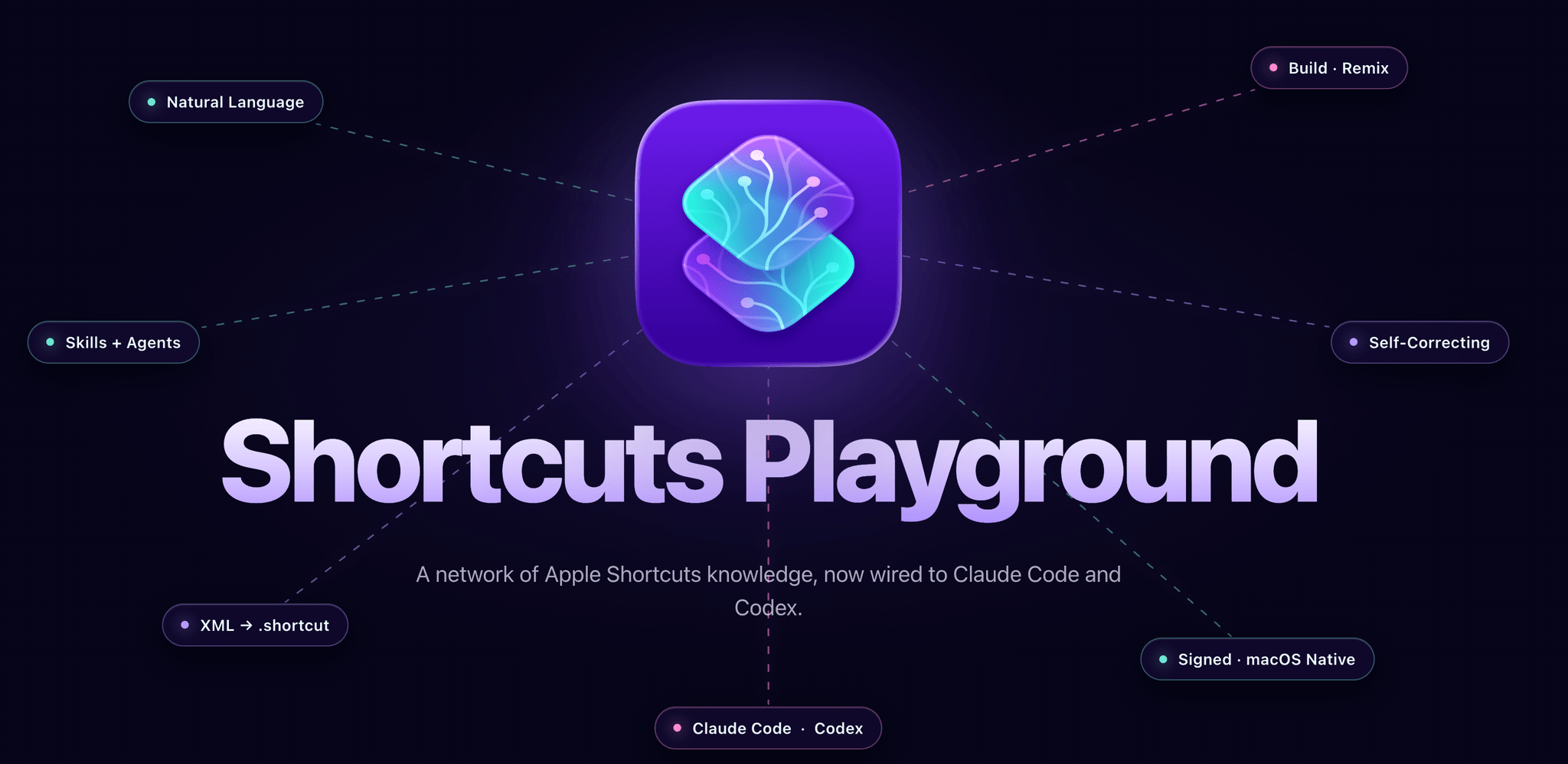
Create Apple Shortcuts with natural language using Claude Code or Codex.
Shortcuts Playground is a plugin for Claude Code and Codex that lets you turn any idea into a shortcut for Apple's Shortcuts app. Describe what you want in plain English; a few minutes later, you get a real, signed .shortcut file ready to import into the Shortcuts app.
Under the hood, shortcuts have always been XML files that get signed and encrypted into a special, Apple-only .shortcut format. Shortcuts Playground ships a comprehensive knowledge base that teaches Claude and Codex how Shortcuts actions work, what syntax they use, and how they connect to one another. Agents generate the XML, validate it through a loop, and sign it using Apple's native shortcuts CLI.
The result is a valid shortcut, built from a sentence.
A project by Federico Viticci. Read more here.
You can install Shortcuts Playground in either Claude Code or Codex. At the moment, the Claude Code version of the plugin offers a richer experience thanks to dedicated commands and agents.
/shortcuts-playground:build followed by a description of the shortcut you want. Claude designs the action list, wires variables, picks an icon, validates the XML through a self-correcting loop, and signs the result./shortcuts-playground:remix with a path to an unsigned .xml shortcut file and describe what to change. The agent applies a surgical diff — preserving every action, UUID, and icon you didn't ask to touch.PostToolUse hook on every file write. Codex can do the same when Codex plugin hooks are enabled with [features].plugin_hooks = true. Errors feed back into the agent's context so it can fix them before signing. This is called a Craig Loop. It adds a few seconds of latency but dramatically improves output quality.shortcuts CLI, which is macOS-only.brew install python3) or set SHORTCUTS_PLAYGROUND_PYTHON to point at your interpreter.Two commands. Run them from any directory:
# 1. Register the marketplace
claude plugin marketplace add https://github.com/viticci/shortcuts-playground-plugin

# 2. Install the plugin
claude plugin install shortcuts-playground@shortcuts-playground
Claude Code clones the repository into its plugin cache on first install. If the clone fails with a GitHub auth error, make sure git clone https://github.com/viticci/shortcuts-playground-plugin.git works in your terminal first.
claude plugin marketplace add https://github.com/viticci/shortcuts-playground-plugin
claude plugin install shortcuts-playground@shortcuts-playground
Codex installs plugins from marketplaces. This repository includes a Codex marketplace at .agents/plugins/marketplace.json, which points at the Codex package in ./codex.
Register the marketplace, then install the plugin from Codex's plugin browser:
# 1. Register the marketplace
codex plugin marketplace add https://github.com/viticci/shortcuts-playground-plugin

# 2. Open Codex
codex
Inside Codex, type /plugins, choose the Shortcuts Playground marketplace, open Shortcuts Playground, and select Install plugin. Start a new session to load the plugin.
For local development from a cloned checkout, register the checkout instead of GitHub:
codex plugin marketplace add /absolute/path/to/shortcuts-playground-plugin
npx claudepluginhub viticci/shortcuts-playground-plugin --plugin shortcuts-playgroundCreating and running macOS Shortcuts programmatically
 bendrucker
Claude Code skill pack for Apple Notes (24 skills)
 jeremylongshore
Elite iOS and macOS development expertise with automatic skill activation for Swift, SwiftUI, UIKit, Xcode, and Apple frameworks plus code formatting tools
 sjungling
Scaffold and enhance production-ready macOS apps with XcodeGen, GitHub Actions CI/CD, code signing, notarization, auto-update, and SwiftUI starter code
 XueshiQiao
Curated AI prompts for iOS and Swift development tasks, helping developers write better code with guided prompting strategies.
 aj-geddes
Turn local web projects into macOS Dock-launchable .app bundles for personal daily use.
 Christian-Katzmann
'%20stop-opacity%3D'0.16'%2F%3E%3Cstop%20offset%3D'1'%20stop-color%3D'rgb(200%2C90%2C60)'%20stop-opacity%3D'0.03'%2F%3E%3C%2FlinearGradient%3E%3C%2Fdefs%3E%3Crect%20width%3D'320'%20height%3D'200'%20fill%3D'url(%23g)'%2F%3E%3Ccircle%20cx%3D'250'%20cy%3D'56'%20r%3D'92'%20fill%3D'rgb(200%2C90%2C60)'%20fill-opacity%3D'0.06'%2F%3E%3Ccircle%20cx%3D'64'%20cy%3D'172'%20r%3D'58'%20fill%3D'rgb(200%2C90%2C60)'%20fill-opacity%3D'0.05'%2F%3E%3C%2Fsvg%3E)