Stats
Actions
Available In
Tags
Personal AI operating system for Claude Code. Persistent memory, hybrid search, calendar sync, second brain, networking, and a customizable work PA for your daily life.
Boot Hal - load memory and orient to current state
Launch Calendar - personal scheduling with Apple Calendar sync
Open conversation and brainstorming session
Install HAL-OS - scaffold your personal AI operating system instance
Launch Networking - event and contact tracking
Own this plugin?
Verify ownership to unlock analytics, metadata editing, and a verified badge. GitHub access is read-only (username + org membership).
Sign in to claimOwn this plugin?
Verify ownership to unlock analytics, metadata editing, and a verified badge. GitHub access is read-only (username + org membership).
Sign in to claimBased on adoption, maintenance, documentation, and repository signals. Not a security audit or endorsement.
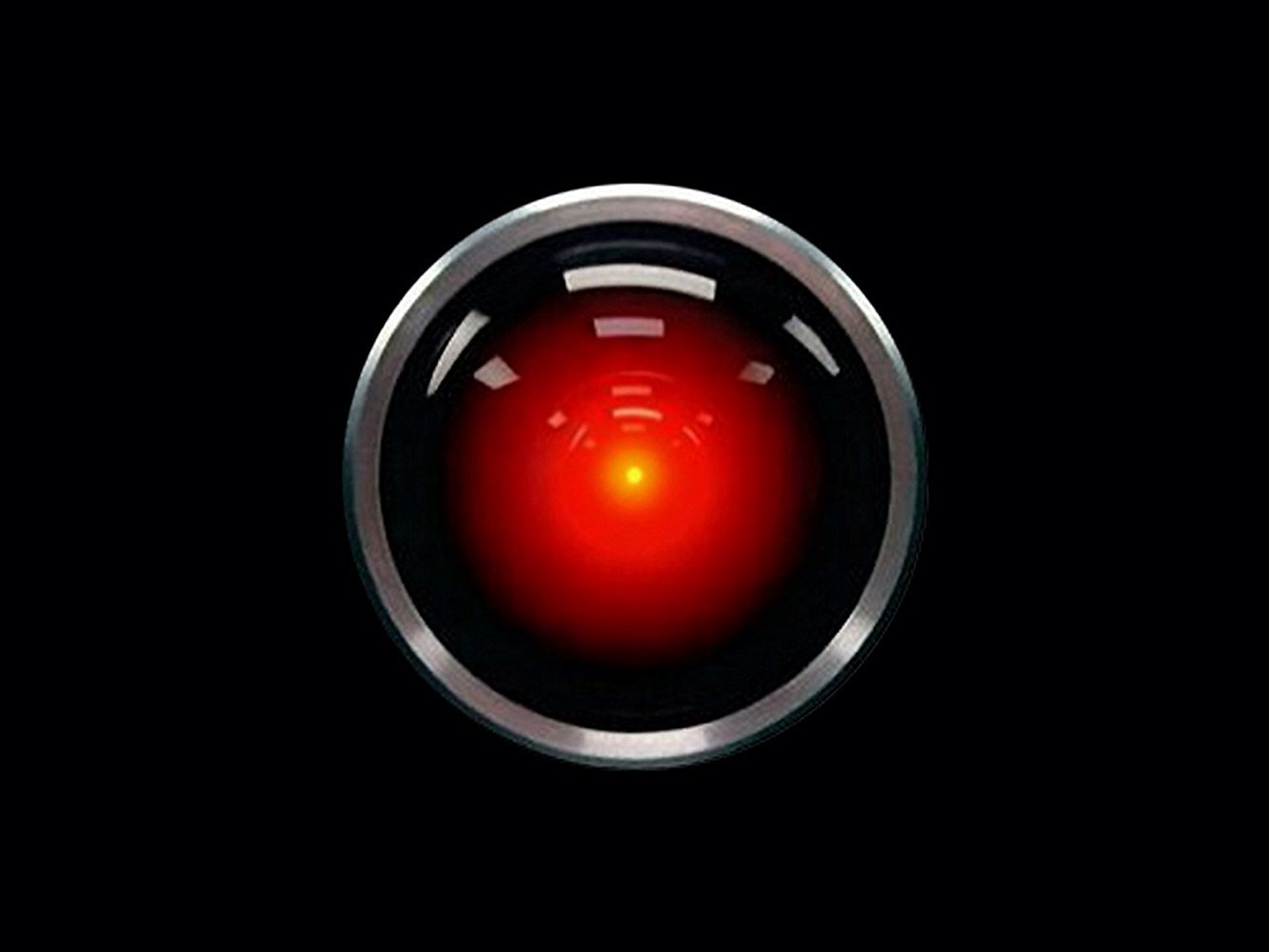
"I'm sorry, Dave. I'm afraid I can't do that."
Personal AI operating system for Claude Code.
HAL-OS is a personal AI OS built on top of Claude Code. Inspired by HAL 9000. Calm, helpful, slightly unsettling. It gives Claude persistent memory across sessions, DOS-style subsystem apps, and a hybrid search engine that indexes your life.
You open your HAL-OS directory in Claude Code, run /boot, and your AI knows who you are, what you're working on, and what happened last session.
HAL-OS online. Friday, 20 February 2026
Mode: HOME

HAL-OS COMMANDS
───────────────
/boot          Load memory, orient to current state
/shutdown      Persist memory before ending session
/status        Quick overview (uses Explore agent)
/calendar      View upcoming calendar events
/second-brain  Launch note capture/retrieval app
/networking    Launch event/contact tracking app
/work          Launch work PA
/chat          Open conversation and brainstorming

Type any command to run it.
Persistent Memory
Two-layer memory: daily session logs + curated long-term knowledge in MEMORY.md. Survives context resets. Survives new sessions. Your AI remembers.
Hybrid Search
memory.py indexes your notes with SQLite + sqlite-vec (vector similarity) + FTS5 (BM25 keyword). 70% vector, 30% keyword, +0.15 boost for exact matches. Search before answering. No hallucinating past context.
python system/scripts/memory.py search "what did I decide about X?"
python system/scripts/memory.py search "Jacob meeting" -p networking
Calendar Sync Apple Calendar ↔ HAL-OS sync via AppleScript. Add events, view upcoming, annotate with HAL context that Apple Calendar can't store.
Second Brain Collaborative note capture. HAL asks questions and drafts the note, then you confirm before anything is written. Notes are typed, dated, tagged, and indexed for retrieval.
Networking Tracker Event attendance log, contact database, goal tracking (e.g. 1 event/week). Tracks who you met, where, and what they do.
Work PA
Configurable work assistant. Set your work context in system/storage/work/CLAUDE.md. Task management, file lookup, technical queries.
Auto-Memory Hook A Stop hook fires after every response. If memory wasn't updated, it forces a persist pass before you can continue. Nothing slips through.
1. Add the plugin (in Claude Code):
/plugin marketplace add thebrownproject/hal-os
/plugin install hal-os@thebrownproject-hal-os
2. Clone this repo (your personal instance):
git clone https://github.com/thebrownproject/hal-os ~/hal-os
cd ~/hal-os
3. Initialize in your HAL-OS directory:
/install
This creates the system/ directory structure, installs template files, and sets up the memory search database.
4. Customize:
system/memory/SOUL.md: Define your AI's personasystem/memory/USER.md: Add your profile (name, focus, projects, preferences)system/storage/work/CLAUDE.md: Add your work context5. Boot:
/boot
HAL-OS/
├── CLAUDE.md              # Kernel
├── tmp.md                 # Scratch buffer
├── system/
│   ├── memory/            # Working memory
│   │   ├── SOUL.md        # AI identity (customize this)
│   │   ├── USER.md        # Your profile (customize this)
│   │   ├── MEMORY.md      # Curated long-term knowledge
│   │   ├── daily/         # Daily session logs (gitignored)
│   │   └── context.md     # Active working state
│   ├── scripts/
│   │   └── memory.py      # Hybrid search CLI (1,290 lines)
│   └── storage/           # Persistent data (gitignored)
│       ├── calendar/
│       ├── second-brain/
│       ├── networking/
│       └── work/
└── skills/
    ├── boot/
    ├── shutdown/
    ├── status/
    ├── calendar/
    ├── second-brain/
    ├── networking/
    ├── work/
    ├── chat/
    └── install/           # Setup skill + bundled memory.py
| Component | Maps to |
|---|---|
| Processor | Claude (HAL) |
| Kernel | CLAUDE.md |
| Memory | system/memory/ |
| Storage | system/storage/ |
| Temp | tmp.md |
| Applications | skills/ |
| Drivers | MCPs (AppleScript, Perplexity, Outlook) |
The memory system is the core of HAL-OS. memory.py is a self-contained Python script (~1,300 lines) with no server, no cloud, no API keys.
How it works:
all-MiniLM-L6-v2 (local, no API)sqlite-vecWhat gets indexed:
system/memory/*.md (SOUL, USER, MEMORY, context)system/memory/daily/*.md (all session logs)system/storage/**/*.md (calendar, networking, second-brain, work)npx claudepluginhub thebrownproject/hal-os --plugin hal-osMulti-agent orchestration system for Claude Code. HOUSTON coordinates Voyages, Missions, and Objectives while fresh Pods execute work autonomously.
 thebrownproject
BIM Intelligence Agent — IFC and PDF construction data extraction, cross-validation, and reporting for Claude Code.
 thebrownproject
Inter-session messaging for AI coding agents — register, discover, and exchange messages between Claude Code sessions through a local broker.
thebrownprojectPersonal knowledge management with brain CLI - capture notes, manage todos, auto-sync, and search your second brain
 desplega-ai
Personal Context Manager for Claude Code. Your life in walnuts.
 alivecontext
Dex by Dave. Your AI Chief of Staff for strategic work management, meeting intelligence, relationship tracking, and daily planning.
 davekilleen
Extended Second Brain that learns as you work in Claude Code
 remember-md
Long-term semantic memory for Claude Code, powered by OpenViking. Auto-recall relevant memories at session start and capture important information during conversations.
 Castor6
A crew of 10 AI agents that run your Obsidian vault like a team of personal assistants — capturing notes, triaging your inbox, managing your calendar and email, tracking your nutrition, supporting your mental health, and keeping everything connected. Works in any language.
 gnekt
gnekt'%20stop-opacity%3D'0.16'%2F%3E%3Cstop%20offset%3D'1'%20stop-color%3D'rgb(200%2C90%2C60)'%20stop-opacity%3D'0.03'%2F%3E%3C%2FlinearGradient%3E%3C%2Fdefs%3E%3Crect%20width%3D'320'%20height%3D'200'%20fill%3D'url(%23g)'%2F%3E%3Ccircle%20cx%3D'250'%20cy%3D'56'%20r%3D'92'%20fill%3D'rgb(200%2C90%2C60)'%20fill-opacity%3D'0.06'%2F%3E%3Ccircle%20cx%3D'64'%20cy%3D'172'%20r%3D'58'%20fill%3D'rgb(200%2C90%2C60)'%20fill-opacity%3D'0.05'%2F%3E%3C%2Fsvg%3E)