Stats
Actions
Available In
Tags

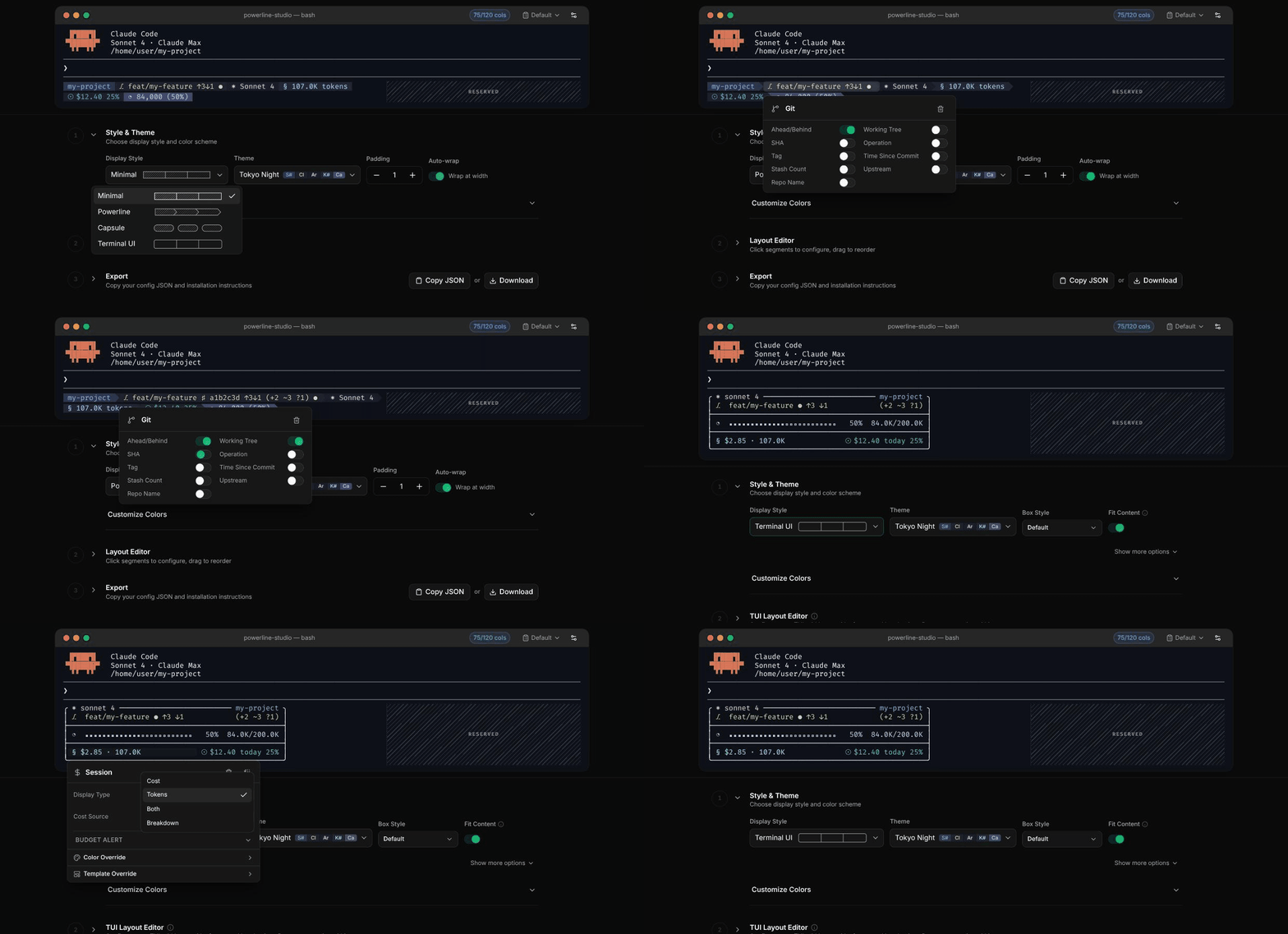
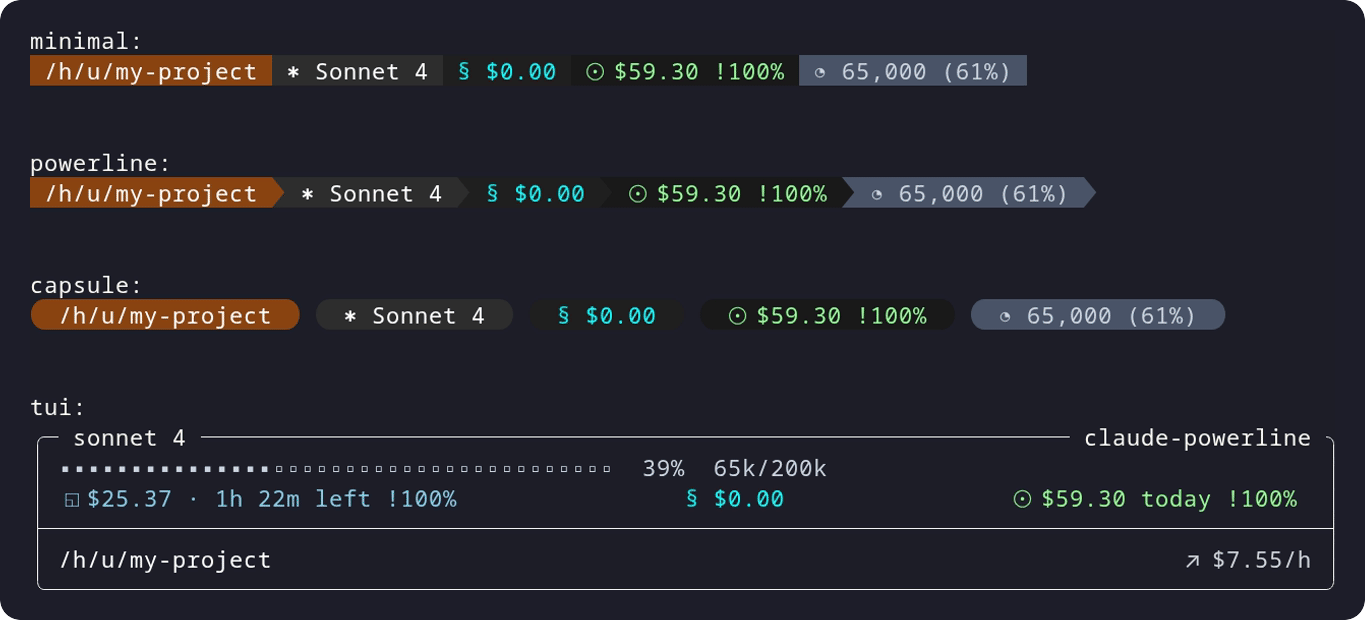
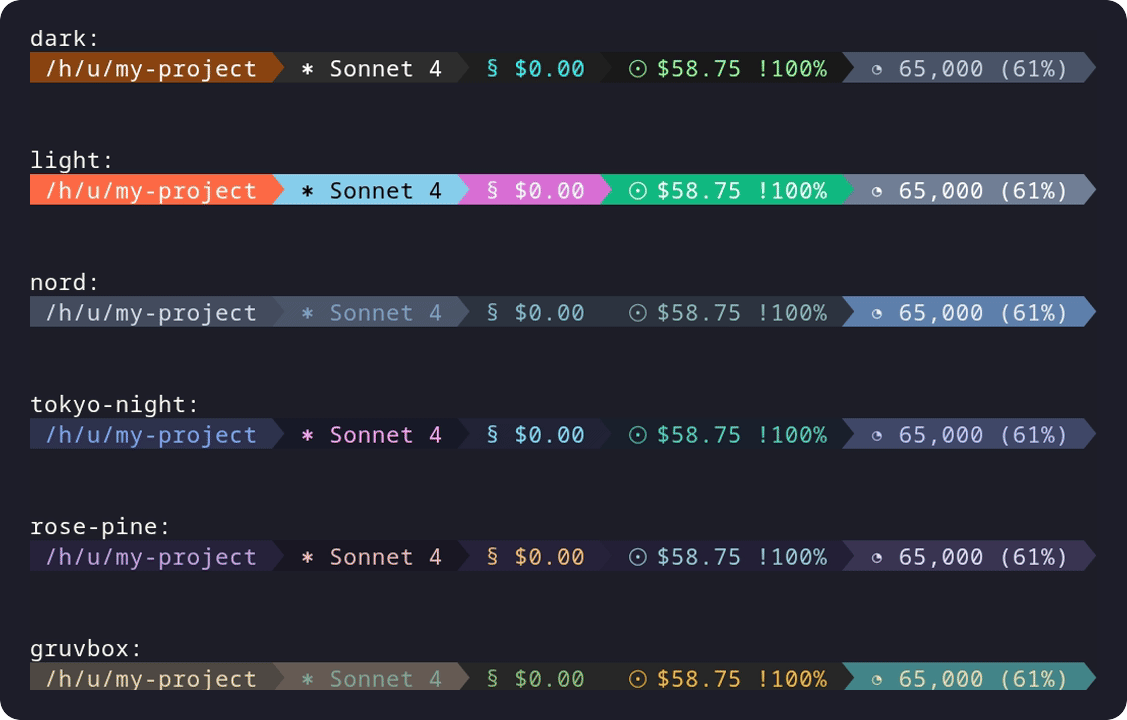
Interactive setup wizard for configuring a Powerline-style statusline in Claude Code, checking Node.js and Nerd Font support and guiding through theme selection.
Executables (bin/) — files in this plugin's bin/directory are added to the Bash tool's PATH while the plugin is enabled.
Based on adoption, maintenance, documentation, and repository signals. Not a security audit or endorsement.
npx claudepluginhub owloops/claude-powerline --plugin claude-powerlineA Claude Code statusline that shows reasoning effort (⚡) and thinking (💡). 5 presets (xsmall-xlarge), Catppuccin theme, no Node/Nerd Font, native PowerShell on Windows.
 AwesomeJun
Real-time statusline HUD for Claude Code - displays context usage, tool activity, agent tracking, and todo progress
 davepoon
Warns you before a rate limit or auto-compact, not after. A pure-bash Claude Code status bar (no jq, Node optional) for macOS, Linux, and Windows: usage pacing + burn-rate forecast, context warnings, live activity, cost, git, and 8 themes.
 briansmith80
AI-powered status line customization - Enhances Claude Code's native /statusline command with visual progress bars, 5h/7d rate-limit display, reasoning-effort level with /effort-matched colors and ultracode detection, cost and duration segments, granular display toggles, and an interactive edit wizard
 charlesjones-dev
A minimal, opinionated and non-configurable, Claude Code status line
 fredrikaverpil
Real-time session dashboard for Claude Code — cost tracking, analytics, and smart alerts
 hyeongjun-dev





'%20stop-opacity%3D'0.16'%2F%3E%3Cstop%20offset%3D'1'%20stop-color%3D'rgb(200%2C90%2C60)'%20stop-opacity%3D'0.03'%2F%3E%3C%2FlinearGradient%3E%3C%2Fdefs%3E%3Crect%20width%3D'320'%20height%3D'200'%20fill%3D'url(%23g)'%2F%3E%3Ccircle%20cx%3D'250'%20cy%3D'56'%20r%3D'92'%20fill%3D'rgb(200%2C90%2C60)'%20fill-opacity%3D'0.06'%2F%3E%3Ccircle%20cx%3D'64'%20cy%3D'172'%20r%3D'58'%20fill%3D'rgb(200%2C90%2C60)'%20fill-opacity%3D'0.05'%2F%3E%3C%2Fsvg%3E)