Stats
Actions
Available In
Tags

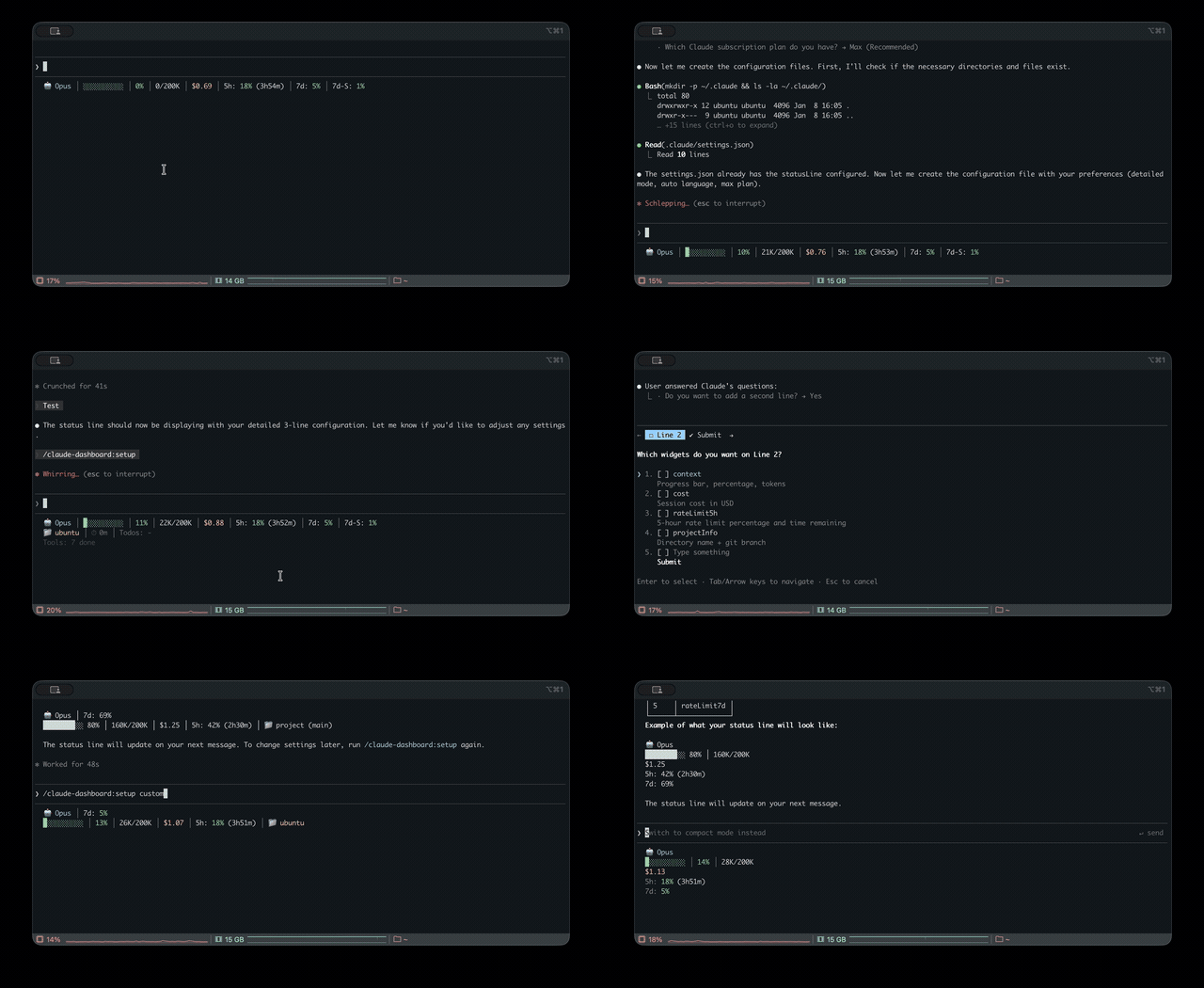
Monitor usage limits, rate limits, and costs across multiple AI CLIs (Claude, Codex, Gemini, z.ai) from a unified status line in Claude Code, with multi-language support and configurable display modes.
Check all AI CLI (Claude, Codex, Gemini, z.ai) usage limits and get recommendations
Add check-ai shell alias for quick CLI usage check
Configure claude-dashboard status line settings
Update statusLine path to latest plugin version
Own this plugin?
Verify ownership to unlock analytics, metadata editing, and a verified badge. GitHub access is read-only (username + org membership).
Sign in to claimOwn this plugin?
Verify ownership to unlock analytics, metadata editing, and a verified badge. GitHub access is read-only (username + org membership).
Sign in to claimBased on adoption, maintenance, documentation, and repository signals. Not a security audit or endorsement.
npx claudepluginhub uppinote20/claude-dashboard --plugin claude-dashboardA rich statusline for Claude Code — context, rate limits, tool activity, token costs. Pure bash, no dependencies beyond jq.
 JungHoonGhae
Warns you before a rate limit or auto-compact, not after. A pure-bash Claude Code status bar (no jq, Node optional) for macOS, Linux, and Windows: usage pacing + burn-rate forecast, context warnings, live activity, cost, git, and 8 themes.
 briansmith80
Live API usage in Claude Code statusline - colored progress bars, Git info, tokens, session metrics, device tracking, and more
 Marcel-Bich
Modular statusline for Claude Code — peak hours, rate limits, rolling-window burn rate, cache reuse, plus a hook-injected narrator (rules + optional Haiku) that surfaces context-management advice above your prompt. Bilingual (English/Hebrew, locale auto-detect).
 Nadav-Fux
Live usage status bar for Claude Code — session limits, weekly usage, lines changed, 10 themes, widget priorities, shimmer animations, and zero API calls
 NoobyGains
Ultimate status line combining rate limits, project info, tool activity, todo progress, and improved emoji/CJK support
 hadamyeedady12-dev




'%20stop-opacity%3D'0.16'%2F%3E%3Cstop%20offset%3D'1'%20stop-color%3D'rgb(200%2C90%2C60)'%20stop-opacity%3D'0.03'%2F%3E%3C%2FlinearGradient%3E%3C%2Fdefs%3E%3Crect%20width%3D'320'%20height%3D'200'%20fill%3D'url(%23g)'%2F%3E%3Ccircle%20cx%3D'250'%20cy%3D'56'%20r%3D'92'%20fill%3D'rgb(200%2C90%2C60)'%20fill-opacity%3D'0.06'%2F%3E%3Ccircle%20cx%3D'64'%20cy%3D'172'%20r%3D'58'%20fill%3D'rgb(200%2C90%2C60)'%20fill-opacity%3D'0.05'%2F%3E%3C%2Fsvg%3E)