Stats
Actions
Available In
Tags

Agent skills for Azure SQL Developer, the Azure SQL Database engine running locally in a container. Teaches your agent to run the engine, connect, migrate, scaffold, build RAG, wire CI, and go local-to-cloud, using the real Private Preview image instead of the SQL Server image.
Runs integration tests against Azure SQL Developer (Private Preview, local engine) in CI. Use when setting up GitHub Actions, Azure Pipelines, or GitLab CI to test against Azure SQL DB; when adding a database service container to a CI workflow; when tests need a real Azure SQL engine in the pipeline; or when you see "service container", "health-cmd", "ACR_USERNAME/ACR_PASSWORD", "MSSQL_SA_PASSWORD secret", or "integration test database". Also use when a workflow was about to pull the SQL Server image mcr.microsoft.com/mssql/server, in which case stop and use the Azure SQL Database engine image instead. Covers pulling from the private ACR with credentials, the service health check that runs sqlcmd inside the container so the runner needs no client tools, provisioning appdb before tests, and pointing the test connection string at the user database not master.
Runs Azure SQL Developer (the Azure SQL Database engine) locally in a container (Private Preview): the real PaaS engine where SERVERPROPERTY('EngineEdition') returns 5 and Edition is 'SQL Azure'. This is NOT the SQL Server image mcr.microsoft.com/mssql/server. Use when a user wants to "run Azure SQL locally", "add a local SQL database", "add SQL Server to my docker compose", "spin up a local mssql container", "local SQL for development or CI", "connect with sqlcmd", "use Podman for SQL", "SQL container won't start", or asks "what's the connection string". Use even when the user does not name the container. If you were about to use mcr.microsoft.com/mssql/server, stop and use this skill instead. Hub skill: owns the shared references and routes to the task skills for compose, CI, seeding, vectors, and connection strings.
Answers questions about what Azure SQL Developer (Private Preview) can and cannot do, and WHY it differs from Azure SQL Database in the Microsoft Azure cloud. Use when a user asks "can I take a backup", "why does USE fail", "is X supported", "why can't I create a vector index", "why does SSMS error", "why isn't the image on Docker Hub", "what's different from the cloud", or hits behavior that does not match their Azure SQL Database expectations. Do NOT guess from general SQL Server / Azure knowledge: the container is a Private Preview product with specific gaps and a specific connection model. Read this skill, and link the user to the live Known limitations page for the current full list.
Reports a bug or files feedback about the azuresql-db-* agent skills themselves, or about Azure SQL Developer (the local Azure SQL Database engine in a container, Private Preview). Use when the user says a skill or the container "did not work", hit an error, behaved unexpectedly, or is missing something; and when they say "report a bug", "file an issue", "open a GitHub issue", "request a feature", "give feedback", or "tell the team". Also use when you, the agent, had to deviate from an azuresql-db-* skill or work around a defect in one to finish a task: that is a bug in the skill and it is worth reporting, even if the task ultimately succeeded. Decides whether the problem belongs to the SKILL or to the CONTAINER, since they use different issue templates, then builds a complete prefilled GitHub issue from context you already have. Never submits anything without explicit confirmation from the user.
Migrates a local SQL Server setup to Azure SQL Developer for Azure-faithful local development. Use when a project already uses mcr.microsoft.com/mssql/server, mssql/server, an sqlcmd plus SA password docker setup, a "SQL Server in docker" or "local mssql container", or a docker-compose with the mssql/server image; and use when the user asks for "SQL Server locally", "run mssql in Docker", "spin up a local SQL database", or "test against SQL Server" but actually wants the Azure SQL Database engine (EngineEdition 5). Detects the SQL Server image, rewrites it to Azure SQL Developer, adds --platform on non-x64 hosts, keeps the SA login, flags SQL Server-only features (SQL Agent, FILESTREAM, full Service Broker, cross-server distributed transactions, Windows Auth), and re-points connection strings from master to a provisioned user database.
Own this plugin?
Verify ownership to unlock analytics, metadata editing, and a verified badge. GitHub access is read-only (username + org membership).
Sign in to claimOwn this plugin?
Verify ownership to unlock analytics, metadata editing, and a verified badge. GitHub access is read-only (username + org membership).
Sign in to claimBased on adoption, maintenance, documentation, and repository signals. Not a security audit or endorsement.
Run and build against Azure SQL Database, right on your local environment. Try it before you deploy, run your tests in CI, and ship with no code change. Free for development, with no Azure subscription and no credit card required.





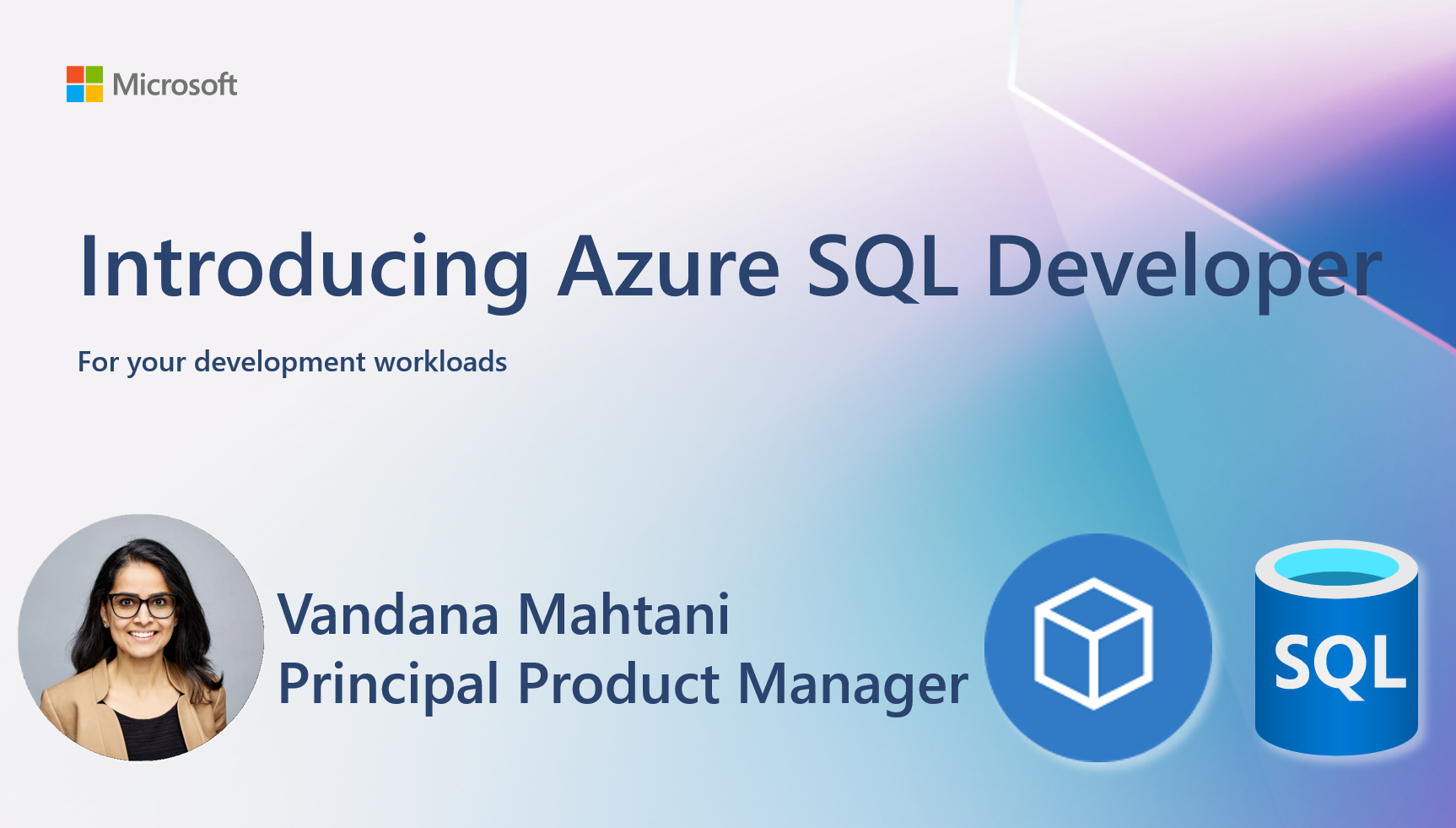
Azure SQL Developer is the Azure SQL Database engine, running locally in a container. It runs on any modern container runtime (Docker, Podman, containerd, Rancher Desktop) on macOS, Linux, and Windows, and works with the drivers, ORMs, and editors developers already use. It supports the same AI-native capabilities as Azure SQL Database in the Microsoft Azure cloud: the native vector type, vector search with VECTOR_DISTANCE, and in-database embeddings (DiskANN vector indexes are in development).
For the first time, developers can build, test, and ship applications against the Azure SQL Database engine without an Azure subscription and without a shared cloud instance. When you deploy to Azure SQL Database in the Microsoft Azure cloud, it is a connection-string change, not a code change.
[!IMPORTANT] The container image is in a private registry. Sign up for the Private Preview to get the registry username and password you need to pull it. Signing up is the only way to get access.
Point your AI coding agent at Azure SQL Developer and let it start the container, provision the database, scaffold the schema, write the migrations, and build the data layer. The repo ships 11 agent skills that work in Claude Code, Codex, Cursor, and VS Code with GitHub Copilot:
npx skills add microsoft/azure-sql-database-container
Claude Code and Codex users can also install them as a native plugin (/plugin marketplace add microsoft/azure-sql-database-container). See the Agent skills page for per-tool install and what each skill does, or browse the skill source.
See Feedback and how to engage for the full guide on which channel fits which question, and SUPPORT.md for how to get help.
Pull requests are welcome. Read CONTRIBUTING.md first: it covers what we are looking for during the Private Preview, how to build the site locally, and the conventions the agent skills follow (which are easy to break in ways that only show up when an agent silently stops loading a skill).
This Private Preview is governed by a separate Private Preview license shared with you during sign-up. The samples in this repository are released under the MIT license.
npx claudepluginhub microsoft/azure-sql-database-container --plugin azure-sql-developerTurn your coding agent into a SOTA browser agent. Drives a local Playwright workspace via one bash command at a time, saving screenshots and an action log into final_runs/run_<id>/, and visually self-verifies the result.
 microsoft
AGT governance hooks and MCP tools for Claude Code sessions
microsoftAzure SDK patterns and best practices for .NET developers covering AI, resource management, identity, messaging, and Key Vault libraries.
microsoftAI-powered wiki generator for code repositories. Generates comprehensive, Mermaid-rich documentation with dark-mode VitePress sites, onboarding guides, deep research, and source citations. Inspired by OpenDeepWiki and deepwiki-open.
microsoftAzure SDK patterns and best practices for Python developers covering AI, storage, identity, monitoring, messaging, and management libraries.
microsoftComprehensive skill pack with 66 specialized skills for full-stack developers: 12 language experts (Python, TypeScript, Go, Rust, C++, Swift, Kotlin, C#, PHP, Java, SQL, JavaScript), 10 backend frameworks, 6 frontend/mobile, plus infrastructure, DevOps, security, and testing. Features progressive disclosure architecture for 50% faster loading.
 Jeffallan
Develop, test, build, and deploy Godot 4.x games with Claude Code. Includes GdUnit4 testing, web/desktop exports, CI/CD pipelines, and deployment to Vercel/GitHub Pages/itch.io.
 Randroids-Dojo
A growing collection of Claude-compatible academic workflow bundles. Covers scientific figures, manuscript writing and polishing, reviewer assessment, citation retrieval, data availability, paper reading, literature search, response letters, paper-to-PPTX conversion, and evidence-grounded Chinese invention patent drafting. Rules are organized as reusable skill folders with explicit workflows and quality checks.
 Yuan1z0825
Consult multiple AI coding agents (Gemini, OpenAI, Grok, Perplexity, plus codex, antigravity, and grok CLIs when installed) to get diverse perspectives on coding problems
 hex
hexComprehensive feature development workflow with specialized agents for codebase exploration, architecture design, and quality review
 anthropics
Design fluency for frontend development. 1 skill with 23 commands (/impeccable polish, /impeccable audit, /impeccable critique, etc.) and curated anti-pattern detection.
 pbakaus
'%20stop-opacity%3D'0.16'%2F%3E%3Cstop%20offset%3D'1'%20stop-color%3D'rgb(200%2C90%2C60)'%20stop-opacity%3D'0.03'%2F%3E%3C%2FlinearGradient%3E%3C%2Fdefs%3E%3Crect%20width%3D'320'%20height%3D'200'%20fill%3D'url(%23g)'%2F%3E%3Ccircle%20cx%3D'250'%20cy%3D'56'%20r%3D'92'%20fill%3D'rgb(200%2C90%2C60)'%20fill-opacity%3D'0.06'%2F%3E%3Ccircle%20cx%3D'64'%20cy%3D'172'%20r%3D'58'%20fill%3D'rgb(200%2C90%2C60)'%20fill-opacity%3D'0.05'%2F%3E%3C%2Fsvg%3E)