[!IMPORTANT]
Claude Subconscious is demo app built using the Letta Code SDK, and is not intended to be used in production.
If you want to use a coding agent that runs background subconscious agents, use Letta Code, which is also fully open source.
Install the Letta Code CLI with npm install -g @letta-ai/letta-code, then use letta to launch.
Claude Subconscious
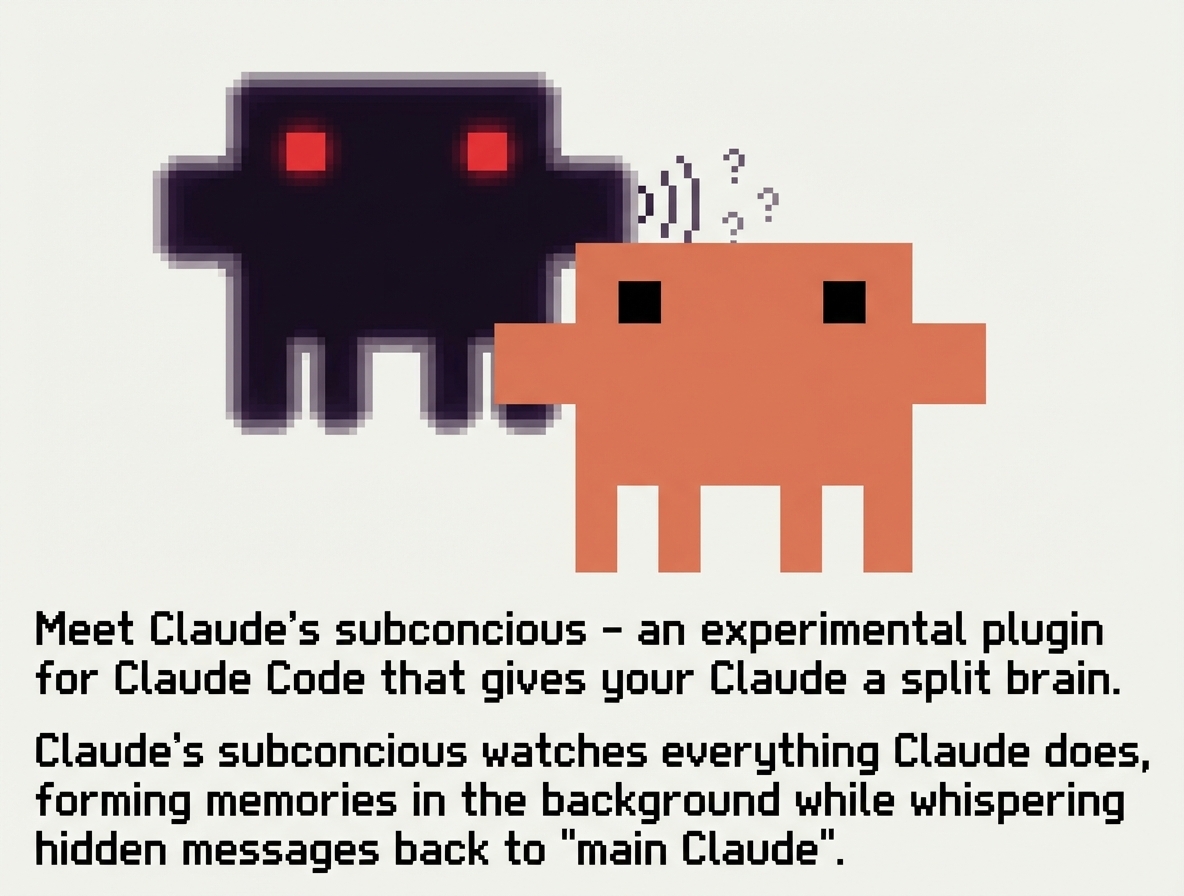
A background agent that whispers to Claude Code. A subconcious agent that watches your sessions, reads your files, builds up memory over time, and whispers guidance back.
What Is This?
Claude Code forgets everything between sessions. Claude Subconscious is a second agent running underneath — watching, learning, and whispering back:
- Watches every Claude Code session transcript
- Reads your codebase — explores files with Read, Grep, and Glob while processing transcripts
- Remembers across sessions, projects, and time
- Whispers guidance — surfaces context, patterns, and reminders before each prompt
- Never blocks — runs in the background via the Letta Code SDK
Not just a memory layer — a background agent with real tool access that gets smarter the more you use it.
Using Letta's Conversations feature, a single agent can serve multiple Claude Code sessions in parallel with shared memory across all of them.
How It Works
After each response, the transcript is sent to a Letta agent via the Letta Code SDK. The agent reads files, searches the web, updates its memory — then whispers back before the next prompt. Nothing is written to CLAUDE.md.
┌─────────────┐          ┌──────────────────────────┐
│ Claude Code │◄────────►│ Letta Agent (background)  │
└─────────────┘          │                          │
       │                 │  Tools: Read, Grep, Glob │
       │                 │  Memory: persistent       │
       │                 │  Web: search, fetch       │
       │                 └──────────────────────────┘
       │                        │
       │   Session Start        │
       ├───────────────────────►│ New session notification
       │                        │
       │   Before each prompt   │
       │◄───────────────────────┤ Whispers guidance → stdout
       │                        │
       │   Before each tool use │
       │◄───────────────────────┤ Mid-workflow updates → stdout
       │                        │
       │   After each response  │
       ├───────────────────────►│ Transcript → SDK session (async)
       │                        │  ↳ Reads files, updates memory
Installation
Install from GitHub:
/plugin marketplace add letta-ai/claude-subconscious
/plugin install claude-subconscious@claude-subconscious
Updating
/plugin marketplace update
/plugin update claude-subconscious@claude-subconscious
Install from Source
Clone the repository:
git clone https://github.com/letta-ai/claude-subconscious.git
cd claude-subconscious
npm install
Enable the plugin (from inside the cloned directory):
/plugin enable .
Or enable globally for all projects:
/plugin enable --global .
If running from a different directory, use the full path to the cloned repo.
Linux: tmpfs Workaround
If plugin installation fails with EXDEV: cross-device link not permitted, your /tmp is likely on a different filesystem (common on Ubuntu, Fedora, Arch). Set TMPDIR to work around this Claude Code bug:
mkdir -p ~/.claude/tmp
export TMPDIR="$HOME/.claude/tmp"
Add to your shell profile (~/.bashrc or ~/.zshrc) to make permanent.
Configuration
Required
export LETTA_API_KEY="your-api-key"
Get your API key from app.letta.com.
Optional
export LETTA_MODE="whisper"    # Default. Or "full" for blocks + messages, "off" to disable
export LETTA_AGENT_ID="agent-xxxxxxxx-xxxx-xxxx-xxxx-xxxxxxxxxxxx"
export LETTA_BASE_URL="http://localhost:8283"  # For self-hosted Letta
export LETTA_MODEL="anthropic/claude-sonnet-4-5"  # Model override
export LETTA_CONTEXT_WINDOW="1048576"             # Context window size (e.g. 1M tokens)
export LETTA_HOME="$HOME"      # Consolidate .letta state to ~/.letta/
export LETTA_SDK_TOOLS="read-only"       # Or "full", "off"

 Chachamaru127
 rohitg00
 hjertefolger
 RohiRIK
 aitytech
'%20stop-opacity%3D'0.16'%2F%3E%3Cstop%20offset%3D'1'%20stop-color%3D'rgb(200%2C90%2C60)'%20stop-opacity%3D'0.03'%2F%3E%3C%2FlinearGradient%3E%3C%2Fdefs%3E%3Crect%20width%3D'320'%20height%3D'200'%20fill%3D'url(%23g)'%2F%3E%3Ccircle%20cx%3D'250'%20cy%3D'56'%20r%3D'92'%20fill%3D'rgb(200%2C90%2C60)'%20fill-opacity%3D'0.06'%2F%3E%3Ccircle%20cx%3D'64'%20cy%3D'172'%20r%3D'58'%20fill%3D'rgb(200%2C90%2C60)'%20fill-opacity%3D'0.05'%2F%3E%3C%2Fsvg%3E)