Stats
Actions
Available In
Tags

A collection of 20+ skills covering AWS infrastructure (CloudFormation, Lambda, DynamoDB, EC2), writing quality (ADR generation, anti-AI-slop linting, plain-language explanations), code auditing, session continuity, multi-repo cloning, MCP security scanning, and generative engine optimization — a general-purpose toolkit for diverse development workflows.
Write and maintain Architecture Decision Records (ADRs) that capture the context and rationale behind significant technical decisions. Use when documenting an architectural or technology choice, recording a design trade-off, superseding a past decision, or setting up an ADR process. Also use proactively to offer an ADR when a significant decision is made during a coding session (database, framework, auth scheme, API style, integration pattern). Triggers on "write an ADR", "document this decision", "record this architecture choice", "add a decision record", "supersede ADR".
Contribute a new lesson to the AWS Learnings library (the llms.txt-format library at github.com/jbdamask/aws-learnings-library). Use this whenever you've just debugged, fixed, or discovered a non-obvious AWS gotcha — CloudFormation, CDK, Lambda, API Gateway, IAM, S3, CloudFront, EC2, EventBridge, SQS, Secrets Manager, SSM — and want to capture it for next time. Triggers on phrases like 'add an AWS learning', 'save this AWS lesson', 'capture this gotcha', 'add this to the learnings library', or after solving a tricky AWS deployment problem worth remembering. This skill WRITES files (a new lesson file + an updated index) and prepares a pull request; it is the write companion to the read-only 'aws-learnings' skill.
Proactively catch common AWS infrastructure mistakes before they happen. Use when creating or modifying AWS components — CloudFormation, CDK, Lambda, API Gateway, IAM, S3, CloudFront, EC2, EventBridge, SQS, Secrets Manager, or SSM — to find and apply hard-won deployment lessons and avoid known pitfalls. Read-only: fetches lessons, does not add them.
Create a token-secured REST API endpoint backed by AWS Lambda and DynamoDB with full CRUD and paginated list support. Deploys via CloudFormation. Use when user wants to quickly spin up an API endpoint, create a simple REST API on AWS, build a quick data store with an API, set up a Lambda+DynamoDB endpoint, or needs a fast way to log and retrieve structured data. Triggers on "create an endpoint", "quick API", "Lambda endpoint", "DynamoDB API", "CRUD endpoint", "log data to AWS".
Audit a codebase's test suite for tests that pass for no good reason — no assertions, tautologies, assertions on mocks only, swallowed exceptions, unawaited async assertions, permanently skipped tests, and other patterns that stay green no matter how broken the code is. Produces a red/yellow/green report. Use when the user says "bullshit tests", "find fake tests", "audit my test suite", "which tests are useless", "are these tests actually testing anything", "check test quality", "find tests that always pass", or asks whether green CI means anything.
Uses power tools
Uses Bash, Write, or Edit tools
Based on adoption, maintenance, documentation, and repository signals. Not a security audit or endorsement.
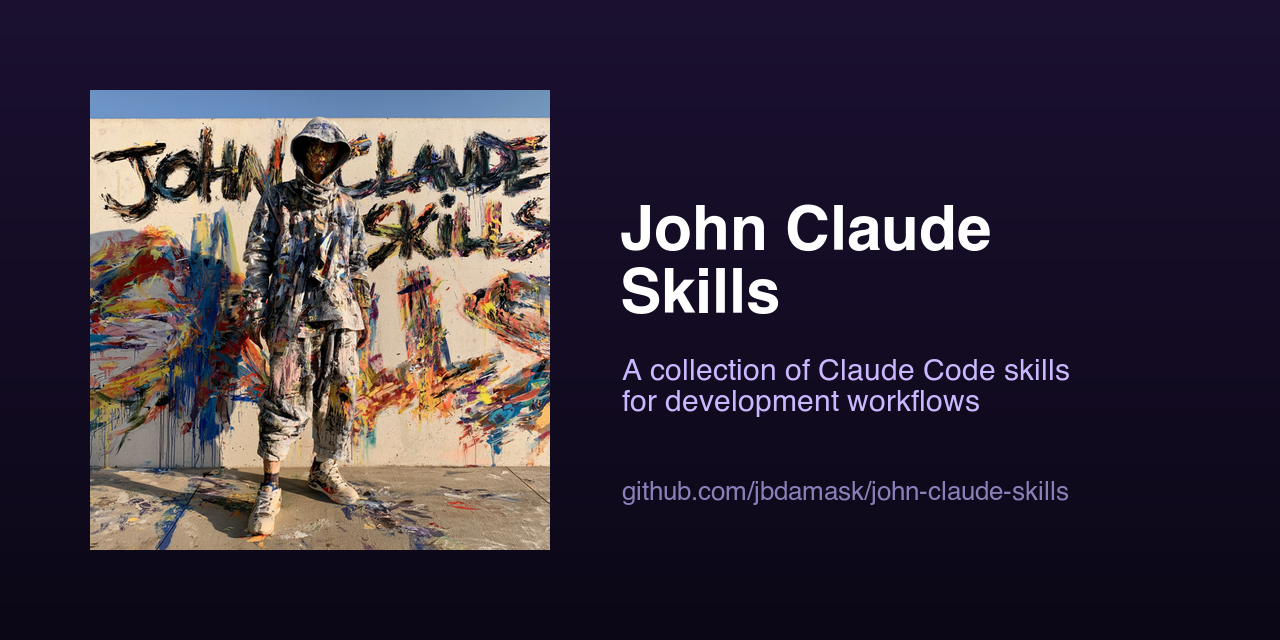
A collection of Claude Code skills for development workflows.
Add this marketplace to Claude Code:
/plugin marketplace add jbdamask/john-claude-skills
Then install the skills:
/plugin install john-skills@john-claude-skills
And plugins:
/plugin install beads-planner@john-claude-skills
/plugin install context-analyzer@john-claude-skills
``

## Skills

Browse the `skills/` directory to see available skills. Each skill has a `SKILL.md` with its description and usage instructions.

## Contributing

To add a new skill:

1. Create a directory under `skills/<skill-name>/`
2. Add a `SKILL.md` file with YAML frontmatter (`name`, `description`) and instructions
3. Optionally add `references/`, `scripts/`, or `assets/` subdirectories
npx claudepluginhub jbdamask/john-claude-skills --plugin john-skillsAnalyze Claude Code chat history to identify context window bloat and get optimization recommendations
 jbdamask
Plan-only mode and GitHub-issue-to-Beads workflow. Provides planning without auto-execution and structured work decomposition into Beads epics, tasks, and sub-tasks with verifiable acceptance criteria.
jbdamaskGuidance and tooling for creating and updating Claude Code skills
 Casper-Studios
Create, test, measure, and iteratively improve Claude Code skills with category-aware design, gotchas-driven development, progressive disclosure coaching, and automated description optimization.
 LeeJuOh
Skill and agent authoring tools: generate, audit, and improve Claude Code skills, commands, and agents
 gupsammy
Ultra-compressed communication mode. Cuts 65% of output tokens (measured) while keeping full technical accuracy by speaking like a caveman.
 JuliusBrussee
Comprehensive UI/UX design plugin for mobile (iOS, Android, React Native) and web applications with design systems, accessibility, and modern patterns
 wshobson
Multi-model consensus engine integrating OpenAI Codex CLI, Gemini CLI, and Claude CLI for collaborative code review and problem-solving.
 xrf9268-hue
'%20stop-opacity%3D'0.16'%2F%3E%3Cstop%20offset%3D'1'%20stop-color%3D'rgb(200%2C90%2C60)'%20stop-opacity%3D'0.03'%2F%3E%3C%2FlinearGradient%3E%3C%2Fdefs%3E%3Crect%20width%3D'320'%20height%3D'200'%20fill%3D'url(%23g)'%2F%3E%3Ccircle%20cx%3D'250'%20cy%3D'56'%20r%3D'92'%20fill%3D'rgb(200%2C90%2C60)'%20fill-opacity%3D'0.06'%2F%3E%3Ccircle%20cx%3D'64'%20cy%3D'172'%20r%3D'58'%20fill%3D'rgb(200%2C90%2C60)'%20fill-opacity%3D'0.05'%2F%3E%3C%2Fsvg%3E)