Stats
Actions
Available In
Tags

Generate AI images with intelligent prompt engineering and inspiration search. Transform product photos into brand-ready e-commerce assets, create vertical cover art for short-video platforms, and orchestrate batch generation across multiple providers.
Quick gallery search. Use when user runs /meigen:find with keywords to browse inspiration.
Quick image generation. Use when user runs /meigen:gen with a prompt. Skips intent assessment, generates directly.
List available AI models and switch the default model for this session. Use when user runs /meigen:models to see or change models.
Interactive provider configuration wizard. Use when the user runs /meigen:setup, says "configure meigen", "set up image generation", "add API key", or otherwise needs help wiring up an image generation provider (MeiGen platform, ComfyUI, or any OpenAI-compatible API).
Gallery search and inspiration agent. Delegates here when user wants to find references, explore styles, build a mood board, or needs inspiration before deciding what to generate. Searches the MeiGen gallery database of 1,446 curated AI-generated images.
Image generation executor agent. Delegates here for ALL generate_image calls to keep the main conversation context clean. Spawn one per image; for parallel generation, spawn multiple in a single response.
Batch prompt writing agent. Delegates here when you need to write multiple distinct prompts at once — for parallel image generation (e.g., "5 logo concepts"), serial-to-parallel workflows (e.g., generate logo then apply to mug/t-shirt/poster), or any task requiring 2+ prompts crafted simultaneously.
Multi-angle product imagery workflow. Use when the user wants to "shoot a product", "make e-commerce product images", "product photography set", "电商产品图", "产品多角度图", "brand product visuals", or provides a single product photo and asks for marketing-ready variations. Produces 4 distinct directions (lifestyle scene, macro detail, scale/context, marketing layout) from one reference image. NOT for: portraits, generic illustration, logo design, video creation — use other skills or generate_image directly.
Vertical-format thumbnail and poster workflow for short-video platforms and social feeds. Use when the user asks for a "video thumbnail", "短视频封面", "竖版海报", "TikTok cover", "Reels cover", "YouTube Shorts thumbnail", "social media poster" — anything optimized for 9:16 mobile feed scrolling with prominent headline space. Produces high-contrast, headline-friendly cover art in 9:16 by default. NOT for: full posters meant for print, photorealistic portraits without text overlay intent, horizontal banners — use other skills.
This skill should be used when the user asks to "generate an image", "create artwork", "design a logo", "make a poster", "draw something", "find inspiration", "search for reference images", "enhance my prompt", "improve prompt", "brand design", "product mockup", "batch generate images", "multiple variations", "generate a video", "make a video", "animate this photo", "image-to-video", or discusses AI image/video generation, visual creativity, prompt engineering, reference images, style transfer. Also activate when user mentions MeiGen, image models, aspect ratios, or art styles. NOT for: generic chat/text tasks, code generation, document writing, video editing of existing footage, audio/TTS, real-photo retouching of user files outside the generation flow, or any task unrelated to AI image/video creation.
Bare-minimum output. Just images and file paths, no commentary. Good for batch generation workflows.
Art direction mode. Frames everything through visual storytelling, mood boards, and design thinking. Ideal for extended creative sessions.
Uses power tools
Uses Bash, Write, or Edit tools
Based on adoption, maintenance, documentation, and repository signals. Not a security audit or endorsement.
No model invocation
Executes directly as bash, bypassing the AI model
No model invocation
Executes directly as bash, bypassing the AI model


Open-source MCP server for AI image & video generation — native to every major AI coding tool
11 leading models (GPT Image 2 · Nanobanana 2 · Seedream 5.0 · Midjourney V8.1 · Flux 2 Klein · Grok Imagine · Seedance 2.0 · Happyhorse 1.0 · Veo 3.1 · Grok Video · local ComfyUI) · 1,446 curated prompts · parallel sub-agent orchestration · standalone CLI mode. Works in Claude Code, Cursor, Codex, Windsurf, Roo Code, OpenClaw, Hermes Agent, and any MCP-compatible host.





Quick Start • Demo • Features • Providers • Commands
English | 中文
An MCP server that turns any AI coding tool into a professional design assistant. 8 tools + a curated 1,446-prompt library let it design logos, render product shots, animate stills into video, and orchestrate parallel batch variations. Works in Claude Code, Cursor, Codex, Windsurf, Roo Code, OpenClaw, Hermes Agent, and any MCP-compatible host — with the MeiGen platform, any OpenAI-compatible API, or your local ComfyUI as the backend.
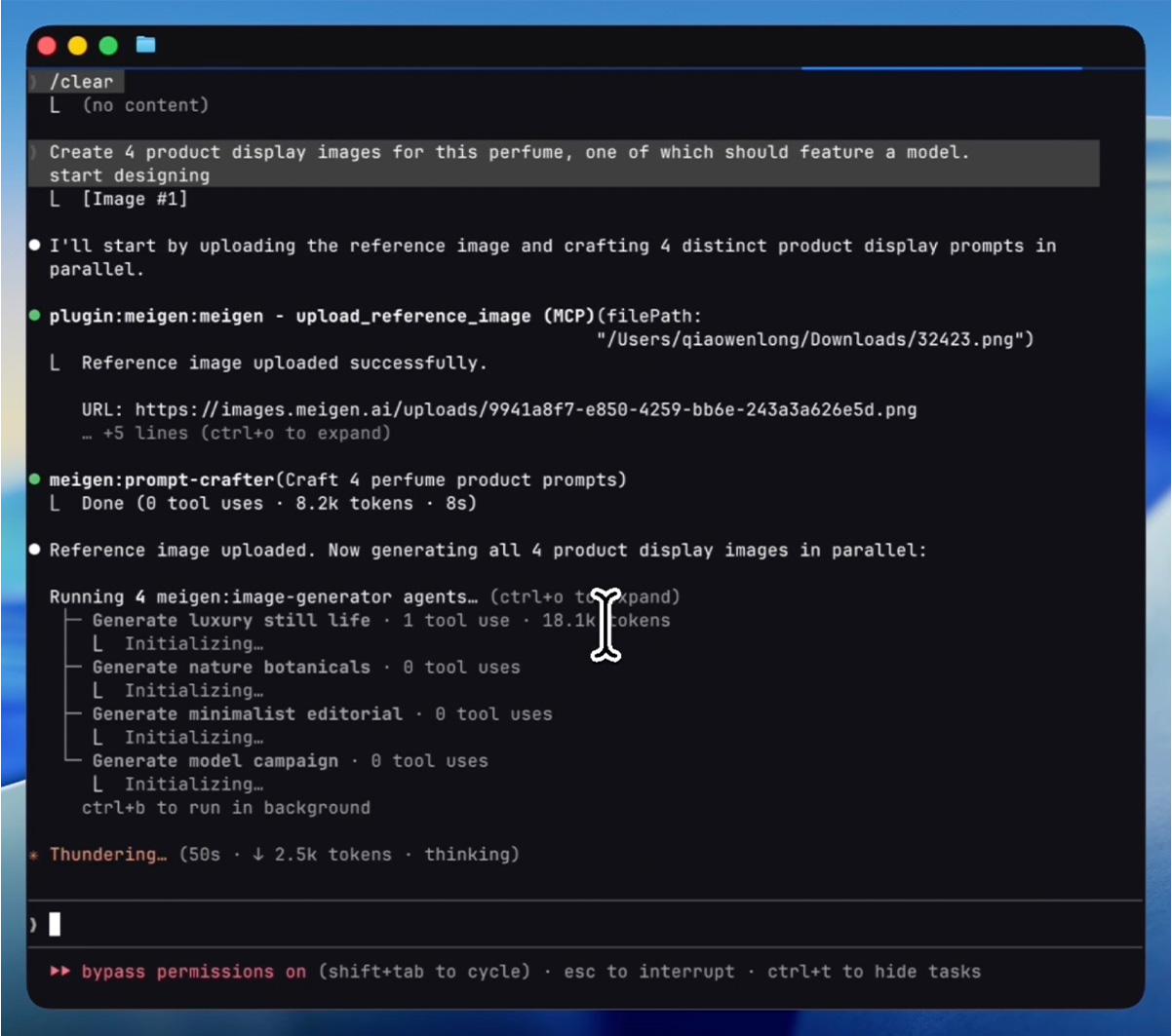
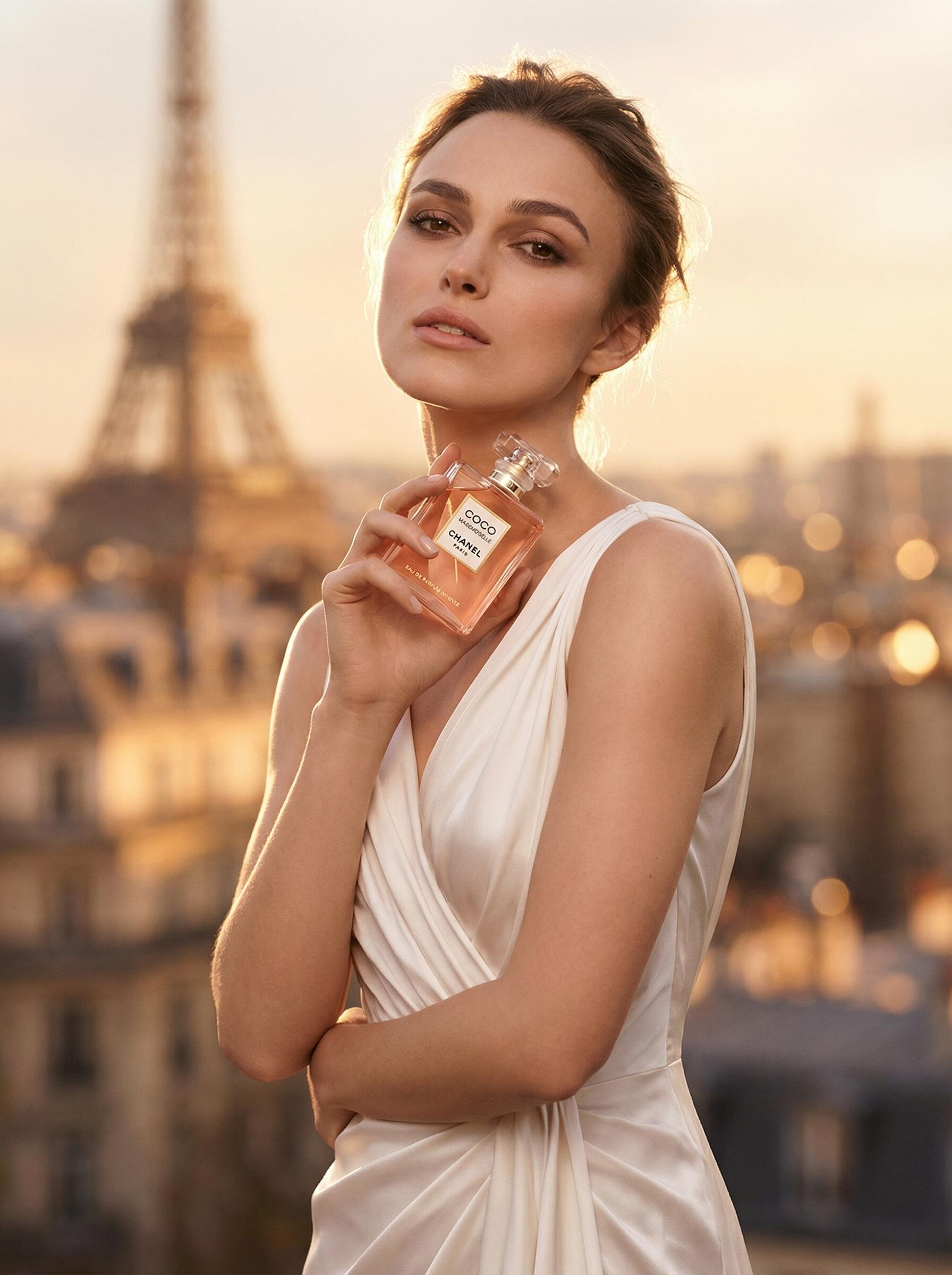
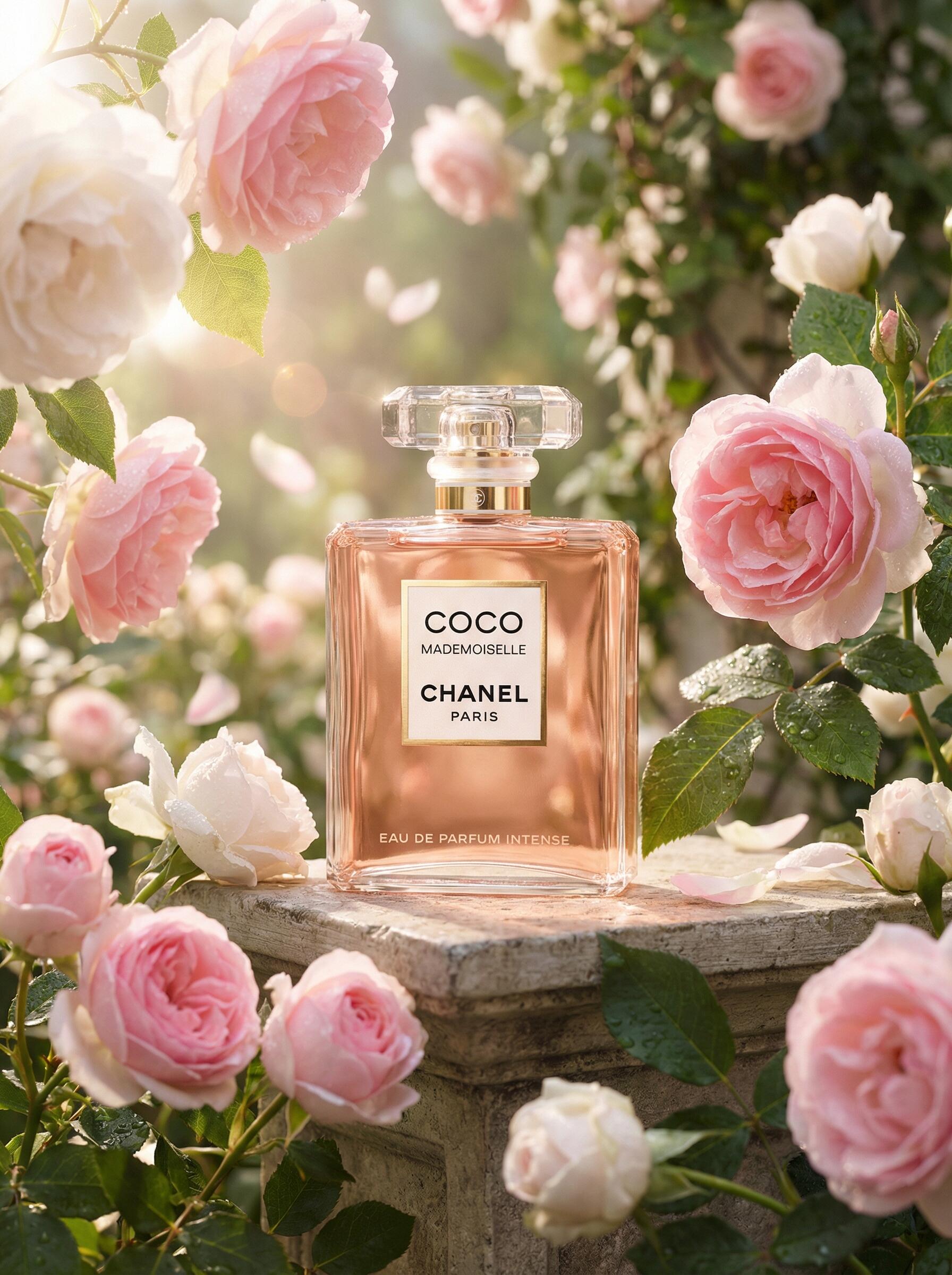
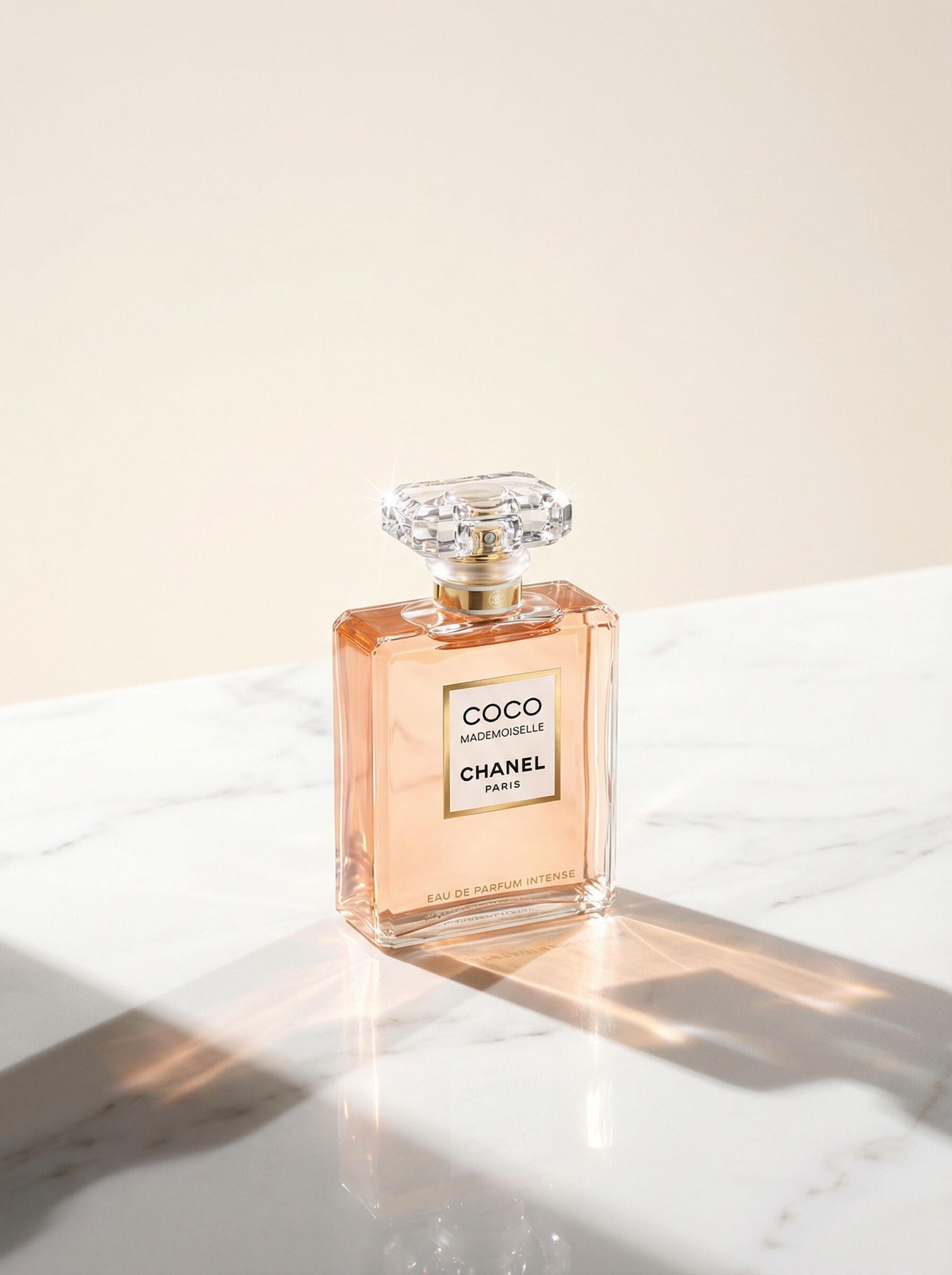
"Create 4 product display images for this perfume, one of which should feature a model."
Process — AI uploads the reference image, crafts 4 distinct prompts, then generates all 4 in parallel:
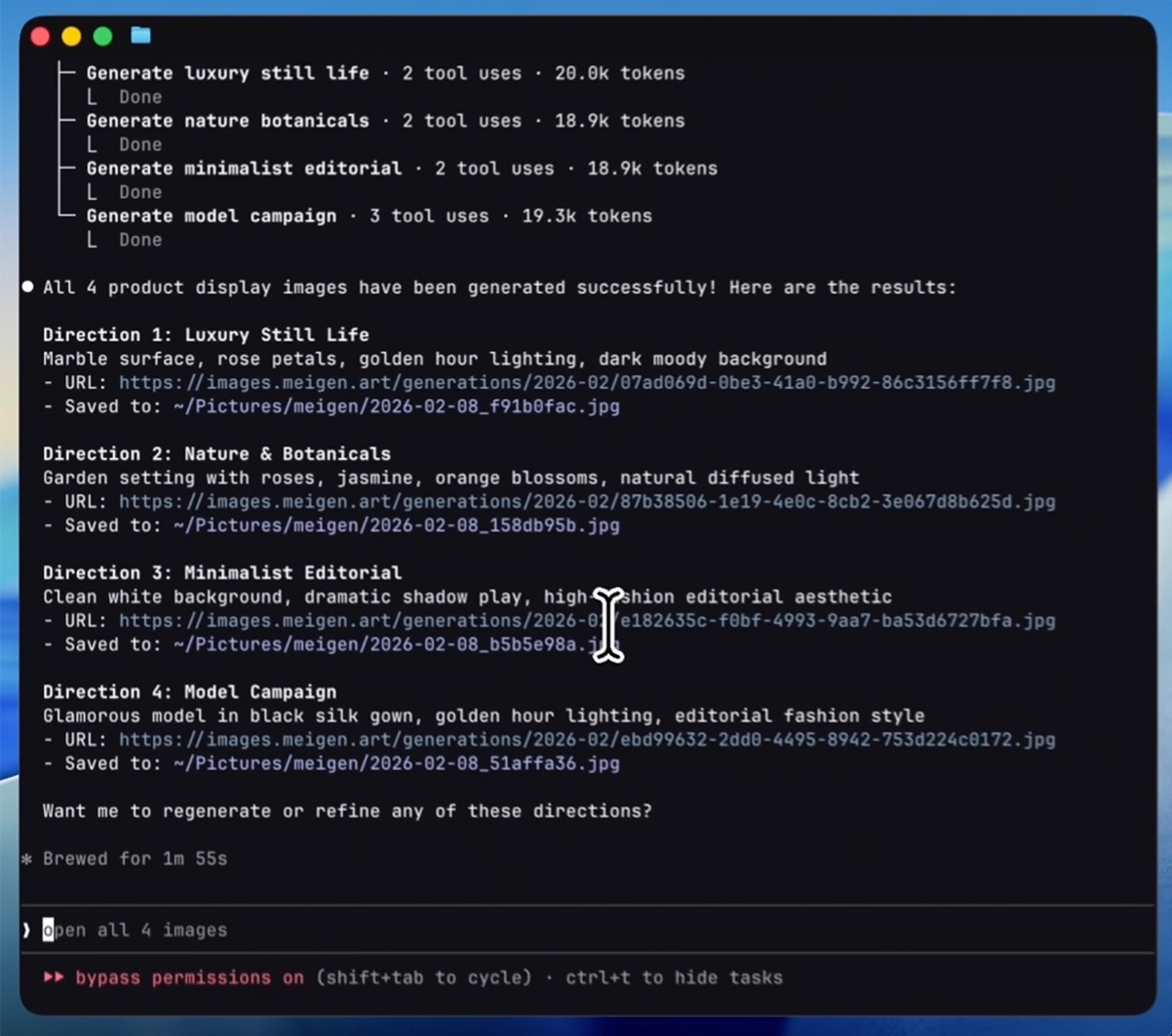
Result — 4 creative directions delivered in under 2 minutes:
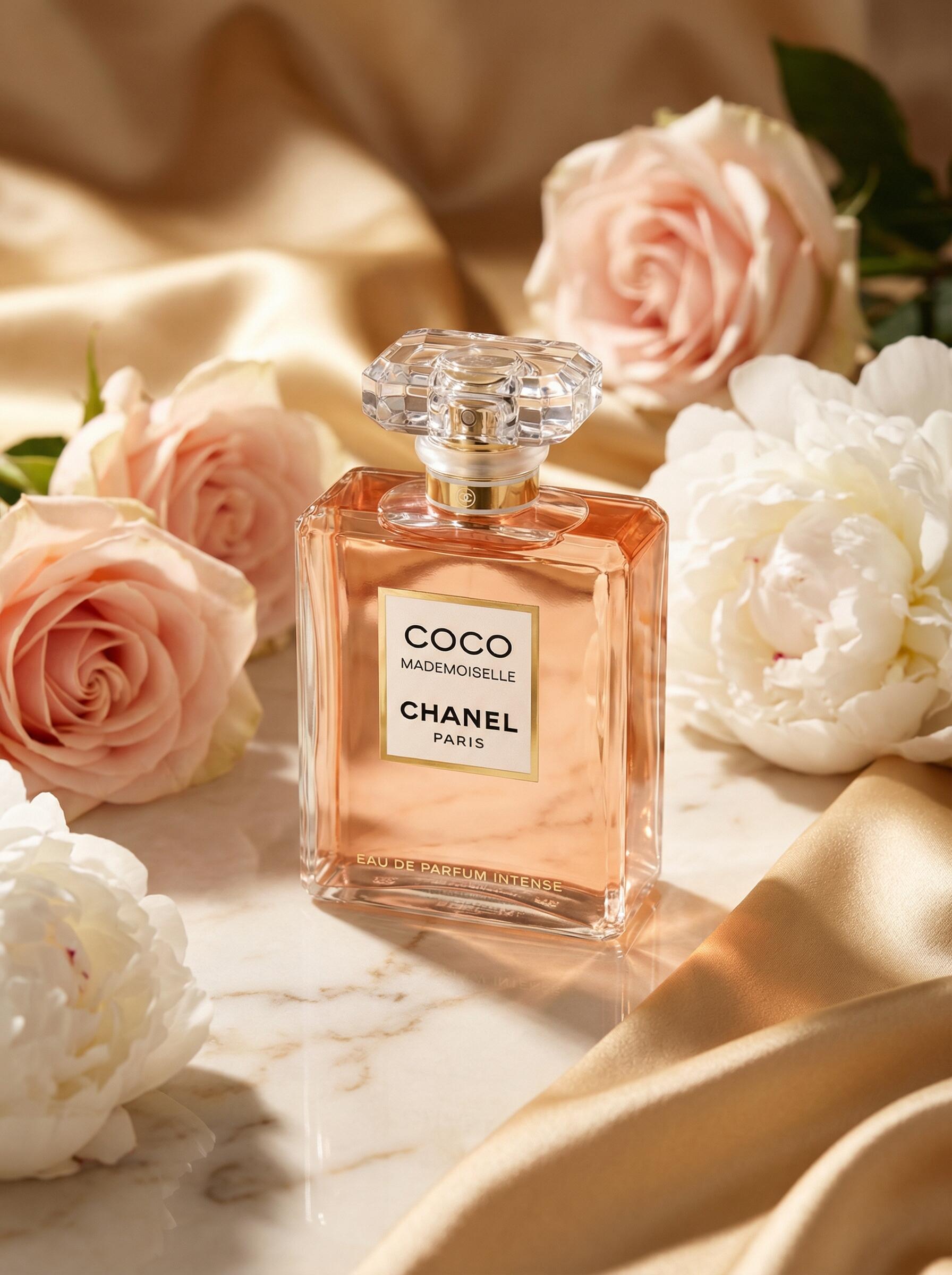
Generated images:
# Add the plugin marketplace
/plugin marketplace add jau123/MeiGen-AI-Design-MCP

# Install
/plugin install meigen@meigen-marketplace
Restart Claude Code after installation (close and reopen, or open a new terminal tab).
Alternative marketplace — also available via wshobson/agents (30k+ stars):
/plugin marketplace add wshobson/agents
/plugin install meigen-ai-design@claude-code-workflows
This marketplace doesn't bundle MCP server config. After installing, add to your project's
.mcp.json:{ "mcpServers": { "meigen": { "command": "npx", "args": ["-y", "[email protected]"] } } }
npx claudepluginhub jau123/meigen-ai-design-mcp --plugin meigenAI image generation with creative workflow orchestration, parallel multi-direction output, prompt engineering, and a 1,300+ curated inspiration library. Requires MeiGen MCP server (supports MeiGen Cloud, local ComfyUI, and OpenAI-compatible APIs).
 wshobson
OpenAI GPT Image 2 prompt gallery, image prompt library, agentic skill + CLI. Gallery-first prompt patterns, reference-image editing workflows, and a packaged CLI for skill-capable agent runtimes.
 wuyoscar
AI image generation Creative Director powered by Google Gemini Nano Banana models. Claude interprets intent, selects domain expertise, constructs optimized prompts, and orchestrates Gemini for best results.
 AgriciDaniel
Generate optimized prompts for Gemini 2.5 Flash Image (Nano Banana). Use for image generation, crafting photo prompts, art styles, or multi-turn editing workflows with best practices.
 secondsky
5-phase guided workflow for creating production-quality image generation prompts for Nano Banana (Google's AI image generator). Supports brand presets, iterative revision, and reference image management.
 animalzinc
AI-powered skill for automatically generating custom poster designs with text, images, and layouts.
 eachlabs
'%20stop-opacity%3D'0.16'%2F%3E%3Cstop%20offset%3D'1'%20stop-color%3D'rgb(200%2C90%2C60)'%20stop-opacity%3D'0.03'%2F%3E%3C%2FlinearGradient%3E%3C%2Fdefs%3E%3Crect%20width%3D'320'%20height%3D'200'%20fill%3D'url(%23g)'%2F%3E%3Ccircle%20cx%3D'250'%20cy%3D'56'%20r%3D'92'%20fill%3D'rgb(200%2C90%2C60)'%20fill-opacity%3D'0.06'%2F%3E%3Ccircle%20cx%3D'64'%20cy%3D'172'%20r%3D'58'%20fill%3D'rgb(200%2C90%2C60)'%20fill-opacity%3D'0.05'%2F%3E%3C%2Fsvg%3E)