Stats
Actions
Available In
Tags
Security reminder hook that warns about potential security issues when editing files, including command injection, XSS, and unsafe code patterns


Claude Code is an agentic coding tool that lives in your terminal, understands your codebase, and helps you code faster by executing routine tasks, explaining complex code, and handling git workflows -- all through natural language commands. Use it in your terminal, IDE, or tag @claude on Github.
Learn more in the official documentation.
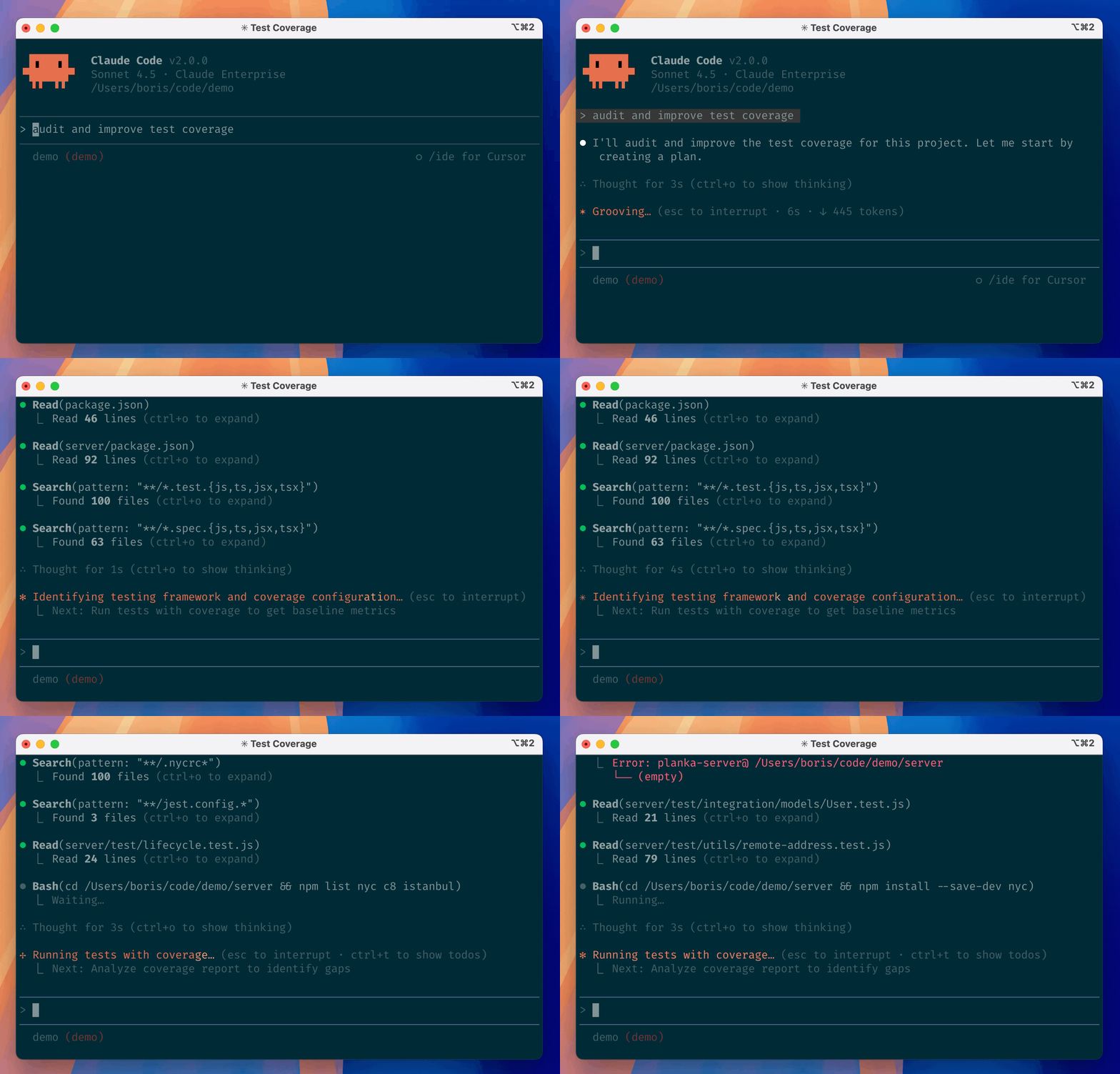
[!NOTE] Installation via npm is deprecated. Use one of the recommended methods below.
For more installation options, uninstall steps, and troubleshooting, see the setup documentation.
Install Claude Code:
MacOS/Linux (Recommended):
curl -fsSL https://claude.ai/install.sh | bash
Homebrew (MacOS/Linux):
brew install --cask claude-code
Windows (Recommended):
irm https://claude.ai/install.ps1 | iex
WinGet (Windows):
winget install Anthropic.ClaudeCode
NPM (Deprecated):
npm install -g @anthropic-ai/claude-code
Navigate to your project directory and run claude.
This repository includes several Claude Code plugins that extend functionality with custom commands and agents. See the plugins directory for detailed documentation on available plugins.
We welcome your feedback. Use the /bug command to report issues directly within Claude Code, or file a GitHub issue.
Join the Claude Developers Discord to connect with other developers using Claude Code. Get help, share feedback, and discuss your projects with the community.
When you use Claude Code, we collect feedback, which includes usage data (such as code acceptance or rejections), associated conversation data, and user feedback submitted via the /bug command.
See our data usage policies.
We have implemented several safeguards to protect your data, including limited retention periods for sensitive information, restricted access to user session data, and clear policies against using feedback for model training.
For full details, please review our Commercial Terms of Service and Privacy Policy.
Modifies files
Hook triggers on file write and edit operations
Own this plugin?
Verify ownership to unlock analytics, metadata editing, and a verified badge. GitHub access is read-only (username + org membership).
Sign in to claimOwn this plugin?
Verify ownership to unlock analytics, metadata editing, and a verified badge. GitHub access is read-only (username + org membership).
Sign in to claimBased on adoption, maintenance, documentation, and repository signals. Not a security audit or endorsement.
Migrate your code and prompts from Sonnet 4.x and Opus 4.1 to Opus 4.5.
Comprehensive feature development workflow with specialized agents for codebase exploration, architecture design, and quality review
Implementation of the Ralph Wiggum technique - continuous self-referential AI loops for interactive iterative development. Run Claude in a while-true loop with the same prompt until task completion.
Claude Agent SDK Development Plugin
Easily create hooks to prevent unwanted behaviors by analyzing conversation patterns
npx claudepluginhub gary-chakraborty/claude_codeSecurity reminder hook that warns about potential security issues when editing files, including command injection, XSS, and unsafe code patterns
 EricGrill
Protect secrets and credentials from Claude Code. Blocks writes to .env files, detects API keys in shell commands, prevents hardcoded tokens, and guards service account JSON files.
 yurukusa
Harness-native ECC plugin for engineering teams - 67 agents, 271 skills, 92 legacy command shims, reusable hooks, rules, MCP conventions, and operator workflows for Claude Code plus adjacent agent harnesses
 affaan-m
Complete collection of battle-tested Claude Code configs from an Anthropic hackathon winner - agents, skills, hooks, and rules evolved over 10+ months of intensive daily use
 xu-xiang
'%20stop-opacity%3D'0.16'%2F%3E%3Cstop%20offset%3D'1'%20stop-color%3D'rgb(200%2C90%2C60)'%20stop-opacity%3D'0.03'%2F%3E%3C%2FlinearGradient%3E%3C%2Fdefs%3E%3Crect%20width%3D'320'%20height%3D'200'%20fill%3D'url(%23g)'%2F%3E%3Ccircle%20cx%3D'250'%20cy%3D'56'%20r%3D'92'%20fill%3D'rgb(200%2C90%2C60)'%20fill-opacity%3D'0.06'%2F%3E%3Ccircle%20cx%3D'64'%20cy%3D'172'%20r%3D'58'%20fill%3D'rgb(200%2C90%2C60)'%20fill-opacity%3D'0.05'%2F%3E%3C%2Fsvg%3E)