Stats
Actions
Available In
Tags

Maintainer, documentation, job-search, and automation-design workflows.
Design evaluation workflows for agent, skill, prompt, and automation behavior before implementation. Use when choosing eval cases, graders, thresholds, regression runs, full-auto gates, or escalation points for Codex skills, repo-local agents, OpenAI Agents SDK services, LangGraph graphs, or other agentic workflows.
Search and triage technology jobs through Dice's remote MCP server. Use when the user wants Dice.com job search help, MCP setup guidance, role-fit triage, resume-to-listing comparison, saved search prompt design, salary or skills trend checks, or recurring job-search automation boundaries grounded in Dice's documented search_jobs tool.
Use this skill when the user wants a code path, flow, pipeline, request lifecycle, trace, walkthrough, or part of a system explained step by step from start to finish. Explain where data comes from, what shape it has, who sends it, why it enters the flow, what calls what next, where branches and boundaries happen, how data transforms, and what comes out at the end. Also use this when the user asks things like “walk me through this,” “follow this through the code,” “show me the path,” “what calls this,” “where does this data come from,” “where does it go next,” “why is this shaped like this,” “how does this part work,” or when they want two flows compared.
Audit or align a GitHub repository's server-side settings, including repository features, merge methods, branch protection or rulesets, Dependabot, secret scanning, push protection, private vulnerability reporting, DCO web sign-off, and related defaults. Use when the user asks to configure a new GitHub repo, apply normal repository settings, inspect settings drift, audit branch protection or security settings, or change specific GitHub repository policy. Do not use for ordinary local Git commits, branches, pushes, pull-request prose, code review replies, or release choreography.
Maintain project-local AGENTS.md files through deterministic audit and bounded apply modes. Use when a repository's AGENTS.md needs auditing, normalization, or bounded fixes for durable repo guidance, grounded commands, review expectations, or safety boundaries. This is the default baseline AGENTS workflow for most repos unless a narrower plugin owns that repo shape.
External network access
Connects to servers outside your machine
Own this plugin?
Verify ownership to unlock analytics, metadata editing, and a verified badge. GitHub access is read-only (username + org membership).
Sign in to claimOwn this plugin?
Verify ownership to unlock analytics, metadata editing, and a verified badge. GitHub access is read-only (username + org membership).
Sign in to claimBased on adoption, maintenance, documentation, and repository signals. Not a security audit or endorsement.
The macOS Marketplace for Codex

Promo audio: Socket Codex Marketplace Promo
socket is maintained by Gaelic Ghost.
Socket is a Marketplace of Plugins, Hooks, and MCP servers for Apple Platform Devs
Agents are great, but to do specialized work, they need specialized tools. Socket is a shared catalog for focused Codex plugins, hooks, skills, and MCP-backed workflows.
Add the socket marketplace to Codex with:
codex plugin marketplace add gaelic-ghost/socket
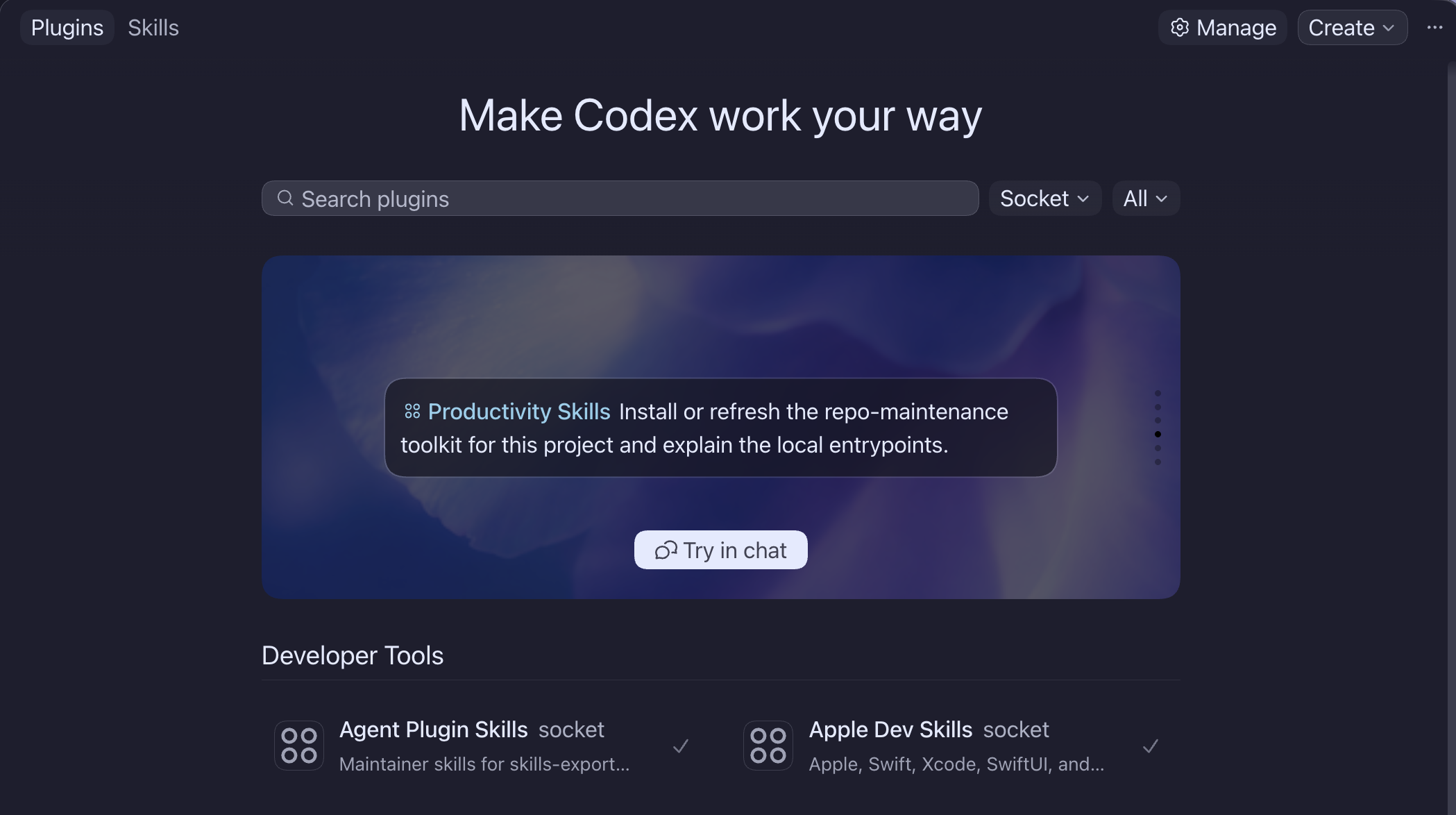
After adding socket, restart your Codex, open the plugin directory, select Socket, and then install your choice of plugins.
When the marketplace changes, refresh it with:
codex plugin marketplace upgrade socket
Newly added plugins can be installed from the same plugin directory inside Codex.
Socket publishes an explicit Hermes compatibility surface for portable skills and translated MCP configuration:
hermes skills tap add gaelic-ghost/socket
hermes skills install gaelic-ghost/socket/hermes-agent-compatibility
Codex plugin bundles remain host-specific. See the Hermes compatibility guide for the available skill tap, MCP translations, and the cases that need a native Hermes plugin.
Socket also publishes a Claude marketplace. In Claude Code, add it with:
claude plugin marketplace add gaelic-ghost/socket
Then install the individual Socket plugins you want. Cowork users can add the same GitHub marketplace from Customize → Plugins. Socket skills work in both hosts; local Mac integrations such as Xcode, Cardhop, and Things are Claude Code-only. Speak Swiftly remains unavailable in this catalog until its standalone payload has a Claude-native hook boundary. See the Claude compatibility guide for the full support boundary and update flow.
For Xcode 27 beta, add Socket through Xcode's official Plug-ins UI:
https://github.com/gaelic-ghost/socket.git
Xcode should enumerate the Socket child plug-ins from the public repository and let you import only the plug-ins you trust and need.
The Import from Codex path is still under evaluation for Xcode 27 beta. In current local testing, Xcode can see Codex-installed plug-ins, but it may select stale standalone or local-cache payloads when the same plug-in also exists outside the current Socket marketplace install. Prefer Add from URL for Socket until that beta behavior is better understood.
For Zed's Codex external agent, install and update Socket through the normal Codex marketplace flow. Current local testing shows Zed's bundled codex-acp path inherits the user's normal Codex home by default, so Codex-in-Zed sees the same global ~/.codex config, Socket marketplace cache, installed plug-ins, skills, and MCP servers as the regular Codex CLI and GUI unless Zed or the adapter is launched with an explicit CODEX_HOME.
Zed's own first-party Agent uses Zed-native skills and MCP configuration. Treat that as a separate compatibility surface from Codex running inside Zed through ACP.
Use socket when you want one Codex catalog for focused agent workflow plugins.
Currently available from the catalog:
agent-portability-skillsandroid-dev-skillsapple-creator-studio-skillsapple-dev-skillscardhop-appcloud-deployment-skillscloud-inference-skillscybersecurity-skillsmessaging-collaboration-skillsmodel-lab-skillsagentdeckdotnet-skillsgame-dev-skillsnetwork-protocol-skillsproductivity-skillspython-skillsreverse-engineering-skillsserver-side-jvmserver-side-swiftswift-langrust-skillsspeak-swiftlyswiftasb-skillsthings-appweb-dev-skillsApple Dev Skills is Socket-owned under plugins/apple-dev-skills and keeps its public README because existing users can still arrive through the standalone compatibility marketplace. Other child planning now lives in ROADMAP.md.
Current Socket catalog shape:
npx claudepluginhub gaelic-ghost/socket --plugin productivity-skillsSwiftASB integration and application-development workflows.
 gaelic-ghost
Android, Kotlin, Java, Gradle, testing, and release workflows.
gaelic-ghostApple game-development workflows for Metal, SpriteKit, SceneKit, and gameplay systems.
gaelic-ghostShared Swift API, error handling, formatting, and modernization workflows.
gaelic-ghostCross-host agent-skill and plugin portability workflows.
gaelic-ghostv9.54.1 — Reliability wave: tangle contextual review correction loop with hard round ceiling, progress-supervised review rounds (per-agent stall watch, descendant-tree kills), council diversity and agy pin fixes, marketplace generator source-of-truth fix, provider troubleshooting runbook and cost-expectations docs. Run /octo:setup.
 nyldn
nyldnUpstash Context7 MCP server for up-to-date documentation lookup. Pull version-specific documentation and code examples directly from source repositories into your LLM context.
 upstash
Reliable automation, in-depth debugging, and performance analysis in Chrome using Chrome DevTools and Puppeteer
 ChromeDevTools
Evidence-gated AI coding workflow: scan → analyze → plan → TDD → execute → fix → verify → review, powered by Codebase Memory MCP >= 0.9.0 with optional Serena LSP intelligence. Includes blast-radius planning, test/cycle gates, independent review, and Windows Git Bash hook auto-resolution.
 datit309
Comprehensive C4 architecture documentation workflow with bottom-up code analysis, component synthesis, container mapping, and context diagram generation
 wshobson
'%20stop-opacity%3D'0.16'%2F%3E%3Cstop%20offset%3D'1'%20stop-color%3D'rgb(200%2C90%2C60)'%20stop-opacity%3D'0.03'%2F%3E%3C%2FlinearGradient%3E%3C%2Fdefs%3E%3Crect%20width%3D'320'%20height%3D'200'%20fill%3D'url(%23g)'%2F%3E%3Ccircle%20cx%3D'250'%20cy%3D'56'%20r%3D'92'%20fill%3D'rgb(200%2C90%2C60)'%20fill-opacity%3D'0.06'%2F%3E%3Ccircle%20cx%3D'64'%20cy%3D'172'%20r%3D'58'%20fill%3D'rgb(200%2C90%2C60)'%20fill-opacity%3D'0.05'%2F%3E%3C%2Fsvg%3E)