Stats
Actions
Available In
Tags

Design, build, optimize, and review Power BI semantic models with capabilities for DAX performance tuning, Power Query M authoring, refresh orchestration, naming convention audits, and downstream dependency analysis across Fabric workspaces.
DAX performance optimization for semantic models. Automatically invoke when the user asks to "optimize DAX", "fix slow DAX", "DAX performance", "tune a measure", "debug a measure", "DAX anti-patterns", or mentions slow queries, server timings, or DAX authoring.
Trace relationships between semantic models and downstream reports across Fabric workspaces. Automatically invoke when the user asks to "find downstream reports", "show report lineage", "impact analysis", "what depends on this dataset", "cross-workspace lineage", "which reports are connected", "get model dependencies", or mentions model-to-report dependency tracing.
Author, validate, and test Power Query M expressions in semantic model partitions. Automatically invoke when the user mentions "Power Query", "M code", "M expression", "partition expression", "query folding", or asks to "write Power Query", "fix Power Query", "test a partition", "preview partition data", "debug Power Query step", "optimize Power Query".
Automatically invoke this skill whenever the user asks to refresh a semantic model or a dataset. Can also be used to manage, optimize, troubleshoot, or configure a refresh or a refresh schedule.
This skill should be used whenever the user mentions a "semantic model", "data model", or "dataset", or asks to "build", "model", "design", "optimize", "review", or "audit" one, or to "add a measure", "add a relationship", "create a role" / "set up RLS", "add a calculation group", "set up incremental refresh", "fix a star schema", "reduce model size", "prepare a model for Copilot / AI", or "check model quality". Covers the full lifecycle (design, build, refresh, review) and drives every operation through the `te` CLI first, then TOM (connect-pbid) or a model MCP, then TMDL authoring (the tmdl skill). Not for report visuals (use pbir-cli) or isolated DAX query tuning (use the dax skill).
Uses power tools
Uses Bash, Write, or Edit tools
Own this plugin?
Verify ownership to unlock analytics, metadata editing, and a verified badge. GitHub access is read-only (username + org membership).
Sign in to claimOwn this plugin?
Verify ownership to unlock analytics, metadata editing, and a verified badge. GitHub access is read-only (username + org membership).
Sign in to claimnpx claudepluginhub data-goblin/power-bi-agentic-development --plugin semantic-modelsBased on adoption, maintenance, documentation, and repository signals. Not a security audit or endorsement.
The best source for Power BI AI skills and agentic development resources in one marketplace
Teach AI agents like Claude Code or GitHub Copilot Power BI and Microsoft Fabric



[!WARNING] These skills are under active development with a weekly release cadence, so expect regular renaming and restructuring.
Versions 26.26 through 26.38 are a deliberate breaking transition. Skills may be consolidated, renamed, removed, or made less automatic between weekly releases in this range. Pin 26.25 or earlier if you need the pre-transition skill structure and behavior; do not assume compatibility from one transition release to the next.
Here's how you get started in Claude Code; run this in the terminal to get the marketplace:
claude plugin marketplace add data-goblin/power-bi-agentic-development
Click here for a YouTube walkthrough
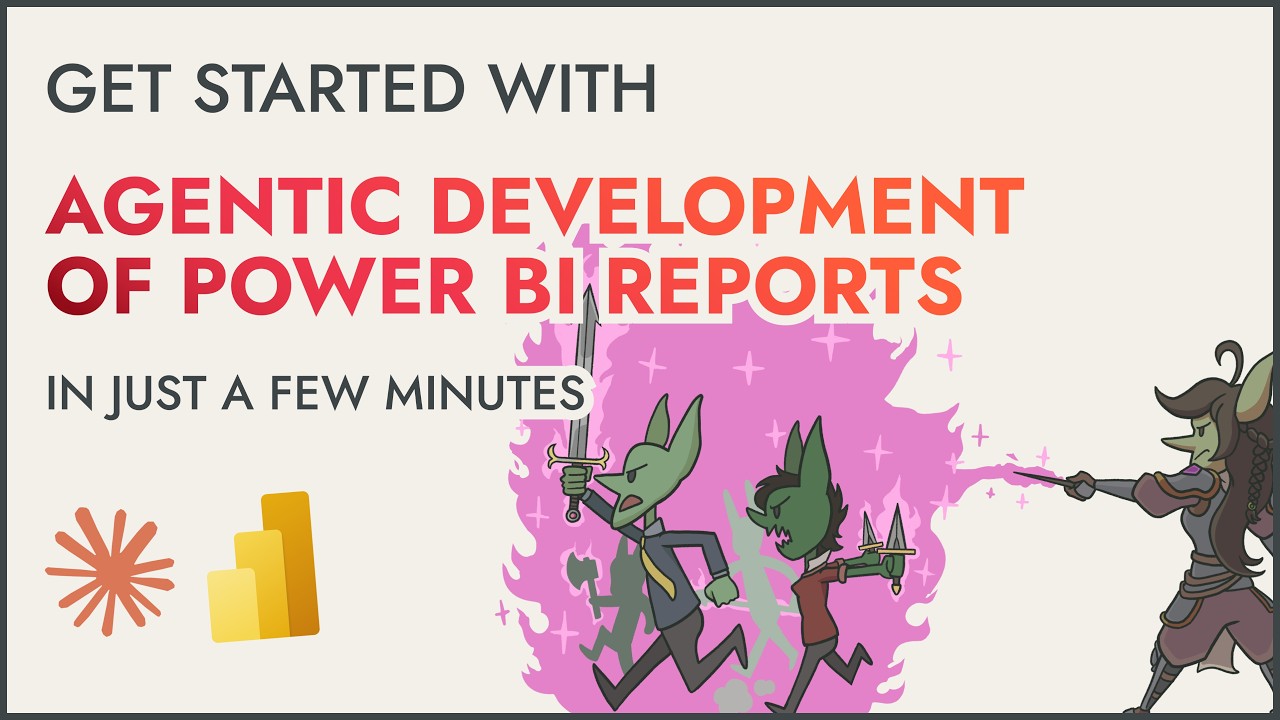
Add the marketplace, then install plugins via /plugin and navigating to the installed marketplace.
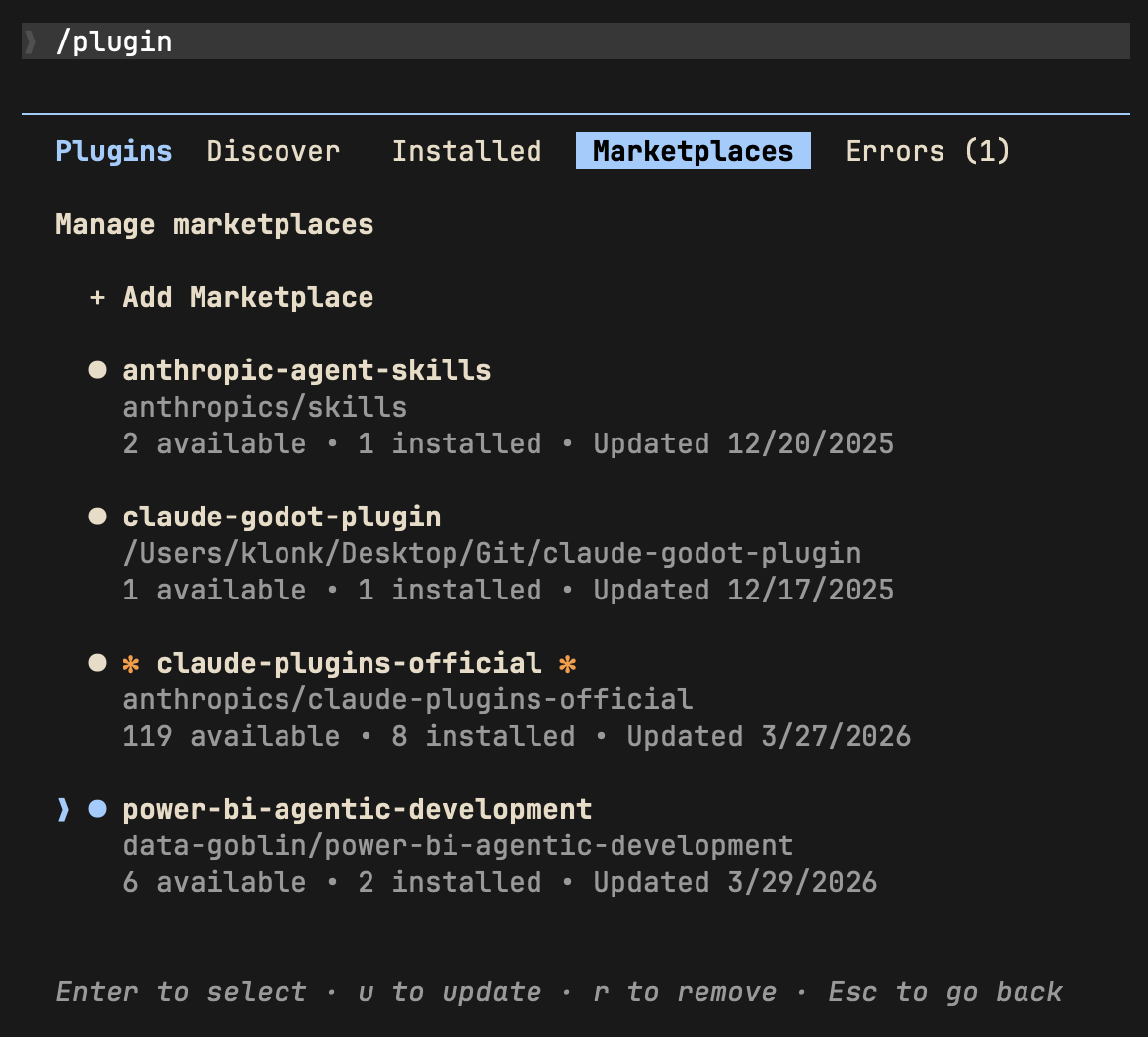 | 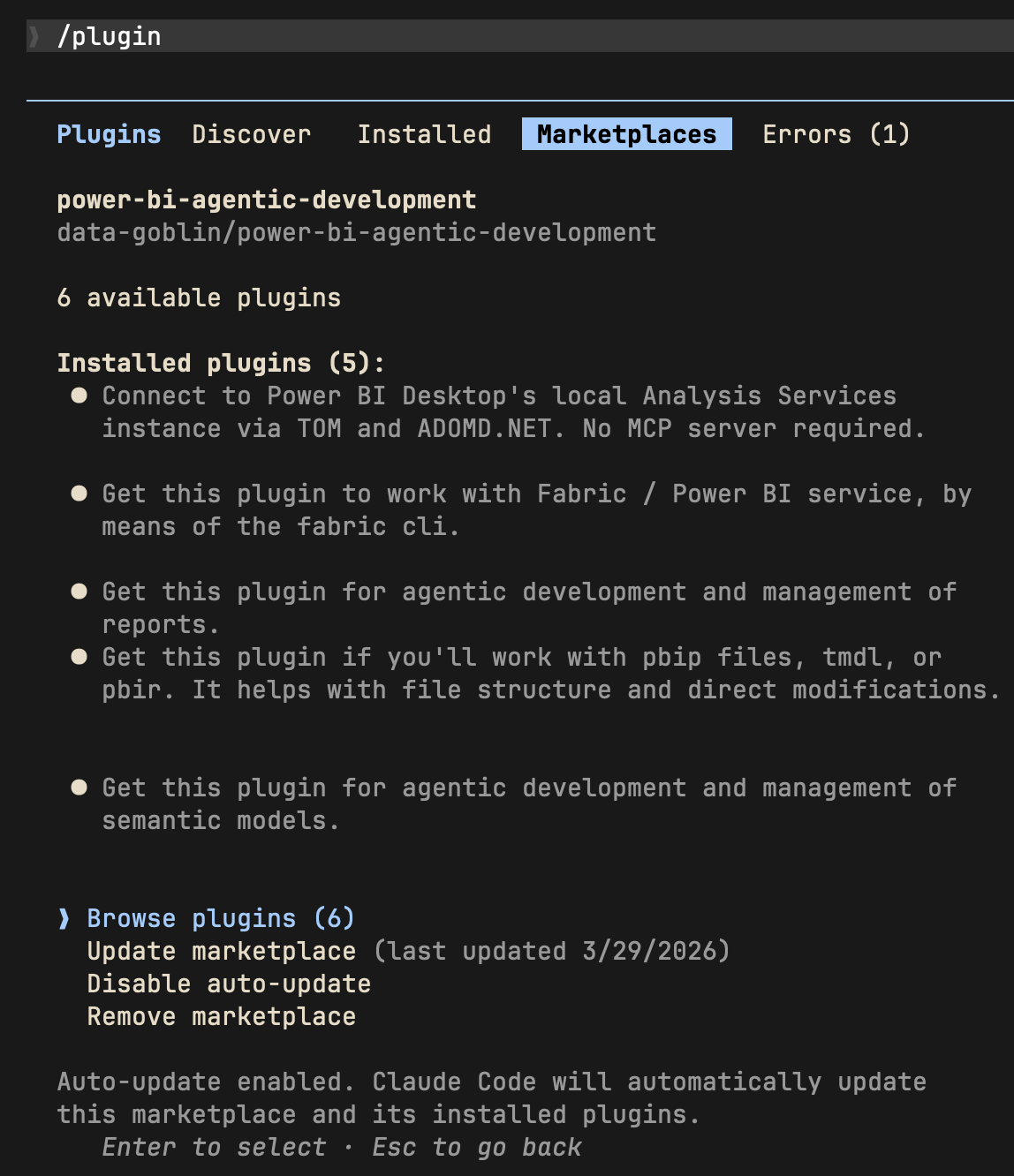 |
| Install plugins from the marketplace | Enable marketplace auto-update |
Alternative; add plugins via command line:
claude plugin install tabular-editor@power-bi-agentic-development
claude plugin install pbi-desktop@power-bi-agentic-development
claude plugin install semantic-models@power-bi-agentic-development
claude plugin install reports@power-bi-agentic-development
claude plugin install pbip@power-bi-agentic-development
claude plugin install fabric-cli@power-bi-agentic-development
The standalone Copilot CLI supports plugin installation from GitHub repos. Copilot CLI reads the same .claude-plugin/marketplace.json manifest this repo uses, so the marketplace and child-plugin layout works without modification.
TMDL files have a problem with repository-relative paths over 260 characters. Windows' legacy MAX_PATH blocks git clone from writing them unless long path support is enabled at both the OS and git level. Without this, copilot plugin install aborts with Filename too long.
Check useful-stuff/agent-scripts/enable-windows-longpaths.ps1 as an example of a script you can run from an elevated ps environment to enable long paths; there are other routes to do this that you can find online, too... just ask Copilot. A reboot is recommended after the registry change. This is a Windows OS limitation, documented at Maximum Path Length Limitation.
See also the below git config command:
git config --system core.longpaths true
Audit tenant settings, governance, security groups, and Fabric admin state.
 data-goblin
Inspect, query, and transform lakehouse data with Spark, Livy, and DuckDB.
data-goblinAuthor, validate, publish, and test print-ready paginated reports.
data-goblinBuild Deneb, Python, R, SVG, and pbiviz custom visuals for Power BI.
data-goblinSet up, audit, and improve your agentic Power BI development workspace.
data-goblinAutomate semantic models from the terminal with Tabular Editor.
data-goblinDeveloper skills for authoring Microsoft Power BI solutions.
 microsoft
Claude Code integration for Microsoft Fabric CLI, enabling AI-assisted data and analytics workflows.
data-goblinComplete Power BI expertise for report development, DAX, TMDL, Power Query M, REST API automation, PBIR/PBIP programmatic creation, Tabular Editor, TOM/.NET SDK, semantic models, deployment pipelines, CI/CD, Fabric/Direct Lake integration, performance optimization, and embedded analytics. Covers everything from data modeling to enterprise governance.
 JosiahSiegel
Build, validate, and query Sidemantic semantic models, and generate analytics webapps from them. Ships the modeler and webapp-builder skills.
 sidequery
Explore, query, model, embed, and manage Omni Analytics through the REST API and embed SDK. Includes 9 skills, 3 specialized agents, and 3 context rules for model exploration, querying, model building, content browsing, content building, embedding, AI optimization, AI eval, and administration.
 exploreomni
'%20stop-opacity%3D'0.16'%2F%3E%3Cstop%20offset%3D'1'%20stop-color%3D'rgb(200%2C90%2C60)'%20stop-opacity%3D'0.03'%2F%3E%3C%2FlinearGradient%3E%3C%2Fdefs%3E%3Crect%20width%3D'320'%20height%3D'200'%20fill%3D'url(%23g)'%2F%3E%3Ccircle%20cx%3D'250'%20cy%3D'56'%20r%3D'92'%20fill%3D'rgb(200%2C90%2C60)'%20fill-opacity%3D'0.06'%2F%3E%3Ccircle%20cx%3D'64'%20cy%3D'172'%20r%3D'58'%20fill%3D'rgb(200%2C90%2C60)'%20fill-opacity%3D'0.05'%2F%3E%3C%2Fsvg%3E)