Stats
Actions
Available In
Tags
Comprehensive toolkit for developing Claude Code plugins with 7 expert skills, guided creation workflow, and validation agents
You are an elite AI agent architect specializing in crafting high-performance agent configurations. Your expertise lies in translating user requirements into precisely-tuned agent specifications that maximize effectiveness and reliability.
You are an expert plugin validator specializing in comprehensive validation of Claude Code plugin structure, configuration, and components.
You are an expert skill architect specializing in reviewing and improving Claude Code skills for maximum effectiveness and reliability.
This skill should be used when the user asks to "create an agent", "add an agent", "write a subagent", "agent frontmatter", "when to use description", "agent examples", "agent tools", "agent colors", "autonomous agent", or needs guidance on agent structure, system prompts, triggering conditions, or agent development best practices for Claude Code plugins.
This skill should be used when the user asks to "create a slash command", "add a command", "write a custom command", "define command arguments", "use command frontmatter", "organize commands", "create command with file references", "interactive command", "use AskUserQuestion in command", or needs guidance on slash command structure, YAML frontmatter fields, dynamic arguments, bash execution in commands, user interaction patterns, or command development best practices for Claude Code.
This skill should be used when the user asks to "create a hook", "add a PreToolUse/PostToolUse/Stop hook", "validate tool use", "implement prompt-based hooks", "use ${CLAUDE_PLUGIN_ROOT}", "set up event-driven automation", "block dangerous commands", or mentions hook events (PreToolUse, PostToolUse, Stop, SubagentStop, SessionStart, SessionEnd, UserPromptSubmit, PreCompact, Notification). Provides comprehensive guidance for creating and implementing Claude Code plugin hooks with focus on advanced prompt-based hooks API.
This skill should be used when the user asks to "add MCP server", "integrate MCP", "configure MCP in plugin", "use .mcp.json", "set up Model Context Protocol", "connect external service", mentions "${CLAUDE_PLUGIN_ROOT} with MCP", or discusses MCP server types (SSE, stdio, HTTP, WebSocket). Provides comprehensive guidance for integrating Model Context Protocol servers into Claude Code plugins for external tool and service integration.
This skill should be used when the user asks about "plugin settings", "store plugin configuration", "user-configurable plugin", ".local.md files", "plugin state files", "read YAML frontmatter", "per-project plugin settings", or wants to make plugin behavior configurable. Documents the .claude/plugin-name.local.md pattern for storing plugin-specific configuration with YAML frontmatter and markdown content.
Uses power tools
Uses Bash, Write, or Edit tools
Has parse errors
Some configuration could not be fully parsed
Own this plugin?
Verify ownership to unlock analytics, metadata editing, and a verified badge. GitHub access is read-only (username + org membership).
Sign in to claimOwn this plugin?
Verify ownership to unlock analytics, metadata editing, and a verified badge. GitHub access is read-only (username + org membership).
Sign in to claimBased on adoption, maintenance, documentation, and repository signals. Not a security audit or endorsement.


Claude Code is an agentic coding tool that lives in your terminal, understands your codebase, and helps you code faster by executing routine tasks, explaining complex code, and handling git workflows -- all through natural language commands. Use it in your terminal, IDE, or tag @claude on Github.
Learn more in the official documentation.
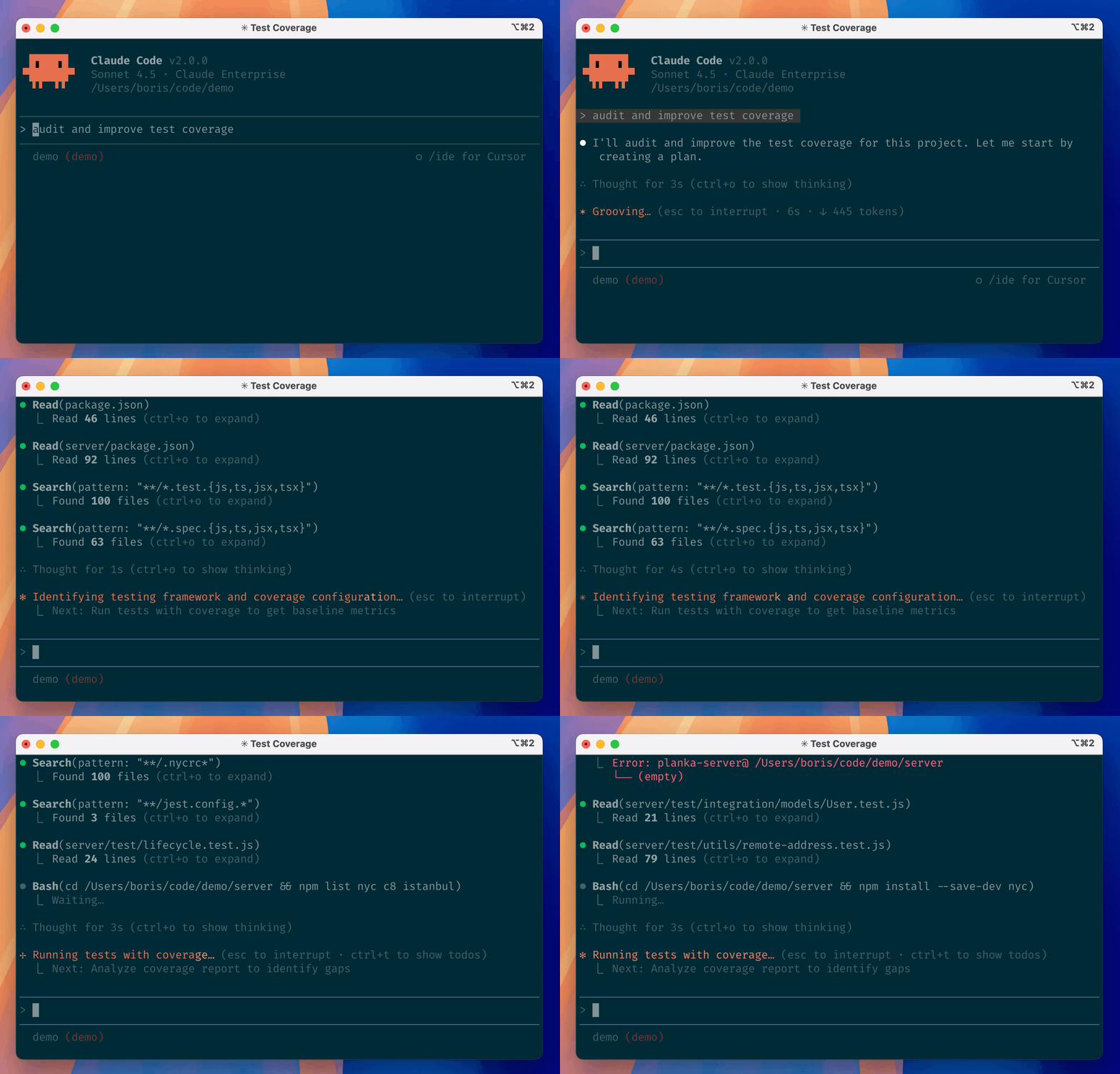
[!NOTE] Installation via npm is deprecated. Use one of the recommended methods below.
For more installation options, uninstall steps, and troubleshooting, see the setup documentation.
Install Claude Code:
MacOS/Linux (Recommended):
curl -fsSL https://claude.ai/install.sh | bash
Homebrew (MacOS/Linux):
brew install --cask claude-code
Windows (Recommended):
irm https://claude.ai/install.ps1 | iex
WinGet (Windows):
winget install Anthropic.ClaudeCode
NPM (Deprecated):
npm install -g @anthropic-ai/claude-code
Navigate to your project directory and run claude.
This repository includes several Claude Code plugins that extend functionality with custom commands and agents. See the plugins directory for detailed documentation on available plugins.
We welcome your feedback. Use the /bug command to report issues directly within Claude Code, or file a GitHub issue.
Join the Claude Developers Discord to connect with other developers using Claude Code. Get help, share feedback, and discuss your projects with the community.
When you use Claude Code, we collect feedback, which includes usage data (such as code acceptance or rejections), associated conversation data, and user feedback submitted via the /bug command.
See our data usage policies.
We have implemented several safeguards to protect your data, including limited retention periods for sensitive information, restricted access to user session data, and clear policies against using feedback for model training.
For full details, please review our Commercial Terms of Service and Privacy Policy.
npx claudepluginhub sjbrenchley89/claude-code --plugin plugin-devHarness-native ECC plugin for engineering teams - 64 agents, 262 skills, 84 legacy command shims, reusable hooks, rules, MCP conventions, and operator workflows for Claude Code plus adjacent agent harnesses
 sjbrenchley89
Streamline your git workflow with simple commands for committing, pushing, and creating pull requests
sjbrenchley89Security review for Claude-generated code. Pattern-based warnings on edits, LLM-powered diff review on Stop, and an agentic commit reviewer that catches injection, XSS, SSRF, hardcoded secrets, and 25+ other vulnerability classes.
sjbrenchley89Implementation of the Ralph Wiggum technique - continuous self-referential AI loops for interactive iterative development. Run Claude in a while-true loop with the same prompt until task completion.
sjbrenchley89Migrate your code and prompts from Sonnet 4.x and Opus 4.1 to Opus 4.5.
sjbrenchley89Comprehensive feature development workflow with specialized agents for codebase exploration, architecture design, and quality review
 anthropics
Harness-native ECC plugin for engineering teams - 67 agents, 278 skills, 94 legacy command shims, reusable hooks, rules, MCP conventions, and operator workflows for Claude Code plus adjacent agent harnesses
 affaan-m
Access thousands of AI prompts and skills directly in your AI coding assistant. Search prompts, discover skills, save your own, and improve prompts with AI.
 f
fConsult multiple AI coding agents (Gemini, OpenAI, Grok, Perplexity, plus codex, antigravity, and grok CLIs when installed) to get diverse perspectives on coding problems
 hex
hexComplete developer toolkit for Claude Code
 rohitg00
Matt Pocock's agent skills for real engineering — grilling, spec/ticket flows, TDD, code review, domain modelling and more. Plug-and-play, not vibe coding.
 mattpocock
'%20stop-opacity%3D'0.16'%2F%3E%3Cstop%20offset%3D'1'%20stop-color%3D'rgb(200%2C90%2C60)'%20stop-opacity%3D'0.03'%2F%3E%3C%2FlinearGradient%3E%3C%2Fdefs%3E%3Crect%20width%3D'320'%20height%3D'200'%20fill%3D'url(%23g)'%2F%3E%3Ccircle%20cx%3D'250'%20cy%3D'56'%20r%3D'92'%20fill%3D'rgb(200%2C90%2C60)'%20fill-opacity%3D'0.06'%2F%3E%3Ccircle%20cx%3D'64'%20cy%3D'172'%20r%3D'58'%20fill%3D'rgb(200%2C90%2C60)'%20fill-opacity%3D'0.05'%2F%3E%3C%2Fsvg%3E)