deckify
URL to HTML slide design system that genuinely enables AI‑native slides for real work environments
Train deckify on your brand once. Every deck after that is just a prompt.
English · 中文
What deckify does
You give deckify any brand's website. A few minutes later you have two things that compound:
- A complete Design System — the brand's colors, fonts, logo, voice, plus the engineering rules every slide should follow. Saved as one
.md file. Hand it to any AI agent, anywhere, anytime.
- A 9-slide demo deck — already in that brand's visual language. Living HTML, opens in any browser. Proves the spec works.
The first one is the asset that compounds. Every future deck gets generated from it — by AI, in HTML, in seconds. No design skills required. No PowerPoint required. No template to fight with.
You:    use deckify on https://www.tiffany.com
deckify: ... reads tiffany.com like a designer would
         ... extracts colors, fonts, logo, mood
         ... writes a Design System
         ... builds a 9-slide deck in Tiffany's visual language
         ... checks its own work, fixes anything off
         ✓ Done. Open ~/deckify/decks/tiffany/tiffany-deck.html
What makes deckify different
1. It learns your brand by looking, not by prompting
deckify visits the brand website like a designer would — clicks through the home page, the about page, the press kit; spots the real logo (not a generic placeholder); reads the real colors and fonts; senses the mood. Most "AI design tools" generate from a prompt; deckify learns from evidence.
2. It produces a reusable Design System, not a one-off deck
The output is a brand asset, not a single output. Every future deck — for the same brand — is generated by AI from this one Design System file. Update the file once, and every downstream deck moves with it. Slides stop being one-off creations and start being derived from a brand spec.
3. It checks its own work — then fixes itself
After deckify produces the slides, it doesn't just say "done". It runs 11 automatic checks ("Are the dimensions right?" "Is the logo actually visible?" "Will it look OK on a phone?") and then judges its own output against 6 visual standards ("Does it feel on-brand?" "Is the typography balanced?" "Does the content read well?"). If something scores low, it rewrites the part that's wrong and runs the checks again. The deck you see is what deckify believed was good enough to ship.
4. It knows what should never change
Designing slides has rules: logo must show on every slide; text below 12 px is unreadable; mobile must collapse to a single column. Most AI slide generators re-learn these the hard way each time. deckify bakes 40+ of these rules into its core; only the brand-specific stuff (colors, fonts, mood) varies per brand. Every deck looks like that brand but also works as engineering — on desktop, on mobile, on a projector, on a print.
See it in action
Eight reference brands, every one passing both machine checks and visual review. Open the HTML files in your browser to flip through:
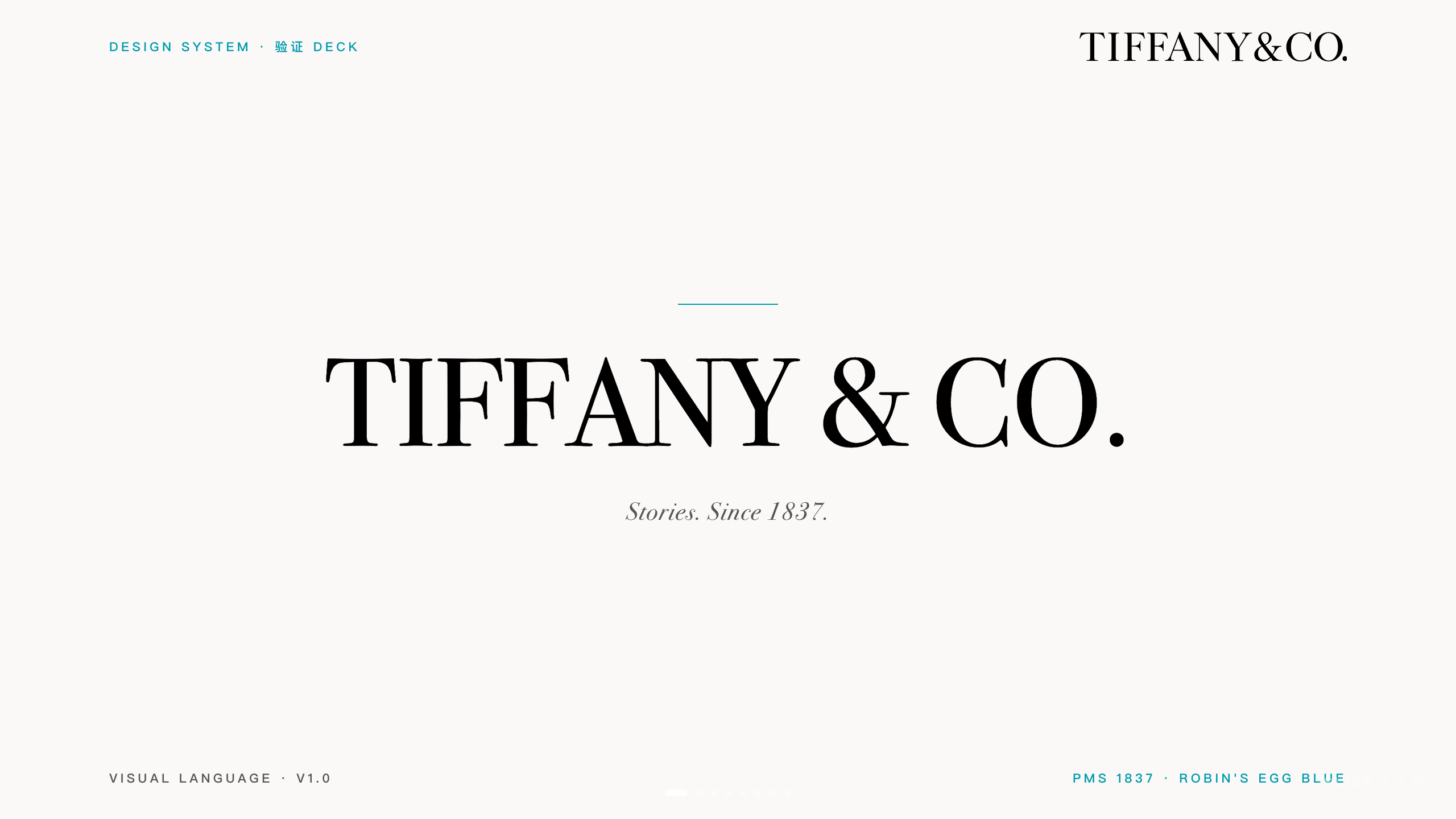
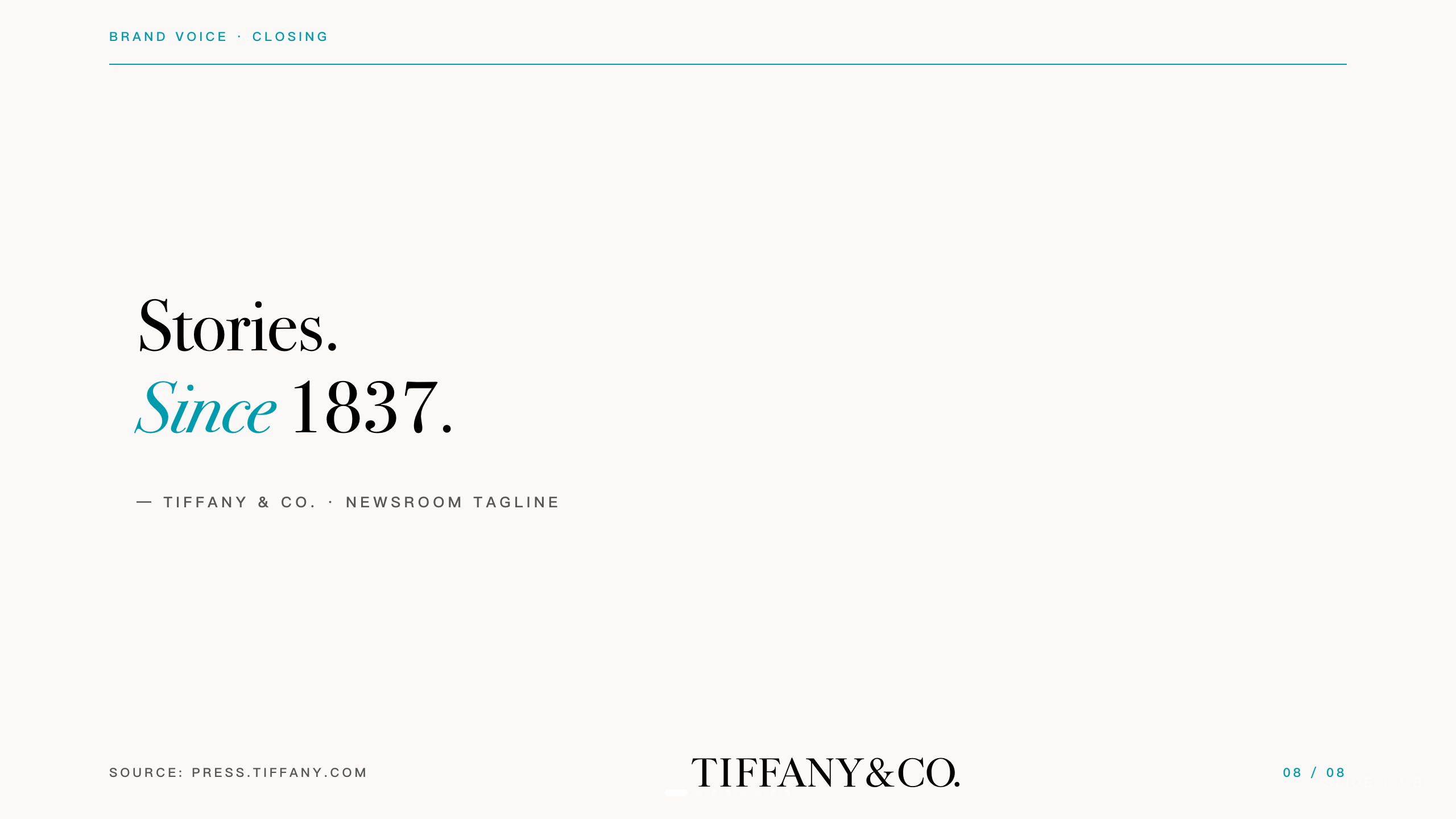
Tiffany & Co. (中文)
Editorial luxury, Didone serif, restrained Tiffany Blue.
Open the deck → · DS markdown
| Cover | Content |
|---|
 |  |
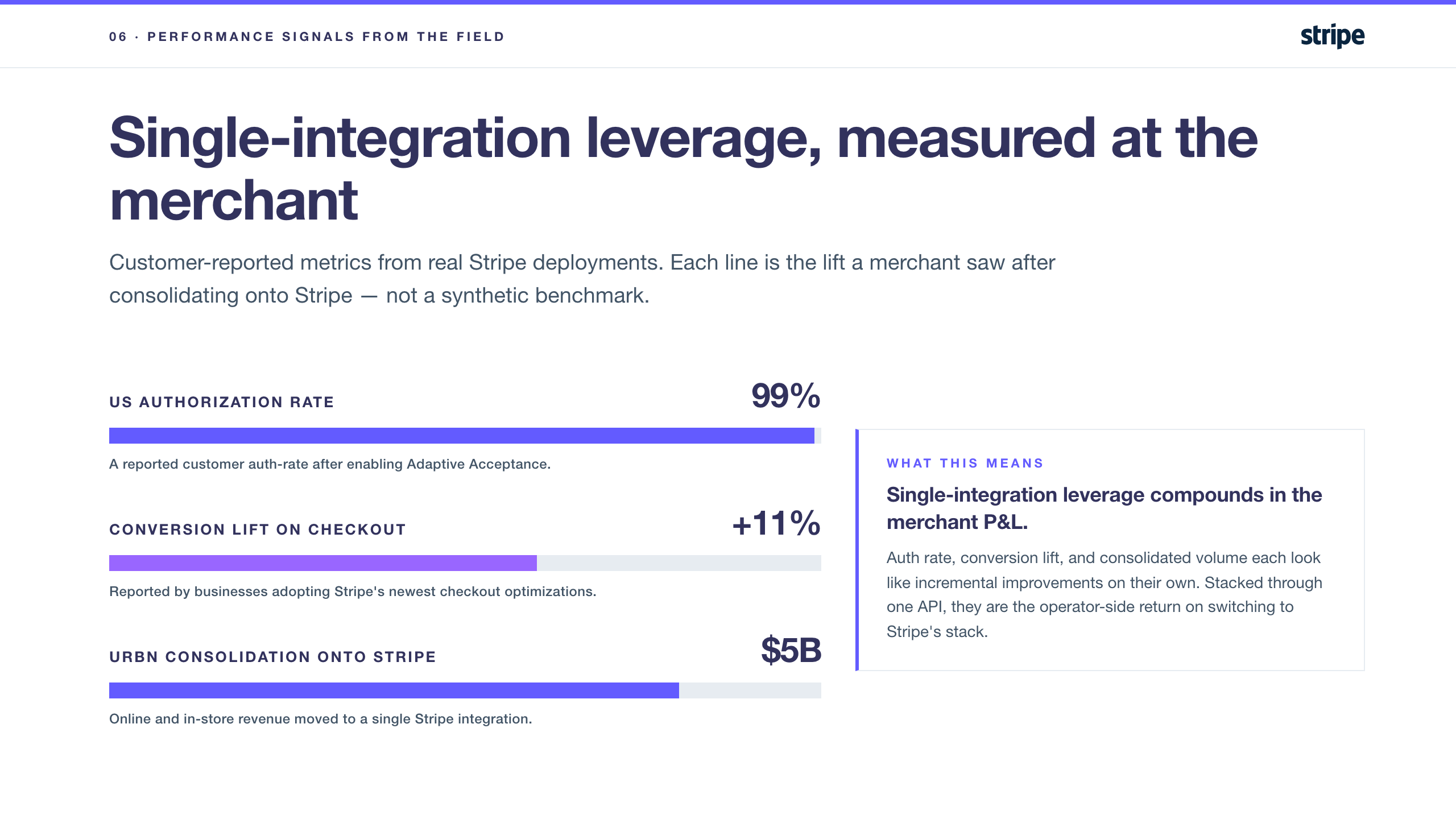
Stripe
Engineered clarity, Söhne-style sans, bold purple gradient.
Open the deck → · DS markdown
| Cover | Content |
|---|
 |  |
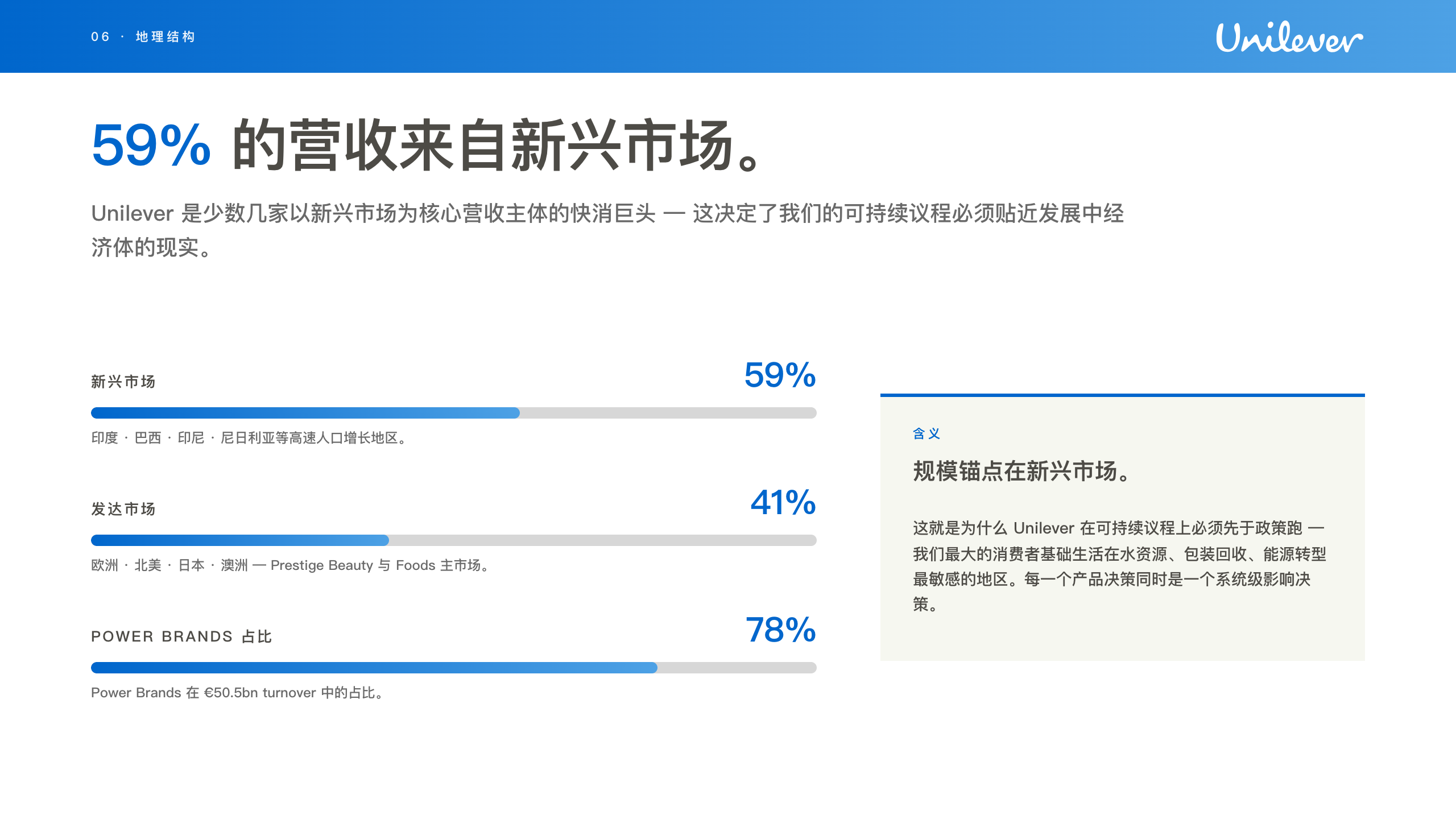
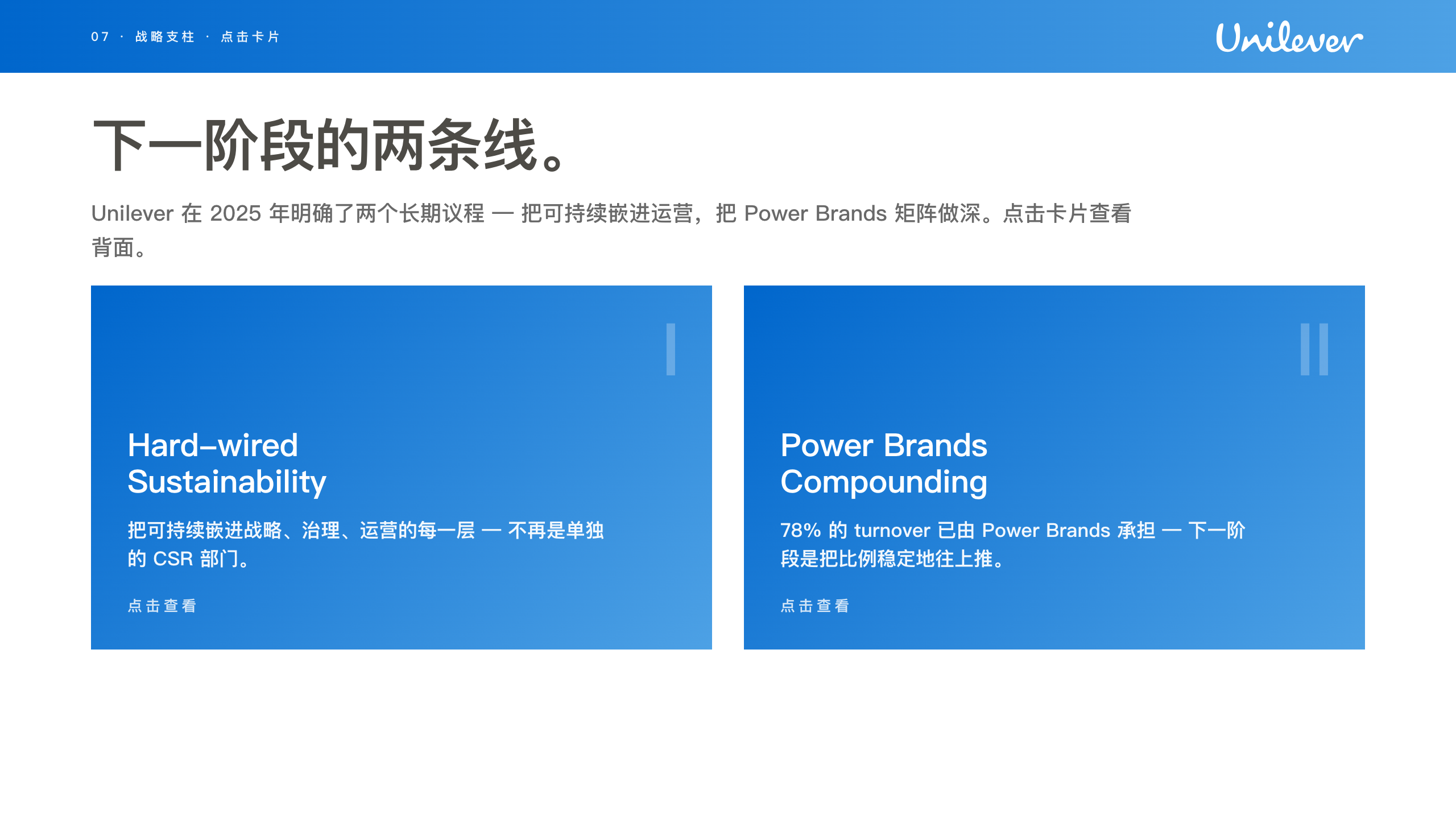
Unilever
Friendly humanist, sustainability voice, custom font.
Open the deck → · DS markdown
| Cover | Content |
|---|
 |  |
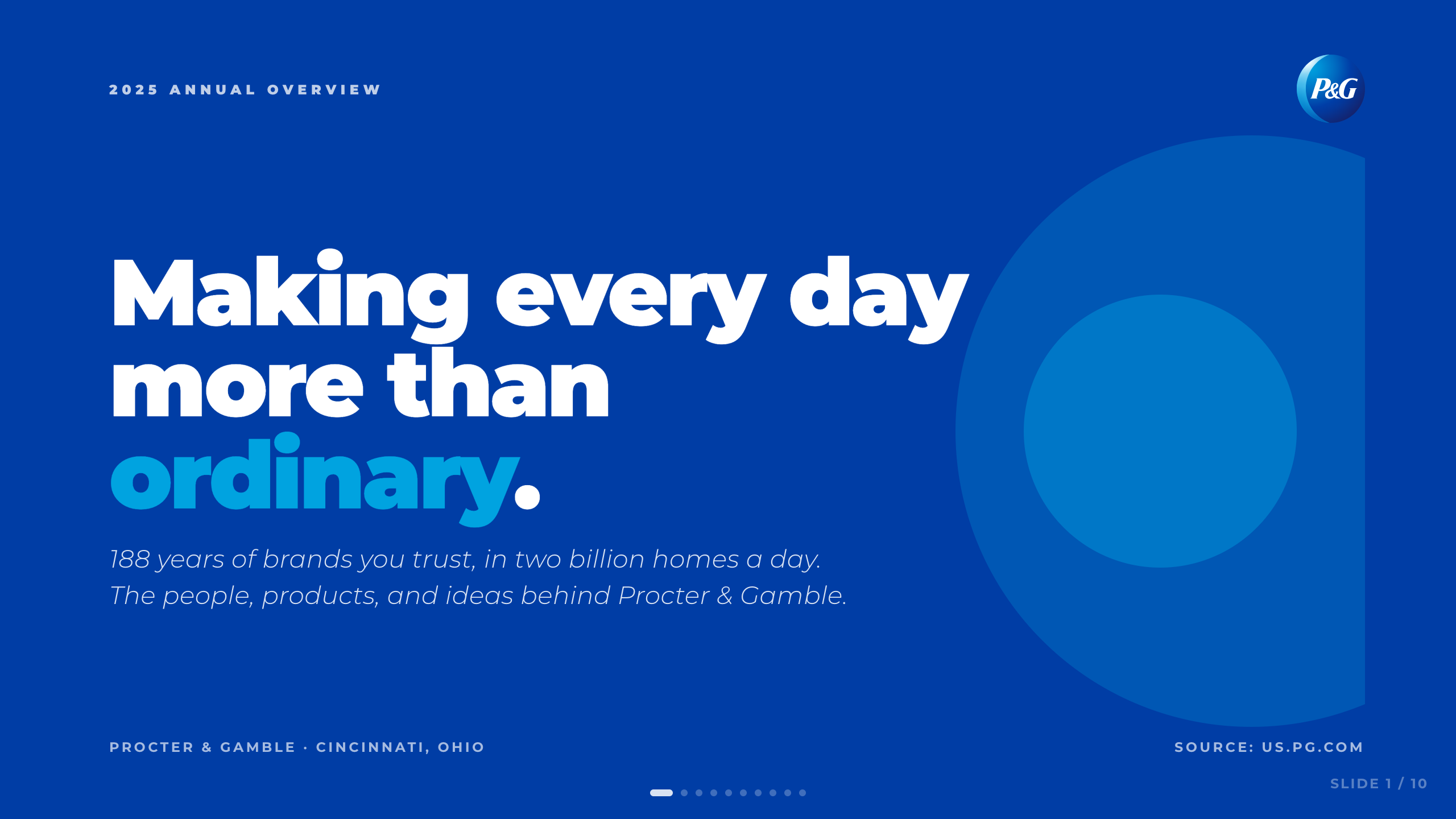
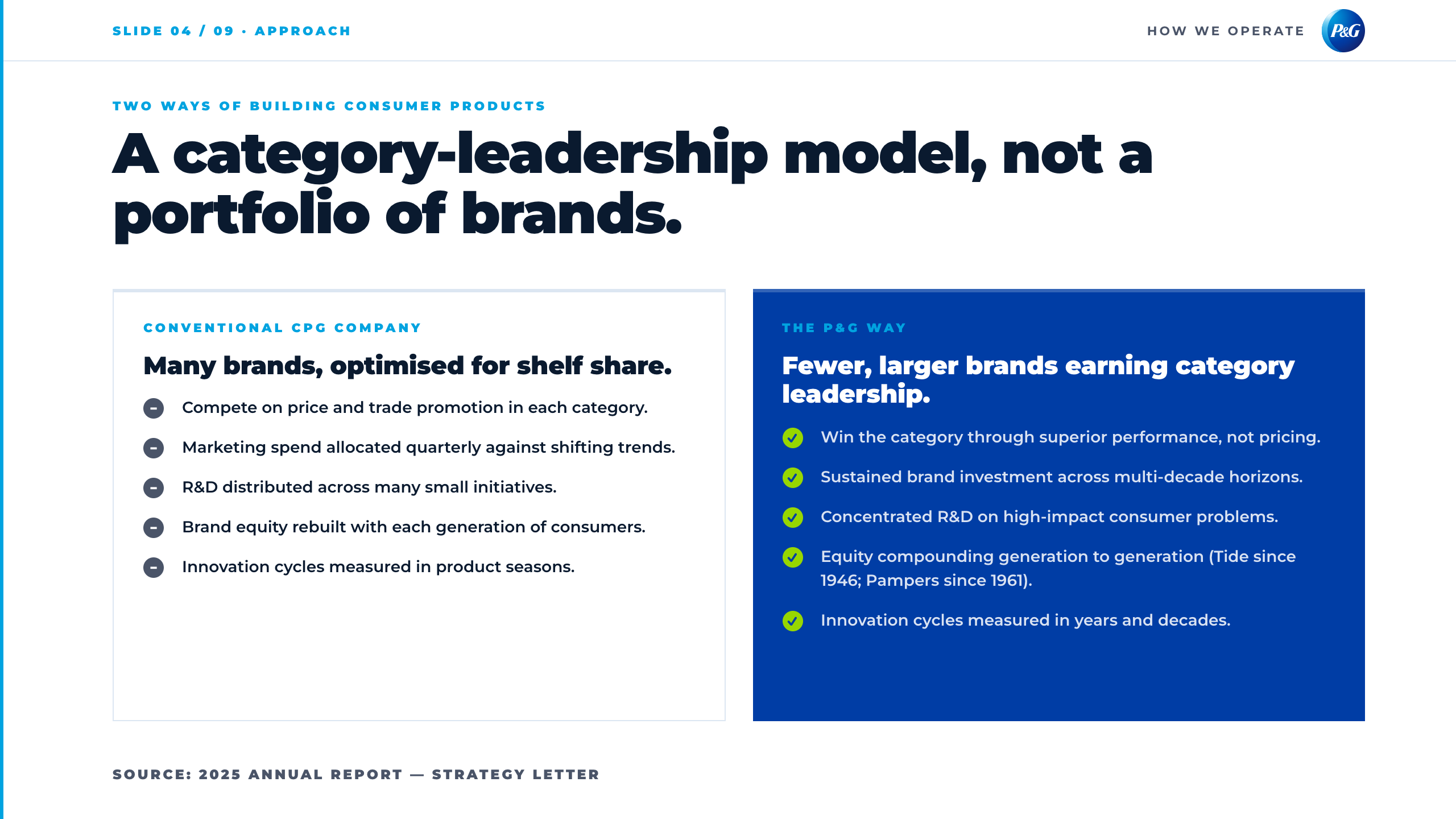
P&G
Corporate blue, gradient logo badge, generous chrome.
Open the deck → · DS markdown
| Cover | Content |
|---|
 |  |
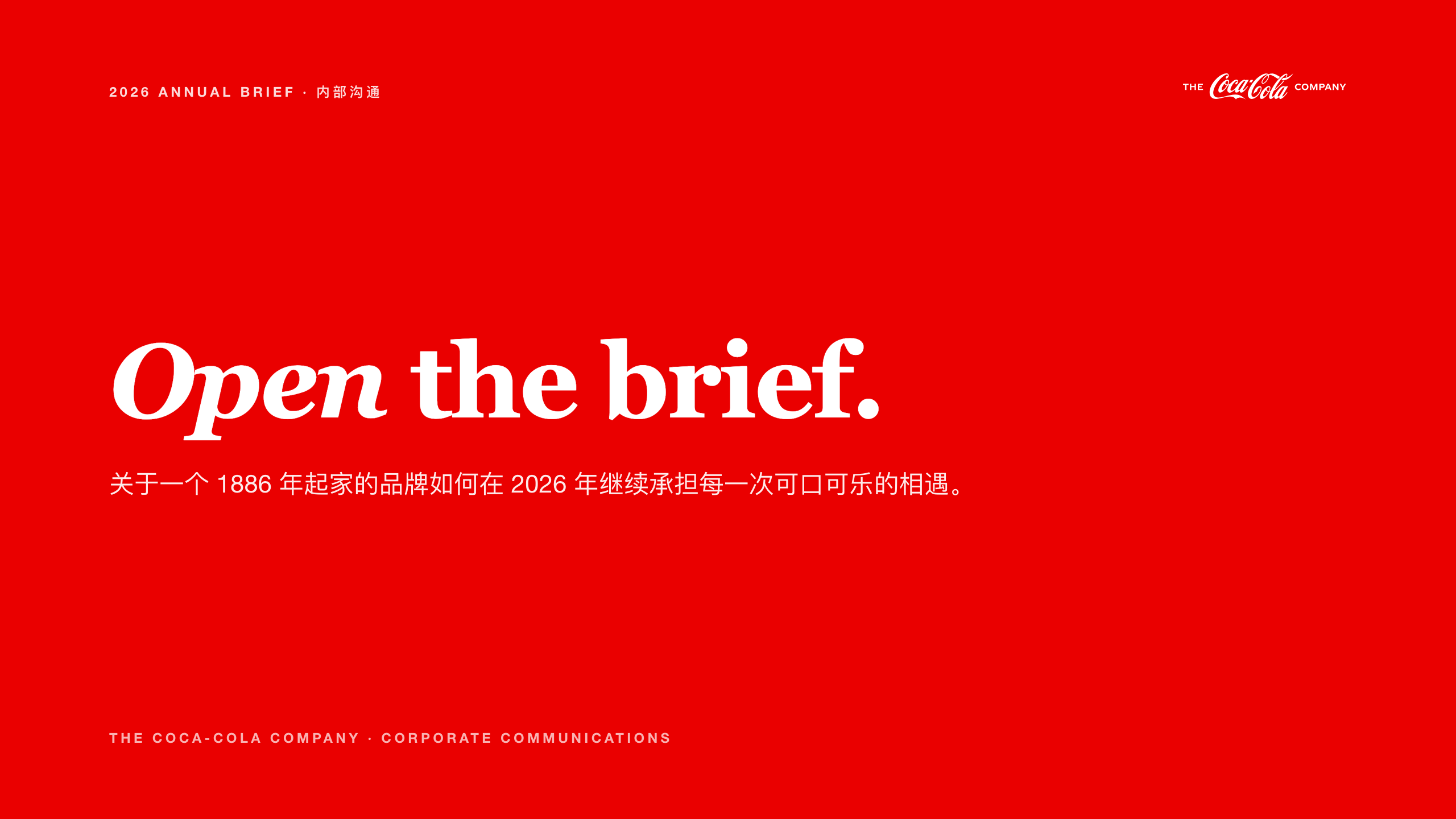
Coca-Cola
Editorial heritage, Georgia serif, deep red.
Open the deck → · DS markdown
| Cover | Content |
|---|
 | 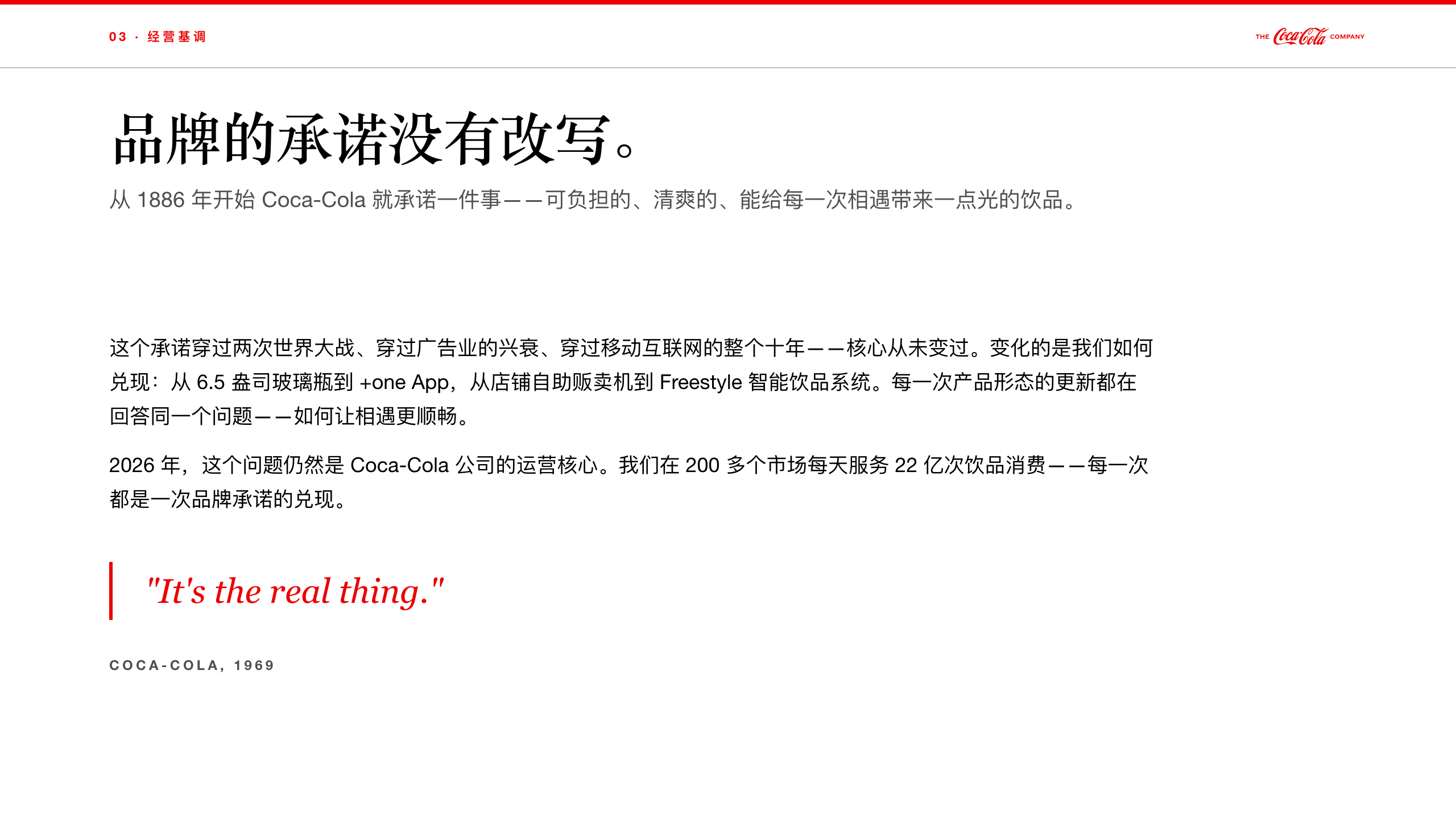 |
Mars
Confident corporate, multi-division palette, structured grid.
Open the deck → · DS markdown

 camoa
camoa ZeroZ-lab
 shawnzam
 manalkaff
 danielscholl
 assafkip
'%20stop-opacity%3D'0.16'%2F%3E%3Cstop%20offset%3D'1'%20stop-color%3D'rgb(200%2C90%2C60)'%20stop-opacity%3D'0.03'%2F%3E%3C%2FlinearGradient%3E%3C%2Fdefs%3E%3Crect%20width%3D'320'%20height%3D'200'%20fill%3D'url(%23g)'%2F%3E%3Ccircle%20cx%3D'250'%20cy%3D'56'%20r%3D'92'%20fill%3D'rgb(200%2C90%2C60)'%20fill-opacity%3D'0.06'%2F%3E%3Ccircle%20cx%3D'64'%20cy%3D'172'%20r%3D'58'%20fill%3D'rgb(200%2C90%2C60)'%20fill-opacity%3D'0.05'%2F%3E%3C%2Fsvg%3E)