Stats
Actions
Available In
Tags

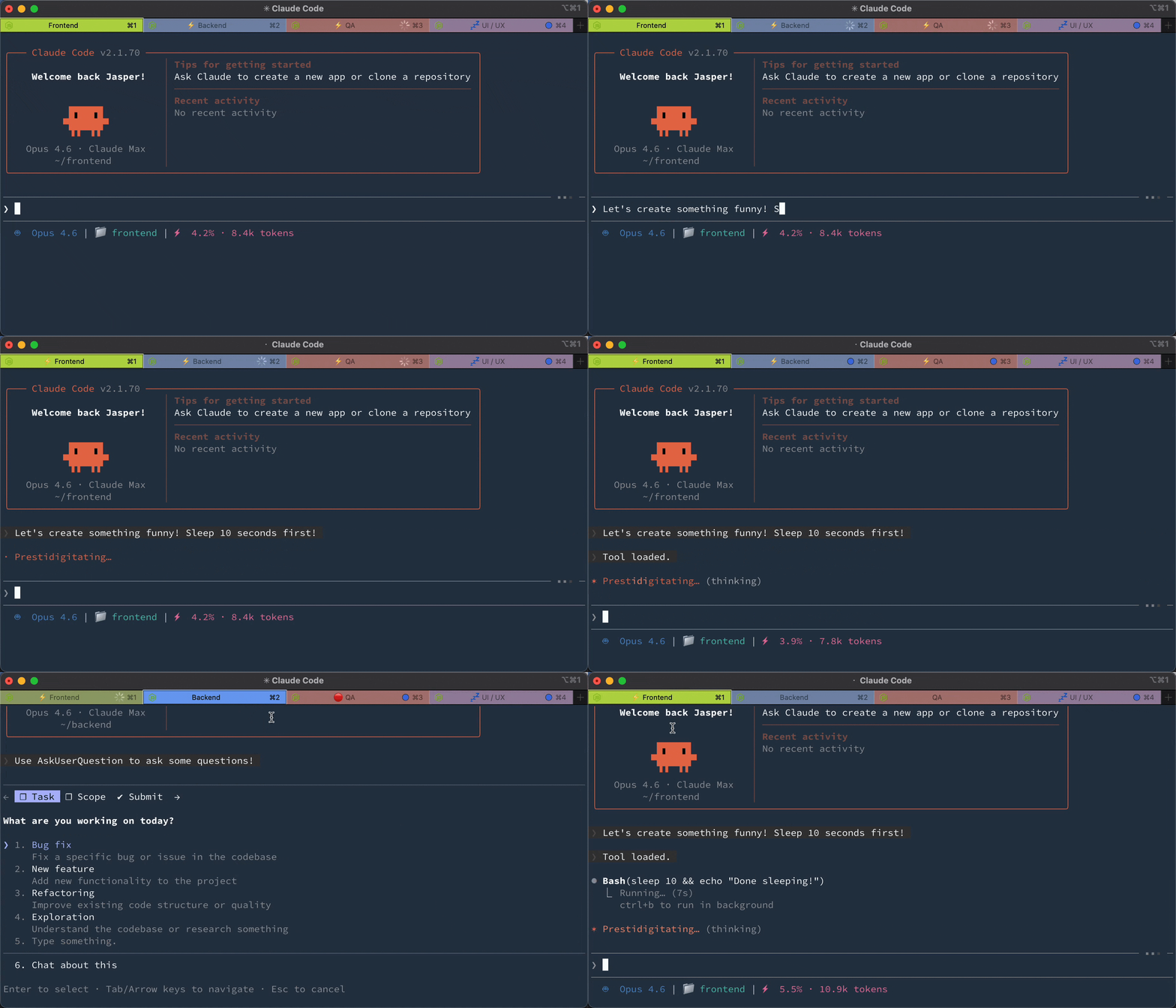
Displays Claude Code session status (running/idle/attention) in iTerm2 tab titles, with optional Telegram notifications for lifecycle events like session start, prompts, and stop.
Configure iterm2-tab-status plugin settings (emoji prefixes, colors, display target, subtitle activity, badge, notifications)
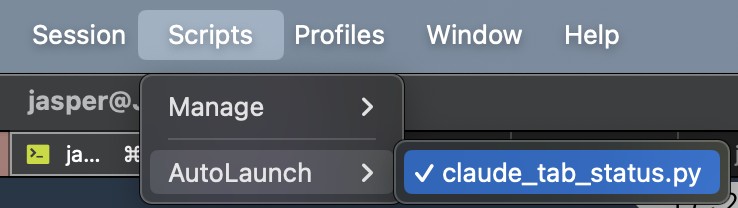
Manually run iTerm2 bootstrap (create Python runtime + deploy adapter)
Remove iTerm2 tab status adapter, venv (if created by iterm2-tab-status), and signal files
npx claudepluginhub jaspersui/claude-code-iterm2-tab-statusBased on adoption, maintenance, documentation, and repository signals. Not a security audit or endorsement.
IRC-style commands for managing Claude Code sessions
 tmc
tmcMenu bar status indicator for Claude Code: animated spark, elapsed timer, and open/close lifecycle.
 m1ckc3s
v3.32.0: the `curl … install.sh | bash` one-liner now sets up BOTH the terminal statusLine and the desktop HUD in one shot on macOS — the macOS binary bundles the HUD (PyObjC), so no `pip install '[hud]'`, no venv, no extra steps. v3.31.0 makes the desktop HUD's AgentParty channel list actionable: single-click a channel to open a menu — open the matching Claude CLI session (claude://resume deep link), open it in the AgentParty client (agentparty:// deep link the client handles), or pin it to the collapsed pill; the HUD UI is now fully English. Lightweight Claude Code status-line monitor with switchable styles, themes, slash commands, and a local AgentParty bridge for Codex workflows. v3.29.12 keeps the entire AgentParty status block session-correct when several sessions share one project: channel, identity, unread count, message preview, and listener state now come from the matching config-owned cache slot. Claude Code remains the full native statusLine data source for quota/session/context/cache/activity fields; Codex support is the local AgentParty presence bridge and never calls AgentParty, renders or transmits tokens, makes network requests, or adds OpenAI quota accounting. v3.29.6 adds a depletion ETA to a maxed projection (`→100%·1h12m`) and stops calling a quiet-channel listener "down" while its process is alive. v3.29.5 makes launchd/systemd-spawned daemons recognizable to `cs daemon stop` and the upgrade drift-kill (they were unkillable), and stops an exiting daemon from deleting the current owner's pidfile. v3.29.4 makes `cs upgrade` the single documented upgrade path and fixes the daemon's silent auto-upgrade failure under launchd/systemd (uv/pipx not on the service PATH). v3.29.3 fixes the same respawn loop on Linux/systemd (Restart=on-failure) and reads the new AgentParty listener.mentions_only contract field instead of probing argv. v3.29.2 stops launchd from respawning a redundant daemon every 10s and cuts warm render time from ~6ms to ~2.4ms. v3.29.1 fixes a daemon crash on any render slower than the tick interval (a negative time.sleep()) — the reason the daemon kept dying and never picked up upgrades. v3.29.0 redesigns the AgentParty block (monochrome glyphs, listening state stated outright, last message on its own line with unread/@mention markers) and fixes the listener heartbeat field that made every live listener render as `down`, plus three daemon defects that kept an upgrade from reaching the running daemon. Requires the cs CLI from PyPI (pip install claude-statusbar or uv tool install claude-statusbar).
 leeguooooo
Auto-generated session titles + per-session colors in the statusline, so parallel Claude Code sessions are easy to tell apart at a glance.
 jbarbier
Monitor and navigate Claude Code sessions across workspaces
 st0012
Native Windows toast notifications for Claude Code with window activation
 chuilishi

'%20stop-opacity%3D'0.16'%2F%3E%3Cstop%20offset%3D'1'%20stop-color%3D'rgb(200%2C90%2C60)'%20stop-opacity%3D'0.03'%2F%3E%3C%2FlinearGradient%3E%3C%2Fdefs%3E%3Crect%20width%3D'320'%20height%3D'200'%20fill%3D'url(%23g)'%2F%3E%3Ccircle%20cx%3D'250'%20cy%3D'56'%20r%3D'92'%20fill%3D'rgb(200%2C90%2C60)'%20fill-opacity%3D'0.06'%2F%3E%3Ccircle%20cx%3D'64'%20cy%3D'172'%20r%3D'58'%20fill%3D'rgb(200%2C90%2C60)'%20fill-opacity%3D'0.05'%2F%3E%3C%2Fsvg%3E)