Stats
Actions
Available In
Tags

Generate production-ready stateful CLI harnesses for GUI applications from local paths or GitHub repos, implementing Click CLI with REPL/JSON support, pytest unit/E2E tests, and docs. List installed harnesses, refine coverage gaps, run tests to verify functionality, and validate against standards.
Build a complete, stateful CLI harness for any GUI application.
List all available CLI-Anything tools (installed and generated).
Refine an existing CLI harness to improve coverage of the software's functions and usage patterns.
Run tests for a CLI harness and update TEST.md with results.
Validate a CLI harness against HARNESS.md standards and best practices.
Own this plugin?
Verify ownership to unlock analytics, metadata editing, and a verified badge. GitHub access is read-only (username + org membership).
Sign in to claimOwn this plugin?
Verify ownership to unlock analytics, metadata editing, and a verified badge. GitHub access is read-only (username + org membership).
Sign in to claimBased on adoption, maintenance, documentation, and repository signals. Not a security audit or endorsement.
npx claudepluginhub hkuds/cli-anything --plugin cli-anythingExpert CLI/TUI design consultant for command structure, visual design, accessibility, and UX patterns
 sjungling
CLI-Anything for the Web: Generate agent-native CLIs for closed-source web apps via network traffic analysis
 ItamarZand88
CLI platform discipline: CLI application design, shell scripting conventions, and terminal UX
 xobotyi
Safe cross-OS desktop & browser control for Claude Code — the fallback execution layer for when APIs, CLIs, and direct integrations aren't available. Registers the clawdcursor MCP server in compact mode and bundles its usage skill (the SKILL.md at the repo root). Requires Node.js 20+; the MCP server launches via npx, which fetches clawdcursor on demand (or uses your global install if present) — no separate install step.
 AmrDab
Expert guidance for Gemini CLI headless mode - running prompts programmatically, parsing JSON/streaming output, building automation scripts, and CI/CD integration
 henkisdabro
Use this agent when creating user interfaces, designing components, building design systems, or improving visual aesthetics. This agent specializes in creating beautiful, functional interfaces that can be implemented quickly within 6-day sprints. Examples:\n\n<example>\nContext: Starting a new app or feature design
 ananddtyagi
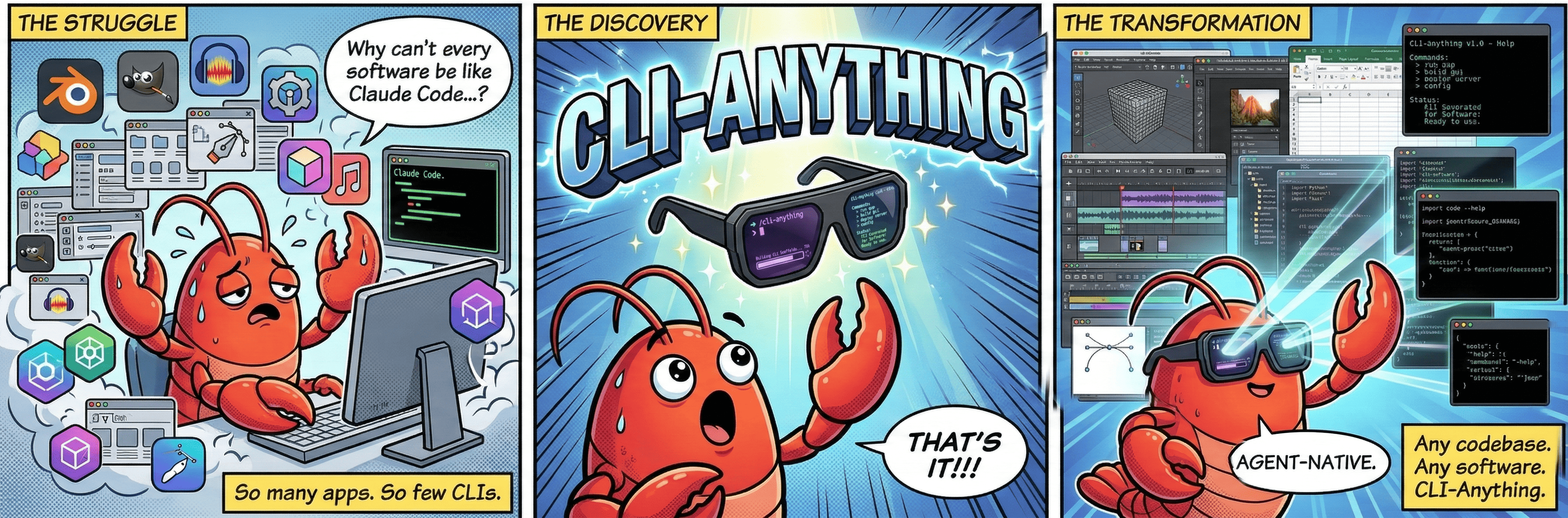
 CLI-Anything: Making ALL Software Agent-Native












'%20stop-opacity%3D'0.16'%2F%3E%3Cstop%20offset%3D'1'%20stop-color%3D'rgb(200%2C90%2C60)'%20stop-opacity%3D'0.03'%2F%3E%3C%2FlinearGradient%3E%3C%2Fdefs%3E%3Crect%20width%3D'320'%20height%3D'200'%20fill%3D'url(%23g)'%2F%3E%3Ccircle%20cx%3D'250'%20cy%3D'56'%20r%3D'92'%20fill%3D'rgb(200%2C90%2C60)'%20fill-opacity%3D'0.06'%2F%3E%3Ccircle%20cx%3D'64'%20cy%3D'172'%20r%3D'58'%20fill%3D'rgb(200%2C90%2C60)'%20fill-opacity%3D'0.05'%2F%3E%3C%2Fsvg%3E)