Stats
Actions
Available In
Tags

Implement Google's Material Design 3 UI system including tokens, 30+ components, adaptive layout, theming, and accessibility for Jetpack Compose (primary), Flutter, and limited web.
Own this plugin?
Verify ownership to unlock analytics, metadata editing, and a verified badge. GitHub access is read-only (username + org membership).
Sign in to claimOwn this plugin?
Verify ownership to unlock analytics, metadata editing, and a verified badge. GitHub access is read-only (username + org membership).
Sign in to claimBased on adoption, maintenance, documentation, and repository signals. Not a security audit or endorsement.
npx claudepluginhub hamen/material-3-skill --plugin material-3Material Design 3 (Material You) implementation skill for Jetpack Compose, Flutter, and web.
 hamen
hamenMaterial Design 3 (Material You) implementation skill for Jetpack Compose, Flutter, and web.
hamenCompose and Compose Multiplatform expert skill — state, animations, navigation, performance, design-to-code, PR review mode, M3 motion.
 aldefy
Comprehensive Material UI (MUI) expert plugin — 26 skills, 14 commands, 7 agents covering theming, CSS variables, Pigment CSS, components, sx/styled, slots API, MUI X (DataGrid, DatePickers, Charts, TreeView), accessibility, performance, SSR/Next.js, animations, virtualization, forms, white-label/multi-tenant, headless (MUI Base), Joy UI, i18n/RTL, testing, migration, entity-driven CRUD, ecosystem integrations, and 200+ creative widget patterns.
 markus41
Comprehensive UI/UX design plugin for mobile (iOS, Android, React Native) and web applications with design systems, accessibility, and modern patterns
 wshobson
Complete UI/UX design system for React Native & Next.js with 4 core skills
 apexscaleai
Use this agent when you need to optimize UI/UX components or interfaces for mobile-first experiences, analyze existing design themes, or ensure mobile usability standards are met. Examples: <example>Context: User has created a desktop-focused component and needs it optimized for mobile. user: 'I've built this navigation component but it's not working well on mobile devices' assistant: 'Let me use the mobile-ux-optimizer agent to analyze and improve this component for mobile-first experience' <commentary>The user needs mobile optimization expertise, so use the mobile-ux-optimizer agent to provide specific mobile UX improvements.</commentary></example> <example>Context: User is implementing a new feature and wants to ensure it follows the existing design theme. user: 'I'm adding a new form component to the app, can you help make sure it matches our design system?' assistant: 'I'll use the mobile-ux-optimizer agent to ensure this form component aligns with your existing theme and mobile-first principles' <commentary>Since this involves both theme consistency and mobile optimization, the mobile-ux-optimizer agent is the right choice.</commentary></example>
 devsforge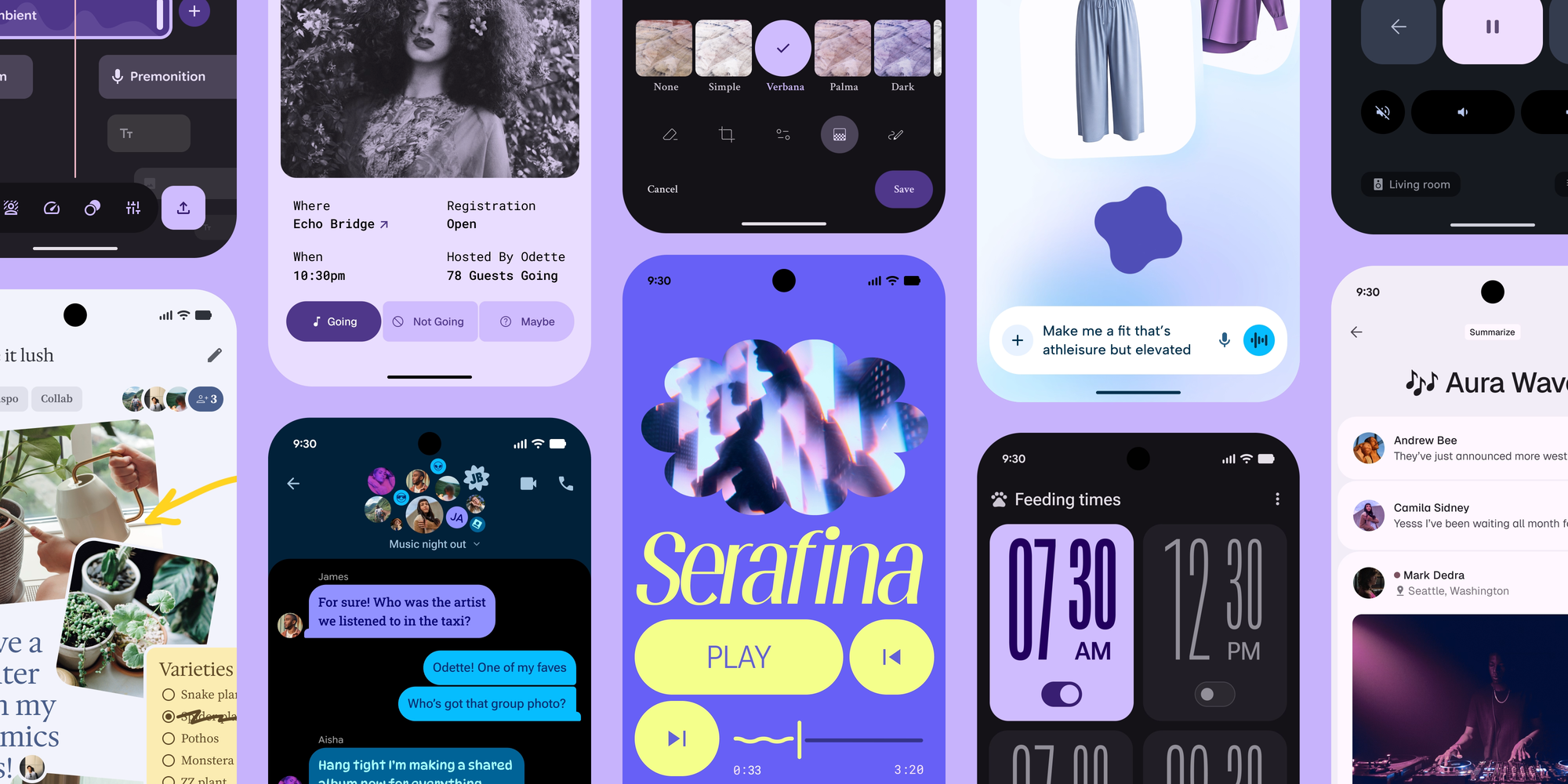
'%20stop-opacity%3D'0.16'%2F%3E%3Cstop%20offset%3D'1'%20stop-color%3D'rgb(200%2C90%2C60)'%20stop-opacity%3D'0.03'%2F%3E%3C%2FlinearGradient%3E%3C%2Fdefs%3E%3Crect%20width%3D'320'%20height%3D'200'%20fill%3D'url(%23g)'%2F%3E%3Ccircle%20cx%3D'250'%20cy%3D'56'%20r%3D'92'%20fill%3D'rgb(200%2C90%2C60)'%20fill-opacity%3D'0.06'%2F%3E%3Ccircle%20cx%3D'64'%20cy%3D'172'%20r%3D'58'%20fill%3D'rgb(200%2C90%2C60)'%20fill-opacity%3D'0.05'%2F%3E%3C%2Fsvg%3E)