🇬🇧 English · 🇨🇻 Portugues
Deznode Coding Standards
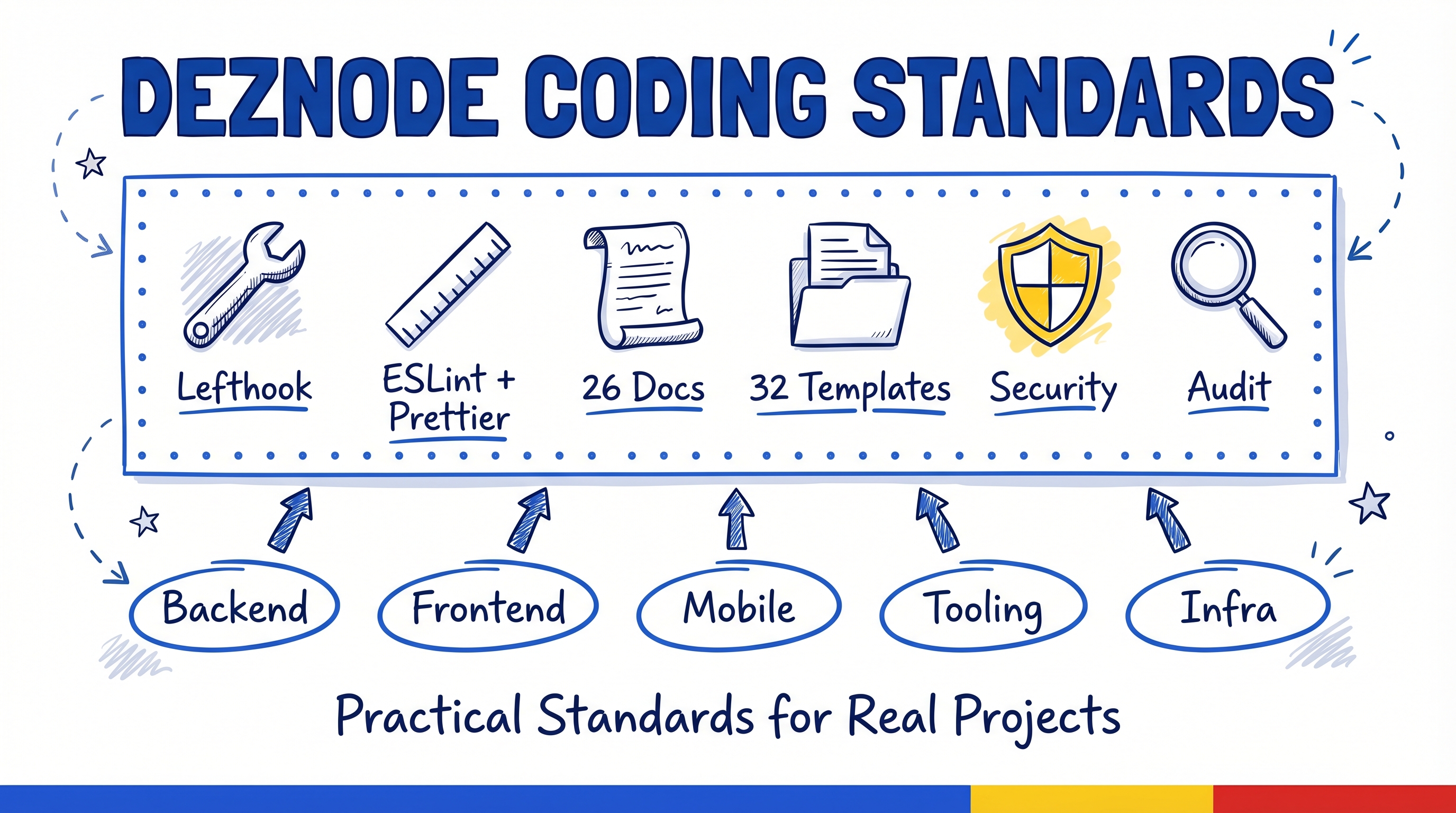
Coding standards, tooling configurations, and development workflows for deznode projects. This repository provides reusable documentation, configuration templates, and Claude Code rules for bootstrapping new projects.
Tech Stack Covered
| Layer | Technologies |
|---|
| Backend | Kotlin, Spring Boot 4, Spring Modulith 2.0, PostgreSQL, Flyway, Testcontainers |
| Frontend | Next.js 16, React 19, TypeScript, Tailwind CSS 4, Zustand |
| Mobile | Kotlin Multiplatform, Jetpack Compose, SQLDelight, Koin, Ktor |
| Tooling | Taskfile v3, Lefthook, ESLint, Prettier, ktlint, detekt, EditorConfig |
| Infrastructure | Docker, Docker Compose, Terraform |
Repository Structure
coding-standards/
├── docs/                          # Standalone reference documentation
│   ├── backend/
│   │   └── 01-architecture.md     # Spring Modulith architecture patterns
│   ├── frontend/
│   │   └── 01-architecture.md     # Next.js App Router architecture
│   ├── mobile/
│   │   └── 01-architecture.md     # KMP module layout and DDD for mobile
│   ├── tooling/
│   │   ├── 01-linting-formatting.md   # ESLint, Prettier, ktlint, detekt
│   │   ├── 02-git-hooks.md            # Lefthook pre-commit hooks
│   │   ├── 03-task-runner.md          # Taskfile v3 setup
│   │   └── 04-editor-config.md        # EditorConfig settings
│   ├── git/
│   │   └── 01-workflow.md         # Commits, branches, PRs
│   └── testing/
│       └── 01-strategy.md         # Testing philosophy and tiers
├── templates/
│   ├── claude-rules/              # Claude Code rules (.claude/rules/)
│   │   ├── backend/               # Backend-specific rules
│   │   ├── frontend/              # Frontend-specific rules
│   │   ├── mobile/                # Mobile/KMP-specific rules
│   │   └── infrastructure/        # Infrastructure rules
│   ├── configs/                   # Configuration file templates
│   └── claude-hooks/              # Claude Code hooks (.claude/hooks/)
├── skills/                        # Claude Code plugin skill
│   └── coding-standards/          # Bootstrap, update, audit skill
├── .claude-plugin/
│   └── plugin.json                # Plugin manifest
└── README.md                      # This file
How to Use
Standalone Documentation (docs/)
Read these files for context and reference when working on any deznode project. Each document is self-contained and covers a specific concern (architecture, tooling, testing, git workflow).
Claude Rules Templates (templates/claude-rules/)
Copy into a new project's .claude/rules/ directory to give Claude Code project-specific knowledge:
cp -r templates/claude-rules/* /path/to/project/.claude/rules/
Configuration Templates (templates/configs/)
Copy and adapt configuration files for new projects:
cp templates/configs/.editorconfig /path/to/project/
cp templates/configs/lefthook.yml /path/to/project/
cp templates/configs/Taskfile.yml /path/to/project/
Review and adjust paths, project names, and tool versions after copying.
Claude Hooks (templates/claude-hooks/)
Copy into a new project's .claude/hooks/ directory and configure in .claude/settings.json:
cp -r templates/claude-hooks/* /path/to/project/.claude/hooks/
Claude Code Plugin (Recommended)
This repo is a Claude Code plugin with an automated skill for bootstrapping, updating, and auditing projects.
Installation
From the target project directory:
# Add this repo as a plugin marketplace
/plugin marketplace add /path/to/coding-standards

# Install the plugin
/plugin install coding-standards@coding-standards
Usage
The skill triggers automatically when you mention "coding standards", "bootstrap rules", "update rules", or "audit standards". Or invoke directly:
/coding-standards:coding-standards
Three Operations
- Bootstrap -- First-time setup: detects your ecosystem (JVM/Node.js/KMP), copies relevant rules, configs, and hooks with path customization
- Update -- Syncs existing project with latest templates: shows diffs, lets you select which updates to apply
- Audit -- Read-only compliance check: scores your project against current standards, reports missing or outdated files
The skill is ecosystem-aware: JVM projects get backend rules, Node.js projects get frontend rules, KMP/Android projects get mobile rules, full-stack projects get everything.
Quick Start: Manual Bootstrapping
If you prefer to copy templates manually instead of using the plugin:
-
Create the project repository and clone it locally.
-
Clone this repo alongside your project:
git clone https://github.com/deznode/coding-standards.git
 deznode
 lifedever
 datallmhub
 AsiaOstrich
 hivellm
 laurigates
 pbakaus
'%20stop-opacity%3D'0.16'%2F%3E%3Cstop%20offset%3D'1'%20stop-color%3D'rgb(200%2C90%2C60)'%20stop-opacity%3D'0.03'%2F%3E%3C%2FlinearGradient%3E%3C%2Fdefs%3E%3Crect%20width%3D'320'%20height%3D'200'%20fill%3D'url(%23g)'%2F%3E%3Ccircle%20cx%3D'250'%20cy%3D'56'%20r%3D'92'%20fill%3D'rgb(200%2C90%2C60)'%20fill-opacity%3D'0.06'%2F%3E%3Ccircle%20cx%3D'64'%20cy%3D'172'%20r%3D'58'%20fill%3D'rgb(200%2C90%2C60)'%20fill-opacity%3D'0.05'%2F%3E%3C%2Fsvg%3E)