Stats
Actions
Available In
Tags

Run structured business scenario simulations, decision-tree analyses, and digital-twin modeling with constraint validation, calibration loops, and timeline compression for strategic planning.
Explore multiple business timeline scenarios with constraint validation and decision optimization.
Model world constraints with assumption validation, dependency mapping, and scenario boundary definition.
Explore decision branches with probability weighting, expected value analysis, and scenario-based optimization.
Create systematic digital twins with data quality validation and real-world calibration loops.
Generate and analyze future scenarios with plausibility scoring, trend integration, and uncertainty quantification.
Own this plugin?
Verify ownership to unlock analytics, metadata editing, and a verified badge. GitHub access is read-only (username + org membership).
Sign in to claimOwn this plugin?
Verify ownership to unlock analytics, metadata editing, and a verified badge. GitHub access is read-only (username + org membership).
Sign in to claimBased on adoption, maintenance, documentation, and repository signals. Not a security audit or endorsement.



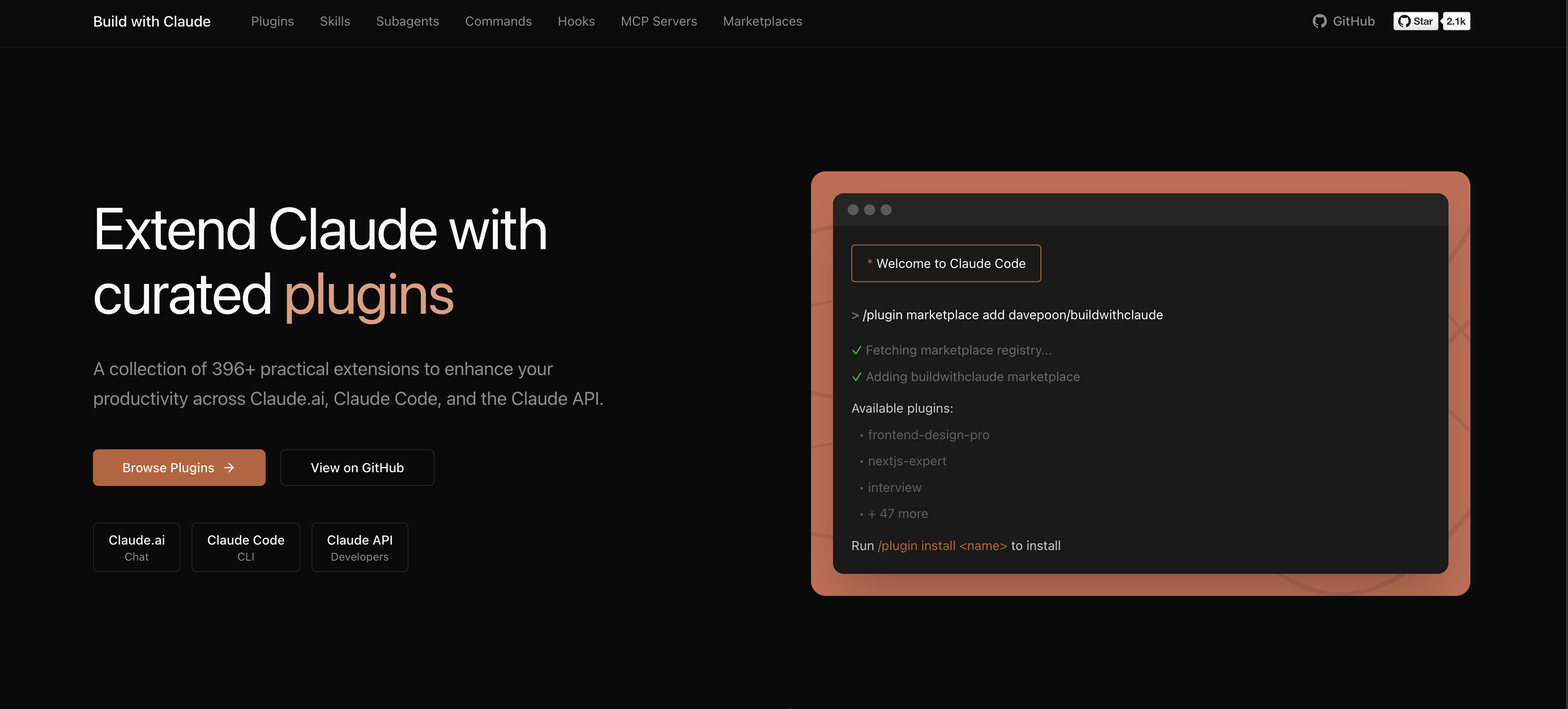
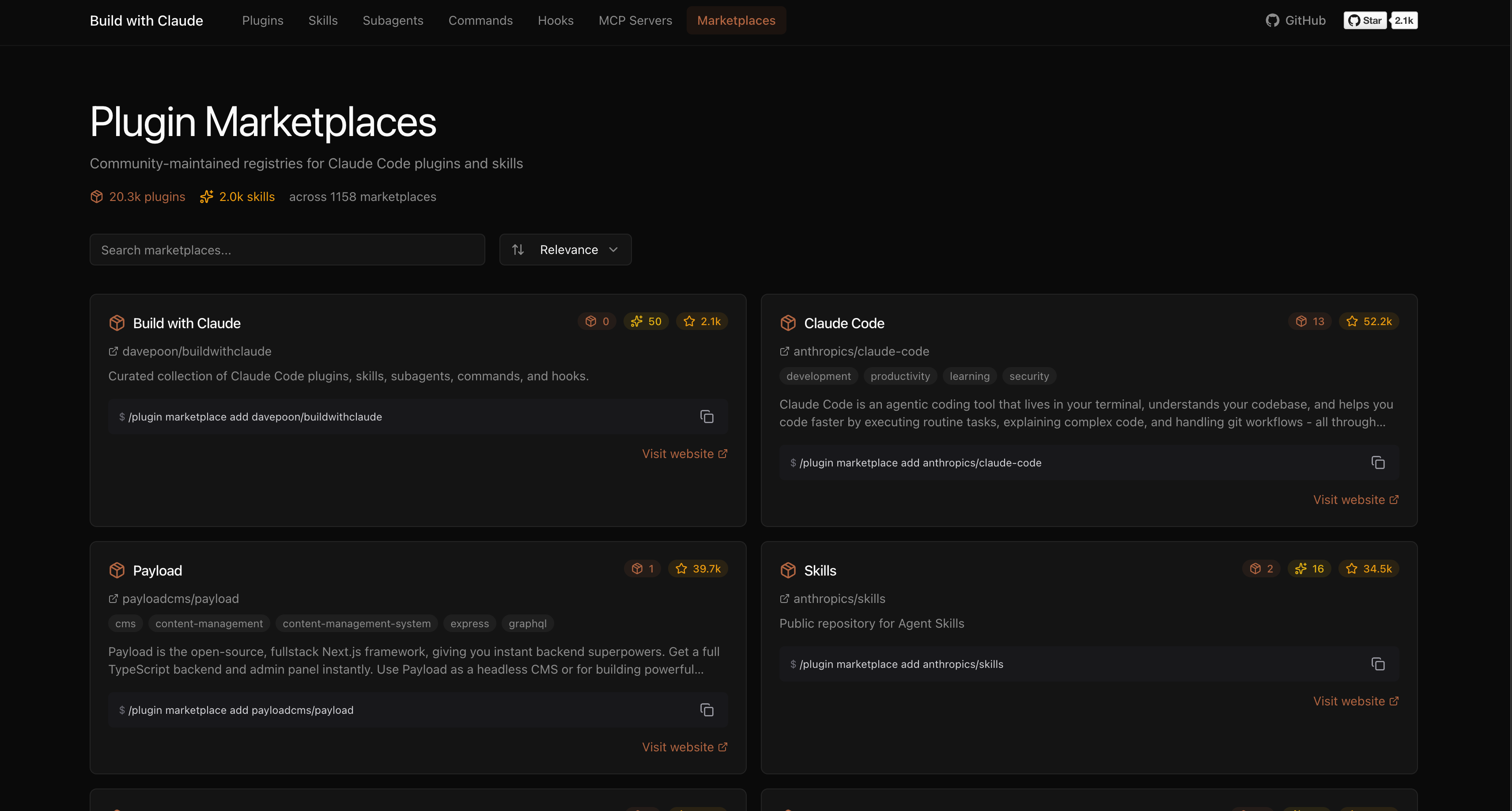
A plugin marketplace and discovery platform for Claude Code. Browse curated plugins, discover community contributions, and extend your Claude Code workflows.
# Add the Build with Claude marketplace
/plugin marketplace add davepoon/buildwithclaude

# Browse available plugins
/plugin search @buildwithclaude

# Install plugins
/plugin install <plugin-name>@buildwithclaude
Curated collections maintained in this repository:
| Type | Count | Description |
|---|---|---|
| Agents | 117 | Specialized AI experts (Python, Go, DevOps, Security, etc.) |
| Commands | 175 | Slash commands for automation (/commit, /docs, /tdd) |
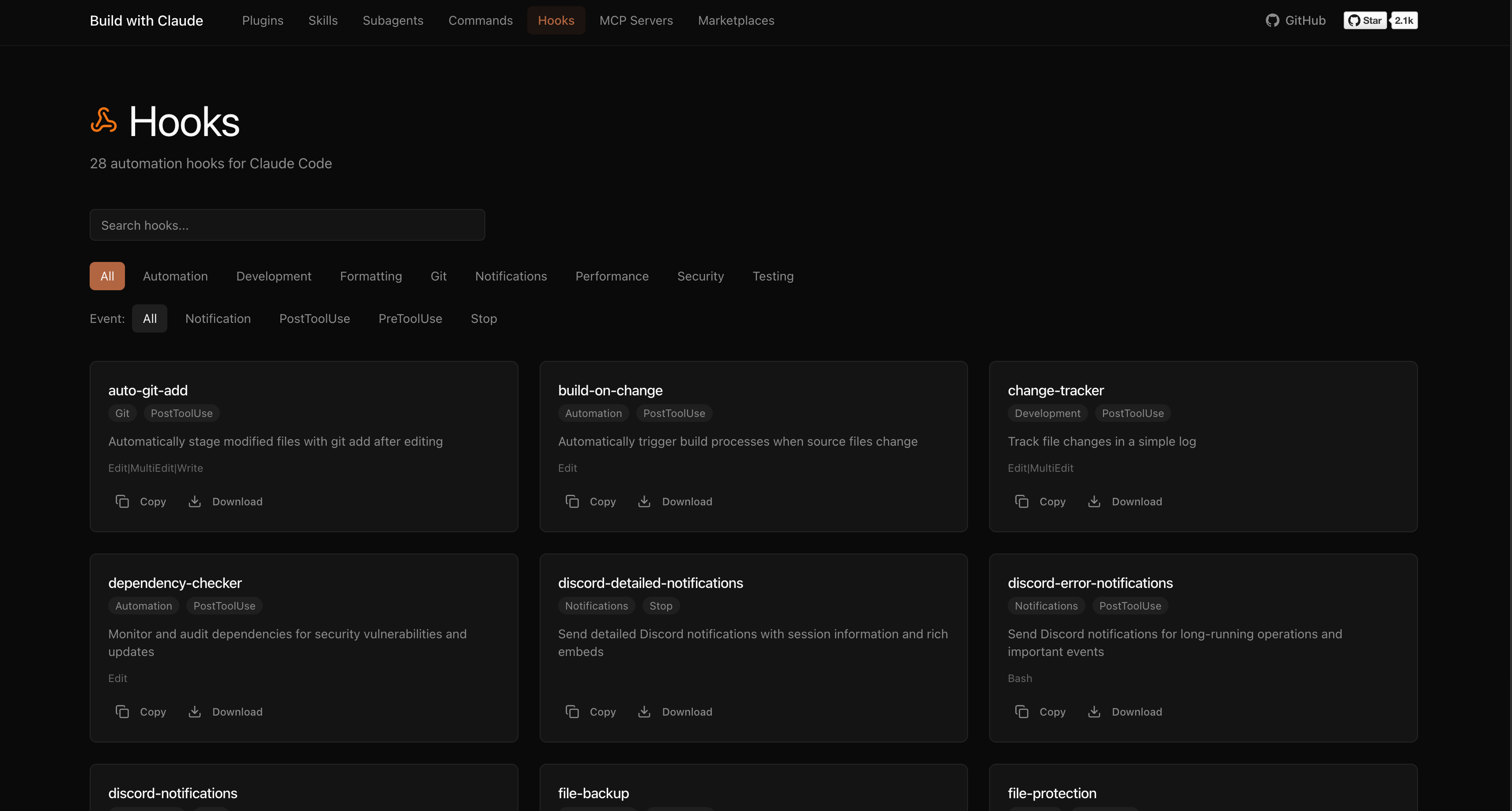
| Hooks | 28 | Event-driven automation (notifications, git, formatting) |
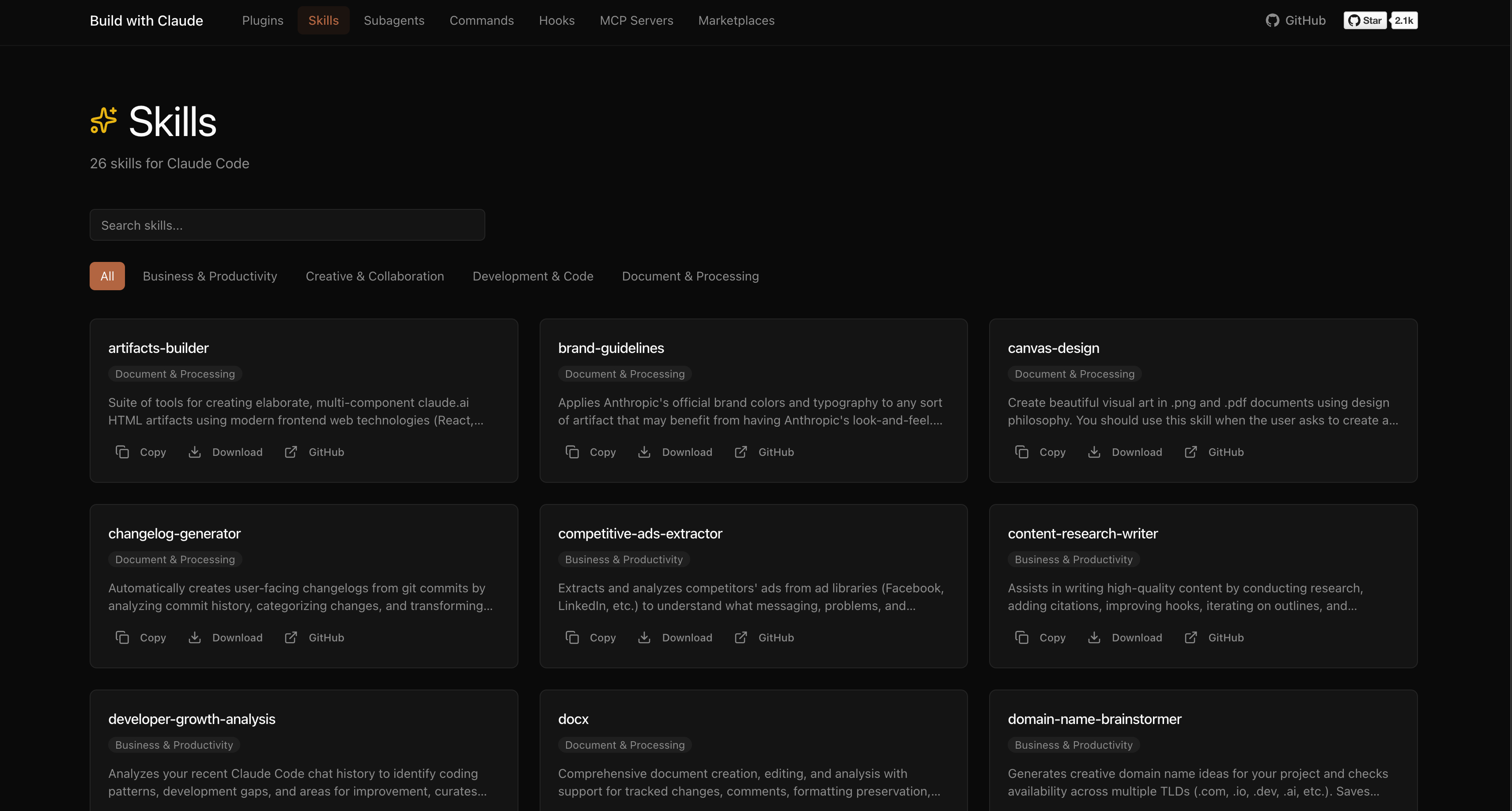
| Skills | 26 | Reusable capabilities from plugins |
| Plugins | 51 | Bundled plugin packages by category |
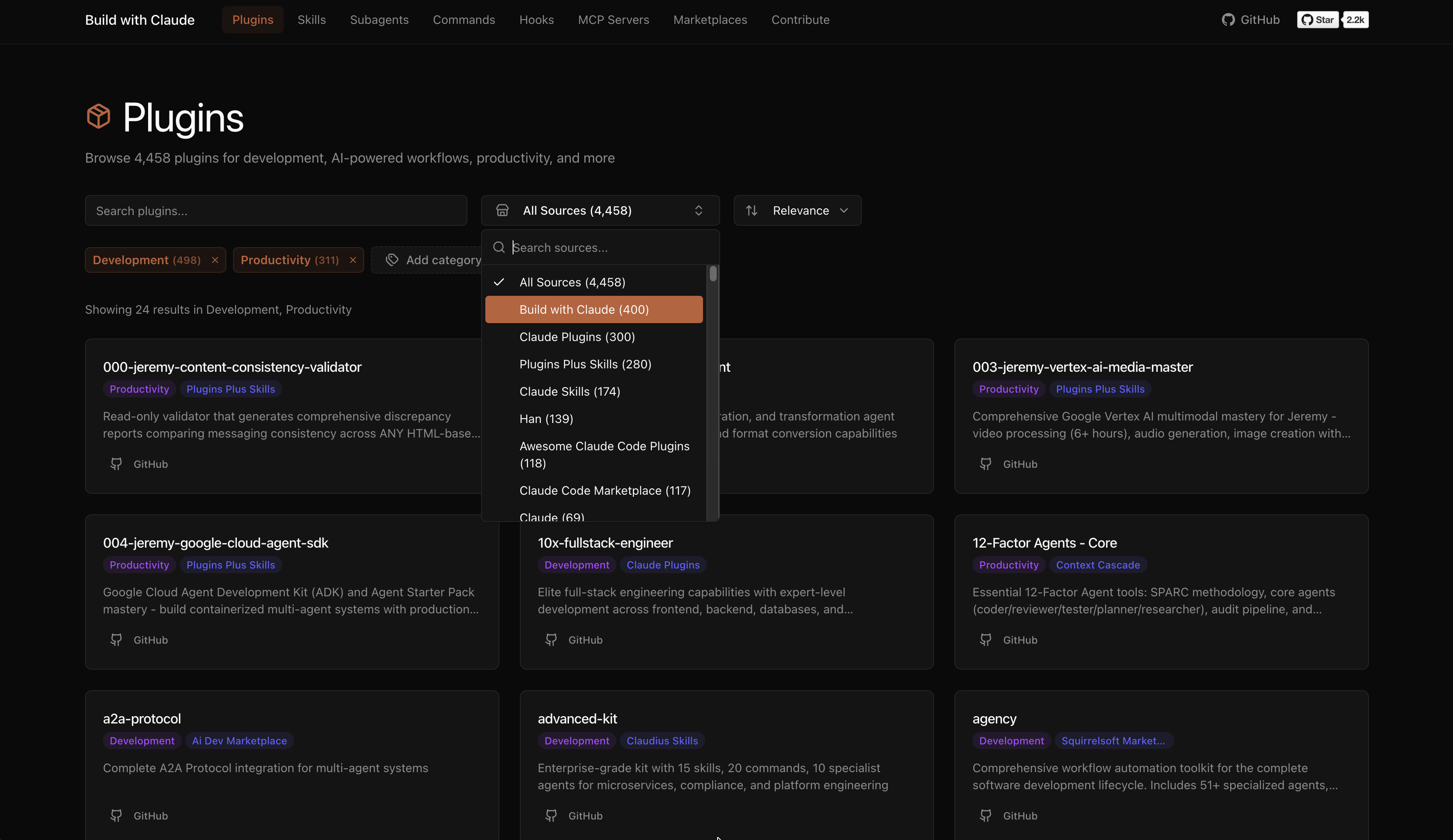
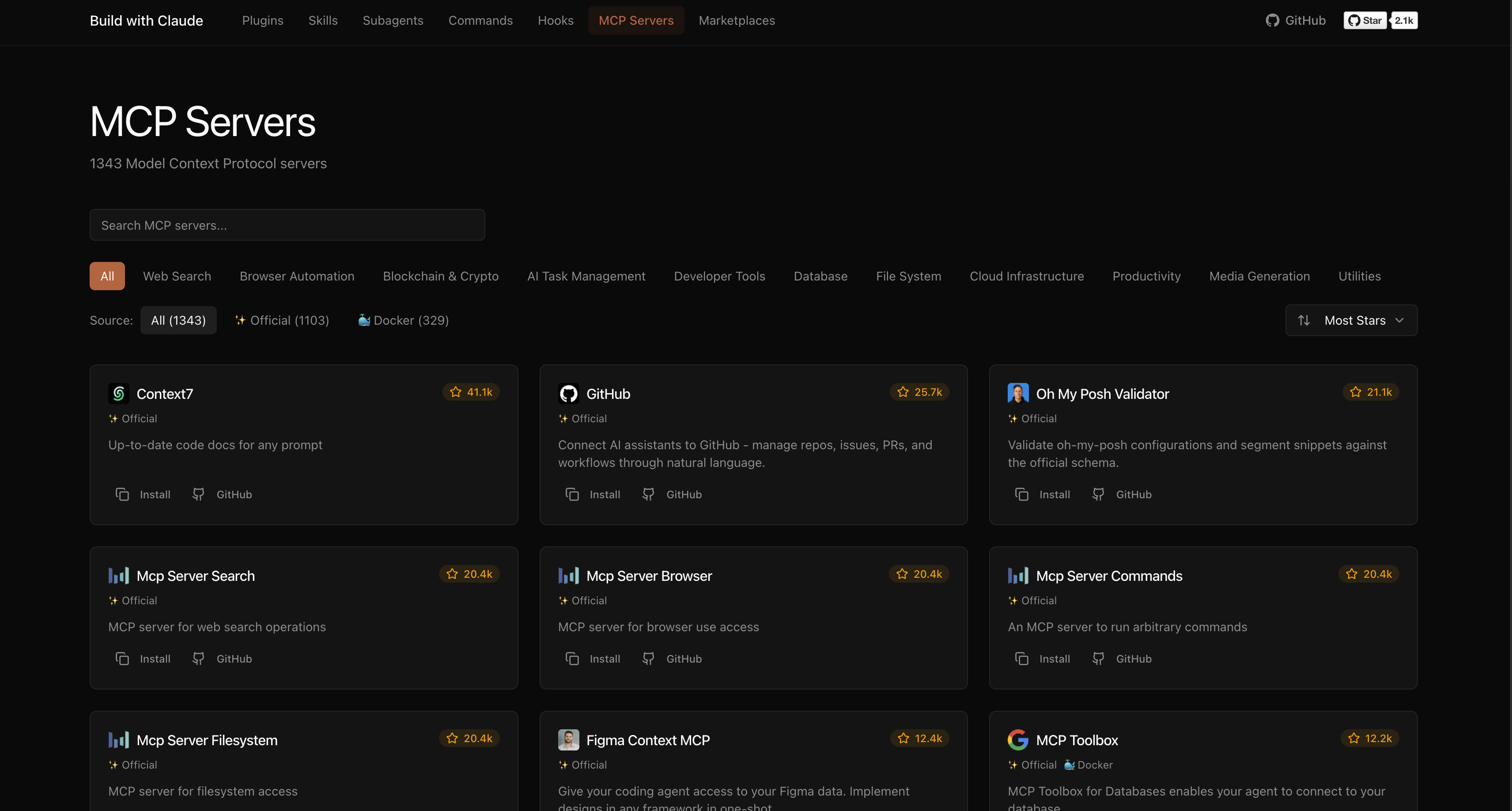
The platform indexes plugins from the broader Claude Code ecosystem:
Browse, search, and explore everything at buildwithclaude.com
# Add marketplace
/plugin marketplace add davepoon/buildwithclaude

# Install specific plugins
/plugin install agents-python-expert@buildwithclaude
/plugin install commands-version-control-git@buildwithclaude
/plugin install hooks-notifications@buildwithclaude

# Or install everything
/plugin install all-agents@buildwithclaude
/plugin install all-commands@buildwithclaude
/plugin install all-hooks@buildwithclaude
# Clone repository
git clone https://github.com/davepoon/buildwithclaude.git
cd buildwithclaude

# Install agents
find plugins/agents-*/agents -name "*.md" -exec cp {} ~/.claude/agents/ \;

# Install commands
find plugins/commands-*/commands -name "*.md" -exec cp {} ~/.claude/commands/ \;

# Restart Claude Code
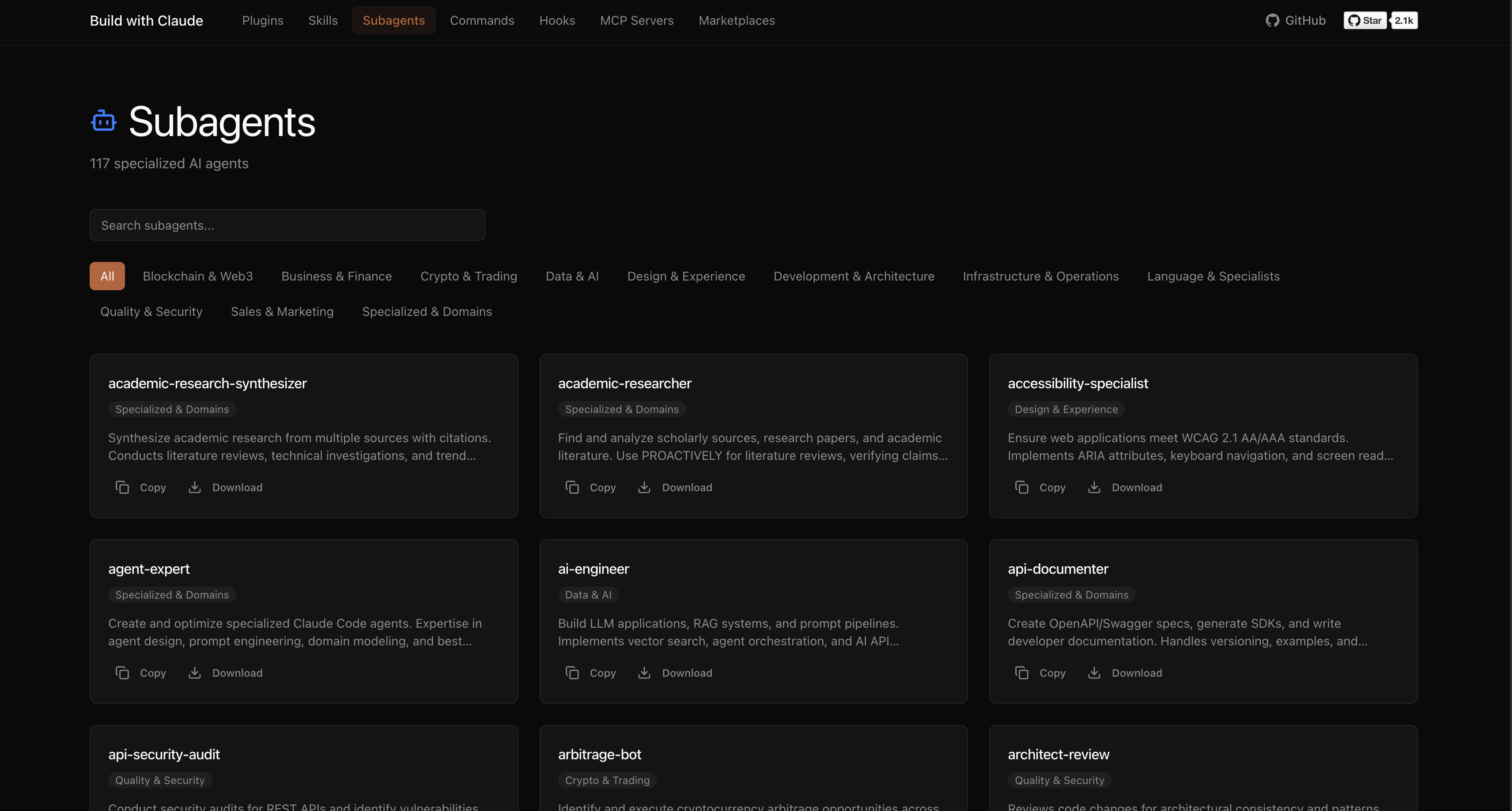
Agents are automatically invoked based on context, or explicitly called:
"Use the python-pro to optimize this function"
"@agent-security-auditor review this authentication code"
"Have the devops-troubleshooter help debug this deployment"
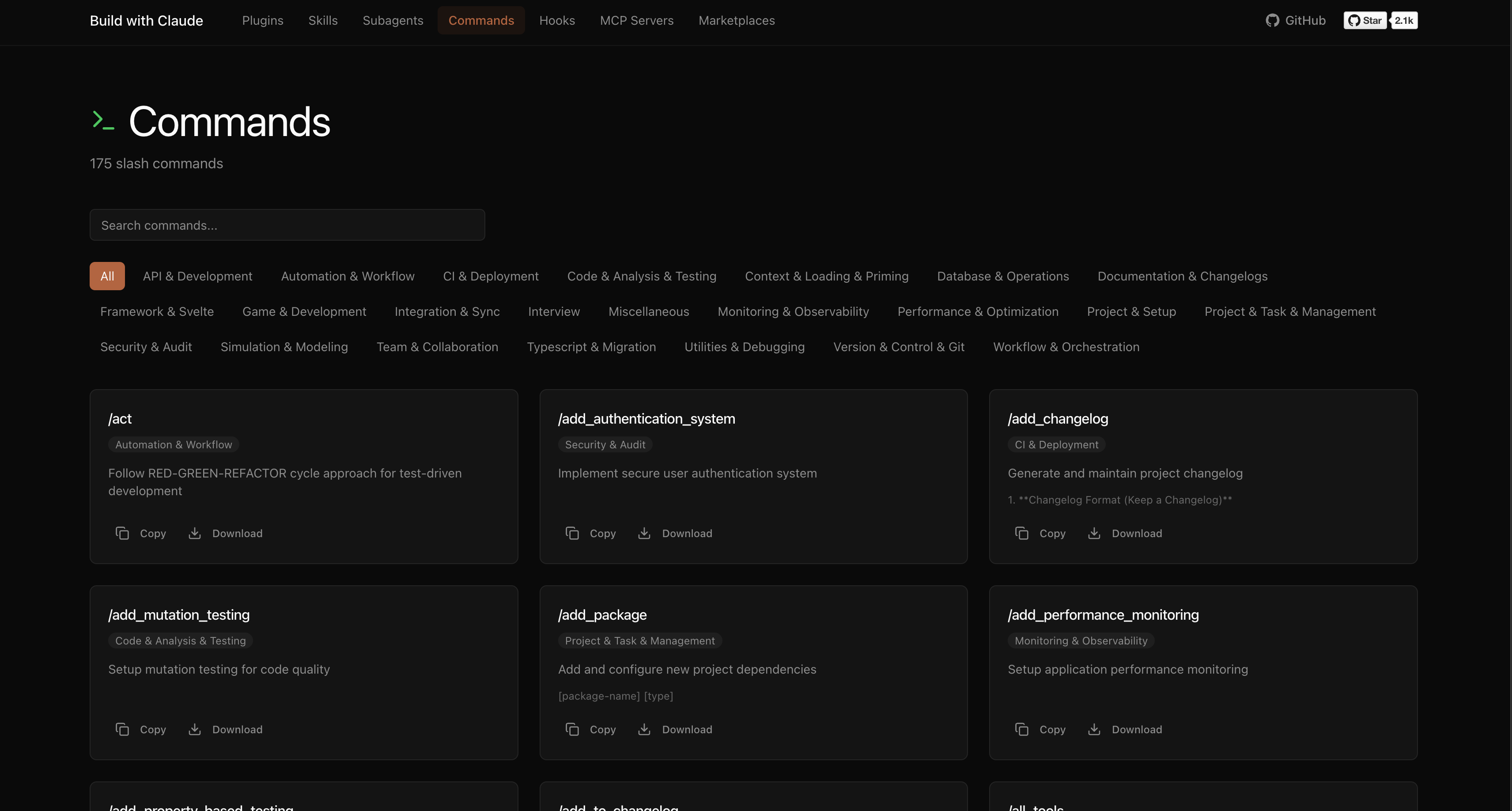
Commands use the / prefix:
npx claudepluginhub davepoon/buildwithclaude --plugin commands-simulation-modelingCommands for CI/CD setup, containerization, and deployment automation
 davepoon
Commands for initializing and setting up new projects
davepoonCommands for designing and documenting REST and GraphQL APIs
davepoonCommands for security auditing and vulnerability scanning
davepoonDomain-specific expert agents for validation, knowledge-graph, and other specialized tasks
davepoonComprehensive skill pack with 66 specialized skills for full-stack developers: 12 language experts (Python, TypeScript, Go, Rust, C++, Swift, Kotlin, C#, PHP, Java, SQL, JavaScript), 10 backend frameworks, 6 frontend/mobile, plus infrastructure, DevOps, security, and testing. Features progressive disclosure architecture for 50% faster loading.
 Jeffallan
Upstash Context7 MCP server for up-to-date documentation lookup. Pull version-specific documentation and code examples directly from source repositories into your LLM context.
 upstash
Comprehensive PR review agents specializing in comments, tests, error handling, type design, code quality, and code simplification
 anthropics
Consult multiple AI coding agents (Gemini, OpenAI, Grok, Perplexity, plus codex, antigravity, and grok CLIs when installed) to get diverse perspectives on coding problems
 hex
hexAutomated code review for pull requests using multiple specialized agents with confidence-based scoring
anthropicsComprehensive feature development workflow with specialized agents for codebase exploration, architecture design, and quality review
anthropics'%20stop-opacity%3D'0.16'%2F%3E%3Cstop%20offset%3D'1'%20stop-color%3D'rgb(200%2C90%2C60)'%20stop-opacity%3D'0.03'%2F%3E%3C%2FlinearGradient%3E%3C%2Fdefs%3E%3Crect%20width%3D'320'%20height%3D'200'%20fill%3D'url(%23g)'%2F%3E%3Ccircle%20cx%3D'250'%20cy%3D'56'%20r%3D'92'%20fill%3D'rgb(200%2C90%2C60)'%20fill-opacity%3D'0.06'%2F%3E%3Ccircle%20cx%3D'64'%20cy%3D'172'%20r%3D'58'%20fill%3D'rgb(200%2C90%2C60)'%20fill-opacity%3D'0.05'%2F%3E%3C%2Fsvg%3E)