Stats
Actions
Available In
Tags

Generate and manage project documentation and changelogs by analyzing code, git history, and GitHub issues. Produces structured docs for architecture (C4/Arc42), migrations, troubleshooting, and onboarding, plus SQL model documentation and changelog entries.
Add a new entry to the project's CHANGELOG.md file following Keep a Changelog format
Generate comprehensive architecture documentation
Analyze GitHub issue and create technical specification with implementation plan
Create developer onboarding guide
Update or generate YAML documentation for SQL models with proper descriptions and tests
Own this plugin?
Verify ownership to unlock analytics, metadata editing, and a verified badge. GitHub access is read-only (username + org membership).
Sign in to claimOwn this plugin?
Verify ownership to unlock analytics, metadata editing, and a verified badge. GitHub access is read-only (username + org membership).
Sign in to claimBased on adoption, maintenance, documentation, and repository signals. Not a security audit or endorsement.



A plugin marketplace and discovery platform for Claude Code. Browse curated plugins, discover community contributions, and extend your Claude Code workflows.
# Add the Build with Claude marketplace
/plugin marketplace add davepoon/buildwithclaude

# Browse available plugins
/plugin search @buildwithclaude

# Install plugins
/plugin install <plugin-name>@buildwithclaude
Curated collections maintained in this repository:
| Type | Count | Description |
|---|---|---|
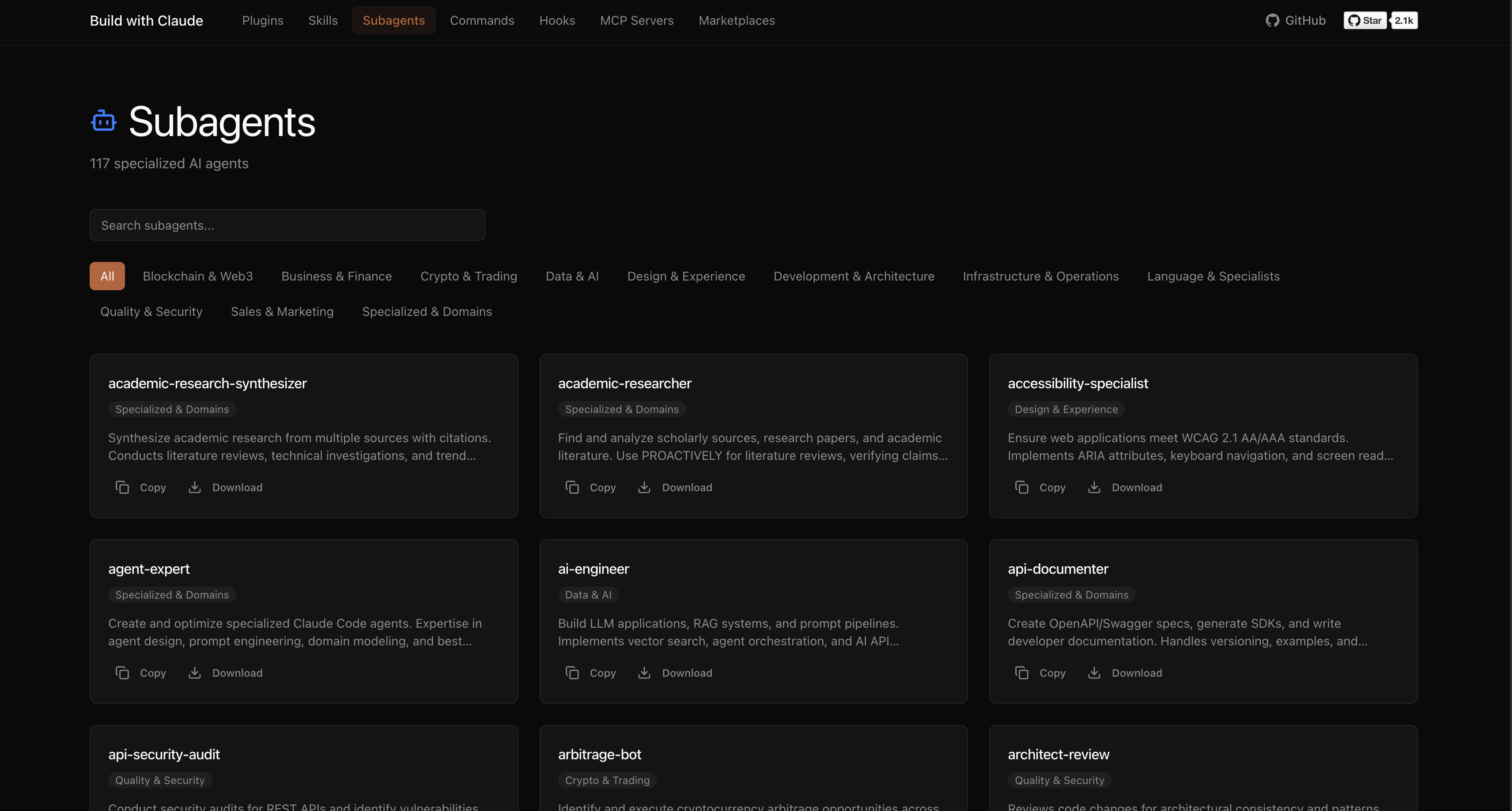
| Agents | 117 | Specialized AI experts (Python, Go, DevOps, Security, etc.) |
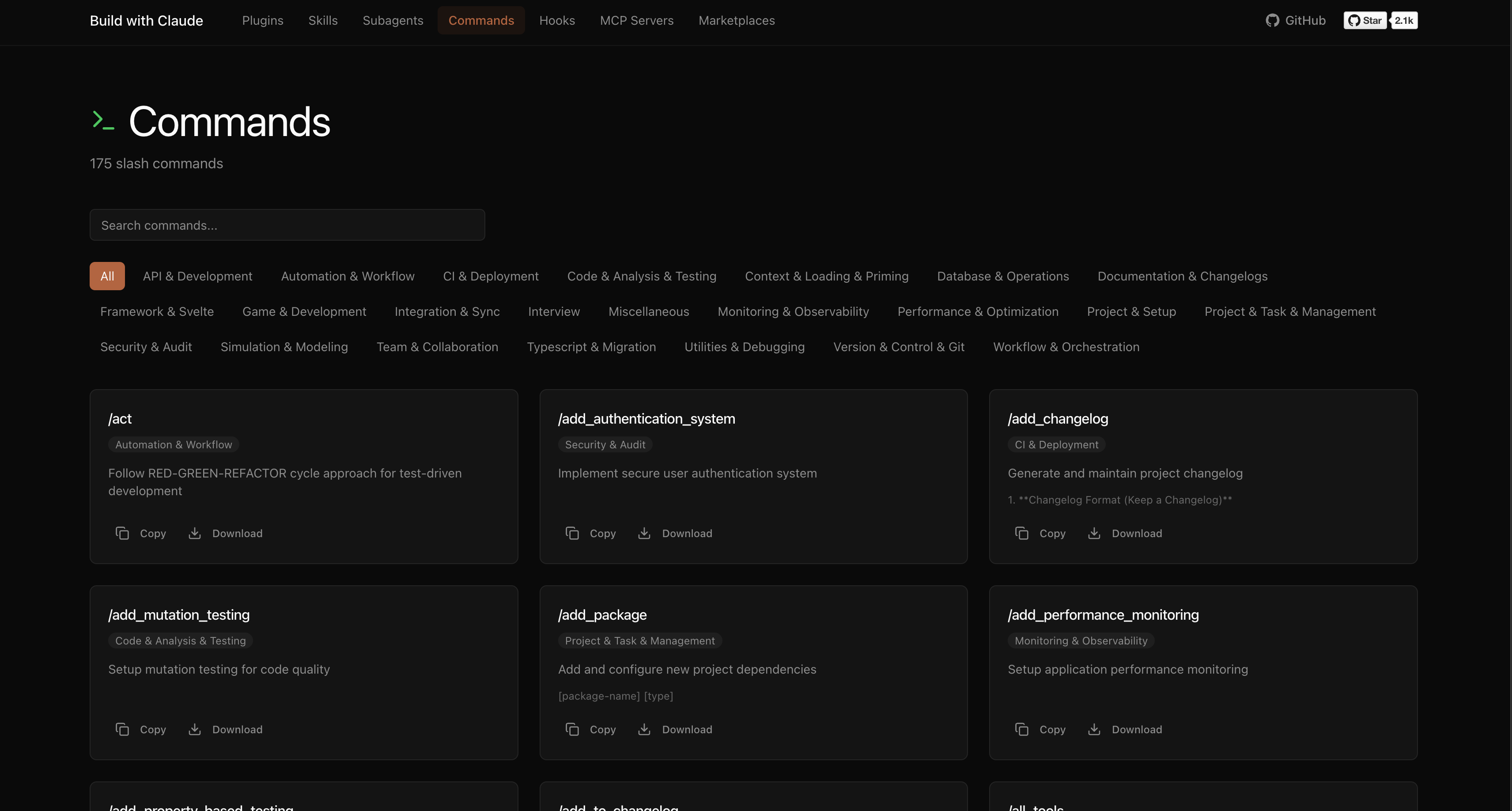
| Commands | 175 | Slash commands for automation (/commit, /docs, /tdd) |
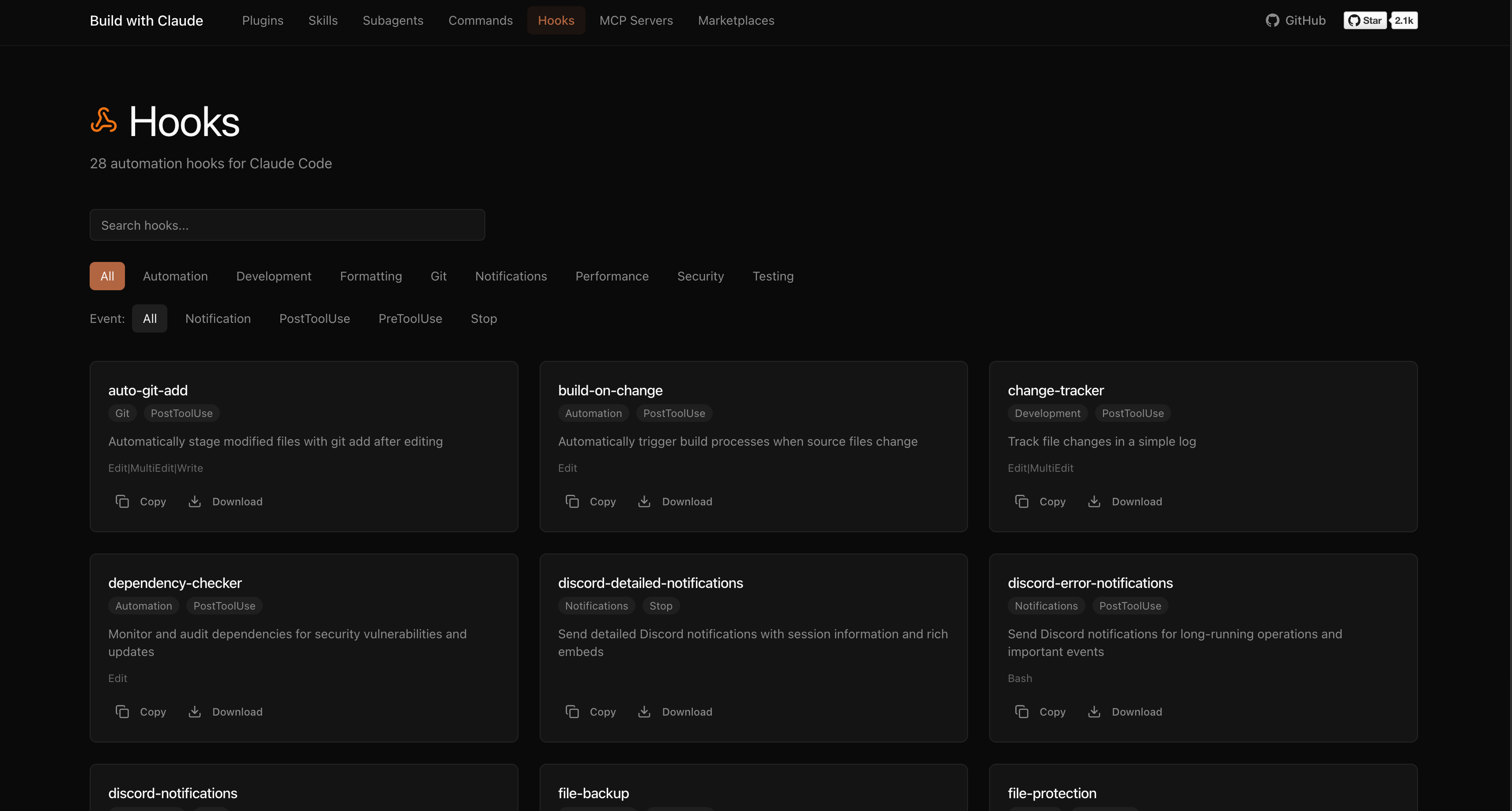
| Hooks | 28 | Event-driven automation (notifications, git, formatting) |
| Skills | 26 | Reusable capabilities from plugins |
| Plugins | 51 | Bundled plugin packages by category |
The platform indexes plugins from the broader Claude Code ecosystem:
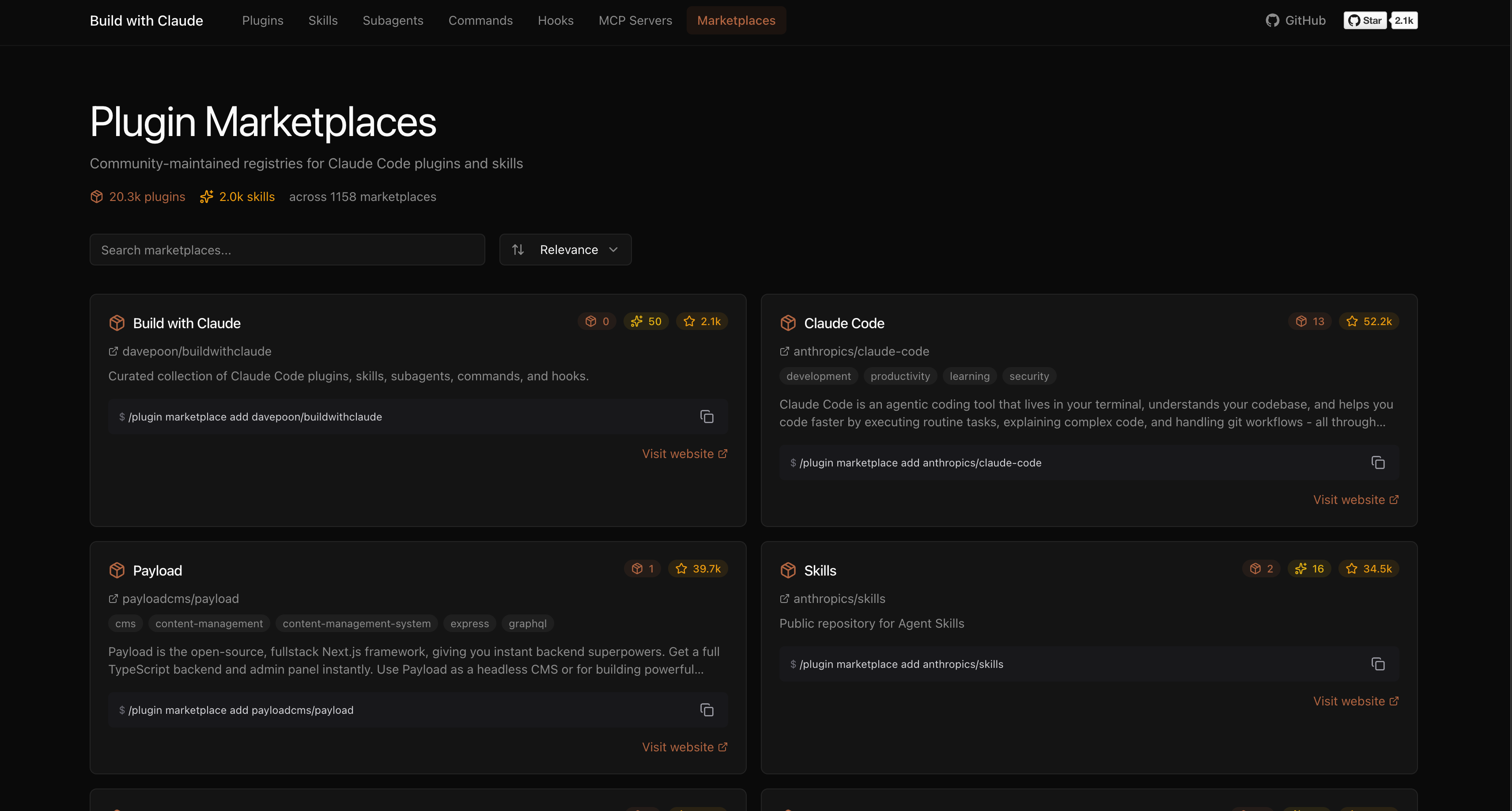
Browse, search, and explore everything at buildwithclaude.com
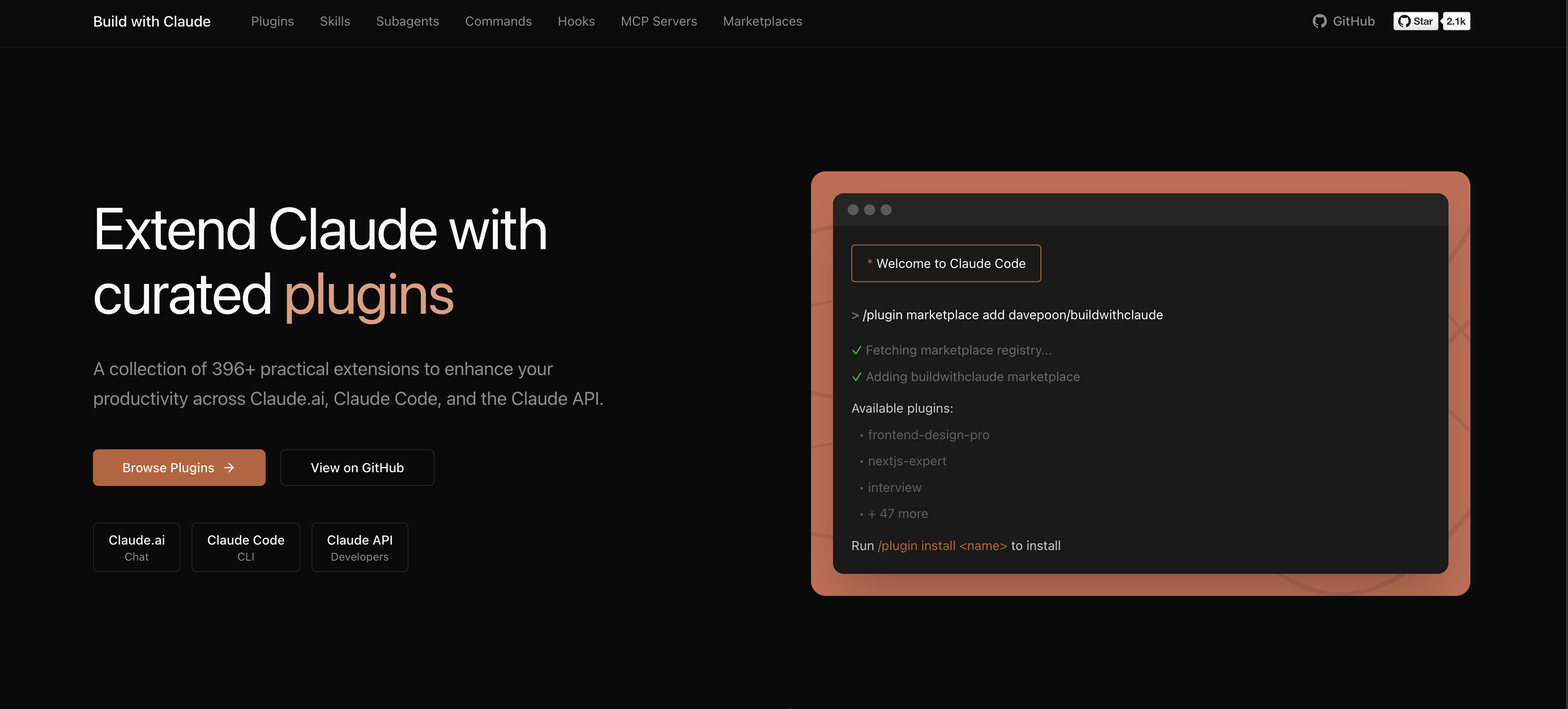
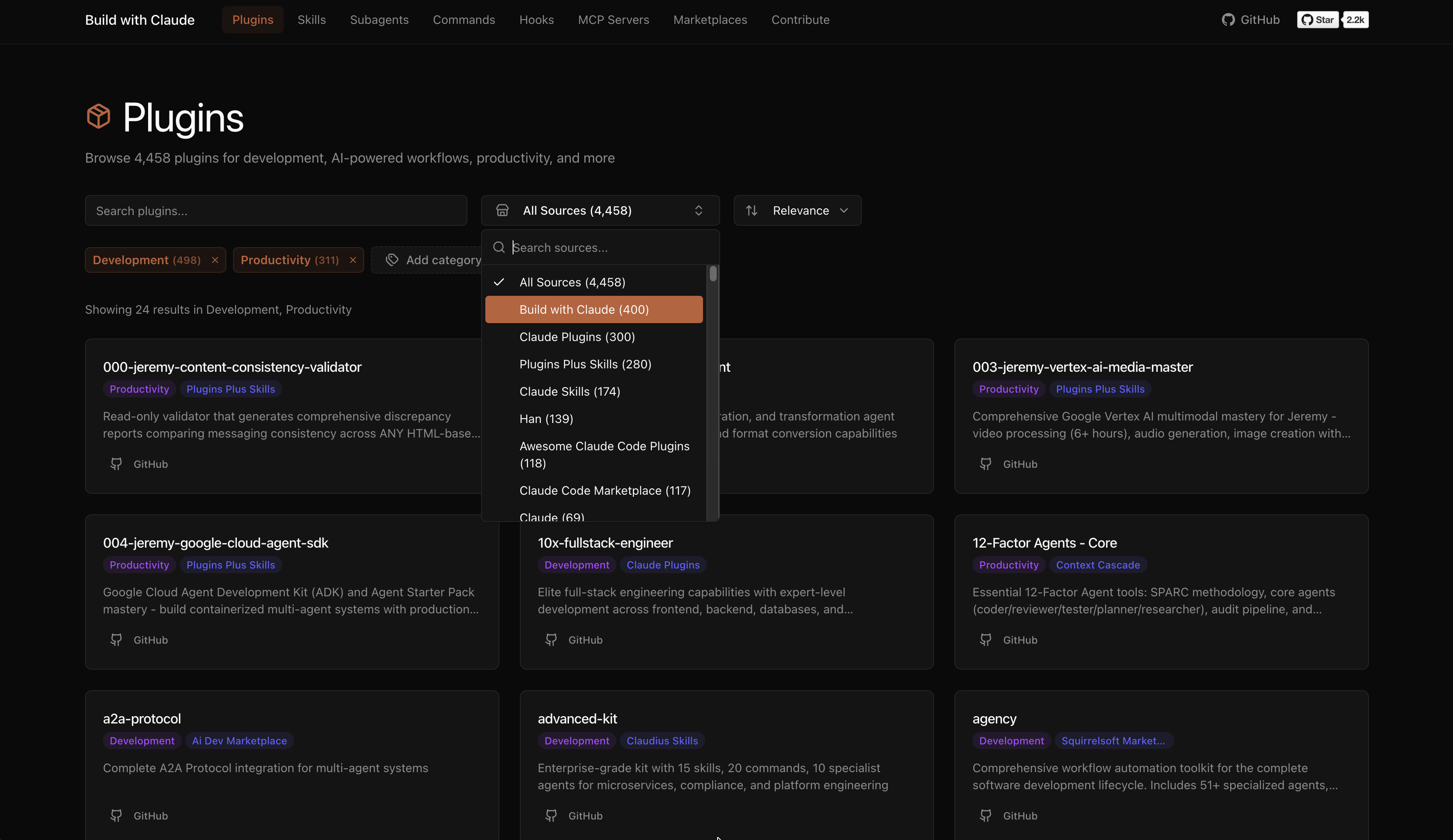
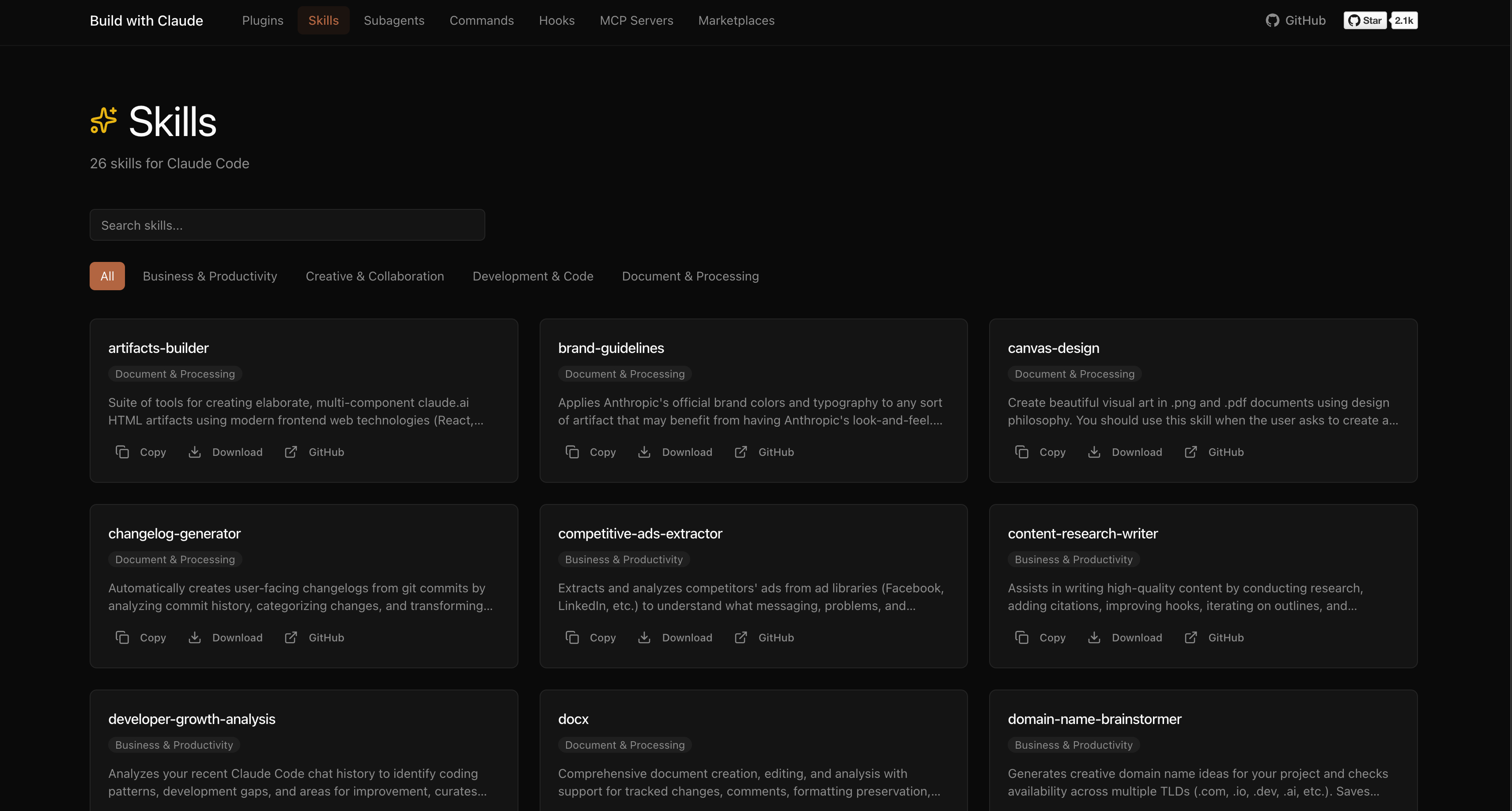
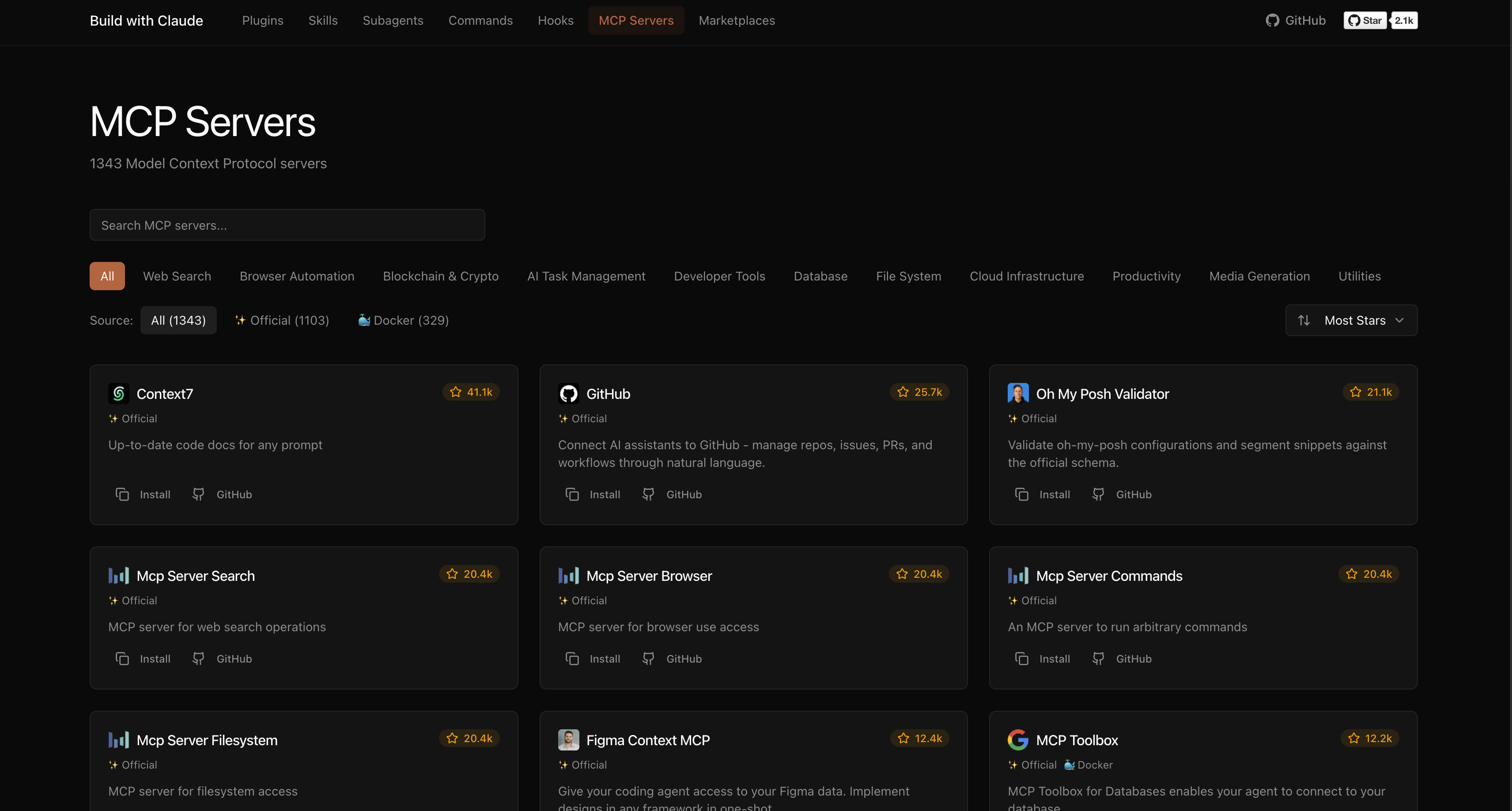
# Add marketplace
/plugin marketplace add davepoon/buildwithclaude

# Install specific plugins
/plugin install agents-python-expert@buildwithclaude
/plugin install commands-version-control-git@buildwithclaude
/plugin install hooks-notifications@buildwithclaude

# Or install everything
/plugin install all-agents@buildwithclaude
/plugin install all-commands@buildwithclaude
/plugin install all-hooks@buildwithclaude
# Clone repository
git clone https://github.com/davepoon/buildwithclaude.git
cd buildwithclaude

# Install agents
find plugins/agents-*/agents -name "*.md" -exec cp {} ~/.claude/agents/ \;

# Install commands
find plugins/commands-*/commands -name "*.md" -exec cp {} ~/.claude/commands/ \;

# Restart Claude Code
Agents are automatically invoked based on context, or explicitly called:
"Use the python-pro to optimize this function"
"@agent-security-auditor review this authentication code"
"Have the devops-troubleshooter help debug this deployment"
Commands use the / prefix:
Commands for CI/CD setup, containerization, and deployment automation
 davepoon
Commands for initializing and setting up new projects
davepoonCommands for designing and documenting REST and GraphQL APIs
davepoonCommands for code review, testing, and analysis
davepoonDomain-specific expert agents for validation, knowledge-graph, and other specialized tasks
davepoonnpx claudepluginhub davepoon/buildwithclaude --plugin commands-documentation-changelogsUpstash Context7 MCP server for up-to-date documentation lookup. Pull version-specific documentation and code examples directly from source repositories into your LLM context.
 upstash
Comprehensive C4 architecture documentation workflow with bottom-up code analysis, component synthesis, container mapping, and context diagram generation
 wshobson
v9.54.1 — Reliability wave: tangle contextual review correction loop with hard round ceiling, progress-supervised review rounds (per-agent stall watch, descendant-tree kills), council diversity and agy pin fixes, marketplace generator source-of-truth fix, provider troubleshooting runbook and cost-expectations docs. Run /octo:setup.
 nyldn
nyldnBuild and maintain an LLM-curated personal knowledge base in your project — Andrej Karpathy's LLM Wiki pattern, designed to scale to thousands of pages without becoming a context bottleneck. Now with an optional compiled graph layer for typed, provenance-backed relationships.
 praneybehl
Documentation generation, code explanation, and technical writing with automated doc generation and tutorial creation
wshobsonAI-powered wiki generator for code repositories. Generates comprehensive, Mermaid-rich documentation with dark-mode VitePress sites, onboarding guides, deep research, and source citations. Inspired by OpenDeepWiki and deepwiki-open.
 microsoft
'%20stop-opacity%3D'0.16'%2F%3E%3Cstop%20offset%3D'1'%20stop-color%3D'rgb(200%2C90%2C60)'%20stop-opacity%3D'0.03'%2F%3E%3C%2FlinearGradient%3E%3C%2Fdefs%3E%3Crect%20width%3D'320'%20height%3D'200'%20fill%3D'url(%23g)'%2F%3E%3Ccircle%20cx%3D'250'%20cy%3D'56'%20r%3D'92'%20fill%3D'rgb(200%2C90%2C60)'%20fill-opacity%3D'0.06'%2F%3E%3Ccircle%20cx%3D'64'%20cy%3D'172'%20r%3D'58'%20fill%3D'rgb(200%2C90%2C60)'%20fill-opacity%3D'0.05'%2F%3E%3C%2Fsvg%3E)