Stats
Actions
Available In
Tags

Slash-command bundle with 177 tools covering testing, git workflows, code quality, documentation, security, deployment, and project management — all accessible from Claude Code to automate development tasks.
Follow RED-GREEN-REFACTOR cycle approach for test-driven development
Implement secure user authentication system
Generate and maintain project changelog
Setup mutation testing for code quality
Add and configure new project dependencies
Own this plugin?
Verify ownership to unlock analytics, metadata editing, and a verified badge. GitHub access is read-only (username + org membership).
Sign in to claimOwn this plugin?
Verify ownership to unlock analytics, metadata editing, and a verified badge. GitHub access is read-only (username + org membership).
Sign in to claimnpx claudepluginhub davepoon/buildwithclaude --plugin all-commandsBased on adoption, maintenance, documentation, and repository signals. Not a security audit or endorsement.



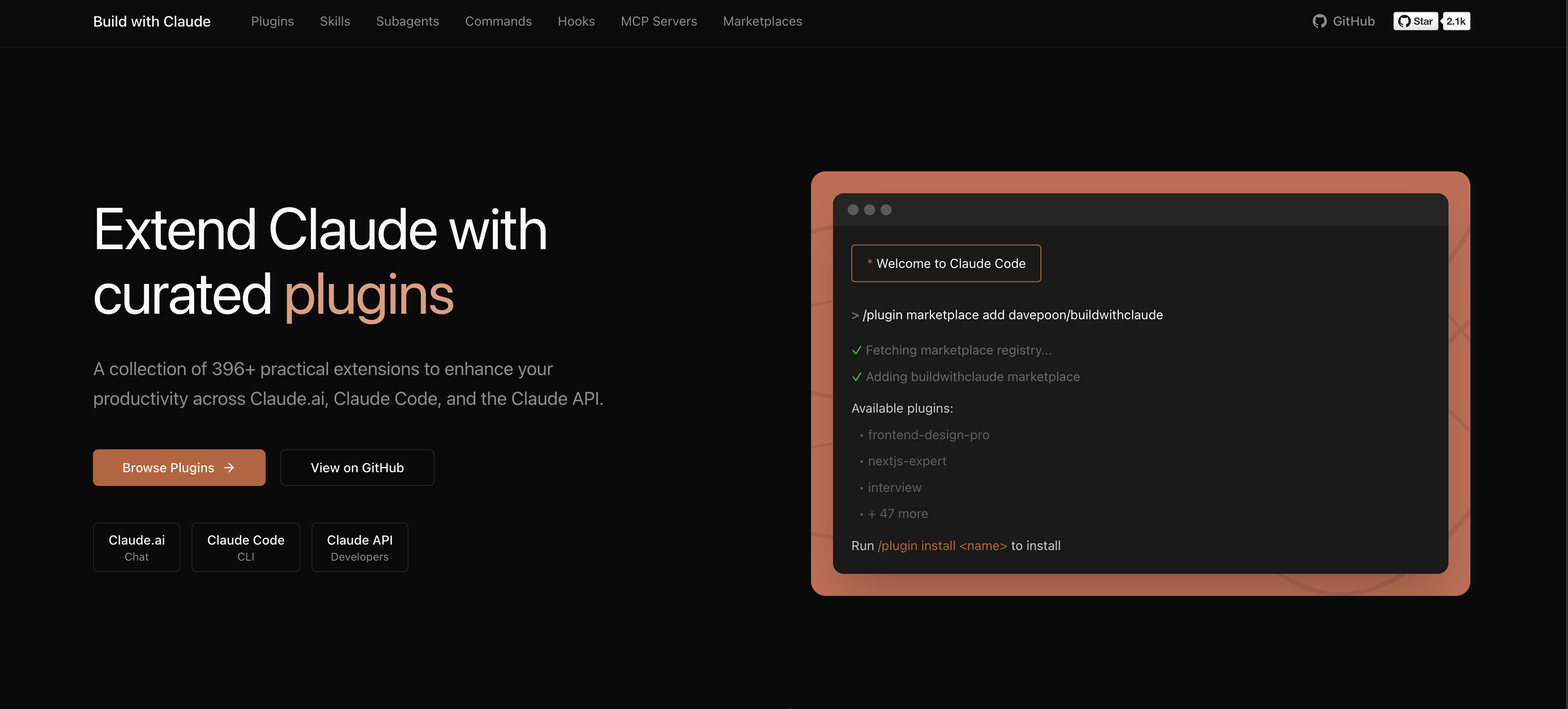
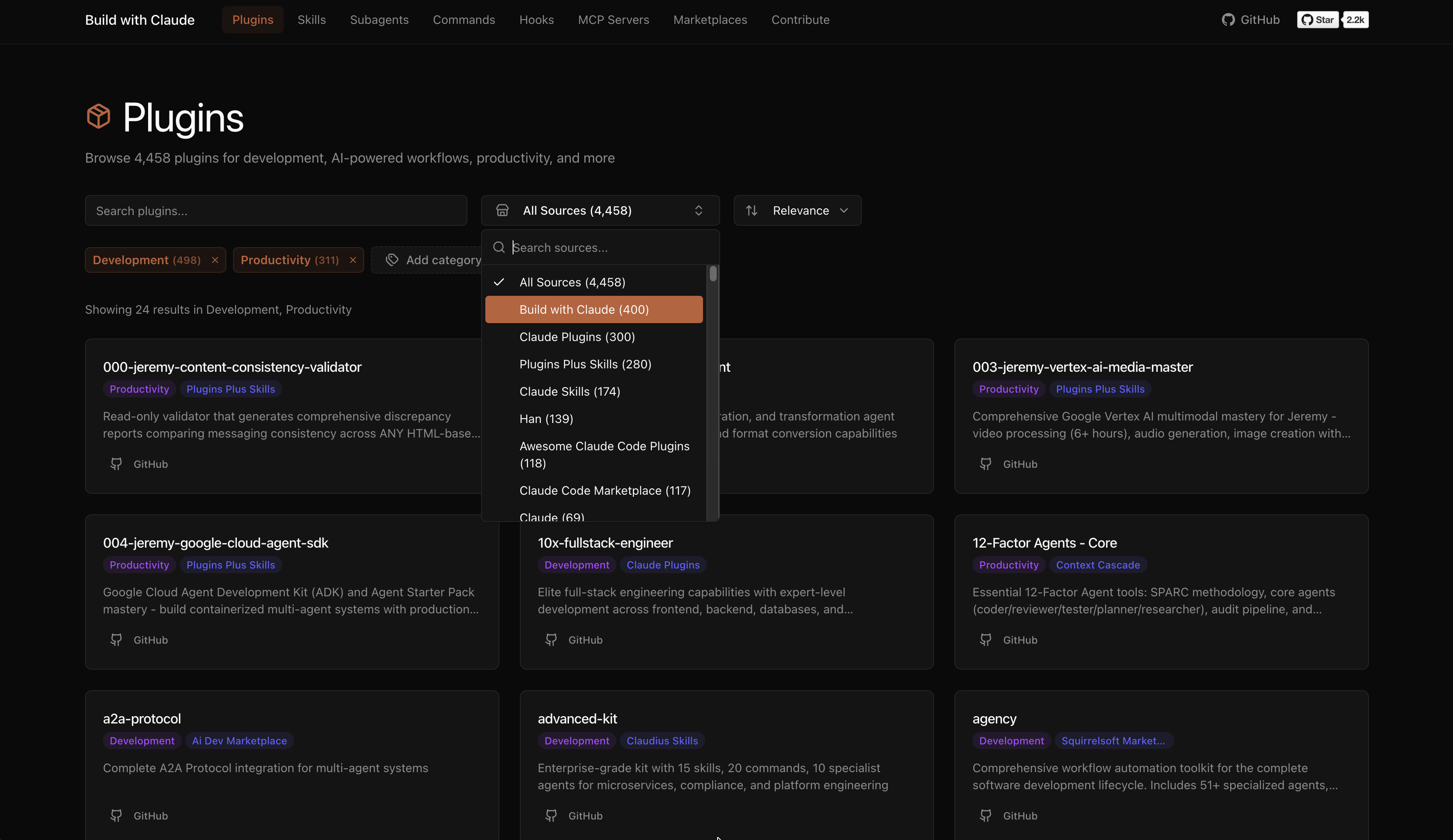
A plugin marketplace and discovery platform for Claude Code. Browse curated plugins, discover community contributions, and extend your Claude Code workflows.
# Add the Build with Claude marketplace
/plugin marketplace add davepoon/buildwithclaude

# Browse available plugins
/plugin search @buildwithclaude

# Install plugins
/plugin install <plugin-name>@buildwithclaude
Curated collections maintained in this repository:
| Type | Count | Description |
|---|---|---|
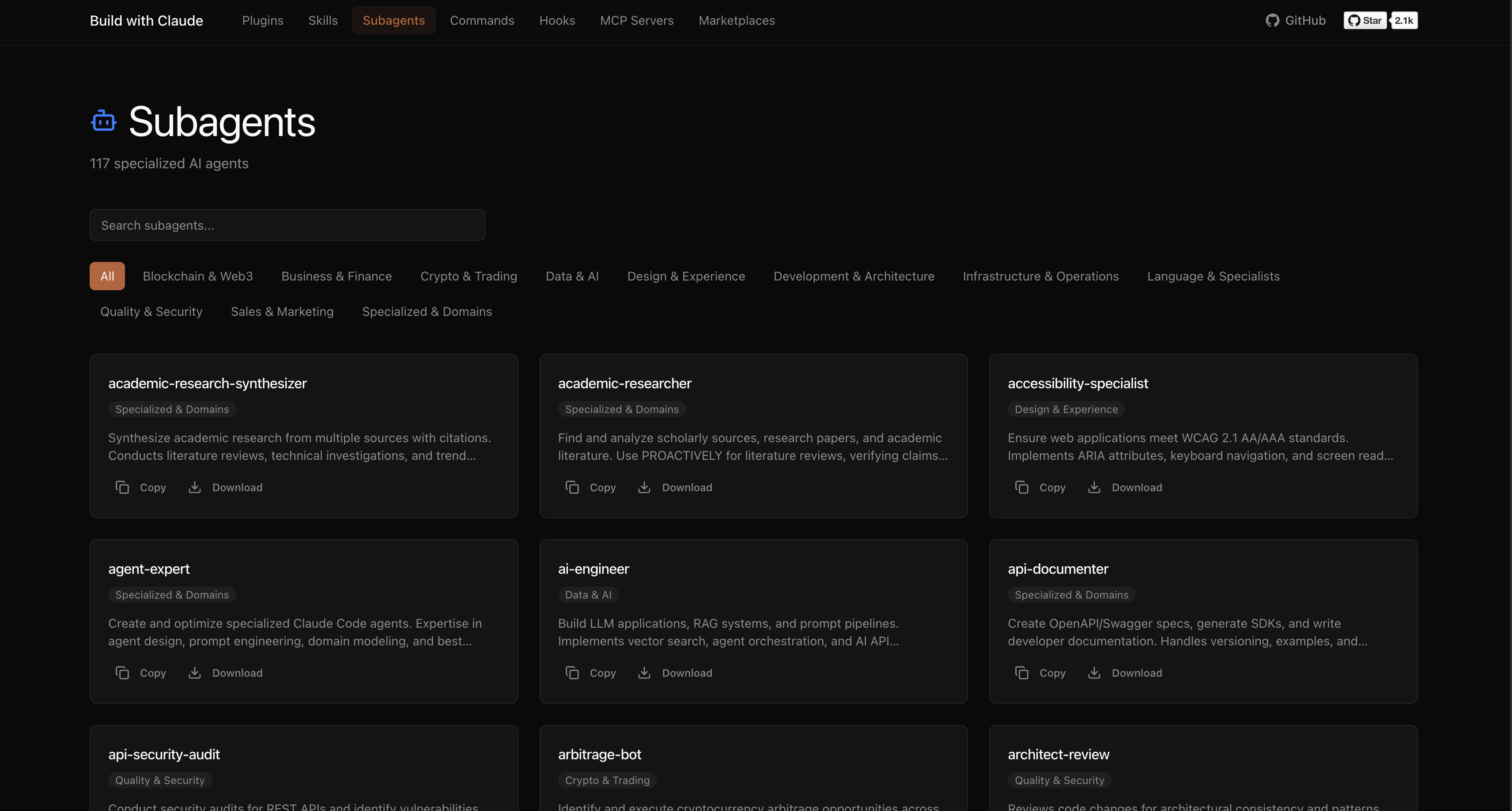
| Agents | 117 | Specialized AI experts (Python, Go, DevOps, Security, etc.) |
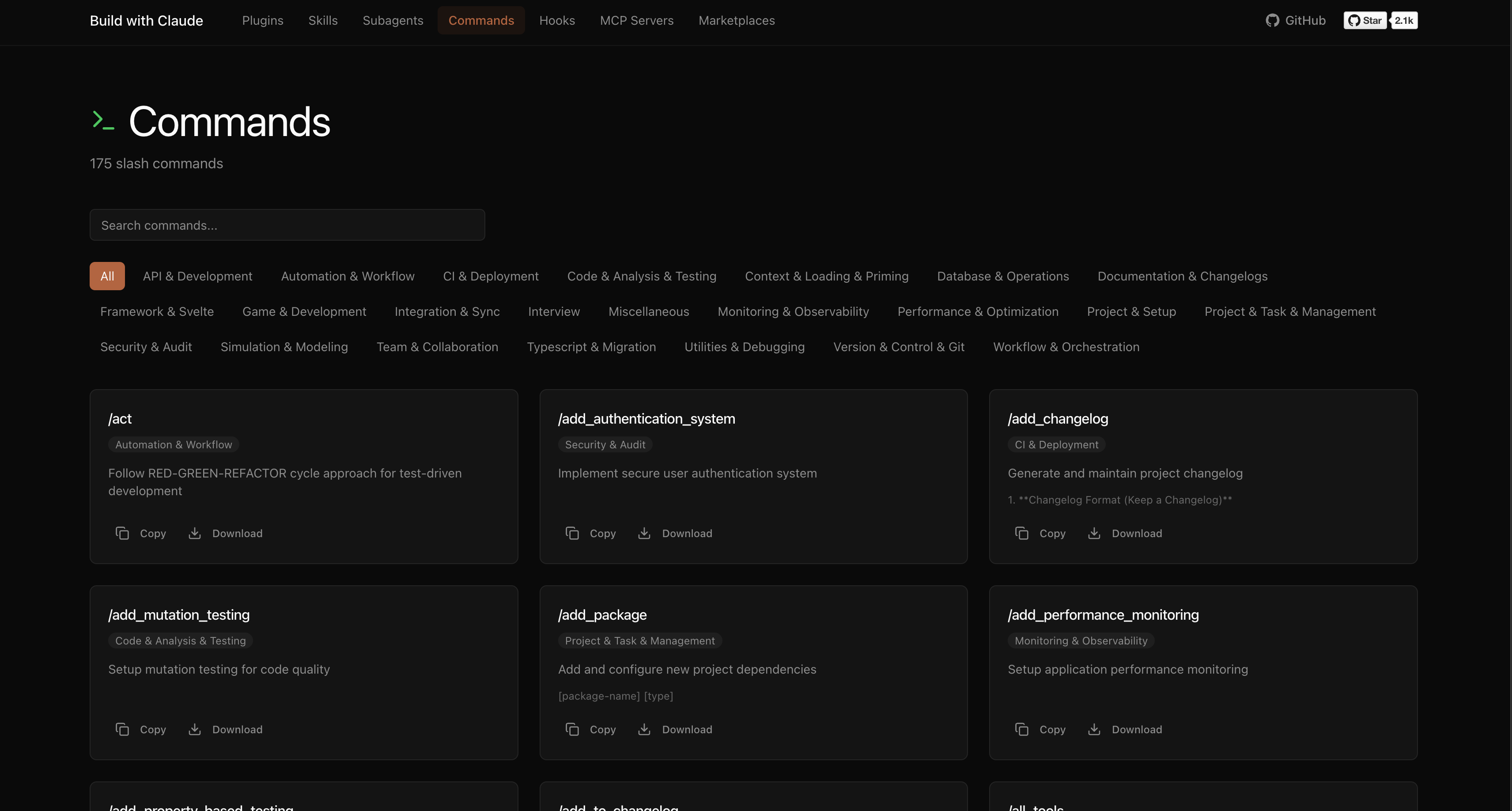
| Commands | 175 | Slash commands for automation (/commit, /docs, /tdd) |
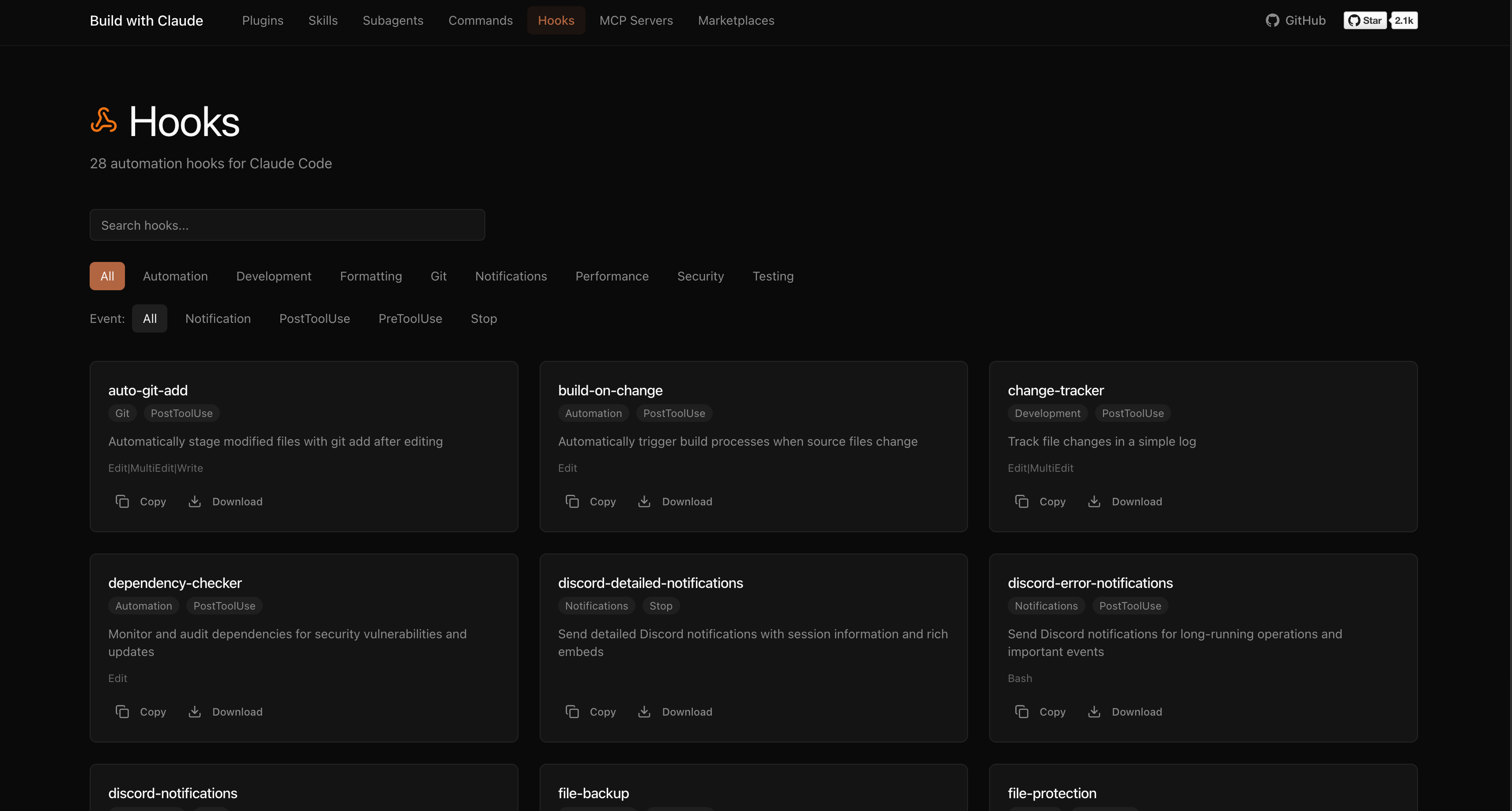
| Hooks | 28 | Event-driven automation (notifications, git, formatting) |
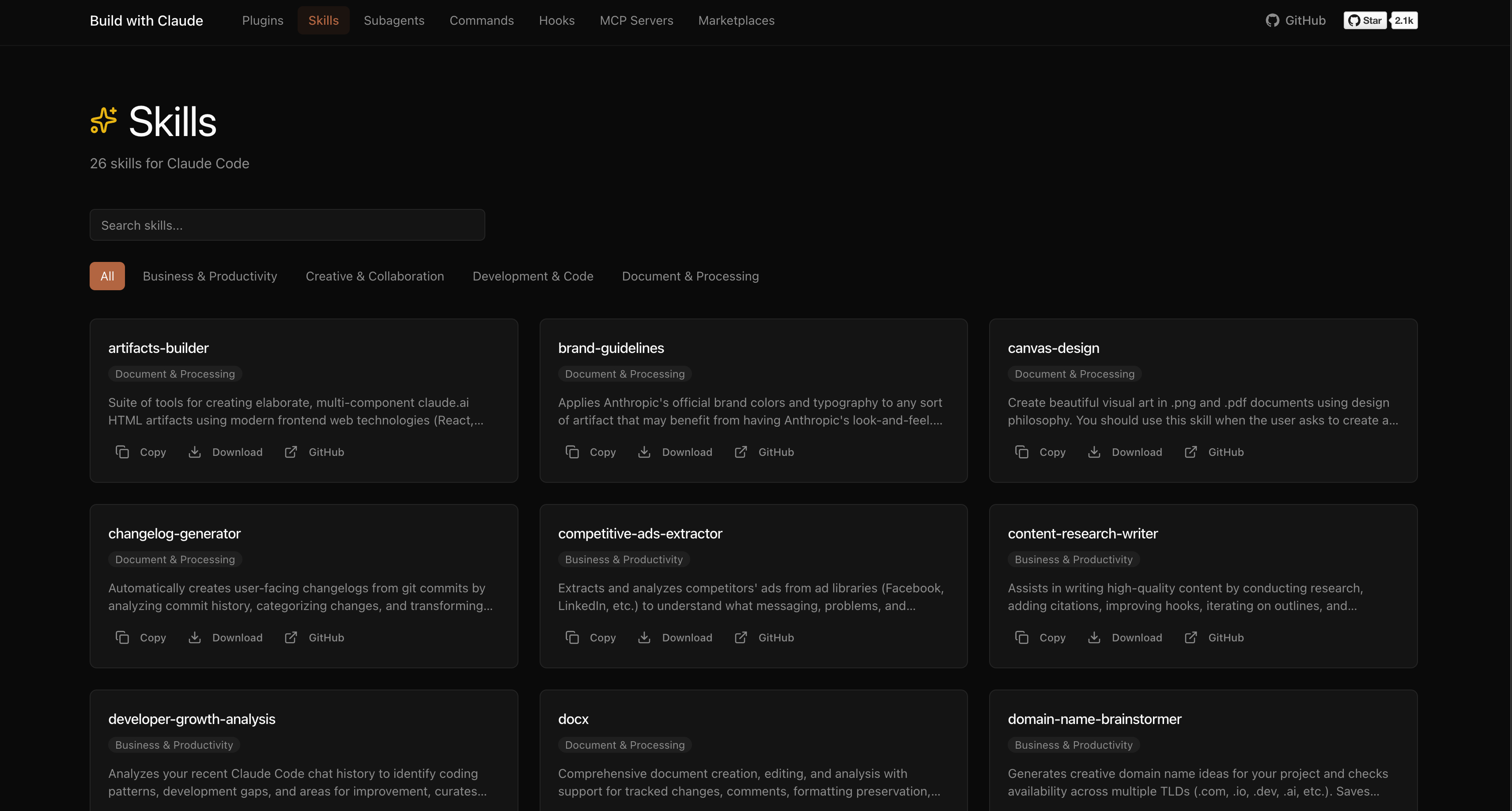
| Skills | 26 | Reusable capabilities from plugins |
| Plugins | 51 | Bundled plugin packages by category |
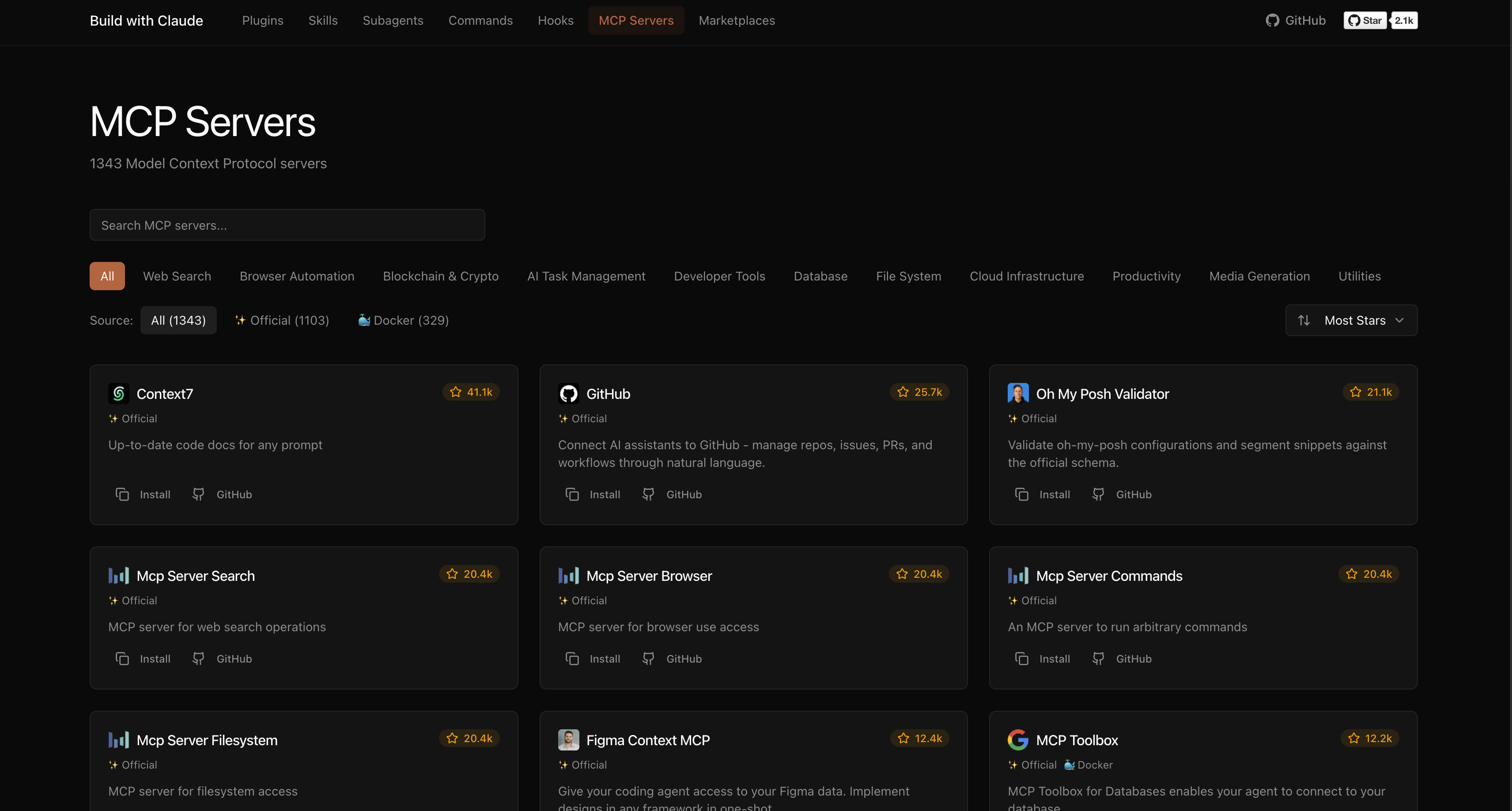
The platform indexes plugins from the broader Claude Code ecosystem:
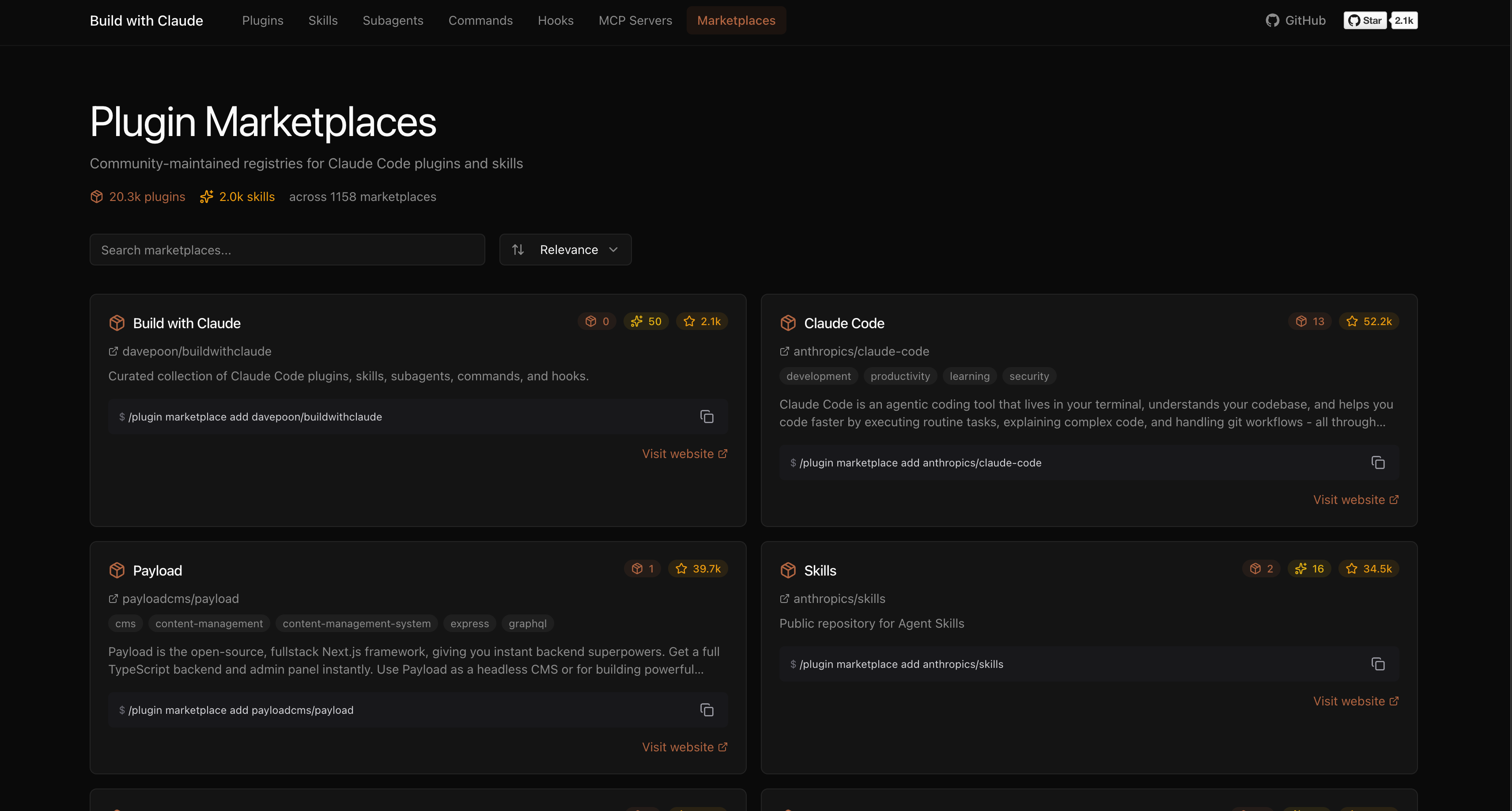
Browse, search, and explore everything at buildwithclaude.com
# Add marketplace
/plugin marketplace add davepoon/buildwithclaude

# Install specific plugins
/plugin install agents-python-expert@buildwithclaude
/plugin install commands-version-control-git@buildwithclaude
/plugin install hooks-notifications@buildwithclaude

# Or install everything
/plugin install all-agents@buildwithclaude
/plugin install all-commands@buildwithclaude
/plugin install all-hooks@buildwithclaude
# Clone repository
git clone https://github.com/davepoon/buildwithclaude.git
cd buildwithclaude

# Install agents
find plugins/agents-*/agents -name "*.md" -exec cp {} ~/.claude/agents/ \;

# Install commands
find plugins/commands-*/commands -name "*.md" -exec cp {} ~/.claude/commands/ \;

# Restart Claude Code
Agents are automatically invoked based on context, or explicitly called:
"Use the python-pro to optimize this function"
"@agent-security-auditor review this authentication code"
"Have the devops-troubleshooter help debug this deployment"
Commands use the / prefix:
Commands for CI/CD setup, containerization, and deployment automation
 davepoon
Commands for initializing and setting up new projects
davepoonCommands for designing and documenting REST and GraphQL APIs
davepoonCommands for code review, testing, and analysis
davepoonDomain-specific expert agents for validation, knowledge-graph, and other specialized tasks
davepoonGeneral debugging and utility commands
davepoon70+ Claude Code slash commands across 12 development phases with Dagger-based safety system, multi-dimensional validation, and specialized agents
 ursisterbtw
Essential developer skills including Git workflows, SQL optimization, error handling, code review, E2E testing, authentication, debugging, and monorepo management
 wshobson
Use this agent when evaluating new development tools, frameworks, or services for the studio. This agent specializes in rapid tool assessment, comparative analysis, and making recommendations that align with the 6-day development cycle philosophy. Examples:\n\n<example>\nContext: Considering a new framework or library
 ananddtyagi
Multi-agent orchestrator for Claude Code. Track work with convoys, sling to polecats. The Cognition Engine for AI-powered software factories.
 jeremylongshore
Ultra-compressed communication mode. Cuts 65% of output tokens (measured) while keeping full technical accuracy by speaking like a caveman.
 JuliusBrussee
'%20stop-opacity%3D'0.16'%2F%3E%3Cstop%20offset%3D'1'%20stop-color%3D'rgb(200%2C90%2C60)'%20stop-opacity%3D'0.03'%2F%3E%3C%2FlinearGradient%3E%3C%2Fdefs%3E%3Crect%20width%3D'320'%20height%3D'200'%20fill%3D'url(%23g)'%2F%3E%3Ccircle%20cx%3D'250'%20cy%3D'56'%20r%3D'92'%20fill%3D'rgb(200%2C90%2C60)'%20fill-opacity%3D'0.06'%2F%3E%3Ccircle%20cx%3D'64'%20cy%3D'172'%20r%3D'58'%20fill%3D'rgb(200%2C90%2C60)'%20fill-opacity%3D'0.05'%2F%3E%3C%2Fsvg%3E)