Stats
Actions
Available In
Tags

Deploy specialized AI agents to automate data engineering, ML pipeline development, LLM application building, research synthesis, and prompt engineering tasks across your projects.
Build LLM applications, RAG systems, and prompt pipelines. Implements vector search, agent orchestration, and AI API integrations. Use PROACTIVELY for LLM features, chatbots, or AI-powered applications.
Manages context across multiple agents and long-running tasks. Use PROACTIVELY when coordinating complex multi-agent workflows or when context needs to be preserved across multiple sessions. MUST BE USED for projects exceeding 10k tokens.
Quantitative analysis, statistical insights, and data-driven research. Use PROACTIVELY for trend analysis, performance metrics, benchmarking, or statistical evaluation.
Build ETL pipelines, data warehouses, and streaming architectures. Implements Spark jobs, Airflow DAGs, and Kafka streams. Use PROACTIVELY for data pipeline design or analytics infrastructure.
Data analysis expert for SQL queries, BigQuery operations, and data insights. Use proactively for data analysis tasks and queries.
Uses power tools
Uses Bash, Write, or Edit tools
Own this plugin?
Verify ownership to unlock analytics, metadata editing, and a verified badge. GitHub access is read-only (username + org membership).
Sign in to claimOwn this plugin?
Verify ownership to unlock analytics, metadata editing, and a verified badge. GitHub access is read-only (username + org membership).
Sign in to claimBased on adoption, maintenance, documentation, and repository signals. Not a security audit or endorsement.



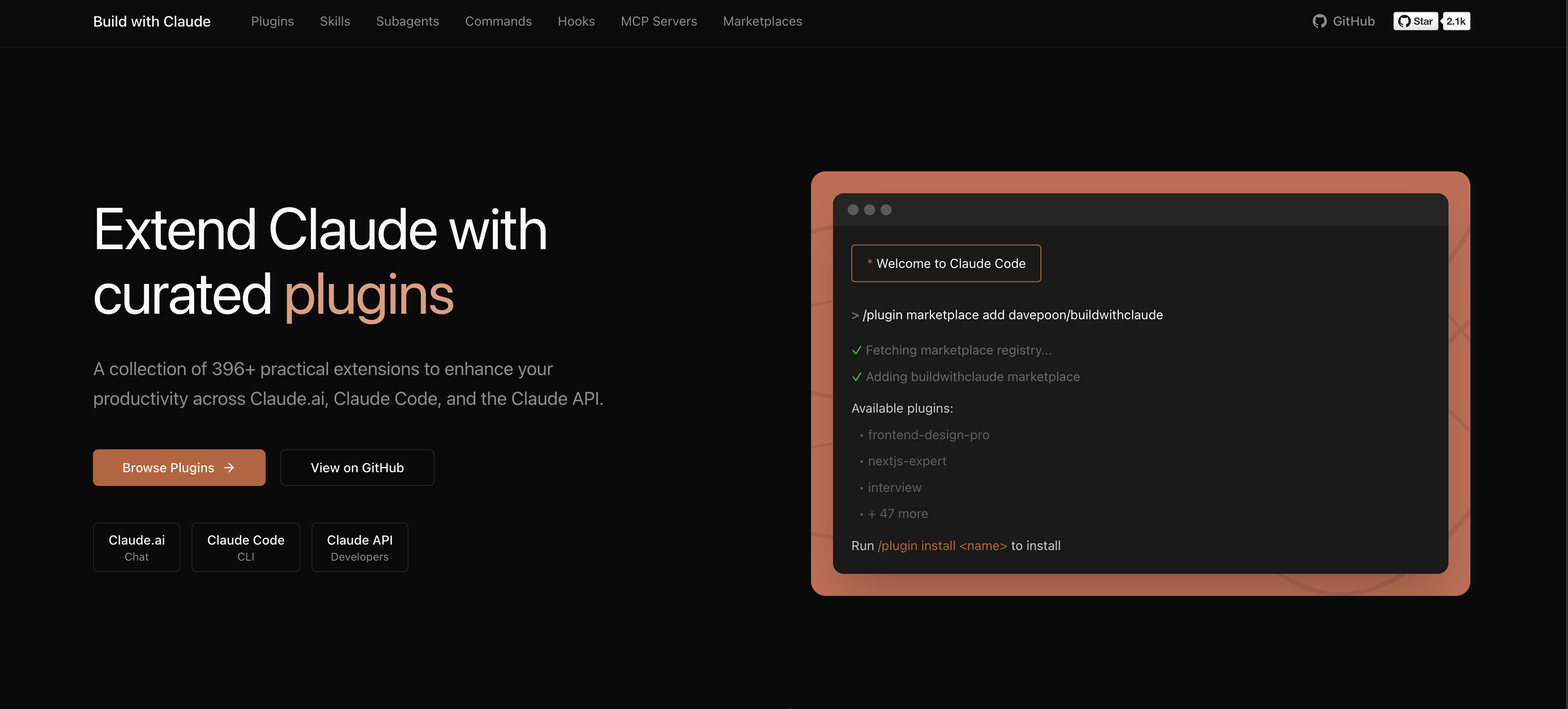
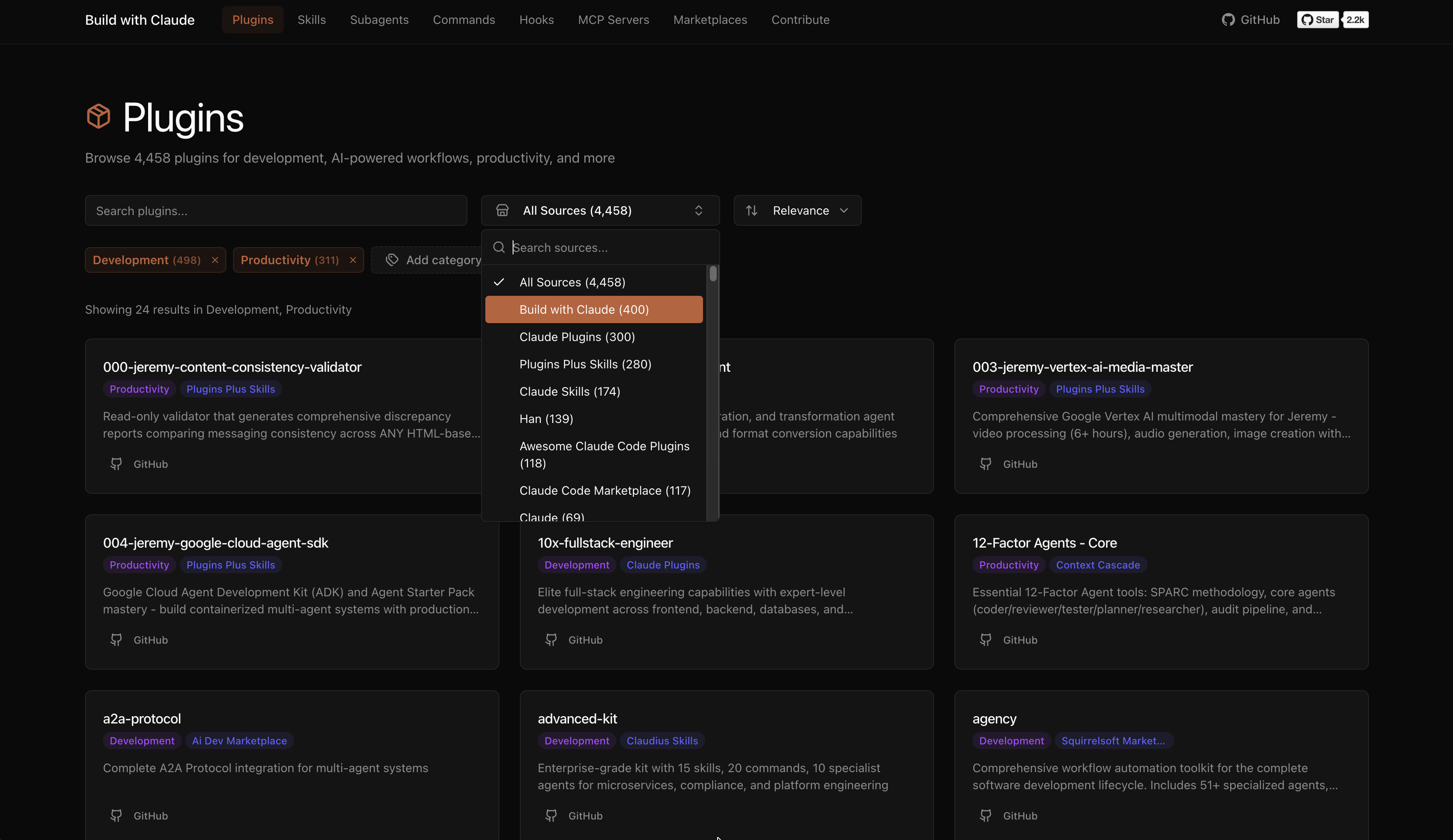
A plugin marketplace and discovery platform for Claude Code. Browse curated plugins, discover community contributions, and extend your Claude Code workflows.
# Add the Build with Claude marketplace
/plugin marketplace add davepoon/buildwithclaude

# Browse available plugins
/plugin search @buildwithclaude

# Install plugins
/plugin install <plugin-name>@buildwithclaude
Curated collections maintained in this repository:
| Type | Count | Description |
|---|---|---|
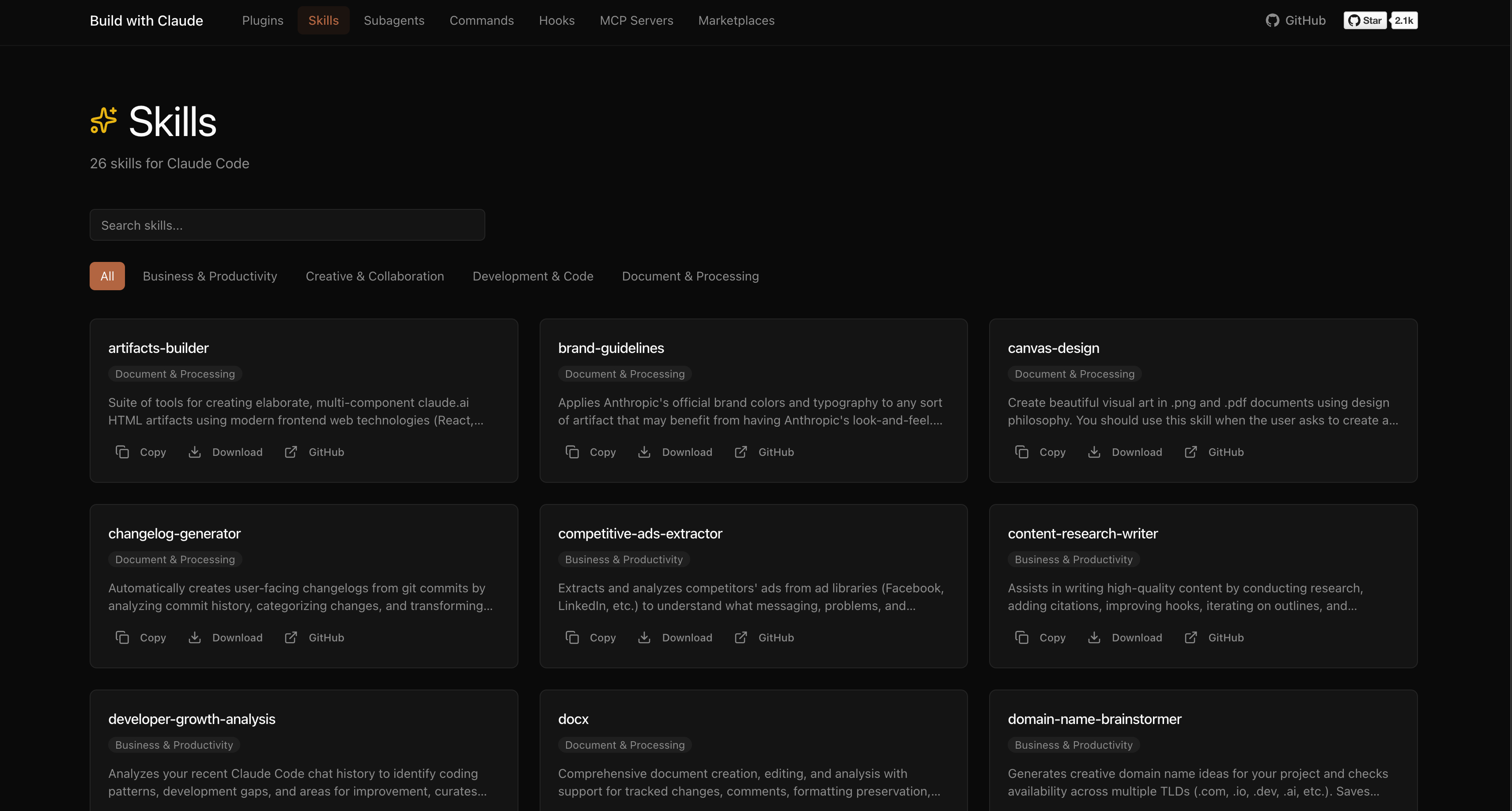
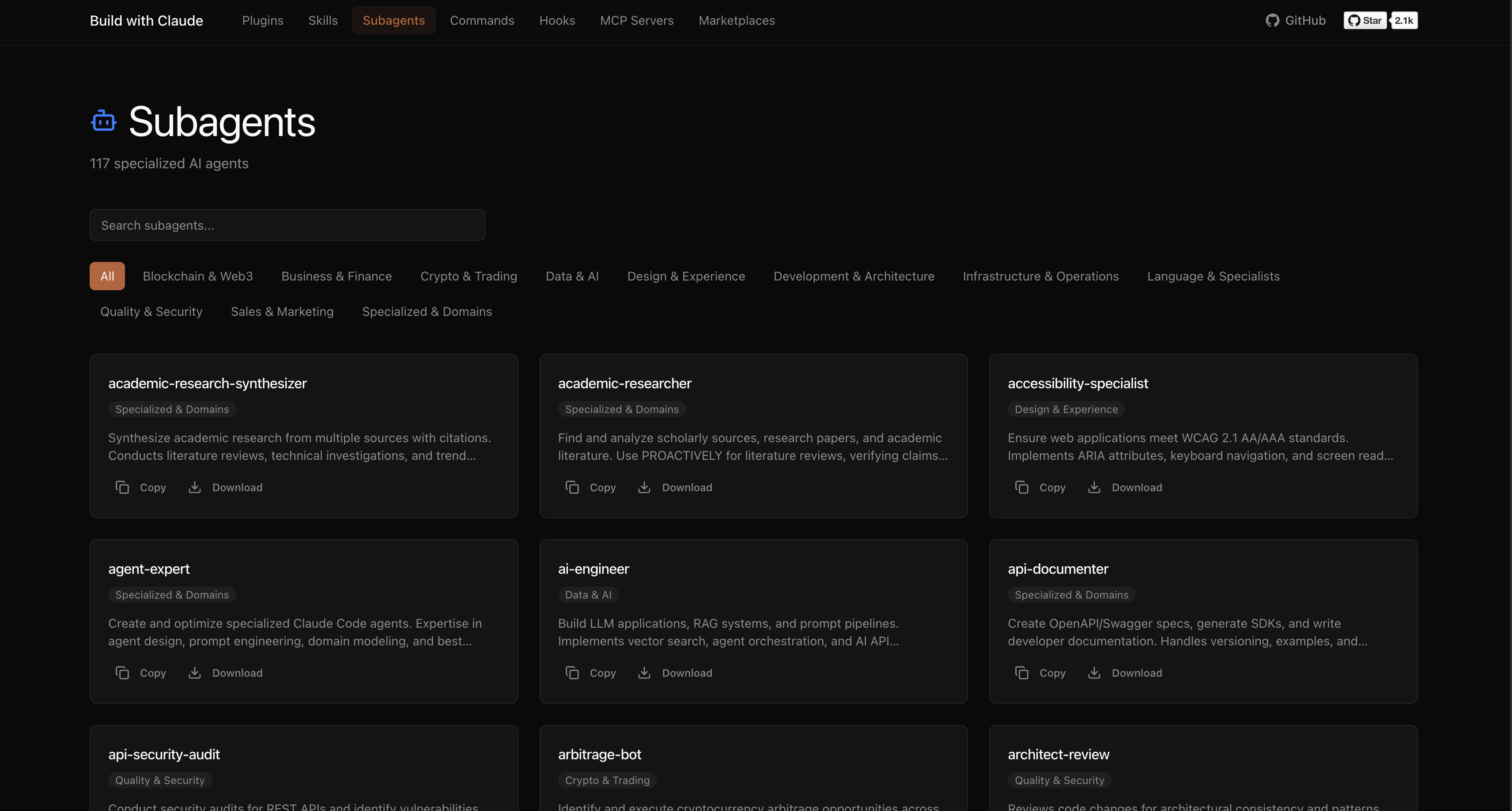
| Agents | 117 | Specialized AI experts (Python, Go, DevOps, Security, etc.) |
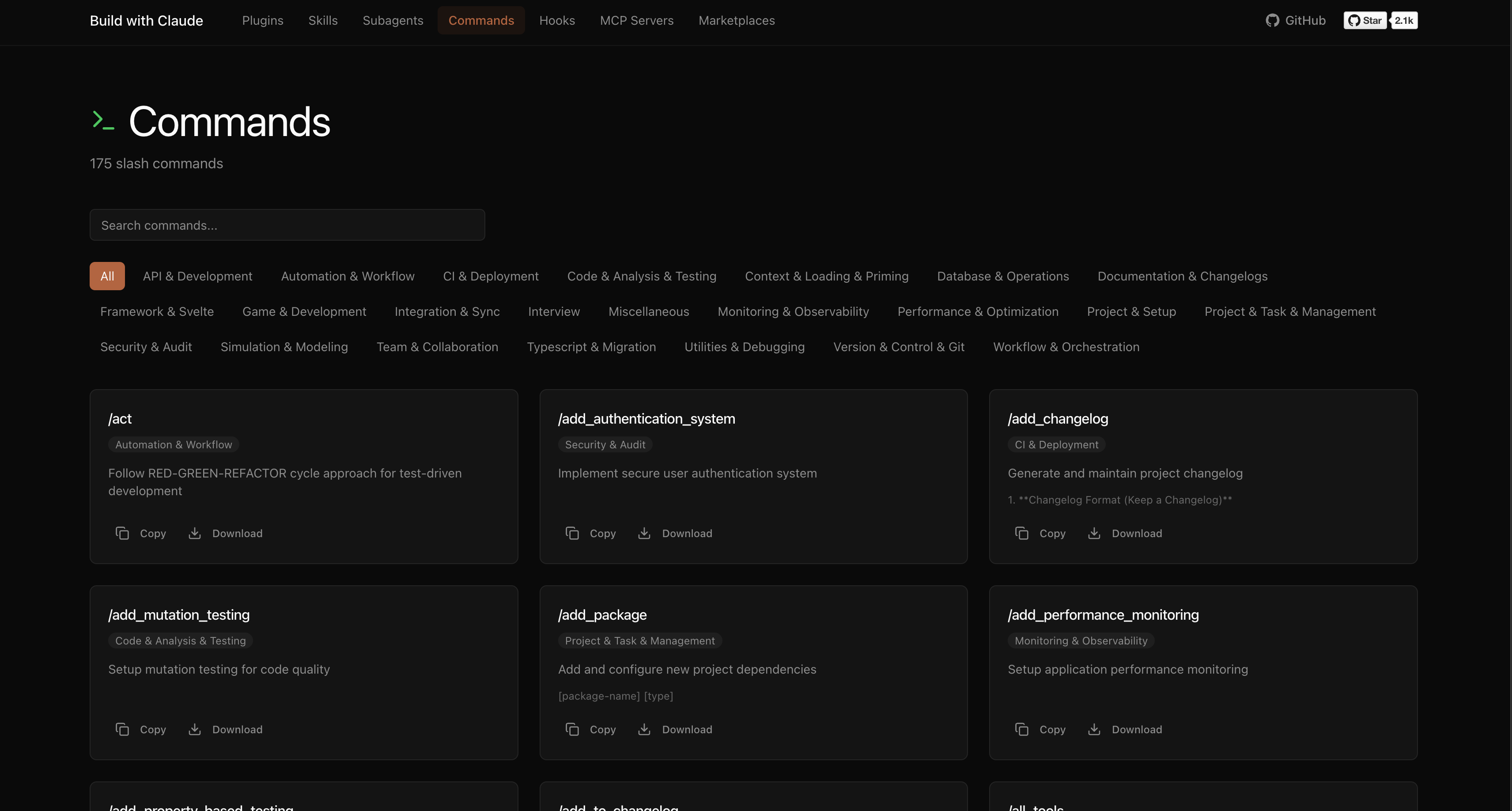
| Commands | 175 | Slash commands for automation (/commit, /docs, /tdd) |
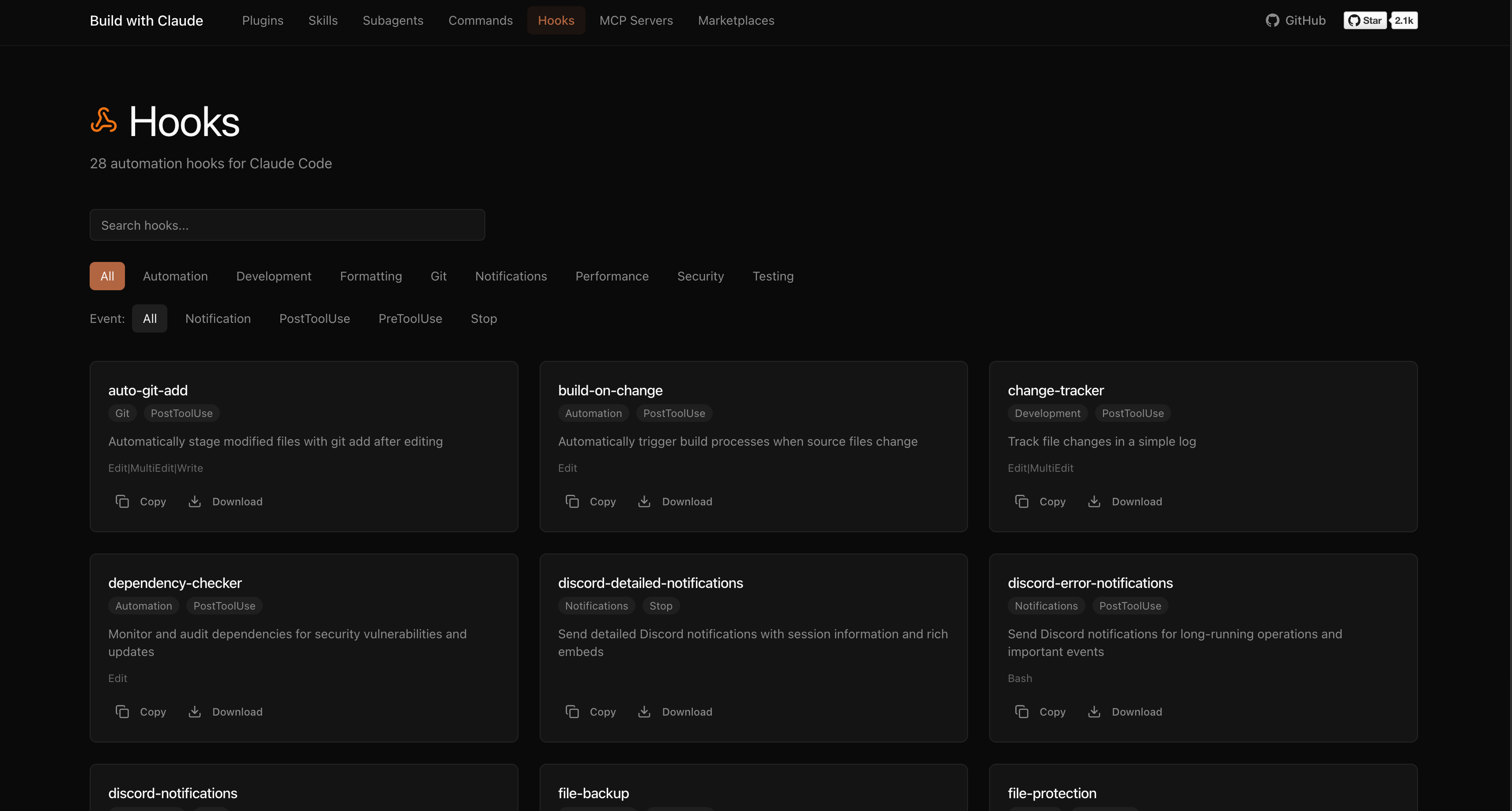
| Hooks | 28 | Event-driven automation (notifications, git, formatting) |
| Skills | 26 | Reusable capabilities from plugins |
| Plugins | 51 | Bundled plugin packages by category |
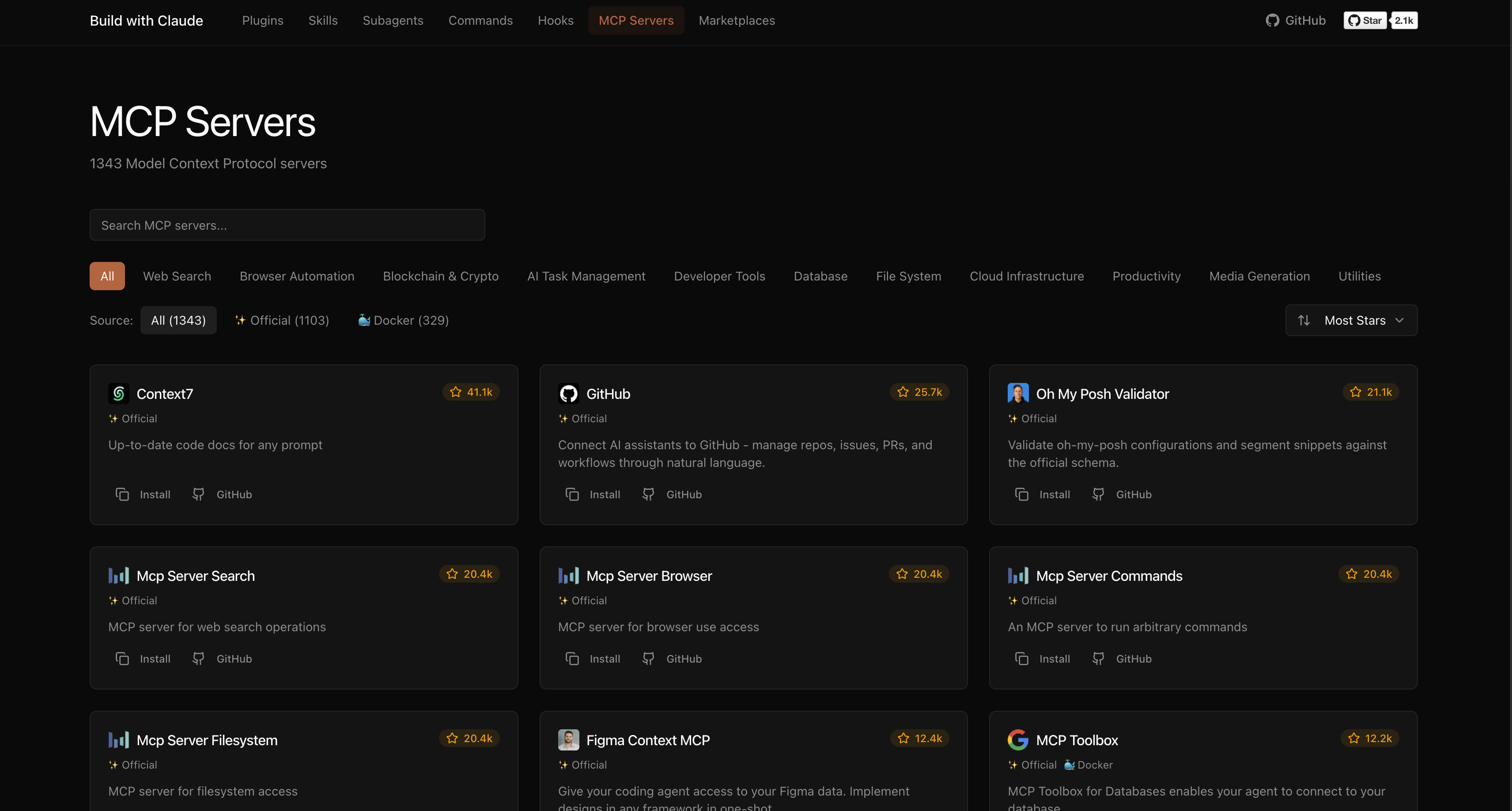
The platform indexes plugins from the broader Claude Code ecosystem:
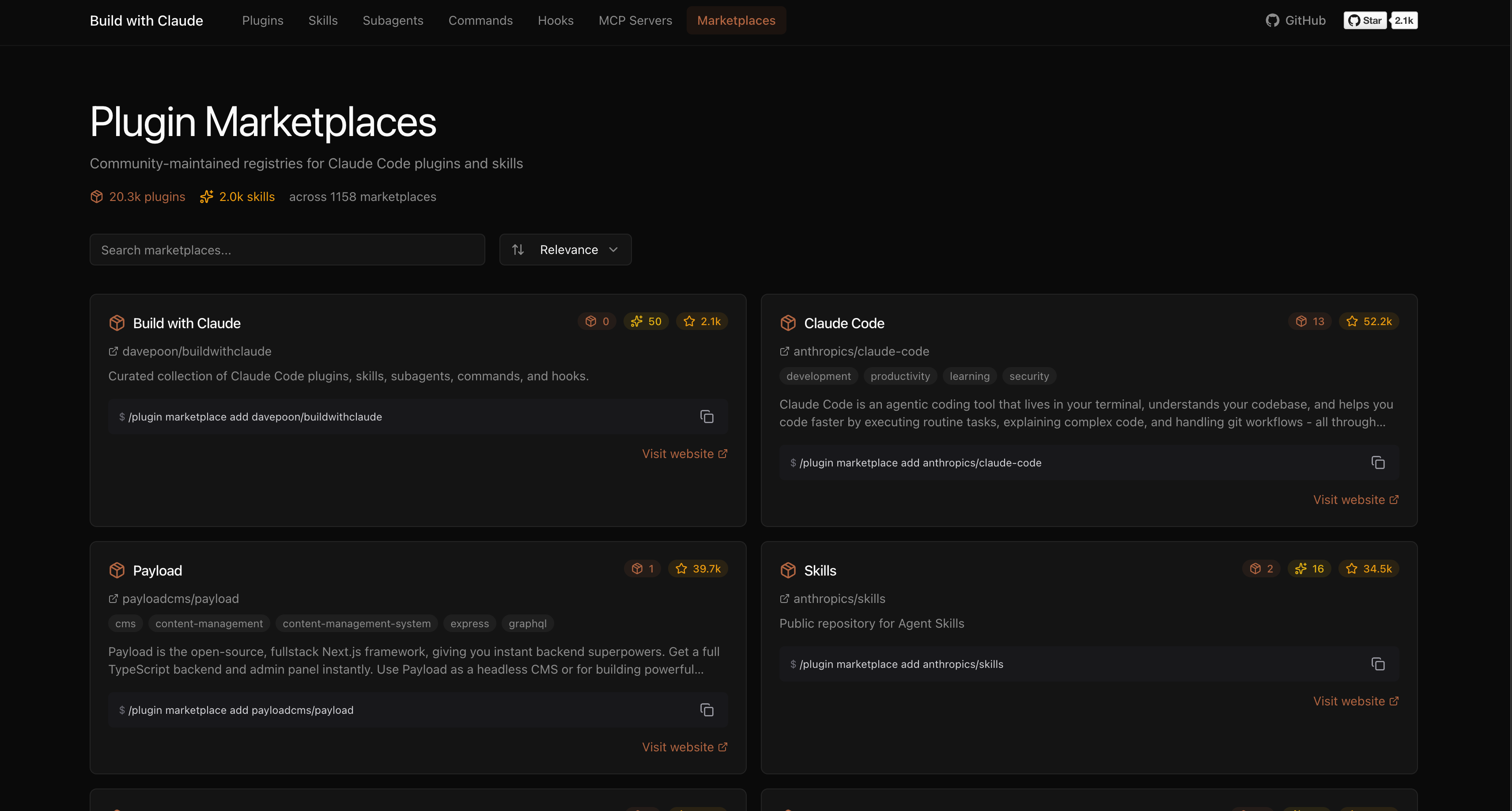
Browse, search, and explore everything at buildwithclaude.com
# Add marketplace
/plugin marketplace add davepoon/buildwithclaude

# Install specific plugins
/plugin install agents-python-expert@buildwithclaude
/plugin install commands-version-control-git@buildwithclaude
/plugin install hooks-notifications@buildwithclaude

# Or install everything
/plugin install all-agents@buildwithclaude
/plugin install all-commands@buildwithclaude
/plugin install all-hooks@buildwithclaude
# Clone repository
git clone https://github.com/davepoon/buildwithclaude.git
cd buildwithclaude

# Install agents
find plugins/agents-*/agents -name "*.md" -exec cp {} ~/.claude/agents/ \;

# Install commands
find plugins/commands-*/commands -name "*.md" -exec cp {} ~/.claude/commands/ \;

# Restart Claude Code
Agents are automatically invoked based on context, or explicitly called:
"Use the python-pro to optimize this function"
"@agent-security-auditor review this authentication code"
"Have the devops-troubleshooter help debug this deployment"
Commands use the / prefix:
npx claudepluginhub davepoon/buildwithclaude --plugin agents-data-aiCommands for CI/CD setup, containerization, and deployment automation
 davepoon
Commands for initializing and setting up new projects
davepoonCommands for designing and documenting REST and GraphQL APIs
davepoonCommands for security auditing and vulnerability scanning
davepoonDomain-specific expert agents for validation, knowledge-graph, and other specialized tasks
davepoonComplete collection of 117 specialized AI agents across 11 categories
davepoonBattle-tested Claude Code plugin for engineering teams — 38 agents, 156 skills, 72 legacy command shims, production-ready hooks, and selective install workflows evolved through continuous real-world use
 mrebrahim
LLM application development, prompt engineering, and AI assistant optimization
 wshobson
Data engineering, ML, and AI specialists - data pipelines, machine learning, LLM architecture
 VoltAgent
Multi-agent orchestration system with MCP tools and Claude Code plugin agents. 51 specialized agents for development workflows, code quality, deployment, research, and more.
 jeremylongshore
Editorial "Agent Architect" bundle for Claude Code from Antigravity Awesome Skills.
 sickn33
'%20stop-opacity%3D'0.16'%2F%3E%3Cstop%20offset%3D'1'%20stop-color%3D'rgb(200%2C90%2C60)'%20stop-opacity%3D'0.03'%2F%3E%3C%2FlinearGradient%3E%3C%2Fdefs%3E%3Crect%20width%3D'320'%20height%3D'200'%20fill%3D'url(%23g)'%2F%3E%3Ccircle%20cx%3D'250'%20cy%3D'56'%20r%3D'92'%20fill%3D'rgb(200%2C90%2C60)'%20fill-opacity%3D'0.06'%2F%3E%3Ccircle%20cx%3D'64'%20cy%3D'172'%20r%3D'58'%20fill%3D'rgb(200%2C90%2C60)'%20fill-opacity%3D'0.05'%2F%3E%3C%2Fsvg%3E)