Stats
Actions
Available In
Tags

Multi-provider AI media skills. Image, video, and edit generation across Google (Nano Banana Pro / Gemini 3 Pro Image, Veo 3.1), OpenAI (gpt-image-2), and xAI (Grok Imagine image + grok-imagine-video-1.5), with capability-aware auto-pick and a /gemskills:setup onboarding flow. Includes 169 art styles, interactive style browser, pixel avatars, team group photos, section dividers, platform icons, image optimization with sharp, text generation, upscaling, masked editing/inpainting, SVG creation, segmentation, and visual workflow planning.
Based on adoption, maintenance, documentation, and repository signals. Not a security audit or endorsement.
This skill should be used when the user asks to "ask Gemini", "get Gemini's opinion", "have Gemini review", "improve writing style", "make less AI-sounding", "get feedback on article", "review this draft", "Nano Banana", "Gemini API help", "Gemini models", or needs a second opinion on content, writing, code, or design. Supports text questions and up to 10 images.
This skill should be used when the user asks to "create an avatar from a photo", "generate a portrait avatar", "make a profile image", "convert headshot to styled portrait", "team member avatar", "character-style avatar", or needs likeness-preserving avatars in any style (including pixel art).
This skill should be used when the user asks to "browse art styles", "pick a style", "choose a style", "select a style", "list available styles", "search styles", "show style options", "what styles are available", "explore artistic styles", "open style browser", "style picker", or needs to see available styles for image generation. Launch the visual browser (browse.ts) when the user wants to interactively pick a style.
This skill should be used when the user asks to "create a deck", "make a presentation", "build slides", "pitch deck", "investor deck", "sales presentation", "design a deck", "interactive presentation", "presenter mode", "HTML slides", "video background deck", "deck playground", "visual deck editor", "deck builder UI", "publish deck link", or needs to generate a complete deck with minimal friction. Handles low-question discovery, early Deck Creator UI launch, theme selection, copywriting, parallel slide generation, PDF stitching, optional HTML presenter, and publishing workflows.
This skill should be used when the user asks to "edit an image", "modify a photo", "inpaint", "outpaint", "extend an image", "replace object in image", "add element to image", "resize image for social media", "crop image", "adapt image for Twitter", "convert image to OG format", or needs AI-powered image editing with masks.
Uses power tools
Uses Bash, Write, or Edit tools
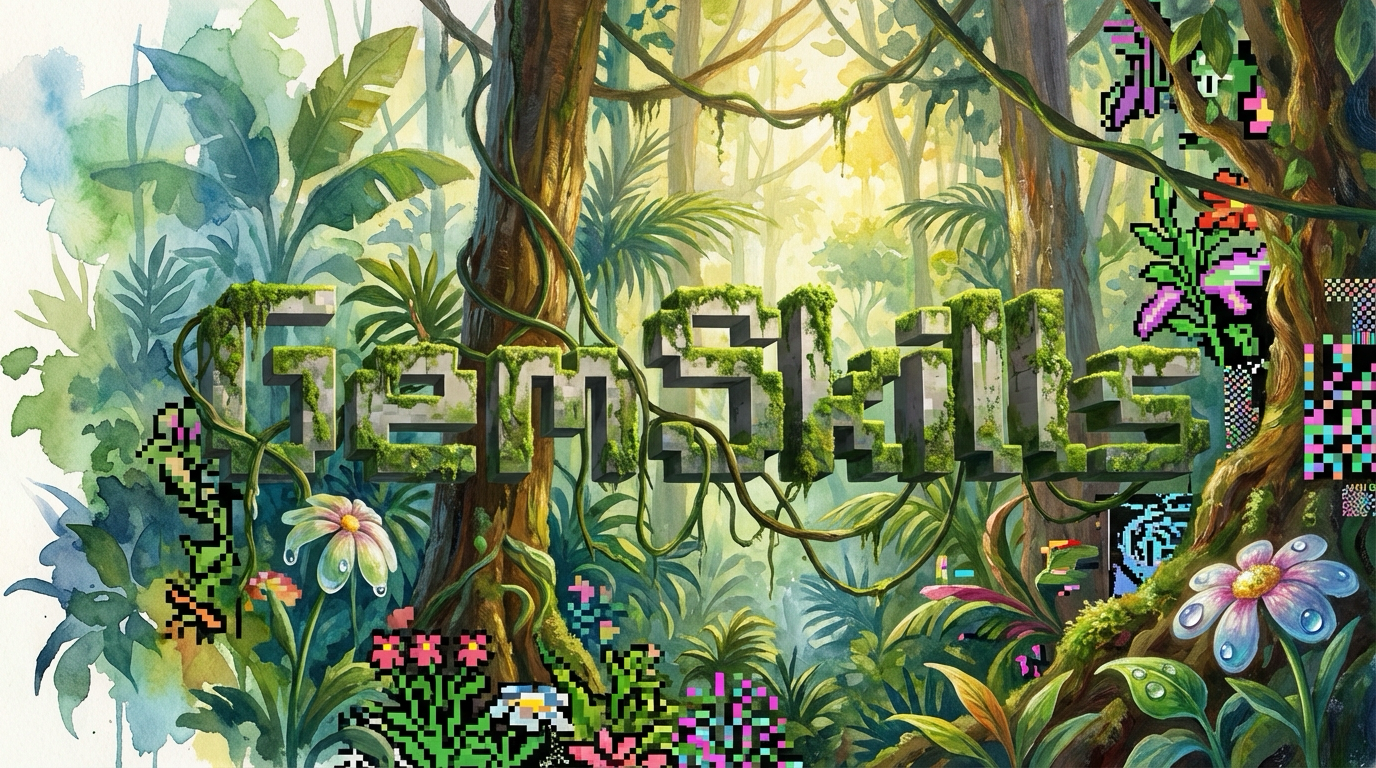
Claude Code plugin for Gemini-powered image generation, video generation, editing, and visual analysis. Powered by Gemini 3.1 Pro (gemini-3.1-pro-preview), Nano Banana Pro (gemini-3-pro-image), Veo 3.1 (veo-3.1-generate-preview), and Gemini 3 Flash. 169 art styles, text-to-video, image-to-video, pixel avatars, presentation decks, and more.
Every image and video on this page was generated using gemskills.
/plugin marketplace add b-open-io/claude-plugins
/plugin install gemskills@b-open-io
bunx skills add b-open-io/gemskills --skill generate-image
bunx skills add b-open-io/gemskills --skill generate-video
bunx skills add b-open-io/gemskills --skill browsing-styles
bunx skills add b-open-io/gemskills --skill avatar-portrait
bunx skills add b-open-io/gemskills --skill team-group-photo
bunx skills add b-open-io/gemskills --skill generate-icon
bunx skills add b-open-io/gemskills --skill edit-image
bunx skills add b-open-io/gemskills --skill upscale-image
bunx skills add b-open-io/gemskills --skill segment-image
bunx skills add b-open-io/gemskills --skill optimize-images
bunx skills add b-open-io/gemskills --skill generate-svg
bunx skills add b-open-io/gemskills --skill section-dividers
bunx skills add b-open-io/gemskills --skill deck-creator
bunx skills add b-open-io/gemskills --skill ask-gemini
bunx skills add b-open-io/gemskills --skill setup
Requirements: GEMINI_API_KEY (get one) is the baseline and powers every skill.
Optional keys unlock additional providers for image/video/edit:
| Key | Unlocks | Get one |
|---|---|---|
GEMINI_API_KEY | Gemini Nano Banana Pro images, Veo 3.1 video, all 169 styles (default) | aistudio.google.com |
OPENAI_API_KEY | OpenAI gpt-image-2 image generation + masked editing | platform.openai.com |
XAI_API_KEY | xAI Grok Imagine image + grok-imagine-video-1.5 video | console.x.ai |
REPLICATE_API_TOKEN | Icon background removal; Veo reference-image / last-frame video | replicate.com |
generate-image, generate-video, and edit-image accept --provider gemini|openai|xai.
Omit it and gemskills auto-picks the best provider whose key is present and that
supports the request — e.g. plain image → gpt-image-2, video → grok-imagine-video-1.5,
but anything needing style tiles, reference images, transparency, or negative
prompts routes to Gemini (the only provider that supports them).
Set your own defaults interactively with /gemskills:setup (or the setup
skill), or pin them via env (GEMSKILLS_IMAGE_PROVIDER, GEMSKILLS_VIDEO_PROVIDER,
GEMSKILLS_EDIT_PROVIDER) or a .gemskills.json (project) / ~/.config/gemskills/config.json
(global) file. Per-provider prompt templates live in providers/prompts/ and are
tuned independently. Keys are read from one canonical env var each — gemskills
never falls back to alternate names; a missing key fails loudly.
Generate videos from text or animate existing images with Veo 3.1. Native audio, 720p/1080p/4K, 4-8 second clips, and all 169 art styles.
| Style | → | Generated Image | → | Generated Video |
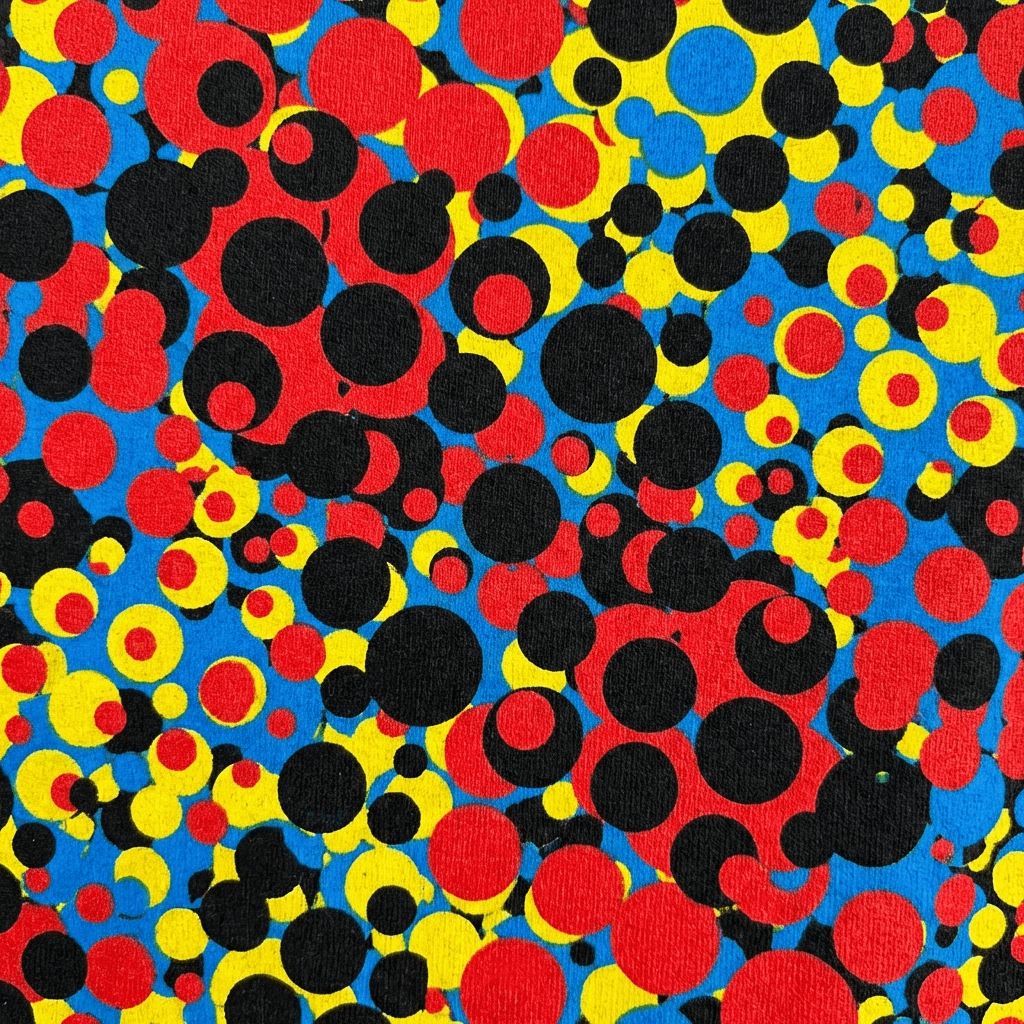 --style kusm | +prompt |  Nano Banana Pro | +prompt |  Veo 3.1 · 8s |
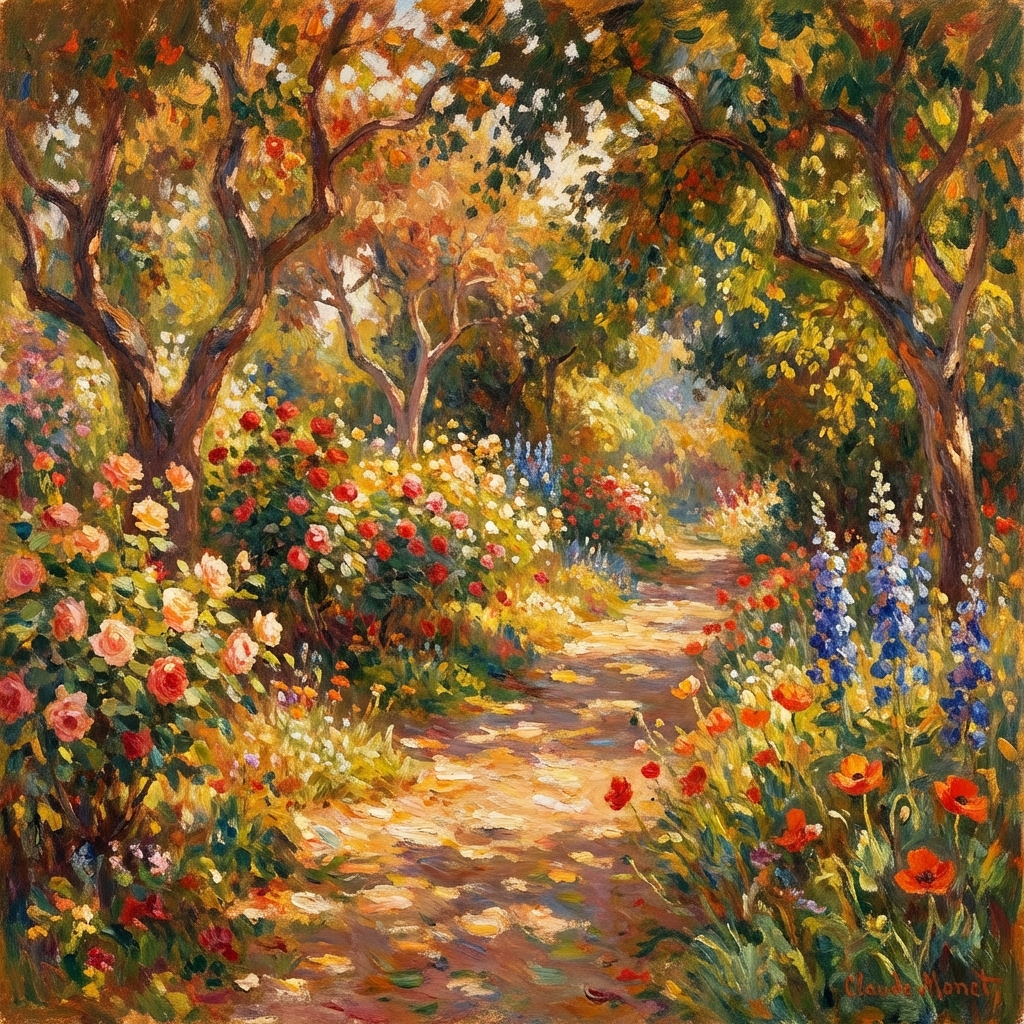 --style impr | +prompt |  auto-generated | +prompt |  Veo 3.1 · 8s |
Own this plugin?
Verify ownership to unlock analytics, metadata editing, and a verified badge. GitHub access is read-only (username + org membership).
Sign in to claimOwn this plugin?
Verify ownership to unlock analytics, metadata editing, and a verified badge. GitHub access is read-only (username + org membership).
Sign in to claimnpx claudepluginhub b-open-io/claude-plugins --plugin gemskillsDevelopment agents, skills, hooks, and commands for Claude Code workflows
 b-open-io
1Sat ecosystem tools for BSV — unified indexing API (1sat-stack), ordinals minting and marketplace (list/buy/cancel), BSV21 token operations, wallet setup (BRC-100), transaction building, time locks, sweep/import, OpNS names, dApp wallet connection, CLI tool, media extraction, and MCP server for wallet-desktop browser automation.
b-open-ioCore BSV blockchain operations including standards reference (BRCs, BitCom, tokens), key derivation (Type42, BIP32, BAP), ORDFS content gateway, script templates, message signing, wallet operations, identity management, and JungleBus real-time blockchain streaming.
b-open-ioClawNet bot templates and skills for AI agent development on the ClawNet platform
b-open-ioPermission analytics TUI for analyzing Claude Code permission usage patterns
Generate images and videos using Google Gemini and Veo models. Provides skills for AI image generation, image editing, text-to-video, and image-to-video workflows.
 The-Focus-AI
Video generation at scale. Generate videos, images, and audio with Runway's API — batch ad campaigns, product videos, multishot stories, and creative iteration. Supports seedance2, gen4.5, veo3, Nano, Banana Pro, and more.
 runwayml
Generate images and videos with Leonardo.Ai through the leonardo CLI. Includes guides for all model families and recipe references.
 mrgoonie
Full video production pipeline for Remotion — gives Claude eyes (video analysis), voice (TTS/voiceover), ears (music/SFX), stock footage, AI image/video generation, TikTok captions, 3D content, and more. By Dojo Coding Labs.
 DojoCodingLabs
The creative suite for AI agents — motion graphics, asset generation, and video rendering via Remotion + @oanim/core
 jacobcwright
AI video generation — describe what you want, Pexo picks the best model across 10+ engines (Seedance, Kling, Veo, Sora) and returns a finished, multi-shot video with music, subtitles, and transitions. Includes the Pexo agent plus image, audio, director, and model-prompting skills.
 pexoai
'%20stop-opacity%3D'0.16'%2F%3E%3Cstop%20offset%3D'1'%20stop-color%3D'rgb(200%2C90%2C60)'%20stop-opacity%3D'0.03'%2F%3E%3C%2FlinearGradient%3E%3C%2Fdefs%3E%3Crect%20width%3D'320'%20height%3D'200'%20fill%3D'url(%23g)'%2F%3E%3Ccircle%20cx%3D'250'%20cy%3D'56'%20r%3D'92'%20fill%3D'rgb(200%2C90%2C60)'%20fill-opacity%3D'0.06'%2F%3E%3Ccircle%20cx%3D'64'%20cy%3D'172'%20r%3D'58'%20fill%3D'rgb(200%2C90%2C60)'%20fill-opacity%3D'0.05'%2F%3E%3C%2Fsvg%3E)