Stats
Actions
Available In
Tags
Manage the Omni multichannel messaging platform from the CLI: send and receive messages across WhatsApp, Telegram, Discord, and Slack, create event-driven automations, manage AI agent routing and providers, and monitor channel instance health.
Automation wizard — create event-driven workflows and test with dry-run
Batch processing orchestrator for transcription and text extraction
Chat browser — list, filter, archive, and view group metadata
Interactive config setup — API key, base URL, default instance
Event timeline with replay, analytics, and metrics
Specializes in event-driven automation design using omni automations. Use when creating, testing, or managing Omni workflow automations.
Multi-turn conversational bot patterns for WhatsApp, Telegram, Discord, and Slack. Use when building bots, configuring reply filters, or setting up cross-channel conversation flows.
Expert at building Omni v2 integrations using REST API, CLI, and SDK. Use when implementing new channel integrations, API endpoints, or database migrations.
End-to-end guide for connecting an AI agent to any Omni channel. Covers provider creation, instance assignment, reply filters, routing, and testing.
Manage AI agent entities: list with filtering, get details, create with provider/model/type, and soft-delete agents.
Create and operate Omni automations: CRUD, enable/disable, test/execute with event payloads, and inspect execution logs.
Run and monitor Omni batch jobs for media/content processing, with cost estimation and cancellation controls.
Manage Omni conversations: list/get/create/update, archive/pin/mute, hide/unhide, label/unlabel, attention/pending filters, participants, disappearing messages, read state, and message history.
Uses power tools
Uses Bash, Write, or Edit tools
Own this plugin?
Verify ownership to unlock analytics, metadata editing, and a verified badge. GitHub access is read-only (username + org membership).
Sign in to claimOwn this plugin?
Verify ownership to unlock analytics, metadata editing, and a verified badge. GitHub access is read-only (username + org membership).
Sign in to claimBased on adoption, maintenance, documentation, and repository signals. Not a security audit or endorsement.





Universal event-driven omnichannel messaging platform
One API to send and receive messages across WhatsApp, Discord, Telegram, and more.
CLI-first. Event-driven. Built for AI agents.
Install • Quick Start • AI Agents • CLI • API • SDKs • Development
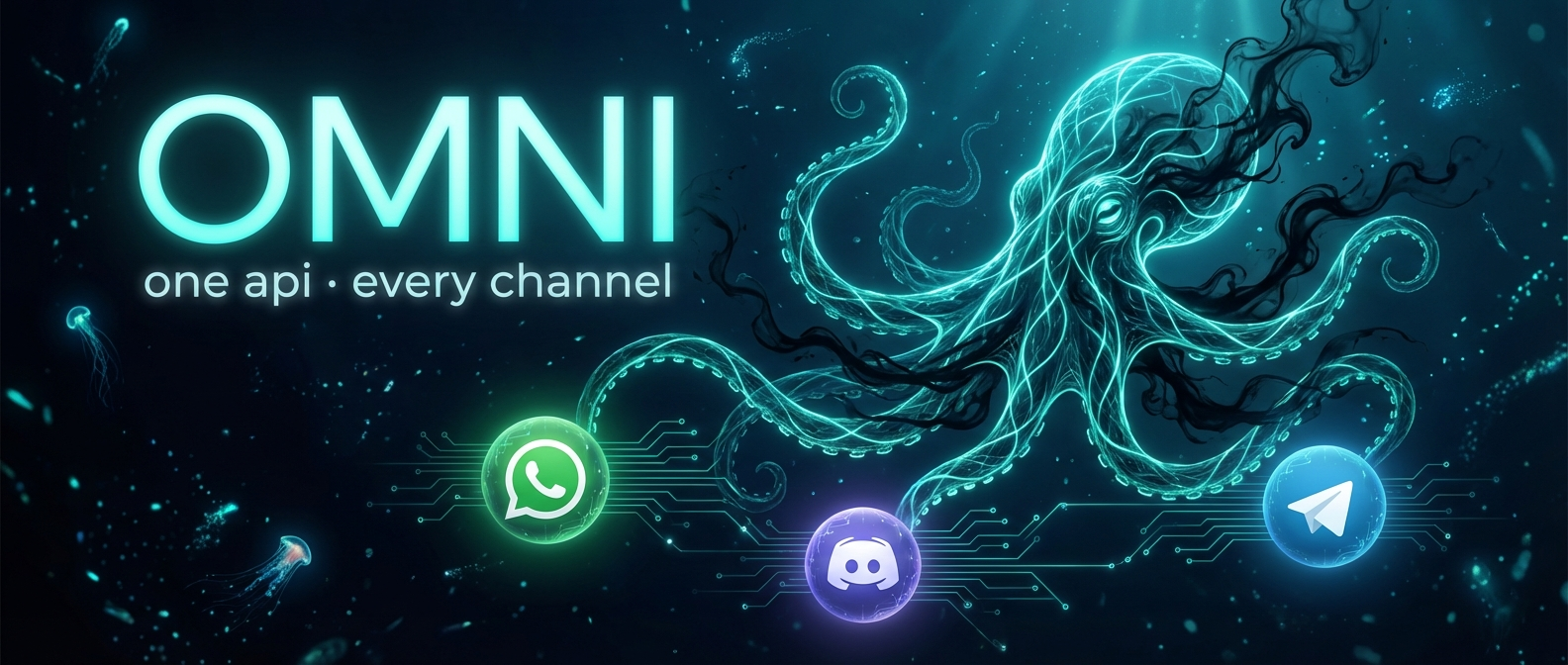
Think of Omni as a deep-sea octopus. Each channel is a tentacle — WhatsApp, Discord, Telegram — reaching into a different messaging ecosystem. Events are nerve impulses flowing through NATS JetStream. The core is the brain — identity resolution, event routing, and a unified API that lets you treat all channels as one.
| 🔌 One API, every channel | Send a WhatsApp message, a Discord embed, and a Telegram photo with the same endpoint |
| ⚡ Event-driven | Every action produces an event. Subscribe, replay, automate |
| 🧬 Identity graph | Same person on WhatsApp and Discord? Omni knows |
| 🤖 AI-native | Agent providers, automations, built to be controlled by LLMs |
| 🔧 Plugin architecture | Build new channels with the Channel SDK |
| 📦 Multi-SDK | Auto-generated TypeScript, Python, and Go SDKs |
| Channel | Status | Highlights |
|---|---|---|
| WhatsApp (Baileys) | ✅ Stable | QR/phone pairing, media, reactions, groups, contacts, presence |
| Discord | ✅ Stable | Bots, embeds, polls, buttons, threads, slash commands |
| Telegram | ✅ New | Bot API, inline keyboards, groups, channels, threads, polls |
| WhatsApp Cloud API | 🔮 Planned | — |
| Slack | 🔮 Planned | — |
bun add -g @automagik/omni
omni install              # interactive wizard: sets up server + PM2
Migrating from
@omni/cli? Runbun remove -g @omni/clifirst.
curl -fsSL https://raw.githubusercontent.com/automagik-dev/omni/main/install-client.sh | bash
curl -fsSL https://raw.githubusercontent.com/automagik-dev/omni/main/install.sh | bash
Three modes: CLI only · Full server · CLI + connect to remote
# CLI only (tries npm first, falls back to git clone)
curl -fsSL https://raw.githubusercontent.com/automagik-dev/omni/main/install.sh | bash -s -- --cli

# CLI + connect to remote
curl -fsSL https://raw.githubusercontent.com/automagik-dev/omni/main/install.sh | bash -s -- --cli https://your-omni-server.com

# Full server
curl -fsSL https://raw.githubusercontent.com/automagik-dev/omni/main/install.sh | bash -s -- --server
Manual:
git clone https://github.com/automagik-dev/omni.git && cd omni
make setup    # Install deps, create .env, start services
API runs at http://localhost:8882 · Swagger docs at /api/v2/docs · API key printed in startup banner.
# Authenticate
omni auth login --api-key <your-key>

# WhatsApp — scan QR
omni instances create --name "my-whatsapp" --channel whatsapp-baileys
omni instances qr <id> --watch

# Discord — connect bot
omni instances create --name "my-discord" --channel discord
omni instances connect <id> --token "BOT_TOKEN"

# Telegram — connect bot
omni instances create --name "my-telegram" --channel telegram
omni instances connect <id> --token "BOT_TOKEN"

# Send messages
omni send --to "+5511999999999" --text "Hello from the deep 🐙"

# Browse conversations
omni chats list --unread --sort unread
Connect any LLM provider and your instances become intelligent agents — responding to messages, reacting to events, across every channel.
Message received → NATS event → Agent Dispatcher → Provider (OpenAI/Agno/Webhook) → Humanized reply
# Connect a provider
omni providers create --name "my-llm" --schema openai --base-url "https://api.openai.com/v1" --api-key "sk-..."

# Bind to instance — it's now an agent
omni instances update <id> --agent-provider <provider-id>
npx claudepluginhub automagik-dev/omni --plugin omniHuman-AI partnership for Claude Code. Share a terminal, orchestrate workers, evolve together. Brainstorm ideas, turn them into wishes, execute with /work, validate with /review, and ship as one team.
 automagik-dev
Agent-native CLI for Google Workspace. 18+ services, local DOCX editing, JSON-first output, least-privilege auth.
automagik-devMessaging platform interaction skills for AI agents. Interact with Slack, Discord, Microsoft Teams, Webex, Telegram, Telegram Bot, WhatsApp, LINE, iMessage, Instagram, KakaoTalk, and Channel Talk - send messages, read channels, manage reactions, upload files, and more through simple CLI interfaces.
 agent-messenger
Persistent agent orchestrator for Claude Code. Multi-channel message routing, triage, and SWE task management. Run /claudeclaw:setup to create your first instance and configure channels.
 sbusso
Intelligent OpenClaw (formerly ClawdBot) installation, configuration, and management assistant. Guides users through fresh installs, 23+ channel configurations (Slack, WhatsApp, Telegram, Discord, BlueBubbles, Signal, Google Chat, Teams, Matrix, Feishu/Lark, LINE, and more), troubleshooting, security hardening, tools profiles, SecretRef secrets management, PDF tool, Docker/K8s health probes, and multi-provider model setup. If you can use Claude Code, you can use OpenClaw.
 ClariSortAi
Connect Claude Managed Agents to messaging channels like Slack — initialize Slack integrations and run the bridging server directly from Claude Code
 agentchannels
iMessage messaging bridge powered by Linq with built-in access control. Manage pairing, allowlists, and policy via /imessage:access.
 linq-team
WeChat (微信) channel for Claude Code — chat with Claude via WeChat. Supports text, images, files, voice, video, and remote permission relay. Supports streaming replies (real-time output in ACP mode; tool-call progress display; opt-in pseudo-streaming for Feishu cards).
 lc2panda
'%20stop-opacity%3D'0.16'%2F%3E%3Cstop%20offset%3D'1'%20stop-color%3D'rgb(200%2C90%2C60)'%20stop-opacity%3D'0.03'%2F%3E%3C%2FlinearGradient%3E%3C%2Fdefs%3E%3Crect%20width%3D'320'%20height%3D'200'%20fill%3D'url(%23g)'%2F%3E%3Ccircle%20cx%3D'250'%20cy%3D'56'%20r%3D'92'%20fill%3D'rgb(200%2C90%2C60)'%20fill-opacity%3D'0.06'%2F%3E%3Ccircle%20cx%3D'64'%20cy%3D'172'%20r%3D'58'%20fill%3D'rgb(200%2C90%2C60)'%20fill-opacity%3D'0.05'%2F%3E%3C%2Fsvg%3E)