Stats
Actions
Available In
Tags

Generate and publish non-AI-feeling promotional posts to Reddit, X/Twitter, and LinkedIn from a local dashboard, plus run personalized cold email campaigns to GitHub stargazers of similar repos — all under your own accounts with explicit confirmation before each action.
Open the local viralman dashboard — three pages (Twitter / Reddit / Gitmail) sharing one project state, with a free-text "what to write" prompt driving per-platform AI drafts, unified top-right login, and a language switcher.
Send personalized cold emails to GitHub stargazers of similar repos. Asks four upfront questions in one batch (language / subject style / targeting / recipient count), collects recipients, generates a fast template-only dry-run preview of the email body, and only sends for real after the user explicitly confirms. Single source of truth lives in `skills/gitmail/SKILL.md`.
Find recent X / Twitter posts where it's natural to reply with "I built this — want to take a look?", push them to the dashboard for inspection, and (only on explicit confirmation) send personalized replies.
Generate non-AI-feeling viral / promo posts for Reddit, X, and LinkedIn, then publish them under the user's accounts after explicit confirmation.
Single entry point for viralman — bootstraps the package itself if not installed (clone, venv, flask, shim), auto-updates to the latest published version when a newer one is available, then walks the user through saving only the channel(s) they need (gitmail / twitter / reddit / linkedin). Plain-text token paste allowed with a security warning; recommended path is `read -s`.
Reviews a draft post against ~30 concrete "this reads like AI" heuristics and rewrites until it passes (max 3 passes). Authoring is done by viral-writer; this agent only reviews and rewrites.
Drafts a single platform-tuned post that doesn't read like AI, given an intent, mode, anchors, and platform.
Shared building blocks for project-promotion skills — project intent capture, language picker, subject format presets, and the "manual / 직접 입력하기" override pattern. Not user-invokable on its own; channel skills (gitmail / viral / future channels) reference this file so each channel skill can stay focused on its unique pipeline (collection, send, post, log).
Start the local viralman dashboard at http://localhost:8765 — three pages (Twitter / Reddit / Gitmail) with header tab switching, a free-text "what to write" prompt that drives AI generation per platform, unified top-right login, and a language switcher.
Drive the gitmail outreach flow that sends personalized cold emails to GitHub stargazers of similar repos. Batches the user's four upfront decisions (language / subject style / targeting strategy / recipient count) into a single AskUserQuestion call before any heavy work runs, finds similar repos and collects recipient emails, renders a fast single-LLM-call dry-run preview of the email body, and gates live SMTP send strictly behind an explicit user confirmation.
Find tweets where it's natural to reply "I built this thing — want to take a look?", and either inspect the candidates in the dashboard or send a personalized reply. The skill drives a two-step flow — scrape first, then optionally reply — and pushes the candidate list to the dashboard's /twitter-reply page so the user can browse cards (body / author / link / engagement) before deciding which ones to engage.
Drive the end-to-end flow that turns a one-line intent into platform-tuned, non-AI-feeling posts and publishes them to the user's Reddit / X / LinkedIn after explicit confirmation.
Uses power tools
Uses Bash, Write, or Edit tools
Own this plugin?
Verify ownership to unlock analytics, metadata editing, and a verified badge. GitHub access is read-only (username + org membership).
Sign in to claimOwn this plugin?
Verify ownership to unlock analytics, metadata editing, and a verified badge. GitHub access is read-only (username + org membership).
Sign in to claimBased on adoption, maintenance, documentation, and repository signals. Not a security audit or endorsement.
You ship code. We ship reach.
Build it — viralman handles the hype.
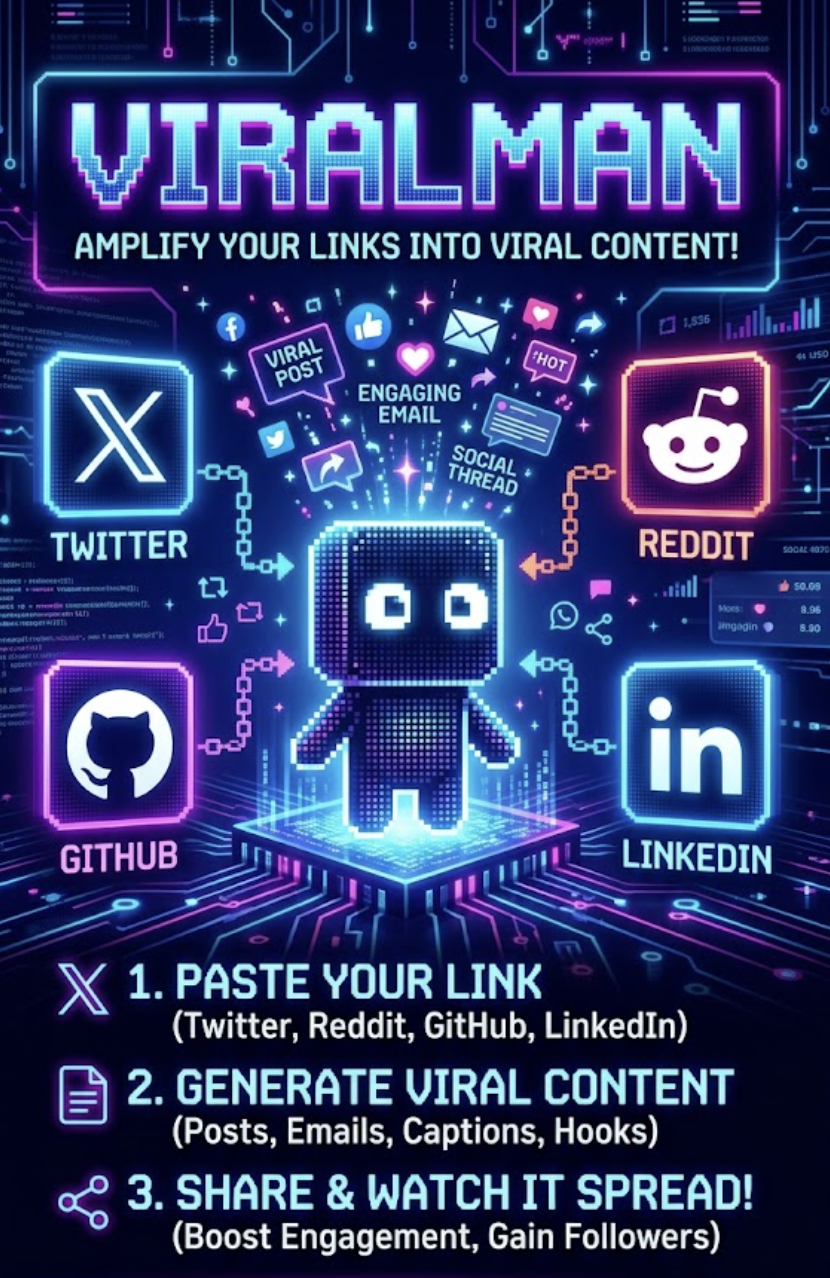
viralman takes your project description and drafts Twitter/X posts, Reddit threads, and cold emails to developers who starred similar repos on GitHub — then waits for you to say go. Works for anything you built: OSS, side project, indie tool.
viralman # opens http://localhost:8765
/viral turns one intent into Reddit / X / LinkedIn drafts that don't sound like a chatbot./twitter-reply searches recent X posts where it's natural to say "I built this — want to take a look?", pushes them to the dashboard /twitter-reply page as cards (body, author, link, engagement) so you can browse before deciding. Reply step is opt-in and gated on per-tweet confirmation.read -s and never enter the LLM context.Three paths. Path 1 is the easy default; Path 2 if you don't use Claude Code; Path 3 for CI / scripting.
You can follow the manual setup below, but installing the Claude Code plugin (Path 1) and asking the agent to walk you through setup is the recommended path.
Marketplace/plugin install (recommended for most Claude Code users). These are Claude Code slash commands — enter them one at a time (pasting both lines at once will fail):
/plugin marketplace add https://github.com/art8engine/viralman
Then:
/plugin install viralman
From a local clone of the repo, swap the URL for ./:
/plugin marketplace add ./
Once installed, just talk to the agent — "open the dashboard", "set up viralman", "email people who starred async-profiler" — and it dispatches the right slash command (/dashboard, /viralman-setup, /gitmail, /viral). Before any send, it asks (1) language (2) subject style (3) final OK.
If you prefer the local dashboard + bare CLI without Claude Code:
pipx install git+https://github.com/art8engine/viralman
viralman   # → http://localhost:8765
pipx installs into an isolated venv and exposes viralman on your $PATH. Plain pip install git+... also works inside an existing venv. The 4-tab dashboard (Twitter / Reddit / Gitmail / Setup) covers everything; slash commands require Claude Code.
For explicit CLI args from a script or CI pipeline:
git clone https://github.com/art8engine/viralman && cd viralman
pip install .
./scripts/gitmail.py run --description "..." --max-users 100 --dry-run
See Usage below for the full gitmail / viral flag list.
Just say it in plain English — the agent picks the right slash command:
"set up viralman for me"
"email people who starred async-profiler about our JVM monitoring tool"
"write a post for r/programming, make it not feel AI"
"open the dashboard"
"set up viralman"
npx claudepluginhub art8engine/viralman --plugin viralmanUpstash Context7 MCP server for up-to-date documentation lookup. Pull version-specific documentation and code examples directly from source repositories into your LLM context.
 upstash
Comprehensive startup business analysis with market sizing (TAM/SAM/SOM), financial modeling, team planning, and strategic research
 wshobson
Consult multiple AI coding agents (Gemini, OpenAI, Grok, Perplexity, plus codex and antigravity CLIs when installed) to get diverse perspectives on coding problems
 hex
hexv9.44.1 — Patch release for Gemini environment/version detection and qwen auth gating. Run /octo:setup.
 nyldn
nyldnComplete creative writing suite with 10 specialized agents covering the full writing process: research gathering, character development, story architecture, world-building, dialogue coaching, editing/review, outlining, content strategy, believability auditing, and prose style/voice analysis. Includes genre-specific guides, templates, and quality checklists.
 greyhaven-ai
Comprehensive .NET development skills for modern C#, ASP.NET, MAUI, Blazor, Aspire, EF Core, Native AOT, testing, security, performance optimization, CI/CD, and cloud-native applications
 wshaddix
'%20stop-opacity%3D'0.16'%2F%3E%3Cstop%20offset%3D'1'%20stop-color%3D'rgb(200%2C90%2C60)'%20stop-opacity%3D'0.03'%2F%3E%3C%2FlinearGradient%3E%3C%2Fdefs%3E%3Crect%20width%3D'320'%20height%3D'200'%20fill%3D'url(%23g)'%2F%3E%3Ccircle%20cx%3D'250'%20cy%3D'56'%20r%3D'92'%20fill%3D'rgb(200%2C90%2C60)'%20fill-opacity%3D'0.06'%2F%3E%3Ccircle%20cx%3D'64'%20cy%3D'172'%20r%3D'58'%20fill%3D'rgb(200%2C90%2C60)'%20fill-opacity%3D'0.05'%2F%3E%3C%2Fsvg%3E)