Stats
Actions
Available In
Tags
Guide for planning and auditing SEO for AI tool, SaaS, and product-led websites. Powered by AnyCap -- the capability runtime that equips AI agents with web search and web crawl through a single CLI. Use when Codex needs to define SEO ICPs, map search intent to page types, inspect live SERPs, write page briefs for tool/comparison/alternatives/pricing/tutorial pages, prioritize technical SEO foundations, plan citations or backlinks, or decide whether programmatic SEO is safe and worthwhile. Trigger on mentions of AI tool SEO, SaaS SEO, product-led SEO, search intent, page type mapping, vs pages, alternatives pages, pricing pages, directory submissions, backlink plans, citations, or pSEO.
Turn user-provided data, notes, research, product facts, or structured inputs into AnyCap-style blog posts and then enrich those posts with first-party evidence blocks when needed. Use when a user wants a blog, article, tutorial, learn page, or SEO content draft written in the tone of the AnyCap website. Best fit when the input is data-first rather than prose-first: spreadsheets, JSON, bullets, notes, source URLs, benchmarks, product facts, or rough research. Trigger on: write blog from data, turn notes into article, blog drafting, article production, learn page drafting, SEO article in AnyCap tone, or requests to convert structured inputs into publish-ready content.
AnyCap CLI -- create media humans can see and hear (generate images, video, music, and audio), understand media humans share (analyze images, video, audio), access the web (search, crawl), and deliver results humans can use (Drive for shareable file links, Page for hosted web pages). Use whenever a task involves creating visual or audio content, analyzing media, searching or reading the web, sharing files with humans, or publishing anything as a web page -- even if the user doesn't mention AnyCap by name. Also use for AnyCap authentication (login, API key, credentials), configuration, and feedback. Trigger on: image/video/music/audio generation, media analysis, web search, web crawl, file sharing, page hosting, drive storage, delivering results to users, or any mention of AnyCap.
Guide for conducting thorough, multi-source research and producing comprehensive, well-sourced reports. Powered by AnyCap -- the capability runtime that equips AI agents with web search (including AI Grounded citations), web crawl, image generation, cloud storage, and one-click web publishing through a single CLI. Use when the user asks for deep research, competitive analysis, market research, technical deep dive, literature review, technology comparison, or any task requiring multi-source information gathering and synthesis. Also use when users say "investigate", "survey the landscape", "compare X vs Y", "state of the art", "write a report on", "look into", "find out about", "analyze the market", or any inquiry that needs more than a single search. Trigger on mentions of research, analysis, investigation, comparison, report, survey, or deep dive.
Use Gemini Omni Flash Preview through AnyCap for practical short-video editing workflows. Trigger when a user wants to edit or refine an existing video with natural-language instructions, especially product replacement, object removal or replacement, relighting, restyling, preserving a person/scene while changing one element, or using reference images with a source video. Covers model/schema discovery, prompt construction, AnyCap CLI command patterns, scenario-specific templates, video QA, and retry strategy for `gemini-omni-flash-preview` / `edit-video`.
Own this plugin?
Verify ownership to unlock analytics, metadata editing, and a verified badge. GitHub access is read-only (username + org membership).
Sign in to claimOwn this plugin?
Verify ownership to unlock analytics, metadata editing, and a verified badge. GitHub access is read-only (username + org membership).
Sign in to claimBased on adoption, maintenance, documentation, and repository signals. Not a security audit or endorsement.


The capability runtime for AI agents.
Give coding agents a single CLI, Agent Skill, and local MCP server for creating media, understanding files, researching the live web, and delivering results people can use.
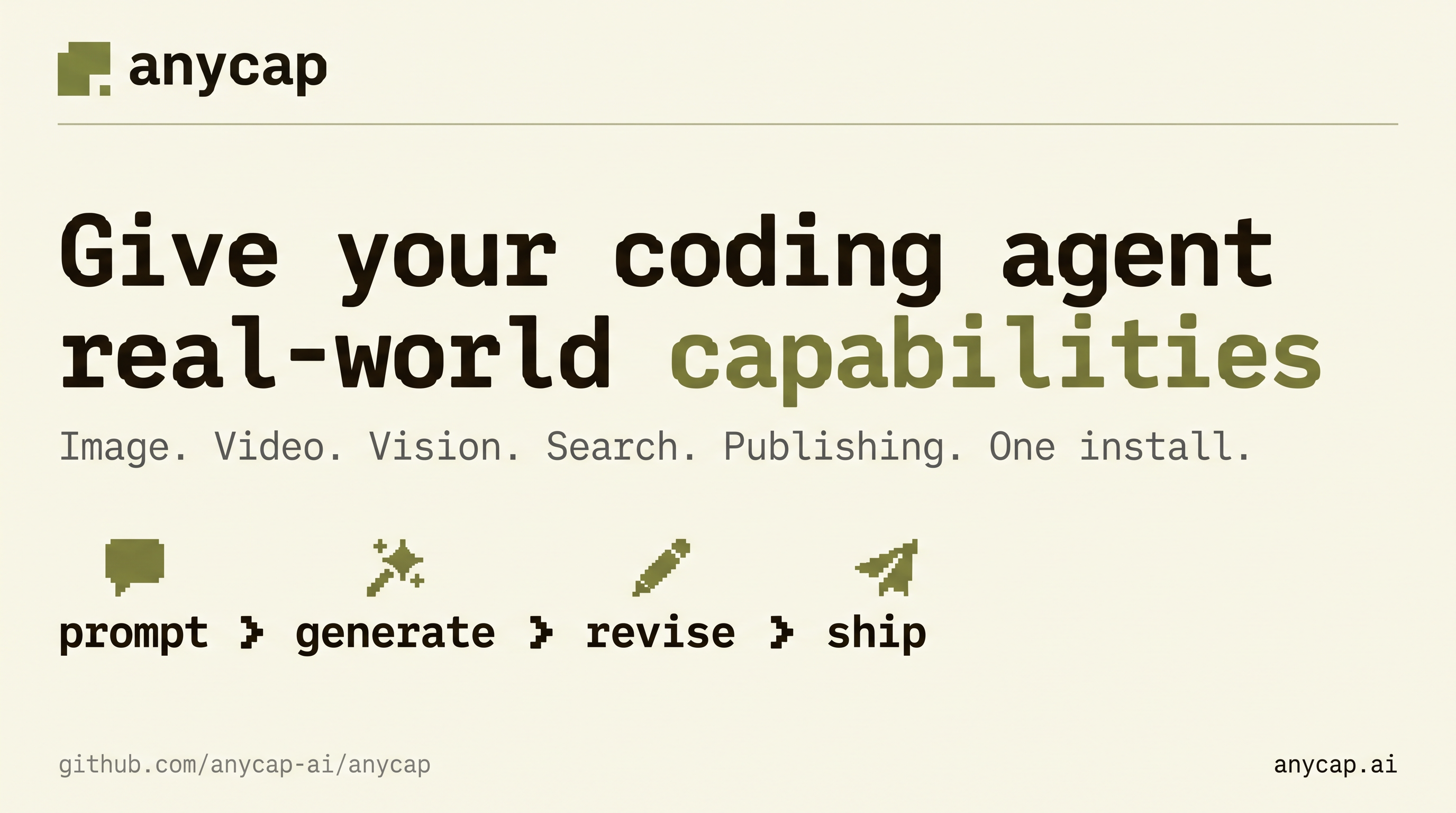
Give this to Claude Code, Codex, Cursor, or another agent that can run shell commands:
Read https://raw.githubusercontent.com/anycap-ai/anycap/main/llms.txt and follow its
instructions to install and configure AnyCap.
If your agent cannot reach that URL, use the manual setup below.
# Install the CLI (macOS, Linux, or Windows through Git Bash)
curl -fsSL https://anycap.ai/install.sh | sh

# Install the AnyCap Agent Skill
npx -y skills add anycap-ai/anycap -s '*' -g -y

# Authenticate once, then confirm the runtime is ready
anycap login
anycap status
The binary installer is the recommended path. If your environment already uses Node.js,
you can instead run npm install -g @anycap/cli. Platform binaries are also available
from GitHub Releases.
| Integration | Use it when | Entry point |
|---|---|---|
| Agent Skill | You want an agent to choose the right workflow from a natural-language request. | skills/anycap-cli/SKILL.md |
| Agent plugin | You want to install the complete Skills collection through Claude Code or Codex. | .claude-plugin/plugin.json / .codex-plugin/plugin.json |
| Local stdio MCP | Your agent host needs typed tool discovery. | anycap mcp |
| CLI | You want shell automation or direct control. | anycap <command> |
All integrations use the same installed runtime and authentication state. The Skills and MCP server can be used together.
The repository declares the complete skills/ tree as both a Claude Code plugin and a
Codex plugin. Both hosts use the marketplace in .claude-plugin/marketplace.json; the
Codex metadata in .codex-plugin/plugin.json points at the same shared Skills collection.
In Claude Code, add the marketplace and install the plugin:
/plugin marketplace add anycap-ai/anycap
/plugin install anycap@anycap
From a shell with Codex installed, run:
codex plugin marketplace add anycap-ai/anycap
codex plugin add anycap@anycap
The plugin installs the Skills collection only. Install the AnyCap CLI, run anycap login,
and verify anycap status before using those Skills.
First confirm that the installed CLI exposes the server:
anycap mcp --help
For Codex, add the local server definition:
codex mcp add anycap -- anycap mcp
For a generic stdio MCP client, configure anycap mcp. Add a narrowly scoped
--allow-root only when the server needs to access local media:
{
  "mcpServers": {
    "anycap": {
      "type": "stdio",
      "command": "anycap",
      "args": ["mcp", "--allow-root", "/absolute/path/to/media"]
    }
  }
}
Do not commit personal absolute paths into shared project configuration. Read the MCP setup guide and security guide before granting local file access.
| Area | Examples |
|---|---|
| Create | Generate and edit images, generate video, compose music, and create audio scenes. |
| Understand | Read screenshots, compare images, summarize video, and transcribe or analyze audio. |
| Research | Search the live web and crawl pages into Markdown. |
| Collaborate | Gather visual annotations and work with shared drawing surfaces. |
| Deliver | Upload and share files, publish static sites, and create project snapshots. |
For a first end-to-end workflow, see generate and share an image. Other task-oriented guides cover image-to-video, human feedback, web research, and static-site publishing.
Model availability and input schemas change. Query the installed CLI instead of copying model IDs or parameters from an old example:
npx claudepluginhub anycap-ai/anycap --plugin anycapPersonal collection of agent skills using the open SKILL.md standard
 michaelboeding
Comprehensive Google Vertex AI multimodal mastery for Jeremy - video processing (6+ hours), audio generation, image creation with Gemini 2.0/2.5 and Imagen 4. Marketing campaign automation, content generation, and media asset production.
 jeremylongshore
Universal Translator — media generation tools for audio, image, video, and visualization
 ondrej-svec
Collection of reusable AI agent skills for media and content operations. Extends Claude capabilities for media-focused workflows and automation.
 libtv-labs
Collection of example skills demonstrating various capabilities including skill creation, MCP building, visual design, algorithmic art, internal communications, web testing, artifact building, Slack GIFs, and theme styling
 organvm
Media asset processing plugin with skills for visual content creation.
 guinacio
'%20stop-opacity%3D'0.16'%2F%3E%3Cstop%20offset%3D'1'%20stop-color%3D'rgb(200%2C90%2C60)'%20stop-opacity%3D'0.03'%2F%3E%3C%2FlinearGradient%3E%3C%2Fdefs%3E%3Crect%20width%3D'320'%20height%3D'200'%20fill%3D'url(%23g)'%2F%3E%3Ccircle%20cx%3D'250'%20cy%3D'56'%20r%3D'92'%20fill%3D'rgb(200%2C90%2C60)'%20fill-opacity%3D'0.06'%2F%3E%3Ccircle%20cx%3D'64'%20cy%3D'172'%20r%3D'58'%20fill%3D'rgb(200%2C90%2C60)'%20fill-opacity%3D'0.05'%2F%3E%3C%2Fsvg%3E)
