Stats
Actions
Available In
Tags

AMD's verified Agent Skills in one plugin: route image/audio through local AI on Ryzen AI, serve LLMs on AMD Instinct GPUs with vLLM, and analyze GPU kernel and PyTorch trace performance.
Routes image generation, text-to-speech, and speech-to-text through a local Lemonade Server so the agent stops paying for cloud calls on those modalities. Use when the user wants to save tokens, save cost, or save money using local AI; default to local, offline, on-device, or private image generation, transcription, or text-to-speech in this workspace; stop using DALL-E, Whisper-as-a-service, ElevenLabs, or other paid multimodal APIs; route the agent's image, TTS, or STT tool calls to a local model; or mentions Lemonade Server, OmniRouter, SD-Turbo, kokoro, Whisper, Ryzen AI, NPU/iGPU/dGPU inference, or "use local for images but cloud for chat". Run once per workspace; the rule it installs handles every later request.
Integrates local AI capabilities into applications using Embeddable Lemonade. Use when the user wants to add local AI, offline AI, private AI, on-device AI, a local LLM, local chat, embeddings, image generation, speech-to-text, or text-to-speech to an app; replace or supplement OpenAI, Anthropic, Ollama, or other cloud AI APIs with a local backend; bundle AI inference into an app installer; or mentions Lemonade, `lemond`, embeddable lemonade, Ryzen AI, NPU/iGPU/dGPU inference, or auto-optimizing local AI.
Serves AI models on AMD Instinct GPU hardware using vLLM. Use this skill whenever the user wants to run, serve, deploy, start, host, or launch a language model on an AMD GPU, AMD Instinct, MI300X, MI325X, MI350X, or MI355X. Also use when the user mentions vLLM on ROCm, vLLM on AMD, serving on HBM, or asks how to get a model running on AMD data center hardware. Use when the user asks "run Qwen3", "serve DeepSeek", "start a vLLM endpoint", "get a model running on my AMD machine", or any similar phrasing. Handles the full flow: GPU detection, environment validation, vLLM configuration, launch, and health verification. Do not use for NVIDIA GPUs, consumer AMD GPUs (RX series, Radeon), Ryzen AI, NPU, MI250X, or MI100.
Orchestrates modular PyTorch profiler trace analysis with TraceLens: generates perf reports, prepares category data, runs system-level and compute-kernel subagents in parallel, validates outputs, and writes a prioritized stakeholder report (analysis.md). Use when the user asks to follow the analysis orchestrator, run the agentic analysis workflow, analyze a trace, compare two traces, or mentions standalone or comparative TraceLens analysis.
Own this plugin?
Verify ownership to unlock analytics, metadata editing, and a verified badge. GitHub access is read-only (username + org membership).
Sign in to claimOwn this plugin?
Verify ownership to unlock analytics, metadata editing, and a verified badge. GitHub access is read-only (username + org membership).
Sign in to claimBased on adoption, maintenance, documentation, and repository signals. Not a security audit or endorsement.
AMD Skills provide agents with knowledge, scripts, and conventions for working with AMD hardware and software.
Skills in this repository follow the standardized Agent Skills format and are designed to interoperate with the major coding agents like Cursor, Claude Code, OpenAI Codex, and Gemini CLI.
[!IMPORTANT] Tech Preview: We’re building the catalog in the open, sharing progress as the foundations take shape. Expect frequent changes as skills, categories, and descriptions evolve.
Install AMD Skills with the skills CLI via npx. No clone or manual copying required.
npx skills add amd/skills
This prompts you to pick a skill and an install destination. To install a specific skill into specific agents, pass --skill with one or more --agent flags (e.g. cursor, claude-code, codex):
npx skills add amd/skills --skill local-ai-use --agent claude-code
Browse everything available before installing:
npx skills add amd/skills --list
Please note that npx requires Node.js. Prefer to do it by hand? See Manual installation.
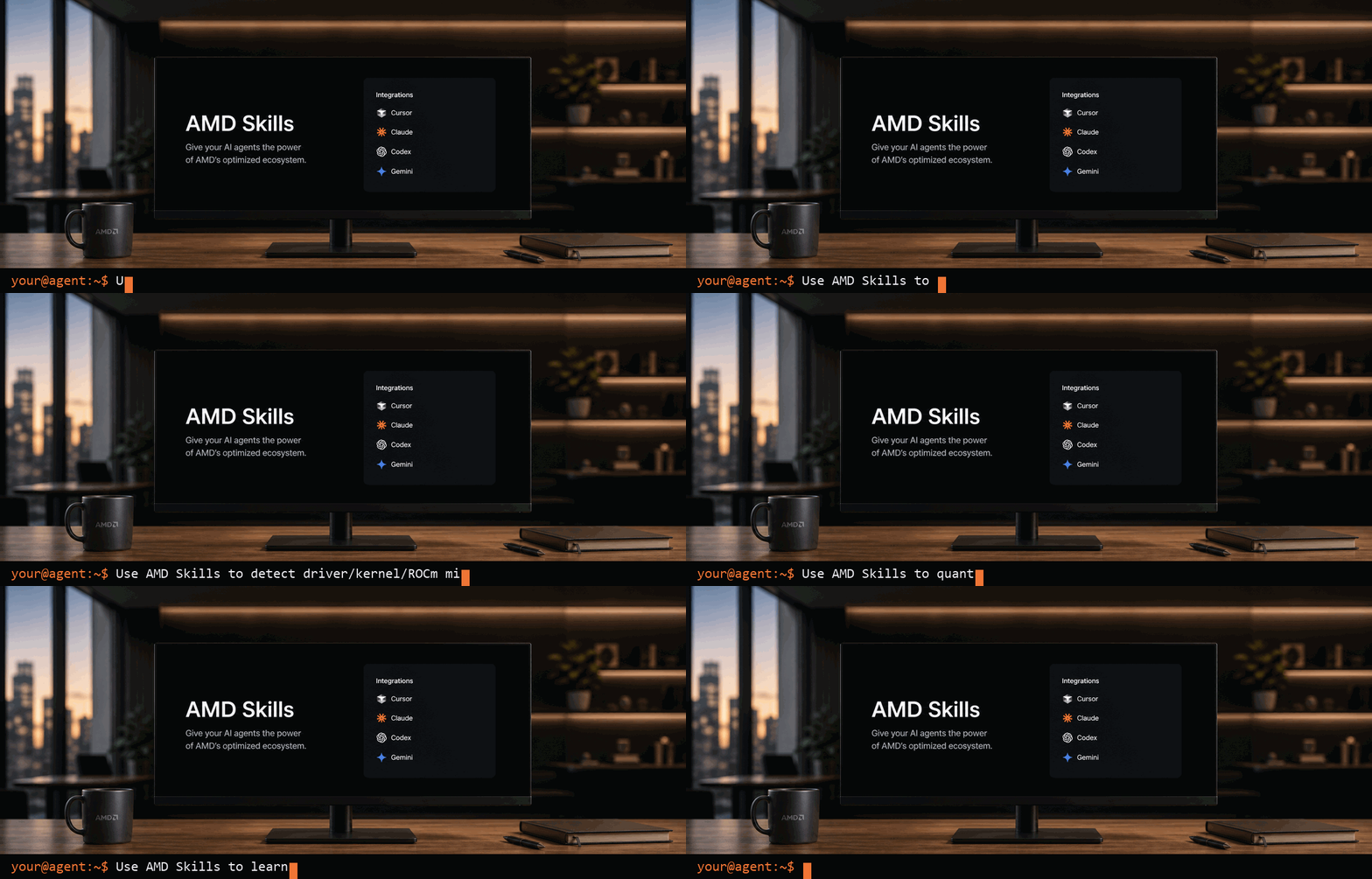
Once a skill is installed, reference it in plain language while talking to your agent. For example:
In most cases the agent picks the right skill on its own from the description; explicit invocation is a fallback, not a requirement.
For hands-on, step-by-step guides that show a skill in action, see the walkthroughs.
The initial catalog is organized into three focus areas, spanning the full stack from client to cloud. This catalog is expected to grow significantly as more skills land.
Run and optimize on Ryzen AI.
claude plugin install amd-skills@claude-plugins-officialRoute image generation, text-to-speech, and speech-to-text through a local AI Server to reduce token/cost usage.
 amd
amdSkills for NVIDIAs ecosystem spans GPU acceleration, CUDA, AI agents, inference, robotics, Physical AI, Omniverse, and simulation. This plugin helps you find the right skills to help in building NVIDIA-powered workflows.
 NVIDIA
Agent skills for the FlagOS multi-chip AI inference platform. Includes kernel generation and optimization, model migration, environment verification, vendor onboarding, and more.
 flagos-ai
Claude Code skill pack for Vast.ai (24 skills)
 jeremylongshore
NVIDIA DGX Spark (GB10 Grace Blackwell) environment operations: aarch64/CUDA-13 stack setup, training gotcha preflights, and unified-memory/thermal management for local ML workloads
 wshobson
GPU kernel knowledge-base, benchmarking, profiling, and optimization-loop skills for CUDA, Triton, CuTe DSL, CUTLASS, PyTorch, and Nsight Compute workflows.
 fmh66
fmh66NVIDIA TAO skill bank with generated capability discovery for model training, data processing, workflow orchestration, AutoML, and platform execution.
 NVIDIA-TAO
'%20stop-opacity%3D'0.16'%2F%3E%3Cstop%20offset%3D'1'%20stop-color%3D'rgb(200%2C90%2C60)'%20stop-opacity%3D'0.03'%2F%3E%3C%2FlinearGradient%3E%3C%2Fdefs%3E%3Crect%20width%3D'320'%20height%3D'200'%20fill%3D'url(%23g)'%2F%3E%3Ccircle%20cx%3D'250'%20cy%3D'56'%20r%3D'92'%20fill%3D'rgb(200%2C90%2C60)'%20fill-opacity%3D'0.06'%2F%3E%3Ccircle%20cx%3D'64'%20cy%3D'172'%20r%3D'58'%20fill%3D'rgb(200%2C90%2C60)'%20fill-opacity%3D'0.05'%2F%3E%3C%2Fsvg%3E)