Stats
Actions
Available In
Tags

Connect Claude Code to an Obsidian PKM vault for bidirectional knowledge flow: capture development sessions as structured notes, manage project tasks with semantic duplicate detection, explore the knowledge graph with gap analysis, and automate note creation with templates and link management.
Use proactively in the background after creating or modifying multiple vault notes, or when asked about vault link health. Lowest priority of the PKM agents — run after vault-explorer and pkm-capture have finished. Examples: <example> Context: Several new notes were created during a research session. user: "OK I think we've captured everything from that research" assistant: "I'll run link-auditor in the background to check the new notes are well-connected." <commentary> Multiple notes created — audit link health to catch orphans and missing connections. </commentary> </example> <example> Context: User asks about vault health. user: "How healthy are the links in the vault?" assistant: "I'll delegate to link-auditor to run a comprehensive health check." <commentary> Explicit request for link health analysis. </commentary> </example>
Use proactively in the background after completing significant work blocks, after git commits (triggered automatically by PreToolUse hook), or before session ends. Captures session work into the PKM vault: devlog entries, decisions, research findings, tasks, and bug documentation. Conservative — most exchanges produce nothing worth capturing beyond the devlog entry. When delegating, include: (1) whether this is the first capture this session or a subsequent one, (2) if subsequent, the timestamp of the previous devlog entry, (3) the project's vault path. Examples: <example> Context: A significant chunk of feature work has been completed. user: "OK, that feature is done. Let's move on to the next thing." assistant: "I'll dispatch pkm-capture in the background to record this work before we continue." <commentary> End of a development block — proactively capture without blocking. </commentary> </example> <example> Context: User is wrapping up for the day. user: "I think that's it for today" assistant: "Let me run pkm-capture in the background to capture today's session before we wrap up." <commentary> Session end — ensure work is documented. </commentary> </example> <example> Context: A significant architecture decision was made during implementation. user: "Great, let's go with the event-sourcing approach for the audit log" assistant: "I'll dispatch pkm-capture in the background to capture that architecture decision." <commentary> An architecture decision was agreed upon — worth capturing as an ADR. </commentary> </example> <example> Context: A complex debugging session revealed a non-obvious root cause. user: "Ah, so the race condition was caused by the connection pool timeout" assistant: "Good find. I'll run pkm-capture to capture this debugging insight." <commentary> Complex bug root cause — worth preserving as a troubleshooting log. </commentary> </example> <example> Context: Research produced a reusable insight about a technology. user: "Interesting, so sqlite-vec handles concurrent reads but not writes" assistant: "I'll have pkm-capture capture that finding in the background." <commentary> Research finding about a technology — reusable knowledge worth documenting. </commentary> </example>
Use proactively when researching what the vault knows about a topic, before creating new notes, or when exploring existing knowledge and connections. Run in foreground — results inform the caller's next steps. Examples: <example> Context: User asks about a topic before creating new content. user: "What does the vault already know about caching strategies?" assistant: "I'll use the vault-explorer agent to research the vault's existing knowledge on caching." <commentary> Vault exploration before note creation prevents duplicates and discovers connections. </commentary> </example> <example> Context: User wants to understand knowledge coverage in an area. user: "Show me what we have documented about authentication" assistant: "I'll delegate to vault-explorer to map out the authentication knowledge in the vault." <commentary> Deep vault research benefits from isolated context and focused tool access. </commentary> </example> <example> Context: Planning new feature work and wanting to check existing research. user: "Before we start on the API redesign, what research do we already have?" assistant: "Let me use vault-explorer to find all related research and decisions." <commentary> Proactive exploration before significant work blocks. </commentary> </example>
Use when you want to quickly capture a new task in the vault from a title, with optional priority and due date.
Use when researching what the vault knows about a topic — performs graph + semantic exploration with gap analysis to map existing knowledge and find missing connections. Primarily used via the vault-explorer agent. Not for routine session-start context loading (hooks handle that).
Use when wrapping up a work session — creates devlog entry, captures undocumented decisions/research/debugging, audits link health of session work, and updates project index. Primarily used via the pkm-capture agent.
Use when writing to the vault — creating new notes (vault_write), editing existing notes (vault_edit, vault_append, vault_update_frontmatter). Handles duplicate checking, link discovery, annotations, and index updates for new notes. Provides guidelines for modifications.
Use when starting work on a specific vault task, when a task title or path is mentioned, or when coming from triage output.
Executes bash commands
Hook triggers when Bash tool is used
Uses power tools
Uses Bash, Write, or Edit tools
Own this plugin?
Verify ownership to unlock analytics, metadata editing, and a verified badge. GitHub access is read-only (username + org membership).
Sign in to claimOwn this plugin?
Verify ownership to unlock analytics, metadata editing, and a verified badge. GitHub access is read-only (username + org membership).
Sign in to claimnpx claudepluginhub adrianv101/obsidian-pkm-plugin --plugin obsidian-pkmBased on adoption, maintenance, documentation, and repository signals. Not a security audit or endorsement.
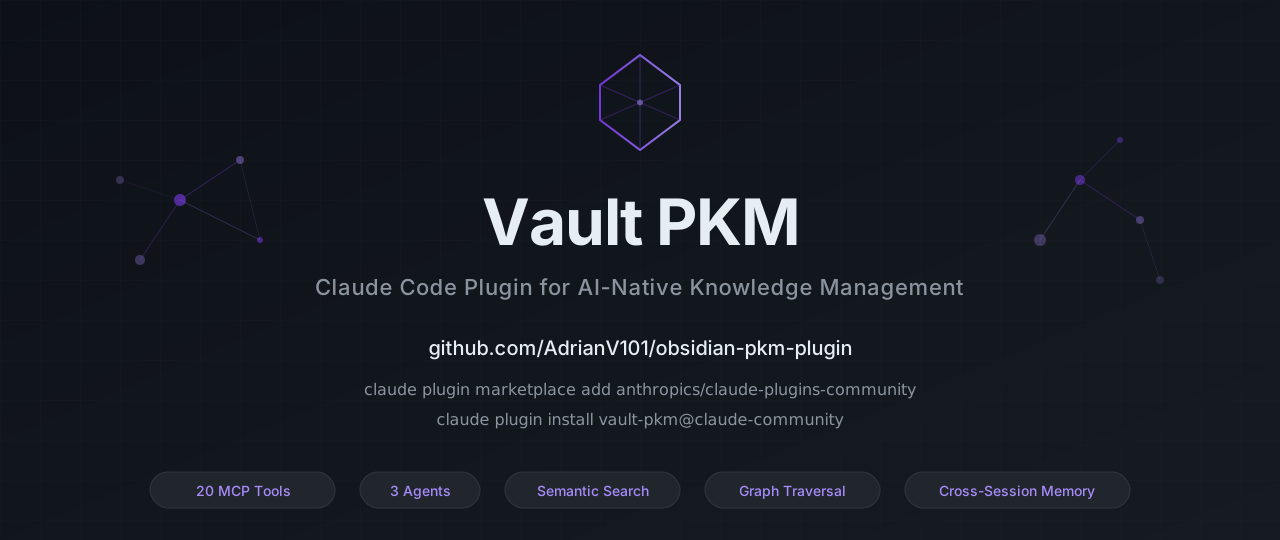





Give Claude persistent, structured memory across conversations using your Obsidian vault. Read, write, search, and navigate your knowledge base — all from within Claude Code.
Under the hood, this Claude Code plugin provides 20 MCP (Model Context Protocol) tools for note creation, semantic search, graph traversal, metadata queries, and session memory — plus agents, hooks, and skills for seamless workflow integration. Published on npm as obsidian-pkm.
If you find this useful, please star the repo — it helps others discover the plugin.
Claude Code has built-in memory, but it's flat text files scoped to individual projects — no structure, no search beyond exact matches, no connections between notes, and no way to query across projects. As knowledge grows, it doesn't scale. This server replaces that with a proper PKM layer: structured notes with enforced metadata, semantic search, a navigable knowledge graph, and cross-project access through a single Obsidian vault.
Without this, knowledge stays fragmented across per-project memory files and chat logs. With it, your AI assistant maintains a unified knowledge base that compounds over time.
| Vault PKM | remember | Claude built-in memory | |
|---|---|---|---|
| Knowledge base | Your Obsidian vault (markdown files you own) | Compressed conversation logs (.remember/ dir) | CLAUDE.md + auto-memory files |
| Scope | Cross-project (one vault for everything) | Per-project | Per-project (git-repo scoped) |
| Semantic search | OpenAI embeddings | — | — |
| Graph traversal | Wikilink BFS, link health audits | — | — |
| Structured notes | 13 templates with validated frontmatter | Plain markdown | Plain markdown |
| Metadata queries | Filter by type, status, tags, dates, custom fields | — | — |
| Session memory | Activity log (every tool call with timestamps) | Tiered daily summaries (Haiku-compressed) | Manual (user writes CLAUDE.md) |
| Setup effort | Medium (vault path + optional OpenAI key) | Low (auto hooks, no config) | None (built-in) |
| MCP tools | 20 | 0 (hooks-based) | 0 |
| Agents | 3 (explorer, capture, auditor) | 0 | 0 |
remember is great for lightweight session continuity with minimal setup. Vault PKM is for developers who want a structured, searchable, interconnected knowledge base that grows with every project.
Persistent Obsidian-based memory for coding agents. Automatically orients from a knowledge vault at session start, navigates project architecture via graph traversal, and writes discoveries back to the vault.
 AdamTylerLynch
Create and edit Obsidian vault files including Markdown, Bases, and Canvas. Use when working with .md, .base, or .canvas files in an Obsidian vault.
 breferrari
Self-improving learning loop across Claude sessions — retrieval, capture, consolidation, and cross-project transfer
 robinslange
Sync AI conversations to an Obsidian knowledge base with Memory Mason knowledge base skills.
 s-gryt
Second Brain automation for Obsidian vaults — entity management, ingestion, compression, and sync via Claude Code skills
 iurykrieger
Give your AI coding agent a permanent second brain. Connect Claude Code to an Obsidian vault to auto-record decisions, instantly recall project context, and orchestrate automated refactoring for your team's knowledge base.
 hongdangmoo49
'%20stop-opacity%3D'0.16'%2F%3E%3Cstop%20offset%3D'1'%20stop-color%3D'rgb(200%2C90%2C60)'%20stop-opacity%3D'0.03'%2F%3E%3C%2FlinearGradient%3E%3C%2Fdefs%3E%3Crect%20width%3D'320'%20height%3D'200'%20fill%3D'url(%23g)'%2F%3E%3Ccircle%20cx%3D'250'%20cy%3D'56'%20r%3D'92'%20fill%3D'rgb(200%2C90%2C60)'%20fill-opacity%3D'0.06'%2F%3E%3Ccircle%20cx%3D'64'%20cy%3D'172'%20r%3D'58'%20fill%3D'rgb(200%2C90%2C60)'%20fill-opacity%3D'0.05'%2F%3E%3C%2Fsvg%3E)