Stats
Actions
Available In
Tags
By slamb2k
Have a squiz at any web page from Claude Code. Token-efficient browser automation using agent-browser with context isolation. Works on Windows, WSL, Linux VMs, and macOS — no Chrome extension required.
Interactive setup wizard for agent-browser automation. Use when the user says "set up browser automation", "set up squiz", "install agent-browser", "install squiz", "configure browser testing", "configure squiz", or asks how to get the squiz skill working. Also trigger if the squiz skill fails because agent-browser is not installed. This skill interviews the user about their environment and configures everything needed for the squiz skill to work.
Have a squiz at any web page — browser automation using agent-browser CLI for web testing, verification, scraping, and interactive debugging. Use this skill whenever the user asks to check a web page, test a deployed app, verify UI state, scrape data from a site, fill a form, read console errors, debug a frontend issue, take screenshots, or perform any browser-based task. Also trigger when the user says "have a squiz", "take a squiz", "open", "navigate", "check the page", "verify deployment", "test the UI", "look at localhost", "screenshot", or references a URL they want inspected. Prefer this over Playwright scripts for ad-hoc browser tasks — reserve Playwright for persistent E2E test suites committed to source control.
squiz (skwɪz) — Australian slang: a quick look. "Have a squiz at that."
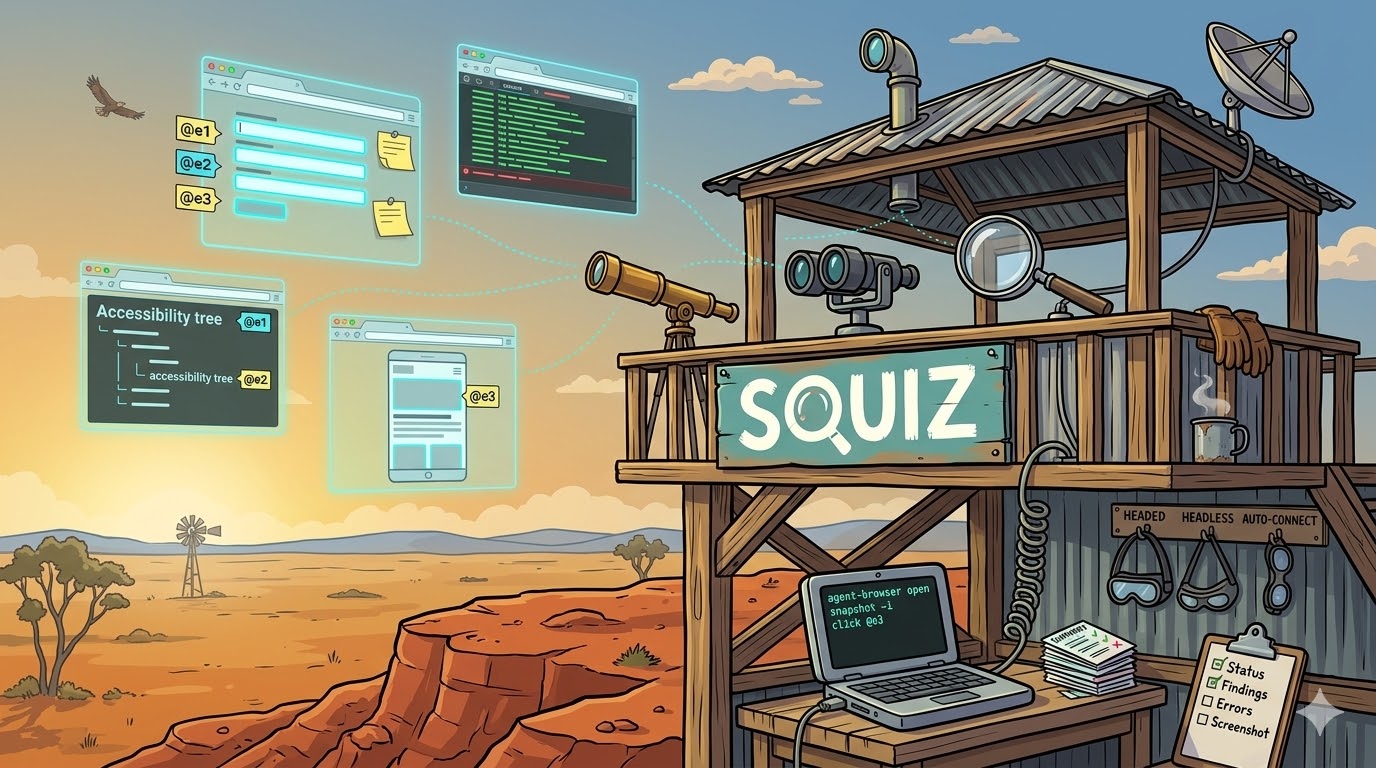
A Claude Code plugin that gives your agent eyes. Token-efficient browser automation using agent-browser with context isolation, so verbose browser output never pollutes your main session.
Works on Windows, WSL, Linux VMs, and macOS — no Chrome extension required.
Claude Code's built-in /chrome integration doesn't work in WSL or on remote VMs, and the Claude in Chrome extension has reliability issues on Windows (service worker drops, tab group clutter, named pipe conflicts). Playwright scripts work but are token-expensive — Claude writes, saves, executes, reads output, and debugs a JS file for every interaction.
agent-browser uses snapshot-based refs (@e1, @e2) via CLI commands, cutting context usage by ~93% compared to Playwright MCP. Squiz wraps it in a skill that forks into isolated context, runs the browser commands, and returns only a concise summary.
| Skill | Invocation | Purpose |
|---|---|---|
squiz | Auto-triggers on browser tasks | Forked browser agent. Runs commands, returns summary only. |
setup | /squiz:setup | Interactive wizard. Detects environment, configures everything. |
/plugin marketplace add slamb2k/mad-skills
/plugin install squiz@mad-skills
claude --plugin-dir /path/to/squiz
/squiz:setup
The wizard detects your OS, asks about your browser strategy, configures env vars and Claude Code permissions. Or do it manually:
npm install -g agent-browser
agent-browser install              # Downloads Chrome for Testing
# Linux: agent-browser install --with-deps
// .claude/settings.local.json
{ "permissions": { "allow": ["Bash(agent-browser *)"] } }
Just talk naturally:
Have a squiz at localhost:3000
Check the staging deployment for console errors
Take a screenshot of the dashboard
Fill in the contact form and submit it
Scrape the pricing table from that page
Squiz triggers automatically, forks into isolated context, runs agent-browser commands, and returns a concise summary. Your main session never sees raw snapshots, DOM trees, or console dumps.
User prompt
  → Claude detects browser task
  → squiz skill triggers (context: fork, effort: medium)
    → Forked agent runs agent-browser CLI via Bash
    → Collects findings (errors, text, screenshots)
    → Returns summary only to parent session
  → Parent session acts on findings
Key design choices:
context: fork — every invocation runs in an isolated context windoweffort: medium — mechanical CLI work doesn't need deep reasoningtools: Bash — locked to bash only; no file editing from the browser agent| Environment | Browser Mode | Auth Reuse |
|---|---|---|
| Linux VM (headless) | agent-browser's own Chrome | --session-name or --profile |
| Windows 11 native | Headless or auto-connect to Edge | --auto-connect (Edge + --remote-debugging-port=9222) |
| WSL 2 | Headless, or bridge to Windows Edge | --port 9222 across WSL boundary |
| macOS | Headless or auto-connect to Chrome | --auto-connect |
| Need | Use Instead |
|---|---|
| Persistent E2E test suites | Playwright |
| Network interception / request mocking | Playwright |
| Multi-browser matrix testing | Playwright |
| CI/CD pipeline steps | Playwright |
| Native Windows + live Edge with extension | Claude in Chrome (/chrome) |
squiz (skwɪz) — Australian/NZ English. Informal. "A quick or furtive look."
"Have a squiz at the deployment and tell me if the form's broken."
That's literally what the skill does.
MIT
Own this plugin?
Verify ownership to unlock analytics, metadata editing, and a verified badge. GitHub access is read-only (username + org membership).
Sign in to claimOwn this plugin?
Verify ownership to unlock analytics, metadata editing, and a verified badge. GitHub access is read-only (username + org membership).
Sign in to claimBased on adoption, maintenance, documentation, and repository signals. Not a security audit or endorsement.
npx claudepluginhub slamb2k/squiz --plugin squizAI-assisted planning, development and governance tools
 slamb2k
AI-native Git workflow automation for Claude Code
slamb2kIntelligent financial management plugin containing an intelligent skill for Claude Code with PocketSmith API integration. Features AI-powered categorization, tax intelligence, scenario planning, and health checks.
Browser automation plugin for agent-driven web app testing, inspection, and debugging.
 vercel-labs
AI-powered browser automation -- lets Claude control real web browsers to navigate, click, type, extract content, and automate workflows
 billy-enrizky
Browser automation with persistent page state. Use when users ask to navigate websites, fill forms, take screenshots, extract web data, test web apps, or automate browser workflows.
 numman-ali
Headless browser automation CLI for Bun, powered by Bun.WebView
 NatiCha
Turn your coding agent into a SOTA browser agent. Drives a local Playwright workspace via one bash command at a time, saving screenshots and an action log into final_runs/run_<id>/, and visually self-verifies the result.
 microsoft
Use when the task requires automating a real browser from the terminal (navigation, form filling, snapshots, screenshots, data extraction, UI-flow debugging) via `playwright-cli` or the bundled wrapper script. Originally from OpenAI's curated skills catalog.
 trailofbits
'%20stop-opacity%3D'0.16'%2F%3E%3Cstop%20offset%3D'1'%20stop-color%3D'rgb(200%2C90%2C60)'%20stop-opacity%3D'0.03'%2F%3E%3C%2FlinearGradient%3E%3C%2Fdefs%3E%3Crect%20width%3D'320'%20height%3D'200'%20fill%3D'url(%23g)'%2F%3E%3Ccircle%20cx%3D'250'%20cy%3D'56'%20r%3D'92'%20fill%3D'rgb(200%2C90%2C60)'%20fill-opacity%3D'0.06'%2F%3E%3Ccircle%20cx%3D'64'%20cy%3D'172'%20r%3D'58'%20fill%3D'rgb(200%2C90%2C60)'%20fill-opacity%3D'0.05'%2F%3E%3C%2Fsvg%3E)