Stats
Actions
Available In
Tags

Conduct deep AI-powered research and video analysis via Gemini, extract structured insights, and automatically generate explainer videos with narration, visuals, and interactive knowledge graphs. Includes web search, content extraction, and persistent knowledge storage.
Get workflow advice — which /gr command best fits your task
Analyze any content — URL, file, or pasted text
Diagnose /gr plugin setup, MCP wiring, and API connectivity
Check status of explainer video projects
Bridge workflow — analyze content with Gemini research tools, then synthesize an explainer video
Fetch YouTube video comments and analyze them via Gemini Flash for sentiment and key opinions (runs in background)
Bridge agent that combines Gemini research analysis with video synthesis. Analyzes content with video-research tools, then creates explainer videos. Use when converting research, videos, or articles into explainer content.
Expert workflow advisor for the /gr plugin. Recommends the optimal command and workflow for research, video analysis, content extraction, or knowledge management tasks. Checks prior work first.
Multi-phase research specialist that chains Gemini research tools for comprehensive topic analysis. Use when you need thorough investigation with evidence tiers, source verification, and orchestrated research workflows.
Video analysis specialist that extracts comprehensive insights from YouTube videos. Use for detailed breakdowns, command extraction, workflow analysis, and iterative video Q&A sessions.
FFmpeg video/audio processing — conversion, scaling, compression, trimming, concatenation, AI post-processing. Not for audio ducking/voice mixing (tts-production) or Remotion rendering.
Generates interactive HTML visualizations (concept maps, evidence networks, knowledge graphs) from Gemini analysis results. Triggers automatically after /gr:video, /gr:research, /gr:analyze.
Recommends the optimal /gr command when the user asks about Gemini-powered research, YouTube video analysis, web content extraction, or Weaviate knowledge queries. Activates only when the request matches /gr plugin capabilities and no specific /gr command was already chosen — not for code editing, debugging, testing, git operations, or general questions.
Enhances image generation prompts with Subject-Context-Style structure, style anchors, character consistency, mcp-image workflows. Not for video generation, TTS, FFmpeg, audio, or design-to-code.
Use when working with MLflow traces: debugging via MCP tools, analyzing performance, logging feedback, writing custom scorers/evaluations, or cleaning up trace data
Uses power tools
Uses Bash, Write, or Edit tools
Own this plugin?
Verify ownership to unlock analytics, metadata editing, and a verified badge. GitHub access is read-only (username + org membership).
Sign in to claimOwn this plugin?
Verify ownership to unlock analytics, metadata editing, and a verified badge. GitHub access is read-only (username + org membership).
Sign in to claimBased on adoption, maintenance, documentation, and repository signals. Not a security audit or endorsement.
Executables (bin/) — files in this plugin's bin/directory are added to the Bash tool's PATH while the plugin is enabled.
Claude Code can't process video or generate media. Gemini 3.5 Flash and ElevenLabs can. This plugin bridges them all -- giving Claude access to video understanding, deep research, web search, and a full media production toolkit through MCP.


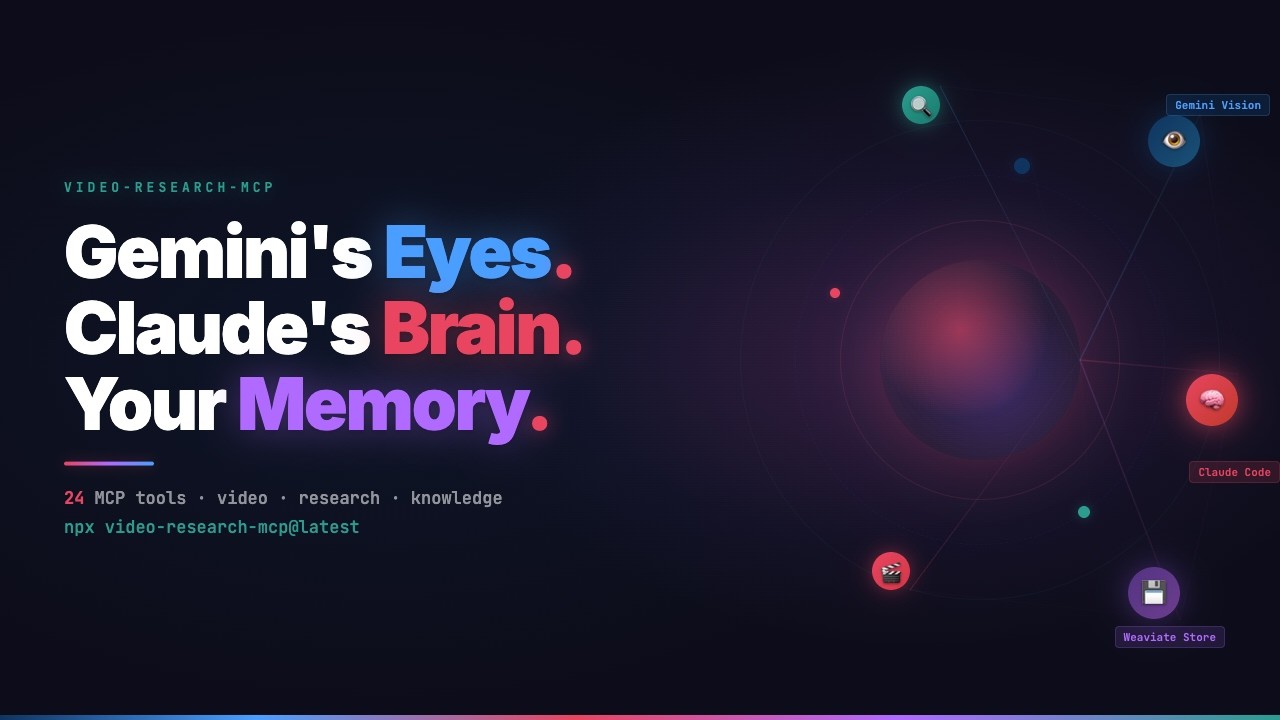
Watch the full demo on YouTube
A Claude Code plugin with 51 tools, 17 slash commands, 12 skills, and 7 sub-agents. The MCP servers provide the tools. The commands give you quick workflows (/gr:video, /gr:research). The skills teach Claude how to use everything -- from research to cinematic video production. The agents handle background tasks like parallel research and visualization.
| Server | Tools | Purpose |
|---|---|---|
| video-research-mcp | 34 | Video analysis, deep research, content extraction, web search, academic papers, knowledge store |
| video-explainer-mcp | 15 | Synthesize explainer videos from research (wraps video_explainer) |
| video-agent-mcp | 2 | Parallel scene generation via Claude Agent SDK |
npx video-research-mcp@latest
export GEMINI_API_KEY="your-key-here"
One command. One API key. The installer copies 17 commands, 12 skills, and 7 agents to ~/.claude/ and configures the MCP servers to run via uvx from PyPI.
npx video-research-mcp@latest --check     # show install status
npx video-research-mcp@latest --uninstall  # clean removal
npx video-research-mcp@latest --local      # install for this project only
Requires Python >= 3.11, uv, Node.js >= 16, and a Google AI API key.
/gr:video-chat ~/recordings/project-kickoff.mp4
> "Create meeting minutes in Dutch. Screenshot every shared screen."
Gemini watches the full video and pulls out timestamps, decisions, and action items. For local files, ffmpeg extracts frames at key visual moments. Files over 20MB are uploaded to Gemini's File API and context-cached -- follow-up questions reuse the cache instead of re-uploading.
/gr:video https://youtube.com/watch?v=...
Same capabilities, applied to YouTube. Precise timestamps, a concept map, and comment sentiment analyzed in the background.
/gr:research "HNSW index parameters for high-dimensional embeddings"
Runs web search and Gemini analysis in parallel. Every finding gets an evidence tier -- Confirmed, Strong Indicator, Inference, or Speculation -- so you know how much weight to give each claim. Results are visualized as an interactive evidence network.
/gr:analyze https://arxiv.org/abs/2401.12345
/gr:analyze ~/papers/attention-is-all-you-need.pdf
/gr:analyze ~/papers/                              # cross-document comparison
Works with PDFs, URLs, and raw text. Extracts entities, relationships, and key arguments. Point it at a directory and it compares all documents in a single pass. Supports PDF, TXT, MD, HTML, XML, JSON, CSV.
/gr:research-doc ~/papers/
/gr:research-doc paper1.pdf paper2.pdf "Compare methodologies and find contradictions"
Four-phase pipeline: Document Mapping, Evidence Extraction, Cross-Reference, Synthesis. Every claim is cited back to document and page number.
/gr:search "latest developments in MCP protocol"
Google Search via Gemini grounding with source citations.
/gr:recall                                # overview: stats + saved analyses
/gr:recall "kubernetes"                   # semantic search + filesystem grep
/gr:recall ask "what do I know about X?"  # AI-powered Q&A with source citations
npx claudepluginhub galbaz1/video-research-mcpLet Claude watch a video. Downloads with yt-dlp, extracts scene-change frames with ffmpeg, runs a dense 0-10s hook microscope, pulls captions or falls back to Whisper, emits a structured report.md, and (optionally) auto-saves into your Obsidian vault.
 taoufik123-collab
Summarize videos, audio, and podcasts via BibiGPT CLI directly in the terminal
 JimmyLv
Automate Google NotebookLM at scale. Citation-backed Q&A, full Studio generation (audio, video, infographic, report, presentation, data table), multi-account rotation with auto-reauth, and batch_to_vault for offline RTFM-ingestable answer caching.
 roomi-fields
Media research assistant for bulk video and podcast summarization across YouTube, Apple Podcasts, Spotify, and other platforms
 smerchek
Summarize YouTube videos with transcript, insights, Korean translation, and quizzes
 team-attention
Cerul video search - find any moment by what was said, shown, or presented
 cerul-ai
'%20stop-opacity%3D'0.16'%2F%3E%3Cstop%20offset%3D'1'%20stop-color%3D'rgb(200%2C90%2C60)'%20stop-opacity%3D'0.03'%2F%3E%3C%2FlinearGradient%3E%3C%2Fdefs%3E%3Crect%20width%3D'320'%20height%3D'200'%20fill%3D'url(%23g)'%2F%3E%3Ccircle%20cx%3D'250'%20cy%3D'56'%20r%3D'92'%20fill%3D'rgb(200%2C90%2C60)'%20fill-opacity%3D'0.06'%2F%3E%3Ccircle%20cx%3D'64'%20cy%3D'172'%20r%3D'58'%20fill%3D'rgb(200%2C90%2C60)'%20fill-opacity%3D'0.05'%2F%3E%3C%2Fsvg%3E)