> Home Screen quick actions give people a way to perform app-specific actions from the Home Screen.
Generates iOS Home Screen quick actions with dynamic titles, icons, and context-aware updates.
/plugin marketplace add shepherdjerred/monorepo/plugin install jerred@shepherdjerredHome Screen quick actions | Apple Developer Documentation
Home Screen quick actions give people a way to perform app-specific actions from the Home Screen.
Source: https://developer.apple.com/design/human-interface-guidelines/home-screen-quick-actions
Home Screen quick actions
Home Screen quick actions give people a way to perform app-specific actions from the Home Screen.
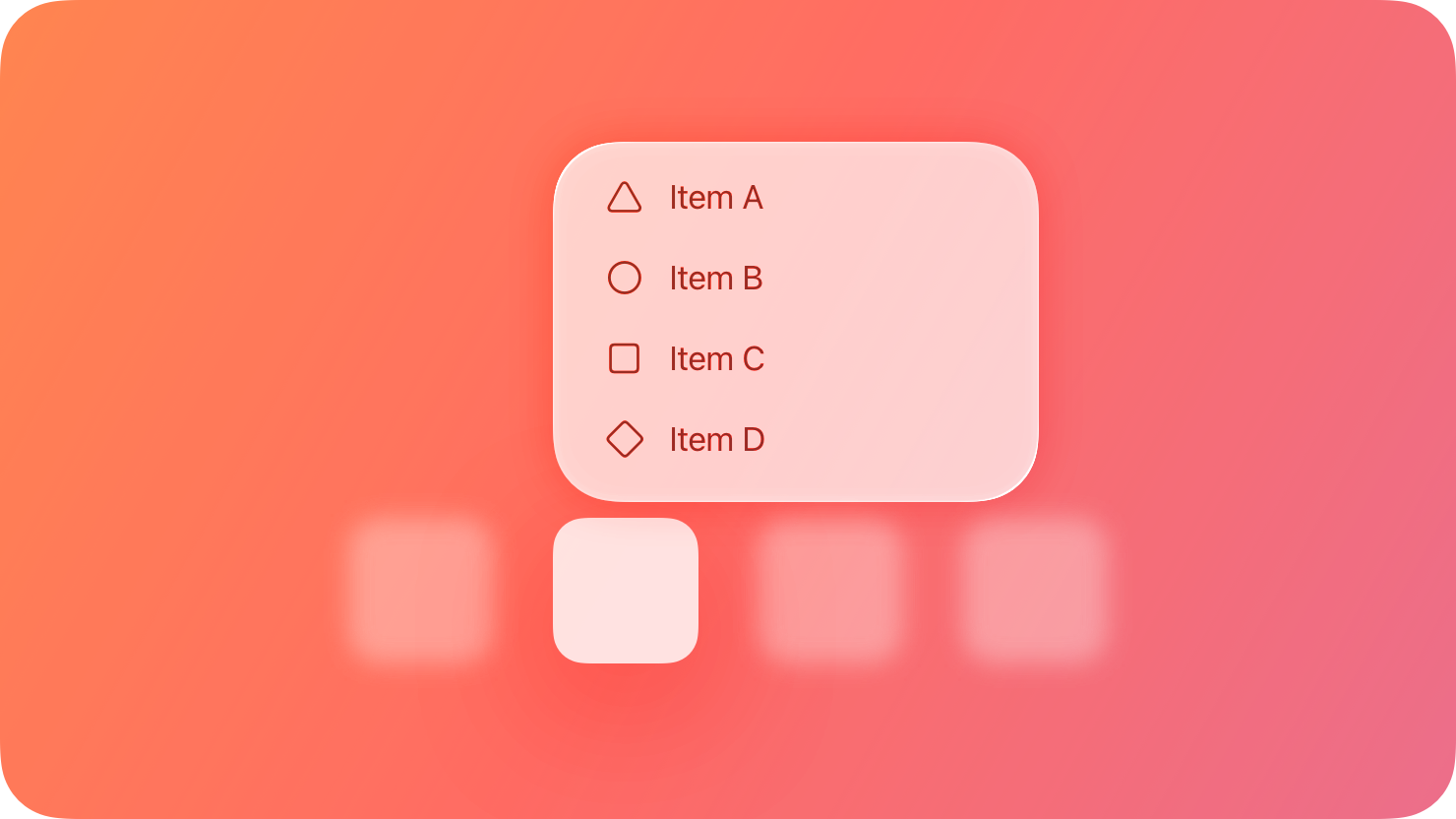
People can get a menu of available quick actions when they touch and hold an app icon (on a 3D Touch device, people can press on the icon with increased pressure to see the menu). For example, Mail includes quick actions that open the Inbox or the VIP mailbox, initiate a search, and create a new message. In addition to app-specific actions, a Home Screen quick action menu also lists items for removing the app and editing the Home Screen.
Each Home Screen quick action includes a title, an interface icon on the left or right (depending on your app’s position on the Home Screen), and an optional subtitle. The title and subtitle are always left-aligned in left-to-right languages. Your app can even dynamically update its quick actions when new information is available. For example, Messages provides quick actions for opening your most recent conversations.
Best practices
Create quick actions for compelling, high-value tasks. For example, Maps lets people search near their current location or get directions home without first opening the Maps app. People tend to expect every app to provide at least one useful quick action; you can provide a total of four.
Avoid making unpredictable changes to quick actions. Dynamic quick actions are a great way to keep actions relevant. For example, it may make sense to update quick actions based on the current location or recent activities in your app, time of day, or changes in settings. Make sure that actions change in ways that people can predict.
For each quick action, provide a succinct title that instantly communicates the results of the action. For example, titles like “Directions Home,” “Create New Contact,” and “New Message” can help people understand what happens when they choose the action. If you need to give more context, provide a subtitle too. Mail uses subtitles to indicate whether there are unread messages in the Inbox and VIP folder. Don’t include your app name or any extraneous information in the title or subtitle, keep the text short to avoid truncation, and take localization into account as you write the text.
Provide a familiar interface icon for each quick action. Prefer using SF Symbols to represent actions. For a list of icons that represent common actions, see Standard icons; for additional guidance, see Menus.
If you design your own interface icon, use the Quick Action Icon Template that’s included with Apple Design Resources for iOS and iPadOS.
Don’t use an emoji in place of a symbol or interface icon. Emojis are full color, whereas quick action symbols are monochromatic and change appearance in Dark Mode to maintain contrast.
Platform considerations
No additional considerations for iOS or iPadOS. Not supported in macOS, tvOS, visionOS, or watchOS.
Resources
Related
Developer documentation
Add Home Screen quick actions — UIKit
Similar Agents
Use this agent to verify that a Python Agent SDK application is properly configured, follows SDK best practices and documentation recommendations, and is ready for deployment or testing. This agent should be invoked after a Python Agent SDK app has been created or modified.
Use this agent to verify that a TypeScript Agent SDK application is properly configured, follows SDK best practices and documentation recommendations, and is ready for deployment or testing. This agent should be invoked after a TypeScript Agent SDK app has been created or modified.
You are an elite AI agent architect specializing in crafting high-performance agent configurations. Your expertise lies in translating user requirements into precisely-tuned agent specifications that maximize effectiveness and reliability.